
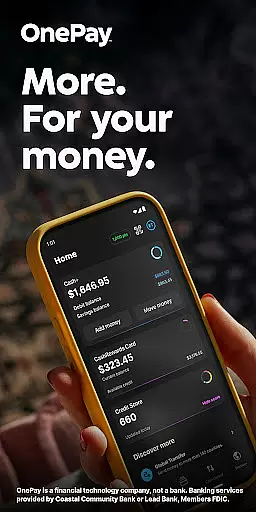
OnePay - Mobile Banking is a comprehensive financial solution that redefines how you manage your money. As a financial technology company rather than a traditional bank, OnePay partners with established banking institutions like Coastal Community Bank and Lead Bank to provide FDIC-insured services. The app's core functionality revolves around its digital banking capabilities, including the OnePay CashRewards Mastercard and Debit Card programs.
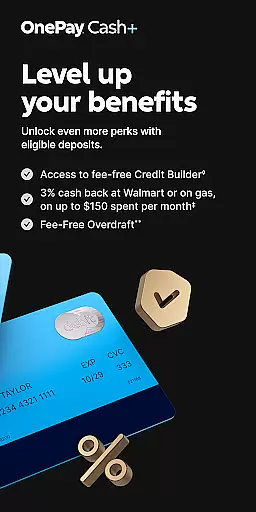
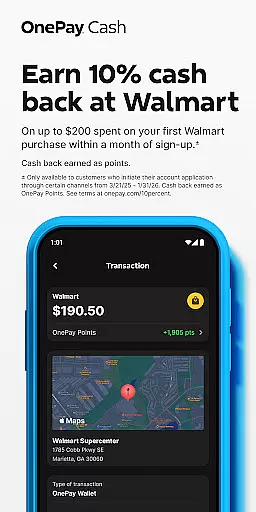
What sets OnePay apart is its innovative rewards system where users can earn cash back in the form of OnePay Points. These points are redeemable into your OnePay Cash account or other available options, making it particularly valuable for users who maintain eligible deposits. The application also features Savings Backup and Fee-Free Overdraft protection, providing an extra layer of financial security.
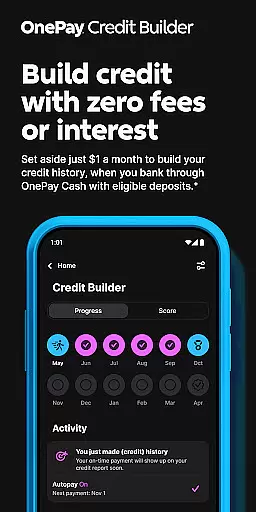
The app proves especially useful for individuals seeking to build credit through its Credit Builder Program. This feature allows users to make monthly payments toward a 12-month loan at 0% APR while simultaneously building their credit history. Whether you're managing daily expenses, saving for future goals, or working to improve your credit score, OnePay offers a modern approach to personal finance management.
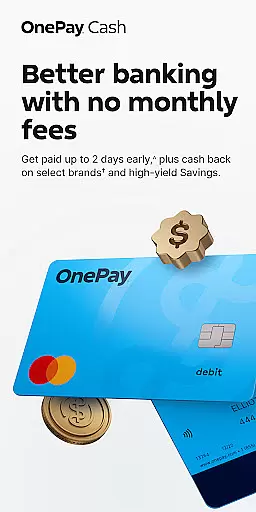
OnePay distinguishes itself through several key features that enhance the mobile banking experience. The application's Direct Deposit system enables users to receive their paycheck up to two days early when they meet specific deposit requirements. This feature, combined with the app's robust savings tools, creates an optimal environment for financial growth and stability.
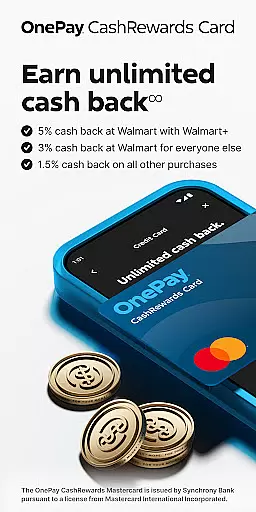
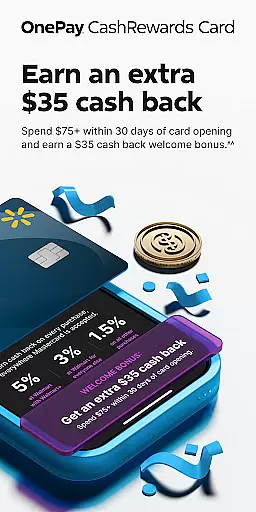
The platform's rewards program stands out as a particularly innovative feature. Users can earn cash back on qualifying purchases through the OnePay CashRewards Mastercard, with redemption options including statement credits or deposits into their OnePay Cash account. The app's interface provides clear tracking of earned points and available rewards, making it easy for users to monitor their benefits.
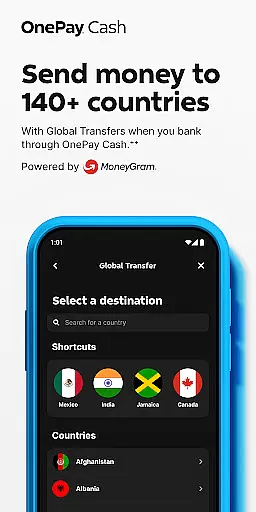
Security and accessibility are prioritized through advanced features like global transfer capabilities, bill payment services, and comprehensive transaction monitoring. The app also includes detailed credit score tracking and personalized financial insights, helping users make informed decisions about their money. These features collectively create a robust financial management tool that adapts to various user needs.
Account and fund security is a critical aspect of any financial application, ensuring the safety of user data and transactions. OnePay u2013 Mobile Banking employs advanced encryption protocols to protect sensitive information such as account details and personal data. This ensures that all communications between the app and banking servers remain confidential and tamper-proof.
In addition to encryption, OnePay implements multi-factor authentication processes. Users are required to verify their identity through multiple steps before accessing their accounts or performing significant transactions. This adds an extra layer of security, significantly reducing the risk of unauthorized access.
OnePay also provides real-time fraud monitoring and alerts. The system continuously analyzes transaction patterns to detect any unusual activity. If suspicious behavior is identified, users are immediately notified, allowing them to take swift action to secure their accounts. This proactive approach helps maintain trust and peace of mind for users managing their finances through the app.
The transaction experience in a finance app like OnePay u2013 Mobile Banking encompasses the ease, speed, and reliability with which users can perform financial operations. OnePay offers a streamlined interface where users can quickly initiate and complete transactions such as transfers, bill payments, and deposits with just a few taps. This simplicity reduces the time and effort required to manage finances digitally.
Real-time notifications play a crucial role in enhancing the transaction experience. Users receive instant updates on their transaction statuses, including confirmations and any potential issues. This transparency allows users to stay informed about their financial activities and address any concerns promptly.
Furthermore, OnePay maintains a comprehensive transaction history within the app. This feature enables users to review past transactions, categorize expenses, and monitor their spending habits over time. By providing detailed records and insights into financial behavior, OnePay empowers users to make informed decisions and better manage their funds effectively.
User-friendly interface
Early direct deposit
Rewarding cashback system
Comprehensive credit tools
Secure banking features
Limited branch access
Eligibility requirements
Transaction limitations
Regional restrictions
Service fees apply

Play for fun, earn for real. Collect rent by owning virtual land & get cashback
 4.60
4.60
Your insurance, anytime, anywhere
4.00
Payday cash advance & Instant cash advance: Borrow money instantly, Get cash now
4.60
Simple & secure international money transfers - for personal & business needs.
4.80
Mine Bitcoin in the cloud! Earn BTC daily with high-speed mining power.
4.30
Real-time tracking: Stocks, Indices, Futures, Commodities, ETF, & Funds prices.
4.60
SuperQi, Your all-in-one Super App.
1.30
Earn money as a tester with Testerup, get cash testing apps and games
4.20
Trade NFL, NBA, Crypto, Tech
4.50
Currency Converter, Exchange Rates, Widgets
4.90
PayMe helps you claim money from settlements on companies that harmed you.
4.80
Easy budgeting planning on a calendar!
4.80
“Money Manager” is an optimized application for personal asset management.
4.70
Send money and bitcoin easily. Invest, bank and do more with your money
4.70
Get up to 500, get paid early, earn interest and find work with no hidden fees.
4.40
Read and extract public data on NFC Contactless banking card (VISA, MasterCard
4.30
Make your paycheck work harder for you with Perpay.
4.10
Bank better with our new app
3.80
Secure Amex Account Access: View Balance, Make Payments, Redeem Rewards & more
3.60


User Reviews