
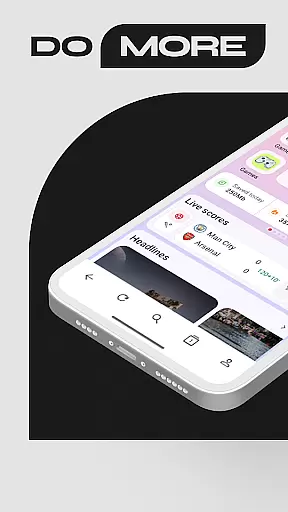
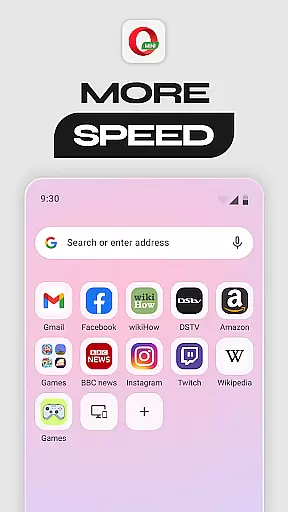
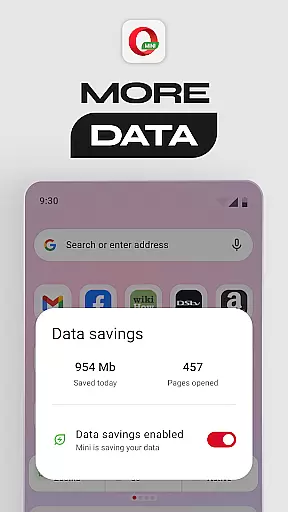
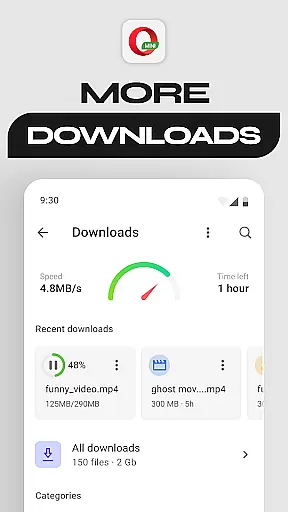
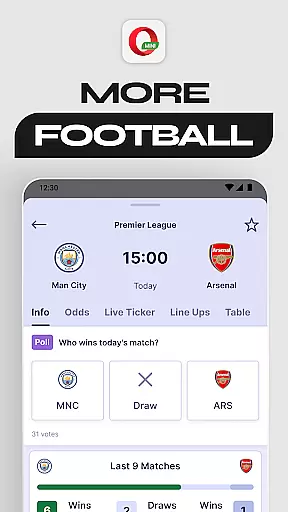
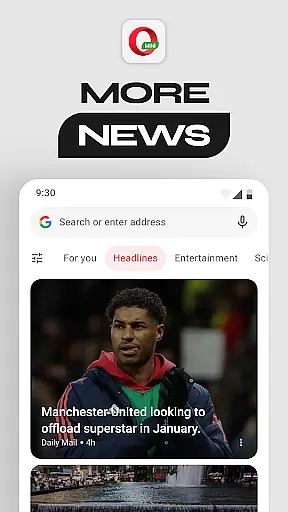
Opera Mini is a fast and lightweight web browser designed for smooth browsing experiences, especially on slower networks. It offers up to 90% data savings through its unique compression technology, making it ideal for users with limited data plans. The app also includes features like Football Mode for sports enthusiasts, Locked Mode for enhanced privacy, and an ad-blocker for uninterrupted browsing.
In addition to its core functionality, Opera Mini provides various customization options such as Night Mode, personalized newsfeeds, and offline page saving. These features make it a versatile tool for both casual browsing and staying updated on the go. Its lightweight design ensures minimal resource usage, making it suitable for older devices or areas with poor connectivity.
Opera Mini stands out with its comprehensive feature set tailored for efficient browsing. The Data Savings Mode compresses web pages before they are loaded, significantly reducing data consumption while maintaining fast loading speeds. This makes it perfect for users in regions with expensive or limited mobile data.
The browser also includes innovative features like Football Mode, which delivers real-time updates from major leagues directly within the app. With Locked Mode, users can secure their private tabs behind a PIN, ensuring sensitive information remains protected. Additional functionalities include a built-in ad blocker, video player, and customizable themes, providing a personalized browsing experience that caters to individual preferences.
Opera Mini ensures real-time messaging speed and reliability by optimizing data usage and enhancing connectivity even on slow networks. This means you can send and receive messages instantly without worrying about network performance.
The browser's efficient compression technology reduces the amount of data needed for communication, ensuring that your messages are delivered quickly and reliably. This is particularly beneficial in areas with poor internet connectivity, where other browsers might struggle to maintain consistent messaging speeds.
Furthermore, Opera Mini's robust architecture supports uninterrupted messaging sessions, allowing users to stay connected with friends, family, and colleagues without any delays or interruptions. This reliability is crucial for maintaining seamless communication throughout the day.
Opera Mini offers comprehensive media sharing support, enabling users to share photos, videos, and other files effortlessly. The browser's optimized data handling ensures that media files are transmitted efficiently, even on slower networks.
With features like offline pages and video player integration, users can download and share media content at their convenience. This flexibility allows for an enhanced user experience, as individuals can access and distribute their favorite content without being constrained by network limitations.
In addition to supporting various file formats, Opera Mini also includes a free ad-blocker and personalized newsfeed, further enriching the media sharing experience. These features collectively contribute to a more engaging and versatile browsing environment, making it easier than ever to share and enjoy digital content.
Fast browsing speed
Data saving mode
Enhanced privacy features
Lightweight design
Customizable interface
Limited desktop-like experience
Occasional page rendering issues
No full-fledged extension support
Restricted multimedia capabilities
Basic tab management

Identify unknown numbers, block spam calls, customize calls with cool themes.
 4.60
4.60
Adblock & VPN Browser: Blocks banners, pop-ups and video ads, fast downloader!
4.60
SMS & MMS Messaging App to easily send messages or schedule SMS on Chat
4.10
A Browser with powerful ad blocker to help focus on what really matters.
3.00
Experience real private browsing without tracking, surveillance, or censorship.
4.50
RemoteHams.com Android RCForb Client Pre-Release
4.30
Manage Phone Calls, call history, and contacts easily with Phone Pro.
4.1
Auto Reply SMS, Text Messaging, Away SMS Response, Busy SMS messages, Block Text
3.10
SMS Messenger is a lightning-fast messaging app.
4.20
Welcome to the future of phone service.
4.60
FolderSync enables easy sync of files between cloud storage and Android devices.
4.60
The ultimate productivity solution for all your email communication needs.
4.40
Manage your data, talk & text - affordable phone plans & data usage made simple
4.30
Call Blocker app: Identify unknown callers, block spam calls, fraud & robocalls
4.30
Use this SMS app standalone or as a TREK: Total Interface companion.
4.30
Send SMS and chat messages easily with a fast text messaging app for Android.
4.10
Call Forwarding is easy and simple application to use.
3.80
Fast, Simple And Secure Application That Provides SMBv3 Server On Your Device
3.30
An app dedicated solely to marriage, not dating, and supported by a rigorous verification mechanism to ensure seriousness.
4.0


User Reviews