

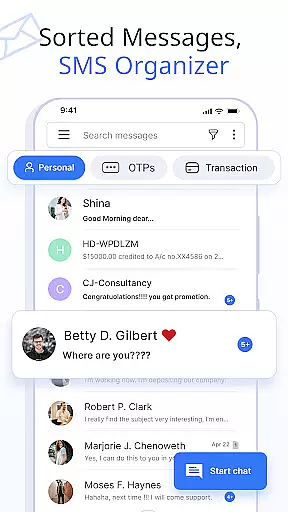
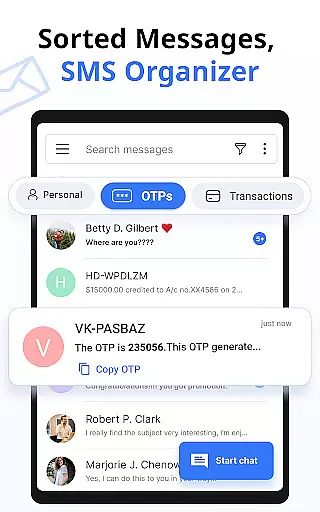




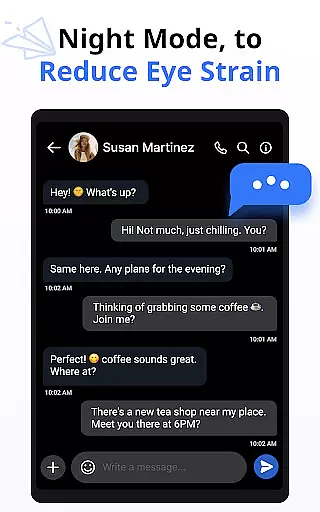
Messages is a feature-rich SMS and MMS messaging app designed to provide users with a smart, fast, and secure communication experience. The app automatically organizes text messages into categories such as Personal, Transactions, OTPs, and Offers, making it easy to manage conversations. With over 16 million users, Messages stands out for its intuitive interface and advanced functionalities.
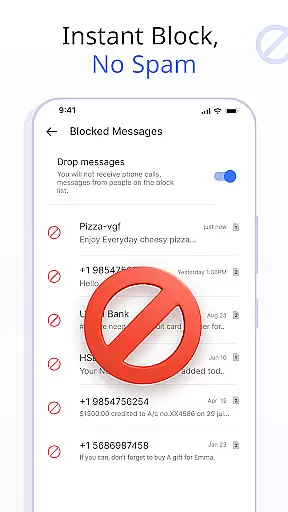
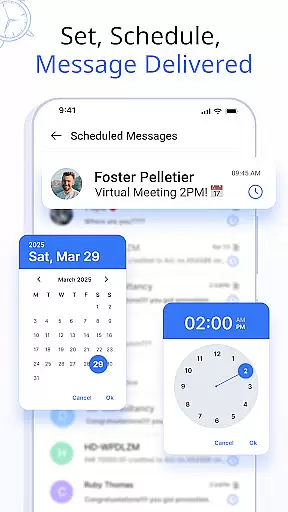
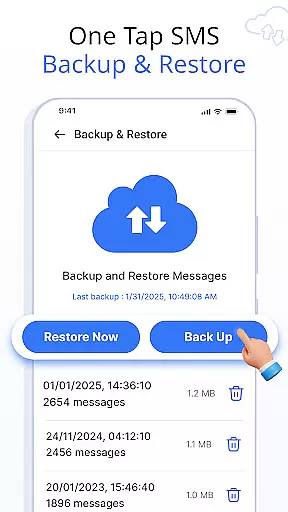
Key features include customizable notifications, scheduled messaging, backup and restore options, delivery confirmation, and auto-delete functionality. Users can express themselves through emojis, stickers, and GIFs while enjoying swipe actions, contact blocking, and even voice calls. Compatible with all major Android devices and versions, this app ensures seamless performance across platforms.
Ideal for individuals seeking an organized and clutter-free messaging experience, Messages enhances productivity by simplifying message management while offering tools for personalization and security.
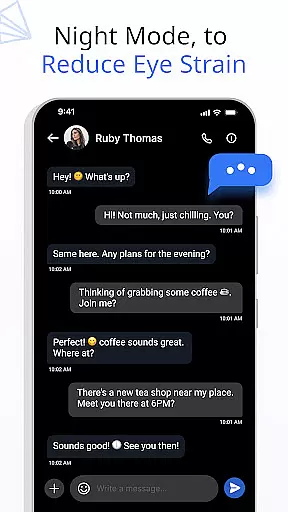
Messages offers a comprehensive suite of features that elevate the traditional SMS and MMS experience. One standout capability is the ability to customize notification alerts for individual contacts or chats, allowing users to tailor settings like preview, ringtone, vibration, and Do Not Disturb modes. This level of personalization ensures a user-centric approach to managing communications.
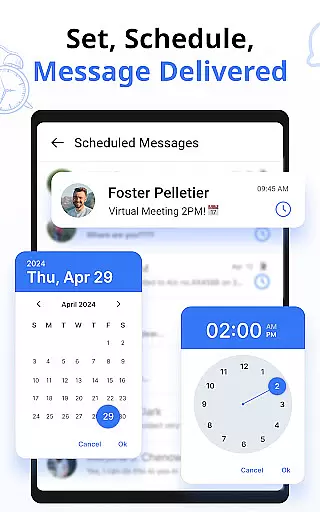
The app also includes practical tools such as scheduled messaging, enabling users to compose texts in advance and have them delivered at specific times. Additionally, the built-in backup and restore functionality secures conversations, which can be retrieved effortlessly when needed. Features like delivery confirmation and auto-delete help maintain both reliability and tidiness within the inbox.
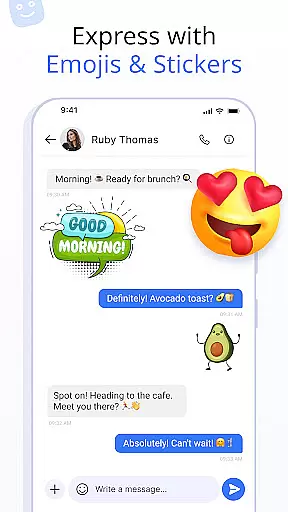
For creative expression, Messages supports emojis, stickers, and GIFs, empowering users to communicate more vividly. Swipe actions add another layer of convenience, letting users archive, delete, or mark messages with simple gestures. Combined with voice call support and compatibility across all major Android devices, these features make Messages a versatile and indispensable communication tool.
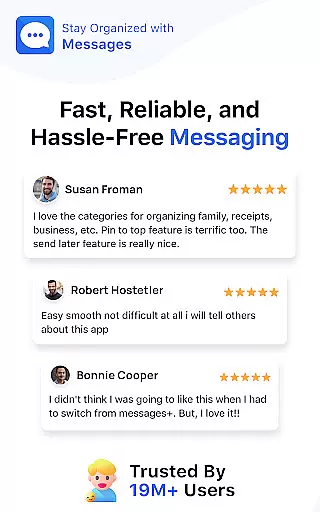
Real-time messaging speed and reliability are crucial for maintaining seamless communication in any messaging app. The Messages app ensures that your texts are delivered instantly, regardless of network conditions.
This application uses advanced synchronization techniques to maintain a stable connection between devices, ensuring minimal delay in message delivery. Whether you're sending a simple text or an important notification, the app guarantees timely transmission.
For users, this means no more waiting for messages to send or worrying about missed communications. The app's reliable delivery confirmation feature provides peace of mind by verifying that your message has reached its destination.
With real-time messaging capabilities, staying connected with friends and family becomes effortless. The Messages app transforms your communication experience by offering dependable service that you can count on every day.
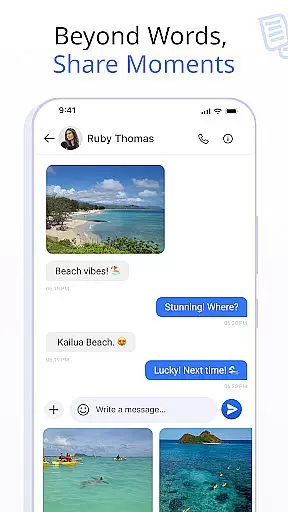
Media sharing support is an essential feature for modern messaging apps, allowing users to exchange photos, videos, and other files effortlessly. The Messages app excels in this area by providing robust support for various media formats.
This app enables users to send high-quality images and videos without compression, preserving the original quality. It also supports different file types, making it versatile for both personal and professional use.
Users benefit from the convenience of sharing media within the same interface they use for texting. There's no need to switch between multiple apps, streamlining the communication process and enhancing productivity.
The Messages app takes media sharing to the next level by integrating intuitive features like preview thumbnails and fast transfer speeds. This comprehensive support ensures that all your shared content is delivered quickly and accurately, enriching your messaging experience.
User-friendly interface
Advanced customization
Secure backup options
Versatile emoji support
Cross-device compatibility
Limited iOS support
Occasional bugs
Ads in free version
Large app size
Requires constant updates

BiP is a fast, secure, free messaging and HD video calling app!
 4.10
4.10
Tether to Windows, OS X, Linux PCs or Android tablets. No root. No tether fees.
3.90
The ultimate productivity solution for all your email communication needs.
4.40
Messenger for SMS - texting message app, faster, simpler & safer, for you.
4.70
Official NDI app: turn your phone into a professional live-streaming IP camera.
3.20
Fast and mini browser with Ad Blocker,Video Downloader and Video Player
4.40
An app dedicated solely to marriage, not dating, and supported by a rigorous verification mechanism to ensure seriousness.
4.5
BE PRIVATE
Anonymous. No Trace. Fast.
4.20
Say “hello” to privacy.
4.60
Browse fast on Opera Mini, with Data Saving, News, Football Scores, and Download
4.60
Get through your inbox faster with the mail app designed to simplify your life.
4.40
Simple tool for businesses to talk to their customers.
4.40
RemoteHams.com Android RCForb Client Pre-Release
4.30
SMS Messenger is a lightning-fast messaging app.
4.20
WazzapMigrator: transfer your WhatsApp history from iPhone to Android
4.00
Secure Messaging App to Enhance Messenger Texting Experience and Organize SMS.
3.50
A softphone app with seamless SIP calling and an intuitive VoIP dialer
3.50
Watchgram for Telegram: Experience seamless Telegram messaging on your watch
1.80
Manage Phone Calls, call history, and contacts easily with Phone Pro.
4.4


User Reviews