
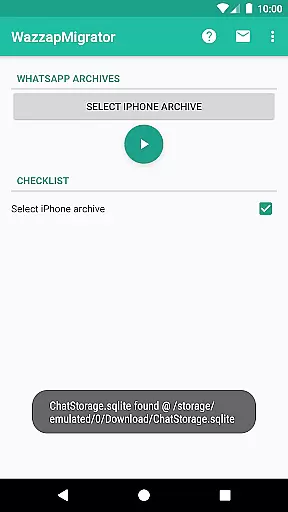
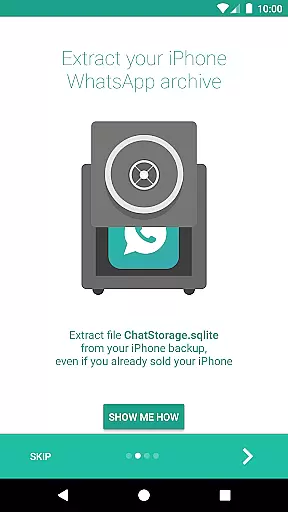
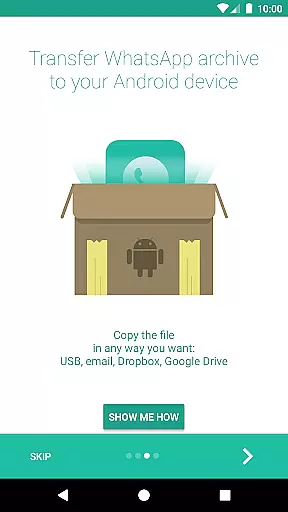
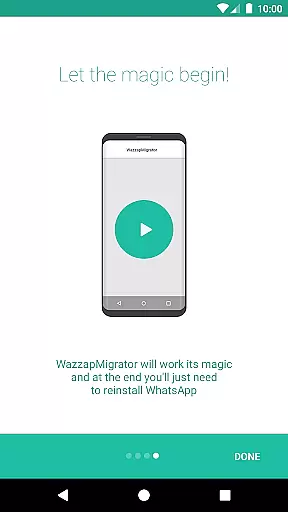
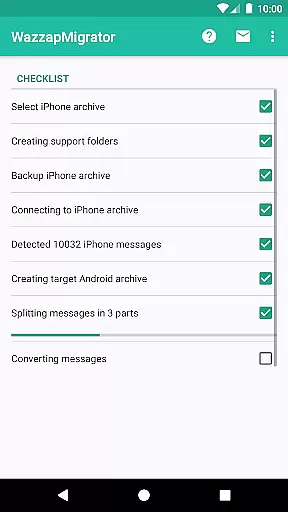
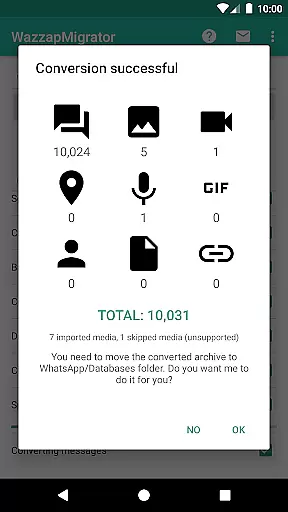
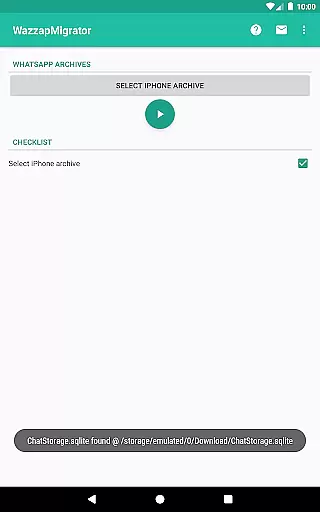
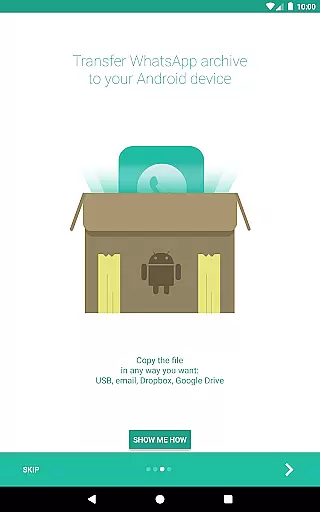
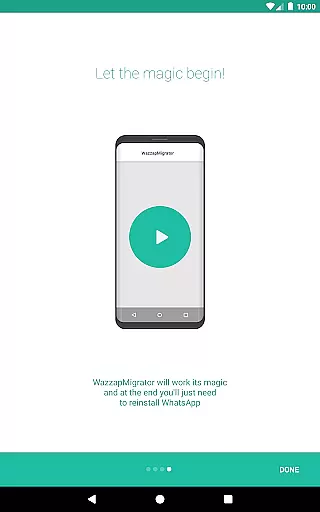
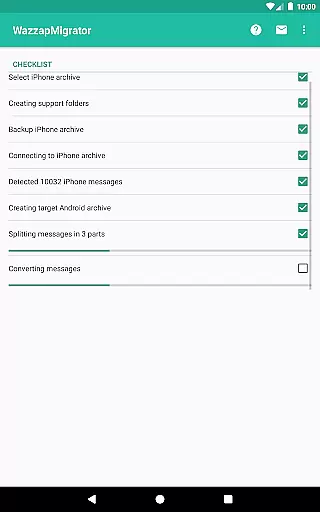
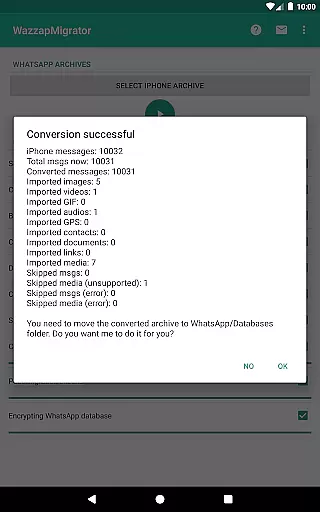
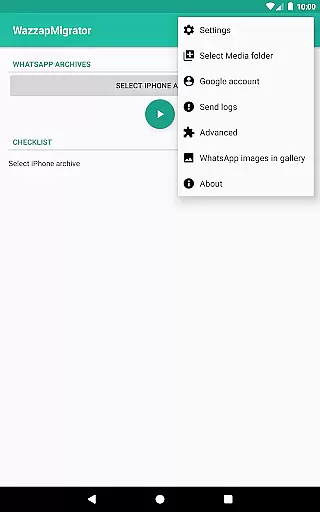
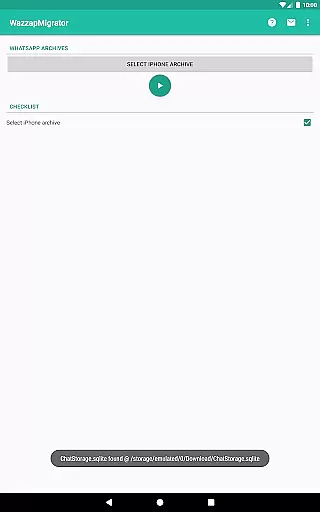
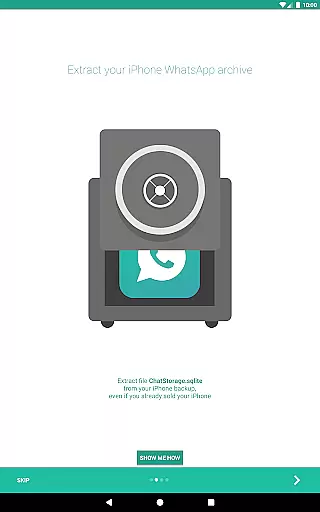
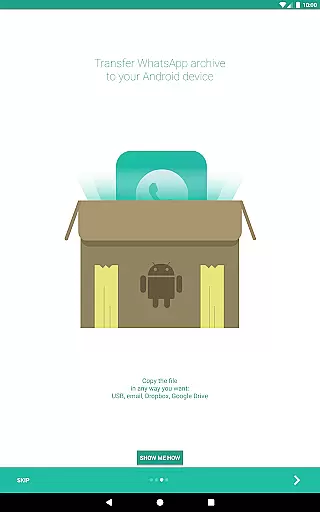
WazzapMigrator is a specialized communication app designed to help users transfer their WhatsApp history from iPhone to Android devices. This app ensures that all your important conversations, media files, and even contacts are safely migrated when you switch platforms. The application supports the import of messages, emoji, images, audio, video, documents, locations, and contacts, making it a comprehensive solution for data migration.
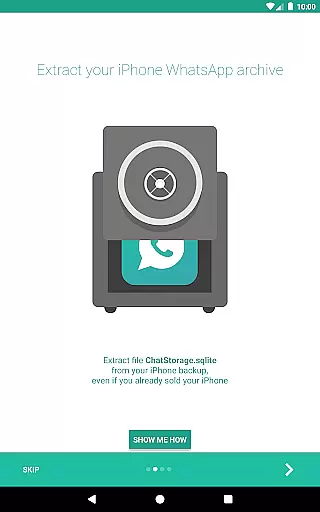
One of the standout features of WazzapMigrator is its ability to work even if you no longer have your old iPhone, provided you have an iTunes backup available on your PC or Mac. With privacy being a top concern for many users, this app guarantees that your data stays secure on your device as it has no internet access permissions. Whether you need basic migration assistance or more advanced support, WazzapMigrator offers in-app support and extensive online resources to guide you through the process.
WazzapMigrator stands out with its robust set of features tailored specifically for seamless WhatsApp data migration. The app allows users to import not only text messages but also multimedia content such as images, audio, video, and documents. Additionally, it supports the transfer of locations and contacts, ensuring that no critical information is left behind during the transition from iPhone to Android.
Another notable feature is its compatibility with iTunes backups, which means you can still migrate your data even if you've sold or given away your old iPhone. Privacy is a significant focus, and WazzapMigrator ensures that your data remains on your device by not requiring any internet permissions. The app also provides various support options, including an in-app support line with a maximum response time of 24 hours and a comprehensive FAQ section on their website. These features collectively make WazzapMigrator a reliable tool for anyone looking to switch from iPhone to Android without losing their valuable WhatsApp data.
Real-time messaging speed and reliability are crucial for seamless communication. WazzapMigrator ensures that your WhatsApp history, including messages and emoji, is transferred from iPhone to Android with precision.
The app works efficiently even if you no longer have your old iPhone, provided you have an iTunes backup on your PC or Mac. This feature guarantees that your data migration is not only fast but also dependable, ensuring no loss of important conversations or reactions.
With WazzapMigrator, users can be confident in the integrity and speed of their message transfers, making the transition between devices smooth and stress-free. The app's robust architecture supports quick data processing, which means less waiting time and more productivity.
Ultimately, the reliability of WazzapMigrator's real-time messaging transfer provides peace of mind. Users can trust that their communication history is preserved accurately, allowing them to pick up right where they left off on their new Android device.
Media sharing support is a vital component of any messaging app migration tool. WazzapMigrator excels in transferring various media types, including images, audio, video, documents, locations, and contacts from iPhone to Android.
This comprehensive media support ensures that users do not miss out on any part of their digital life when switching devices. Whether it's cherished memories captured in photos or important audio notes, WazzapMigrator handles all file types with care.
The app's ability to manage different media formats showcases its versatility and commitment to user satisfaction. By supporting a wide array of file types, WazzapMigrator makes certain that every piece of content is accurately migrated without compromising quality.
In summary, WazzapMigrator's strong media sharing capabilities mean users can enjoy uninterrupted access to their multimedia content across devices. This feature significantly enhances the overall user experience by maintaining the richness of shared media throughout the migration process.
User-friendly interface
Comprehensive data transfer
Strong privacy protection
Reliable customer support
Compatibility with iTunes backup
Requires computer knowledge
Limited to WhatsApp data
No direct device-to-device transfer
Paid application
Dependent on iTunes backup

Tether to Windows, OS X, Linux PCs or Android tablets. No root. No tether fees.
 3.90
3.90
Call Forwarding is easy and simple application to use.
3.80
Messages: Fast, simple SMS app with scheduling and smart features.
4.00
Phone Dialer with Caller ID, Address Book & Contacts Manager.
4.30
At select facilities, you now have an easy way to video visit your loved ones!
3.30
Watchgram for Telegram: Experience seamless Telegram messaging on your watch
1.80
Use this SMS app standalone or as a TREK: Total Interface companion.
4.30
FolderSync enables easy sync of files between cloud storage and Android devices.
4.60
Manage your mobile phone plan, check unlimited 5g data usage and track rewards
4.50
We’re taking the yada yada out of wireless—now we’ve taken it out of your app.
4.70
A browser that does more than load page, like keeping your privacy safe.
4.70
Useful. Social. Expressive.
4.70
Caller ID App! Add names & photos to unknown calls & Call Recording
4.40
Manage your data, talk & text - affordable phone plans & data usage made simple
4.30
2nd Phone Number Line for Anonymous Texting, Calling, and Picture Messages
4.30
Group Chat That’s Fun & Games
4.30
Messenger app for faster and simpler SMS text messaging, and personalized themes
4.10
Fast Dialer & Contact Manager with Caller ID and Spam Protection
4.00
Radio communication simulator for gaming communities
4.0


User Reviews