
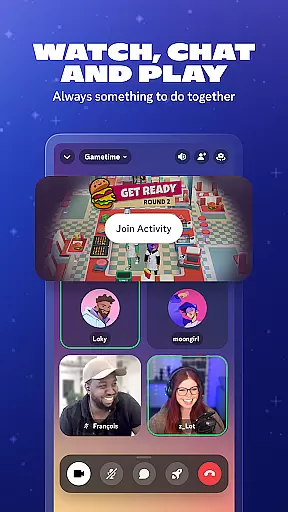
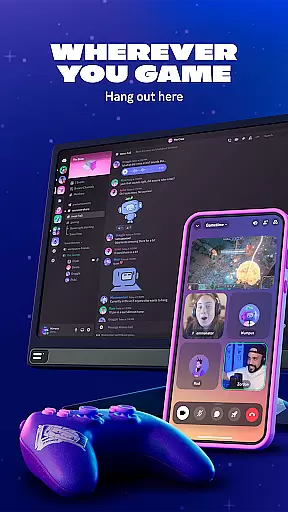
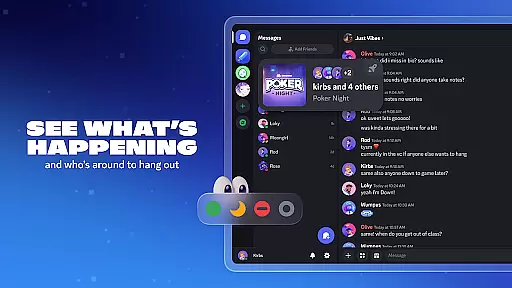
Discord is a versatile communication platform designed primarily for gamers but suitable for any community. It offers text, voice, and video chat capabilities that allow users to connect seamlessly across devices. Whether you're coordinating game strategies or simply hanging out with friends, Discord provides the tools to create a personalized and engaging environment.
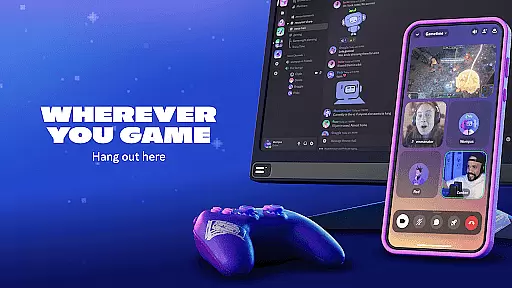
The app stands out with features like customizable servers, roles, and channels, enabling users to tailor their spaces to specific interests or activities. With support for high-quality streaming and low-latency connections, Discord ensures an immersive experience whether you're gaming, watching videos, or collaborating on projects. Its cross-platform compatibility means you can stay connected on your PC, phone, or console without missing a beat.
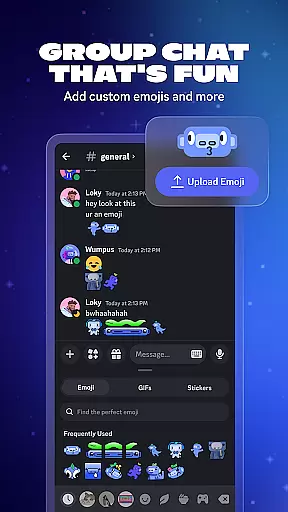
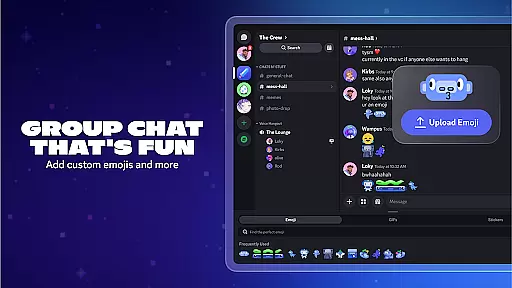
Discord's feature set is designed to enhance group interactions and community building. Users can create custom emoji, stickers, and soundboard effects to add personality to their chats. The ability to set avatars and custom statuses allows for personal expression within the community, making each interaction more meaningful.
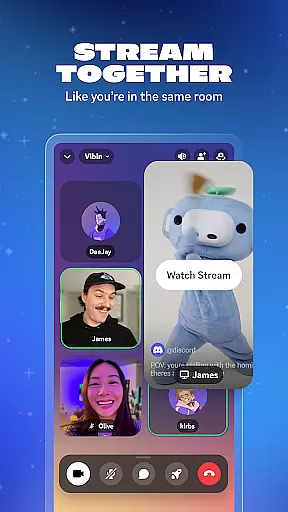
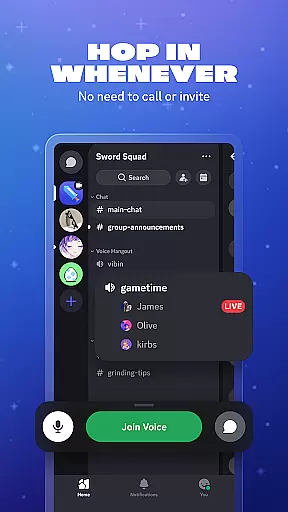
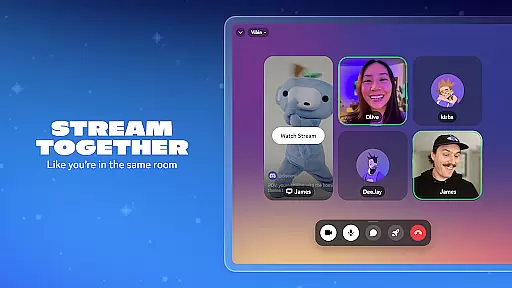
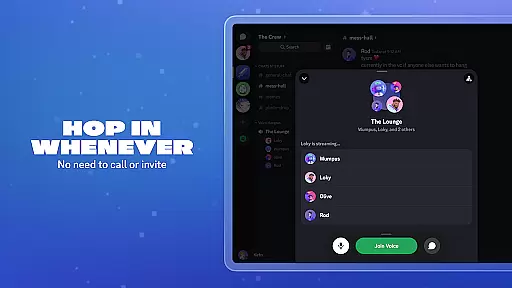
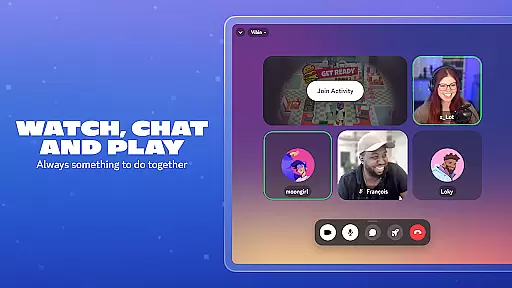
One of Discord's standout features is its high-quality streaming capability, which supports low-latency connections. This makes it feel as though you're in the same room with your friends, whether you're gaming, watching shows, or collaborating on homework. Additionally, the app's seamless switching between voice, text, and video chats ensures that users can easily hop in and out of conversations without the need for formal invitations or calls.
Real-time messaging is a cornerstone of effective communication platforms, and Discord excels in this area. The speed at which messages are delivered ensures that conversations flow naturally, without awkward delays or interruptions.
Discord employs advanced server infrastructure and optimization techniques to maintain message delivery speed even during peak usage times. This means whether you're coordinating a gaming session or having a casual chat, your messages appear instantly.
The reliability aspect cannot be overstated. Users can depend on Discord to deliver every message without fail, ensuring important information is always conveyed. This reliability extends to various types of content, including text, images, and links.
For users, this translates into seamless interaction with their communities. Knowing that messages will be delivered promptly and reliably enhances the overall experience, making Discord a trusted platform for both fun and professional communications.
Media sharing is an essential feature for modern communication apps, allowing users to express themselves beyond plain text. Discord offers robust support for various media formats, enhancing the way users interact and share content.
With Discord, you can easily share images, videos, and audio files within your chats. The platform supports multiple file types, ensuring compatibility across different devices and operating systems. This versatility makes it simple to share game highlights, funny memes, or important documents.
The integration of media previews adds another layer of convenience. Instead of downloading attachments, users can view images and videos directly in the chat window. This streamlined approach saves time and keeps conversations engaging.
Furthermore, Discord's media sharing capabilities extend to live streaming. Users can broadcast their gameplay or share their screen with minimal latency, creating a virtual hangout experience that feels like you're in the same room. This feature enriches social interactions and strengthens community bonds.
User-friendly interface
High-quality streaming
Customizable servers
Cross-platform support
Active community engagement
Occasional bugs
Learning curve for new users
Limited offline functionality
Resource-intensive
Privacy concerns

The ultimate productivity solution for all your email communication needs.
 4.40
4.40
Block spam calls & scam - no more annoying calls with the call blocker function
4.30
WazzapMigrator: transfer your WhatsApp history from iPhone to Android
4.00
Fast and mini browser with Ad Blocker,Video Downloader and Video Player
4.40
Faster version of Messages. Messenger for your contacts.
4.50
A softphone with crystal clear SIP Calling & Reliable VoIP dialer
4.00
Weargram is an unofficial Telegram Client for Wear OS.
3.50
Talk & text free with a second phone number plus unlimited 5G data, no fees.
4.50
Useful. Social. Expressive.
4.70
Use this Dialer app alone or as a TREK: Total Interface companion.
4.70
Messenger, an MMS & SMS messages app with Blockers, Driving mode & Private box
4.60
Manage your mobile phone plan, check unlimited 5g data usage and track rewards
4.50
Create a secure hotspot on-the-go with Portable WiFi - Mobile hotspot.
4.40
Phone Dialer with Caller ID, Address Book & Contacts Manager.
4.30
Our Black Friday sale is here. Unlock special discounts on Proton Mail now.
4.30
SMS & MMS Messaging App to easily send messages or schedule SMS on Chat
4.10
Call Forwarding is easy and simple application to use.
3.80
SMS Messenger ensures that communication become effortless and accessible.
3.80
Secure Messaging App to Enhance Messenger Texting Experience and Organize SMS.
3.50


User Reviews