
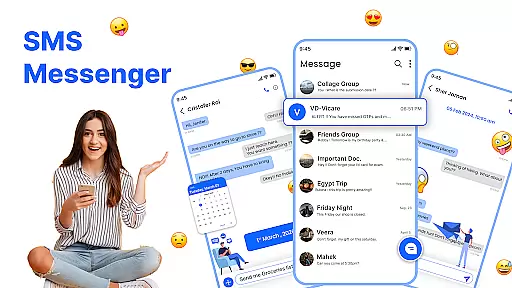
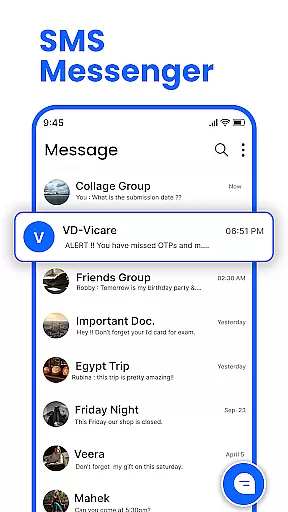
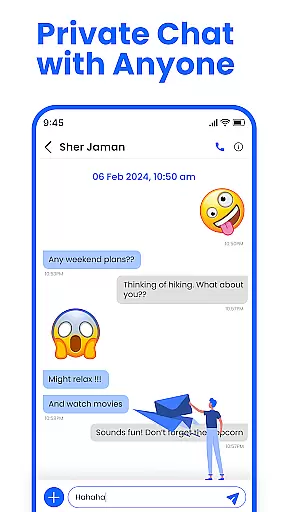
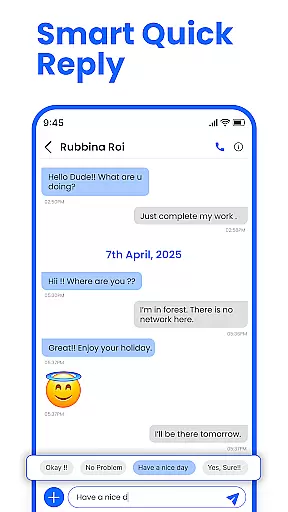
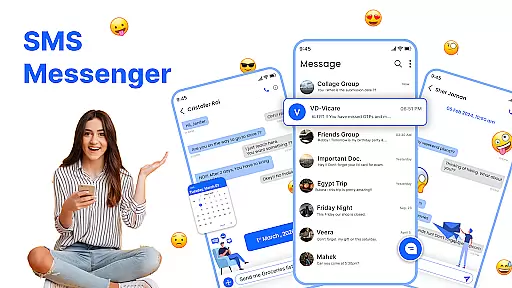
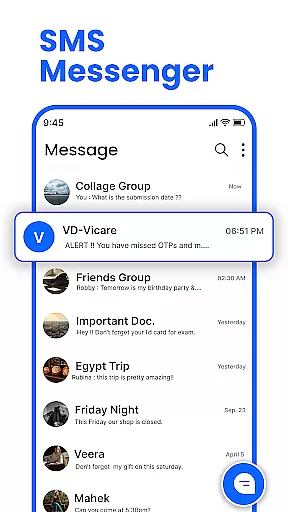
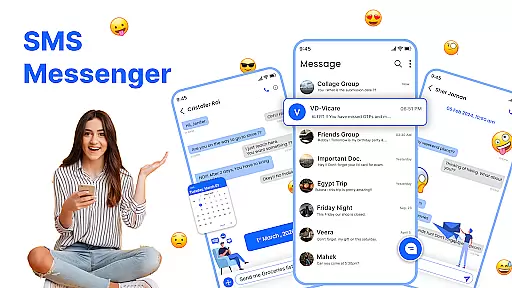
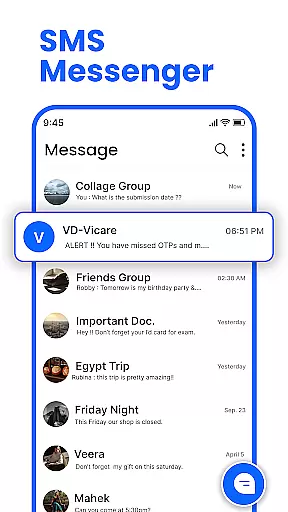
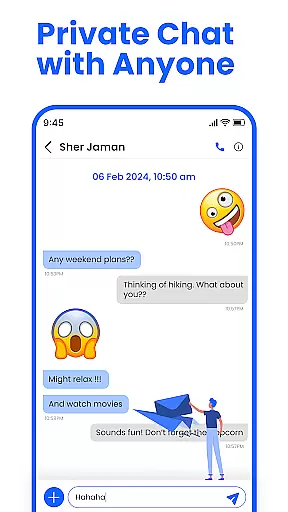
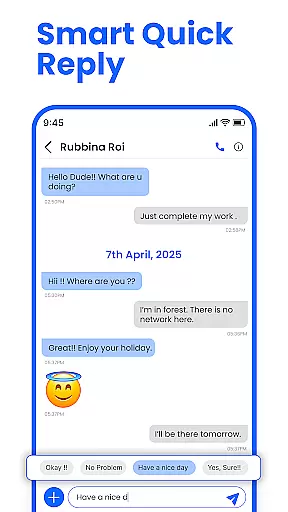
Messenger: SMS Home is a feature-rich communication app designed to enhance your texting experience on Android devices. This app allows users to send and receive text messages instantly while offering advanced customization options for organizing SMS conversations efficiently.
Key functionalities include smart launcher access, scheduled messaging, spam blocking, and swipe actions for effortless inbox management. Whether you need to schedule birthday messages in advance or block unwanted promotional texts, this app provides a reliable and intuitive solution for all your messaging needs.
Ideal for individuals seeking a personalized and efficient way to manage their text communications, Messenger: SMS Home ensures a seamless experience across various Android devices, including Samsung, Google Pixel, and Motorola.
Messenger: SMS Home stands out with its comprehensive set of features tailored to streamline text messaging. The app offers a Smart Launcher from the home screen, providing quick access to essential tools for SMS organization and control.
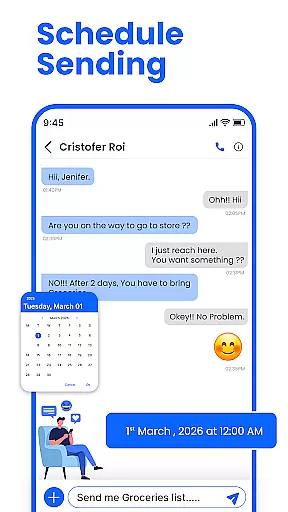
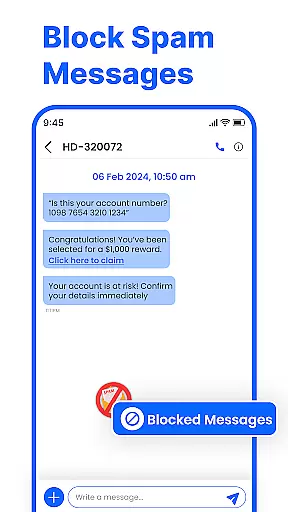
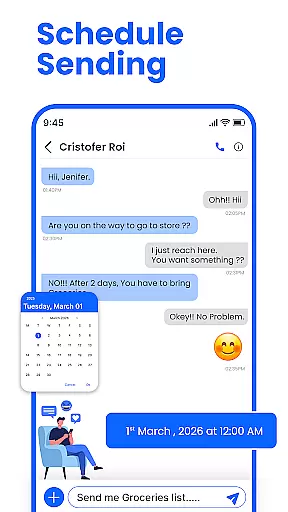
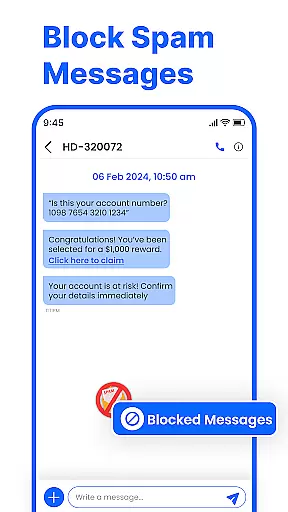
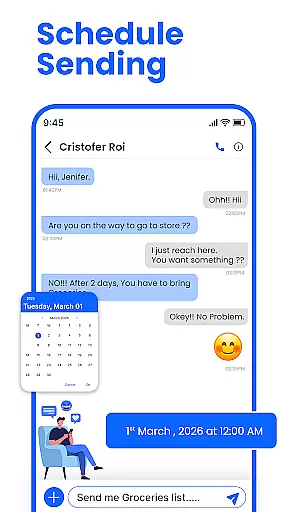
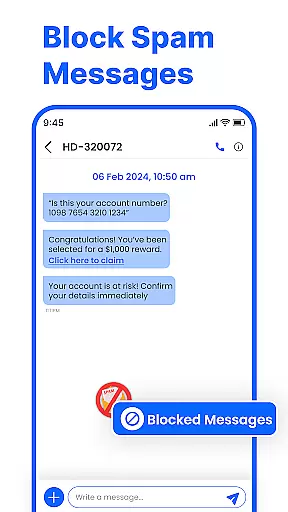
One of the standout features is the ability to schedule messages, allowing users to compose texts in advance and have them delivered at a specific date and time. Additionally, the app includes robust spam-blocking capabilities, ensuring that unwanted messages and promotional alerts do not clutter your inbox.
Other notable features include swipe actions for organizing your inbox, powerful compatibility with all Android devices, and offline messaging support. These functionalities collectively create a secure, fast, and user-friendly messaging experience that adapts to modern communication needs.
Real-time messaging speed and reliability are crucial for maintaining seamless communication in any messaging app. Messenger: SMS Home ensures that messages are delivered instantly, allowing users to stay connected without delays.
The app employs optimized data transmission protocols to ensure messages are sent and received promptly, even under varying network conditions. This reliability is essential for both personal and professional communications where timing can be critical.
Users benefit from the app's robust infrastructure which supports uninterrupted messaging. Whether scheduling messages in advance or sending quick texts, the app maintains high performance standards ensuring every message reaches its destination on time.
This focus on speed and reliability enhances user experience by providing peace of mind that their communications are always timely and dependable, making Messenger: SMS Home a reliable choice for all texting needs.
Media sharing support is an integral feature of modern messaging apps, enabling users to share various types of media effortlessly. Messenger: SMS Home offers comprehensive media sharing capabilities, allowing users to send images, videos, and documents with ease.
The app supports multiple file formats, ensuring compatibility across different devices and platforms. Users can quickly attach and send media files without worrying about format restrictions, enhancing the overall communication experience.
With intuitive controls and fast upload speeds, the app makes media sharing straightforward and efficient. The ability to preview media before sending adds an extra layer of convenience, letting users verify content before it reaches the recipient.
By prioritizing media sharing support, Messenger: SMS Home empowers users to express themselves more fully through rich multimedia exchanges, enriching conversations and fostering closer connections with friends and family.
User-friendly interface
Advanced scheduling options
Effective spam blocking
Customizable home layout
Cross-device compatibility
Limited iOS support
Occasional bugs reported
Ads in free version
Requires permissions
Learning curve for new users

A web browser that respects your privacy.
 4.30
4.30
Phone Dialer with Caller ID, Address Book & Contacts Manager.
4.30
Block spam calls & scam - no more annoying calls with the call blocker function
4.30
Official NDI app: turn your phone into a professional live-streaming IP camera.
3.20
Fun, free app that lets kids video call and message family and close friends.
3.80
Smart and simple anti-wiring application - IMSI-catchers catcher
4.40
Comprehensive and powerful scan tool app with enhanced functions
3.00
An app dedicated solely to marriage, not dating, and supported by a rigorous verification mechanism to ensure seriousness.
4.3
Caller ID, Spam Call & SMS Blocker
3.80
Adblock & VPN Browser: Blocks banners, pop-ups and video ads, fast downloader!
4.60
Manage BoostMobile Account
4.60
The ultimate productivity solution for all your email communication needs.
4.40
Our Black Friday sale is here. Unlock special discounts on Proton Mail now.
4.30
Simplify texting with Messages SMS, offline messaging, themes & smart tools!
4.30
Chill zone on your phone: relax with fun reels & hype shorts!
4.20
Measure BHP, Torque & 0-60 Clear car OBD faults View engine data in Google Earth
4.00
SMS Messenger ensures that communication become effortless and accessible.
3.80
Manage and Fund Calling Accounts and Schedule and Join Video Sessions
3.60
At select facilities, you now have an easy way to video visit your loved ones!
3.30


User Reviews