

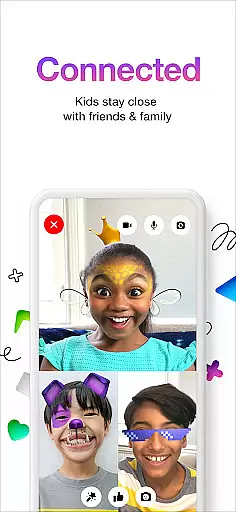
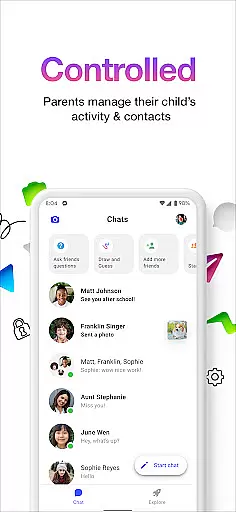
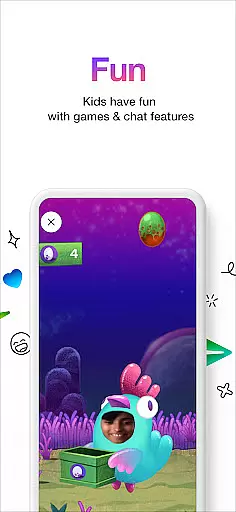
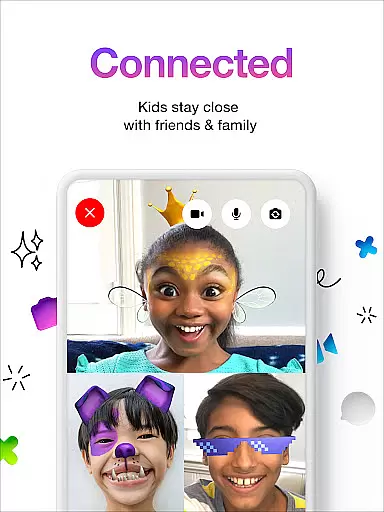

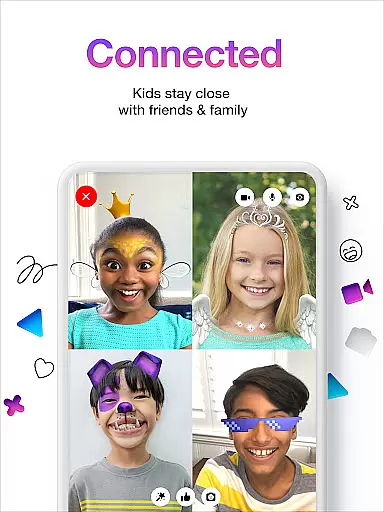
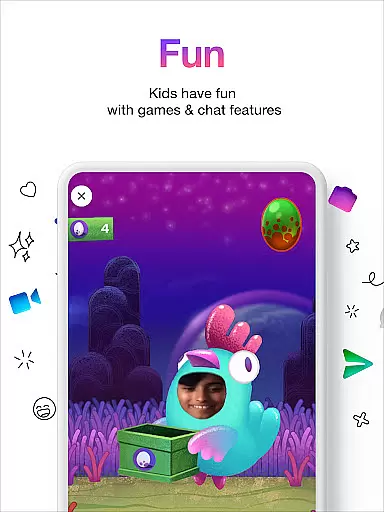
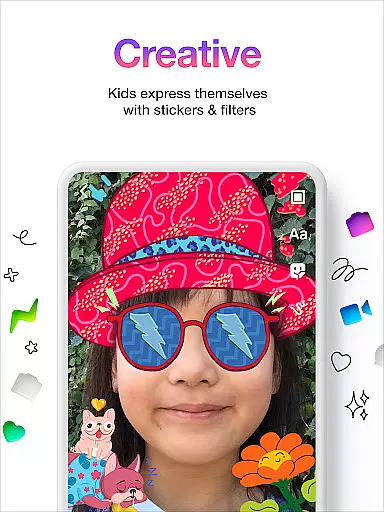
Messenger Kids is a communication app designed specifically for children, offering a safe and controlled environment managed by parents. The app allows kids to video chat and message with approved contacts using fun filters, reactions, and sound effects that make conversations more engaging.
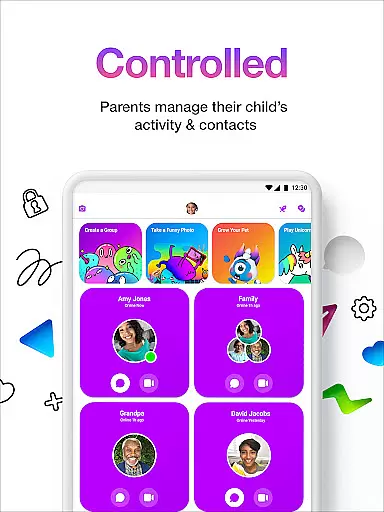
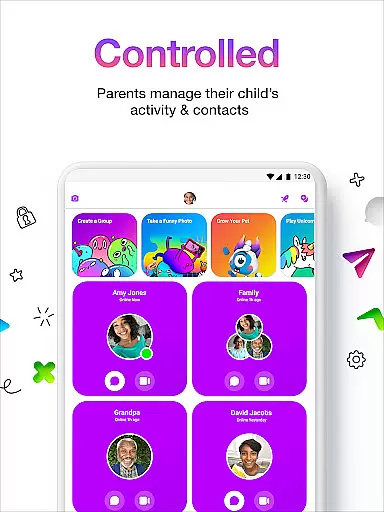
Parents can manage their child's contact list through the Parent Dashboard, monitor messages, and set usage limits to ensure healthy screen time habits. With no phone number required and strict controls against in-app purchases or ads, Messenger Kids provides a worry-free experience for both children and their guardians.
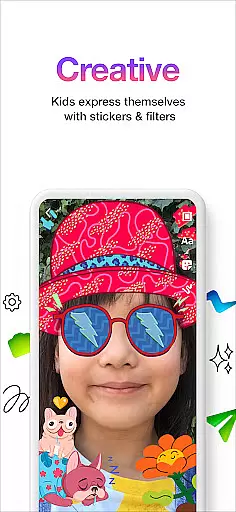
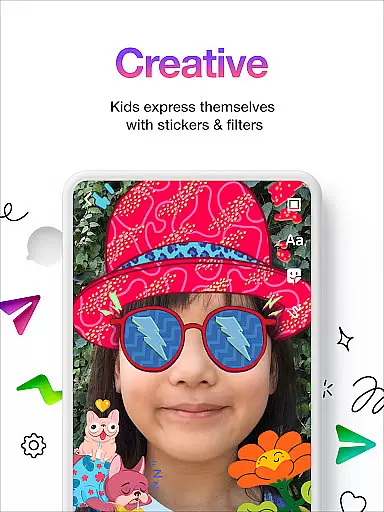
The app also encourages creativity in communication by providing stickers, GIFs, emojis, and drawing tools. This feature-rich platform not only facilitates family connections but also helps children express themselves in fun and imaginative ways.
Messenger Kids stands out with its comprehensive parental controls and kid-friendly features. The Parent Dashboard is a central hub where parents can manage contacts, view message history, and receive notifications when their child blocks someone. This ensures complete oversight and peace of mind.
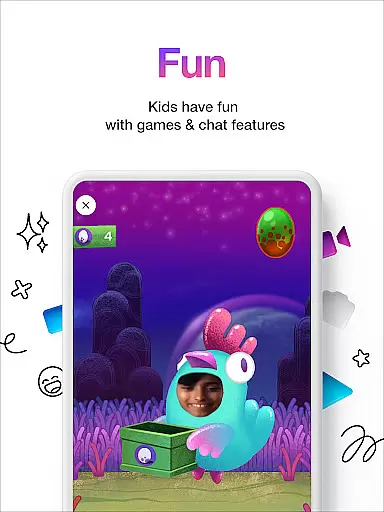
The app includes an array of entertaining filters, reactions, and sound effects tailored for young users. These elements enhance video chats, making them more interactive and enjoyable. Additionally, creative tools such as stickers, GIFs, emojis, and drawing options allow kids to personalize their conversations.
Usage controls are another key feature, enabling parents to set time limits and bedtime schedules directly within the app. With no need for a phone number and stringent privacy measures, Messenger Kids offers a secure space for children to connect with friends and family without exposure to ads or unauthorized content.
Real-time messaging speed and reliability are crucial for any communication app, especially one designed for kids. Messenger Kids ensures that messages are delivered instantly, allowing children to communicate with their friends and family without delays.
The app employs advanced server infrastructure and optimized data transmission protocols to maintain high-speed message delivery. This means that whether kids are sending texts, stickers, or emojis, they can expect their messages to appear in conversations almost instantaneously.
Parents can rest assured knowing that the reliability of message delivery is consistently maintained. The app's robust architecture minimizes the chances of message failures or delays, ensuring a seamless communication experience.
This focus on real-time interaction not only enhances user engagement but also provides a worry-free environment where parents can trust that important communications will reach their intended recipients without fail.
Media sharing support is an essential feature in modern communication apps, enabling users to share photos, videos, and other media files effortlessly. Messenger Kids offers comprehensive media sharing capabilities while maintaining strict safety standards.
The app allows kids to exchange images and videos within a secure environment, ensuring that all shared content is appropriate and free from harmful elements. Parents have control over media sharing permissions, adding an extra layer of security.
With intuitive interfaces and easy-to-use tools, children can personalize their media by adding fun filters, reactions, and sound effects before sending them to friends and family. These creative options enhance the overall user experience and make interactions more engaging.
By combining robust media sharing functionalities with stringent parental controls, Messenger Kids creates a safe space for kids to express themselves creatively through multimedia exchanges.
Parental control dashboard
Kid friendly design
No ads or in app purchases
Fun filters and reactions
Creative communication tools
Limited to approved contacts
No voice calling feature
Requires parental setup
Less feature rich than adult apps
Dependent on Facebook account

Radio communication simulator for gaming communities
 4.0
4.0
Secure Messaging App to Enhance Messenger Texting Experience and Organize SMS.
3.50
Adblock & VPN Browser: Blocks banners, pop-ups and video ads, fast downloader!
4.60
Quickly and easily identify and block unknown callers
3.70
Chat on the Jabber network (XMPP protocol); support for SMS and other gateways
2.10
Send SMS and chat messages easily with a fast text messaging app for Android.
4.10
A softphone with crystal clear SIP Calling & Reliable VoIP dialer
4.00
An app dedicated solely to marriage, not dating, and supported by a rigorous verification mechanism to ensure seriousness.
4.2
A softphone app with seamless SIP calling and an intuitive VoIP dialer
3.50
Fast internet with AI, Adblock & VPN. Browse on a safe, incognito web browser.
4.70
We’re taking the yada yada out of wireless—now we’ve taken it out of your app.
4.70
Welcome to the future of phone service.
4.60
Fast and mini browser with Ad Blocker,Video Downloader and Video Player
4.40
Caller ID App! Add names & photos to unknown calls & Call Recording
4.40
Simple tool for businesses to talk to their customers.
4.40
A web browser that respects your privacy.
4.30
Messenger app for faster and simpler SMS text messaging, and personalized themes
4.10
Weargram is an unofficial Telegram Client for Wear OS.
3.50
Official NDI app: turn your phone into a professional live-streaming IP camera.
3.20


User Reviews