
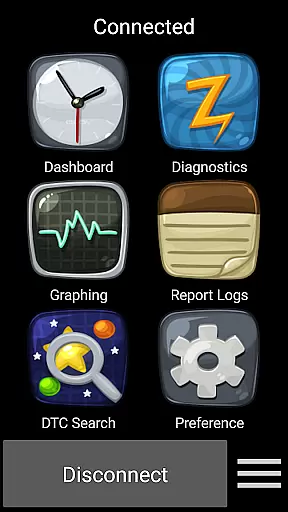
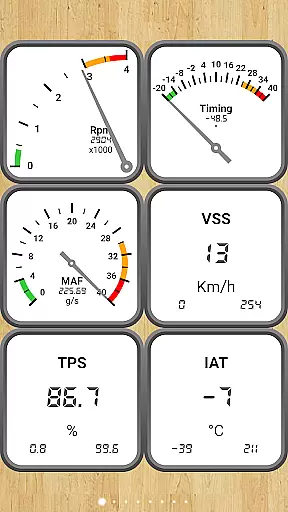
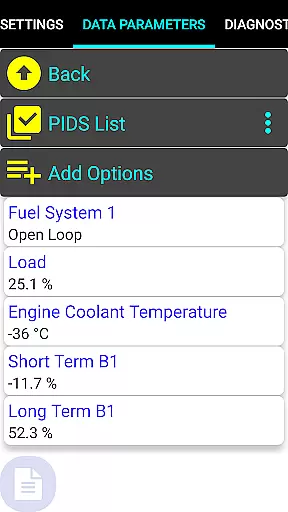
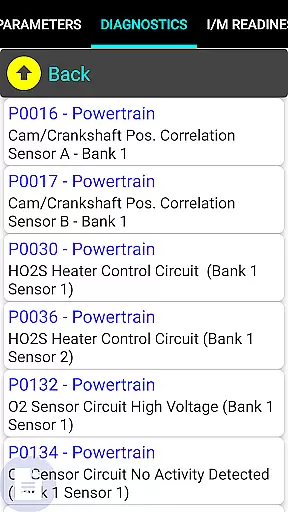
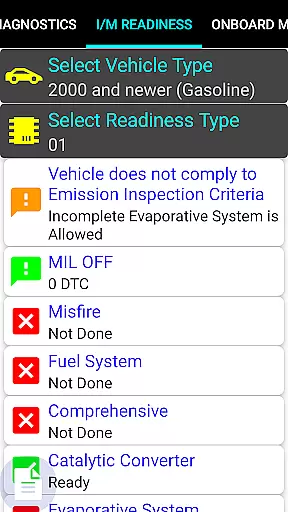
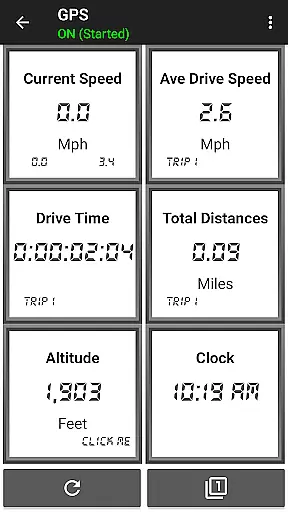
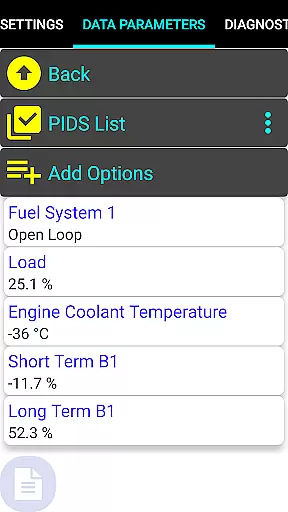
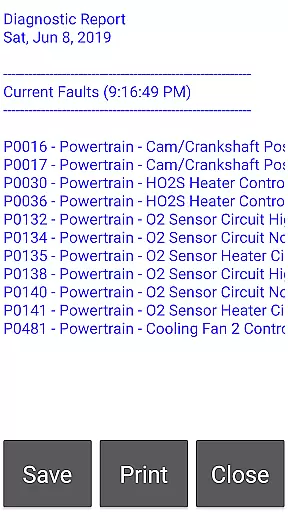
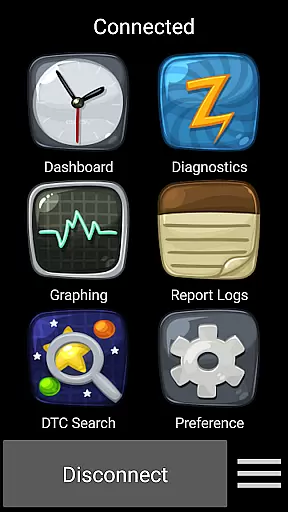
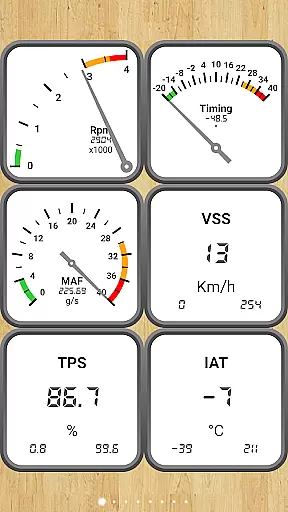
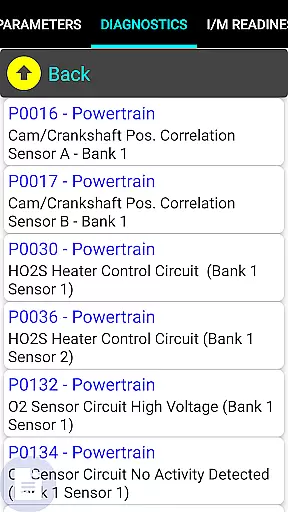
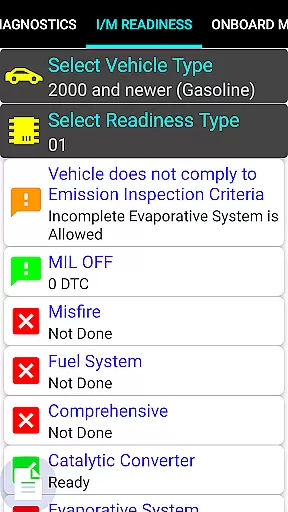
Car Gauge Pro is a comprehensive OBD2 diagnostic tool designed for all OBD2 compliant vehicles, offering both generic and enhanced diagnostic data. This app stands out with specialized support for Ford and Nissan vehicles, providing professional-level functionalities similar to factory scan tools.
The application connects to the vehicle's computer through the 16 Pin OBD2 connector under the steering wheel, requiring an Elm 327 or STN Bluetooth adapter. It allows users to monitor dashboard parameters, check engine light status, readiness for smog inspections, sensor functionality, and Mode 5/6 emission tests.
With its extensive feature set, Car Gauge Pro serves as a vital tool for car owners and mechanics who need detailed insights into vehicle performance and diagnostics.
Car Gauge Pro offers an impressive range of features that cater to various diagnostic needs. The app supports all OBD2 functions including Data Parameters, Freeze Frame Data, Fault Checks, and more across different modes like Mode 1 to Mode A.
For specific brands such as Ford and Nissan, it provides enhanced functionalities like Self Test, Active Test, Ignition Timing Adjustment, and access to thousands of PIDS. These features enable users to perform detailed diagnostics and adjustments akin to professional equipment.
Additionally, the app supports multiple protocols (ISO, PWM, CAN) and modules (ECM, TCM, ABS, BCM), ensuring compatibility and depth in diagnostic capabilities. This makes Car Gauge Pro an indispensable tool for thorough vehicle analysis.
Real-time messaging speed and reliability are crucial for any communication app, especially in the automotive diagnostics field. Car Gauge Pro (OBD2 + Enhance) ensures that data transmission between your vehicle's onboard computer and your mobile device is both fast and dependable.
The app leverages advanced Bluetooth technology through Elm 327 or STN adapters to maintain a stable connection. This allows users to receive diagnostic information without delays, ensuring timely responses to critical alerts such as check engine lights or readiness statuses for smog inspections.
By prioritizing reliable data transfer, Car Gauge Pro provides mechanics and car enthusiasts with confidence in their diagnostic processes. The ability to quickly access fault codes, sensor functionality, and emission test results enhances overall vehicle maintenance efficiency.
Media sharing support within an application can significantly enhance user experience by allowing seamless exchange of diagnostic reports and vehicle data. Car Gauge Pro (OBD2 + Enhance) facilitates this by enabling users to share detailed diagnostic information effortlessly.
Through its comprehensive OBD2 functions, including Mode 1-9 operations, the app captures extensive vehicle parameters. Users can export these details via various formats supported by their devices, making it easy to share with technicians or store for future reference.
This feature not only simplifies collaboration but also empowers users to keep accurate records of their vehicleu2019s health over time. Whether you need to send logs to a mechanic or archive performance tracking data, Car Gauge Pro ensures you have robust media sharing capabilities at your fingertips.
User-friendly interface
Comprehensive diagnostic tools
Specialized Ford and Nissan support
Professional-level functionalities
Wide protocol compatibility
Requires compatible Bluetooth adapter
No Mini Elm 327 v2.1 support
Limited GM and Toyota functions
Some models lack enhanced support
Old version update issues

 3.90
3.90
Quickly and easily identify and block unknown callers
3.70
Call Blocker app: Identify unknown callers, block spam calls, fraud & robocalls
4.30
Chill zone on your phone: relax with fun reels & hype shorts!
4.20
TeamSpeak - Secure Chat for Gaming & Business
3.10
Auto Reply SMS, Text Messaging, Away SMS Response, Busy SMS messages, Block Text
3.10
Threema is the messenger with the most consistent focus on security and privacy.
4.00
Telegram is a messaging app with a focus on speed and security.
4.00
Useful. Social. Expressive.
4.70
Phone Dialer with Caller ID, Address Book & Contacts Manager.
4.30
Our Black Friday sale is here. Unlock special discounts on Proton Mail now.
4.30
HD Video Meeting app is a fast & unlimited video conferencing app across world.
4.30
Google's fast and secure browser
4.10
Share the moment!
4.10
Fast Dialer & Contact Manager with Caller ID and Spam Protection
4.00
Fast, Simple And Secure Application That Provides SMBv3 Server On Your Device
3.30
Official NDI app: turn your phone into a professional live-streaming IP camera.
3.20
An app dedicated solely to marriage, not dating, and supported by a rigorous verification mechanism to ensure seriousness.
4.3
Bringing the functionality of Winlink to your Android device
4.5


User Reviews