

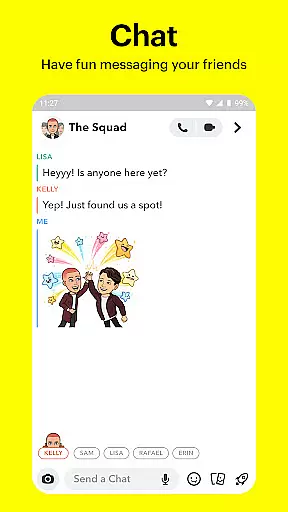
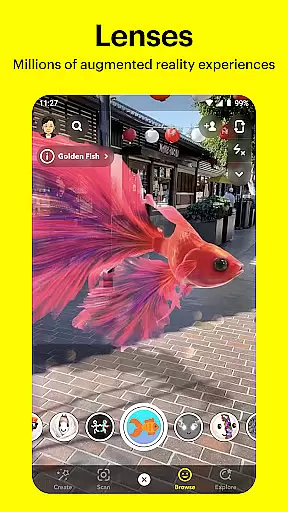


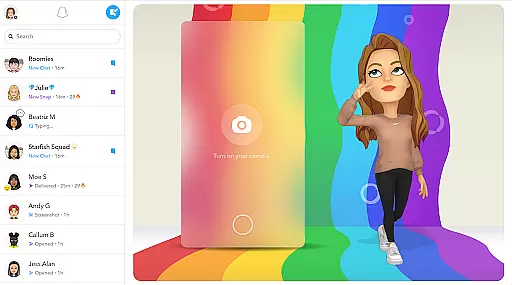
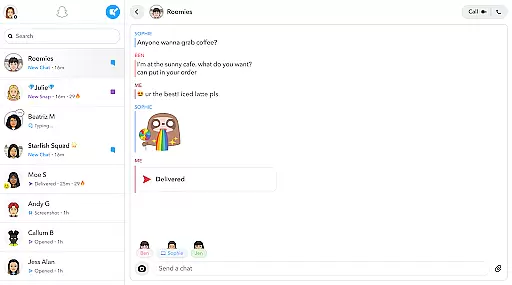
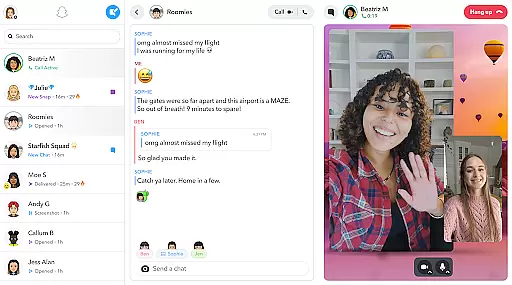
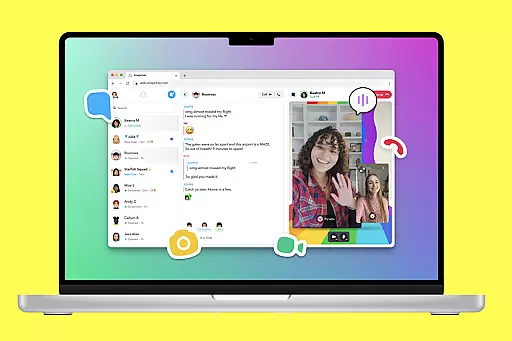
Snapchat is a dynamic communication app that allows users to share moments instantly with friends and family. The app opens directly to the camera, making it easy to capture photos and videos. With features like Lenses, Filters, and Bitmoji, users can express themselves in creative ways. Snapchat also offers live messaging, video chats, and Group Stories to keep users connected.
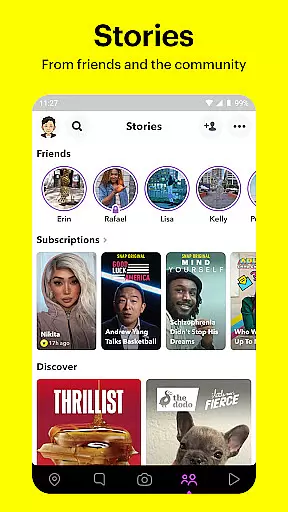
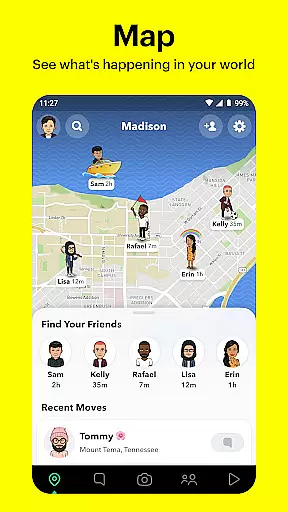
One of Snapchat's standout features is its Stories and Spotlight sections, where users can view content from friends and the broader community. Additionally, the app includes a map feature for location sharing and Memories for saving and editing past snaps. These tools make Snapchat not just a messaging app but a comprehensive platform for sharing experiences and staying updated with the world.
Snapchat provides an array of features designed to enhance user interaction and creativity. The app's camera-first approach lets users snap pictures and record videos effortlessly. Users can apply various Lenses and Filters created daily by the Snapchat community, adding a fun twist to their content. Moreover, the Chat feature supports live messaging and video calls with up to 16 people, integrating Lenses and Filters even during chats.
The Stories and Spotlight sections allow users to explore a wide range of content, from friends' daily activities to breaking news and exclusive shows. The Map feature enables location sharing with close friends while the Memories section lets users save and edit unlimited photos and videos. Friendship Profiles add a personal touch, showcasing shared moments and common interests between friends, thus strengthening bonds.
Real-time messaging forms the core of any communication app, and Snapchat excels in this area. The platform ensures that messages are delivered instantly, allowing users to maintain seamless conversations with friends and family.
The app employs advanced synchronization technologies that keep chat data updated across devices. This means whether you're chatting on your phone or tablet, you'll experience consistent and reliable message delivery every time.
For users, this reliability translates into peace of mind. Knowing that their messages will reach recipients without delay enhances the overall communication experience. This is particularly important for time-sensitive conversations where prompt responses matter most.
Moreover, Snapchat's infrastructure is designed to handle high volumes of messages without compromising speed. This ensures that even during peak usage times, users can expect fast and dependable messaging performance.
Snapchat offers robust media sharing capabilities that go beyond simple text-based communication. Users can easily share photos and videos, adding a dynamic layer to their conversations through various creative tools like Lenses, Filters, and Bitmoji.
The platform supports multiple media formats and provides instant previews before sending. This feature-rich environment allows users to express themselves more vividly and engage with their contacts in more meaningful ways.
Additionally, Snapchat enables the creation of Stories and Group Stories, which can include both images and video clips. These Stories serve as a temporary album that friends can view within 24 hours, making it an excellent way to keep everyone updated about significant moments.
With its comprehensive media sharing options, Snapchat empowers users to communicate not just through words but also through rich visual content, enhancing the overall interaction quality among friends and family.
User-friendly interface
Creative expression tools
Real-time communication
Engaging community content
Personalized friendship profiles
Privacy concerns
Limited search functionality
High data usage
Complex navigation
Ad-heavy experience

Radio communication simulator for gaming communities
 4.5
4.5
SMS Messenger ensures that communication become effortless and accessible.
3.80
Enjoy secure messaging & calling. Safe Messenger: group chats, calls, messages.
4.20
WazzapMigrator: transfer your WhatsApp history from iPhone to Android
4.00
Chat on the Jabber network (XMPP protocol); support for SMS and other gateways
2.10
Fast Dialer & Contact Manager with Caller ID and Spam Protection
4.00
Manage Phone Calls, call history, and contacts easily with Phone Pro.
4.5
Stay in touch with the people who matter most.
4.60
Group Chat That’s Fun & Games
4.30
Messenger for SMS - texting message app, faster, simpler & safer, for you.
4.70
Save 10% automatically on your first international mobile top up.
4.60
Welcome to the future of phone service.
4.60
RemoteHams.com Android RCForb Client Pre-Release
4.30
Messages is Private SMS Messenger 2023 with text message, instant messaging.
4.00
Telegram is a messaging app with a focus on speed and security.
4.00
This app enables the phone to receive and send FT8 traffic!
3.80
Manage and Fund Calling Accounts and Schedule and Join Video Sessions
3.60
A softphone app with seamless SIP calling and an intuitive VoIP dialer
3.50
Auto Reply SMS, Text Messaging, Away SMS Response, Busy SMS messages, Block Text
3.10


User Reviews