
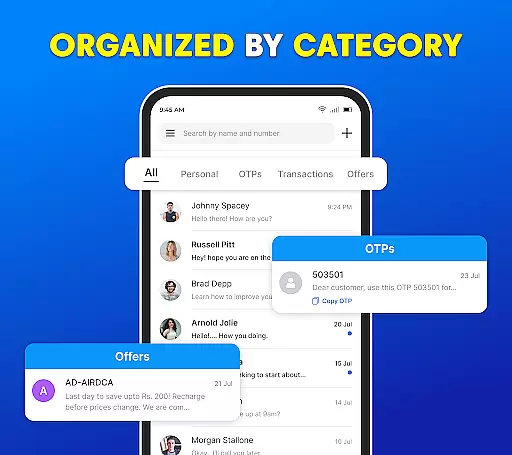
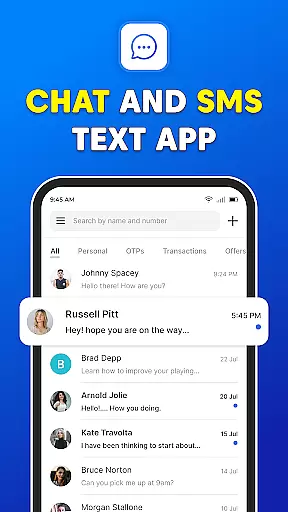
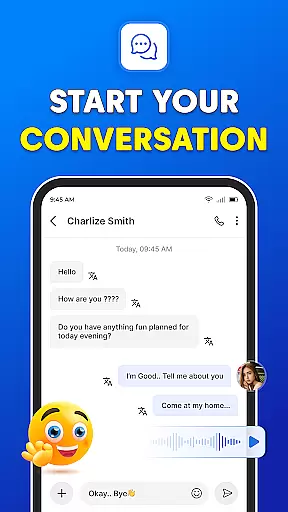

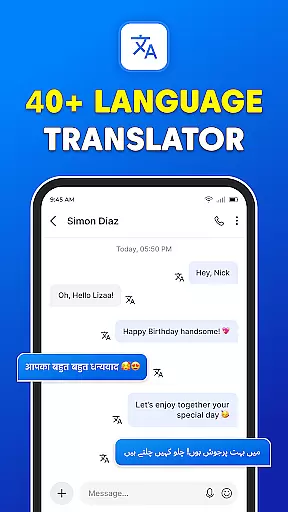
Messages: SMS Text Messenger is a comprehensive communication app designed for seamless private messaging. The core functionality allows users to send text messages (SMS, MMS), share multimedia content such as pictures, GIFs, videos, audios, and stickers, all while ensuring end-to-end encryption for privacy. Available on both smartphones and tablets, this app eliminates the need for an internet connection, making it reliable for users in various situations.
Beyond basic texting, Messages supports advanced features like group chats, file sharing, and voice calls. Its user-friendly interface ensures easy navigation, while powerful tools like backup and restore, scheduled messaging, and dark mode enhance the overall experience. Whether you're managing personal or professional communication, this app provides a complete solution for staying connected with friends, family, and colleagues.
Messages: SMS Text Messenger stands out with its robust feature set tailored for modern communication needs. One of its key highlights is the ability to handle unlimited text, video, audio, and group messages through its intuitive Messenger Chat function. Users can effortlessly share multimedia content, including high-quality videos, images, emojis, GIFs, and stickers, enhancing the expressiveness of conversations.
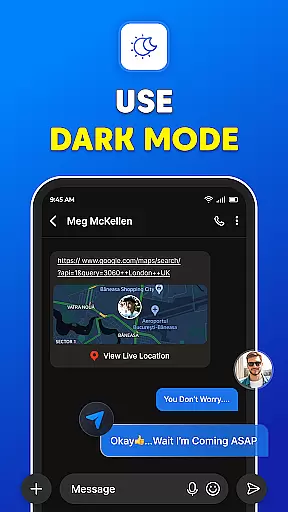
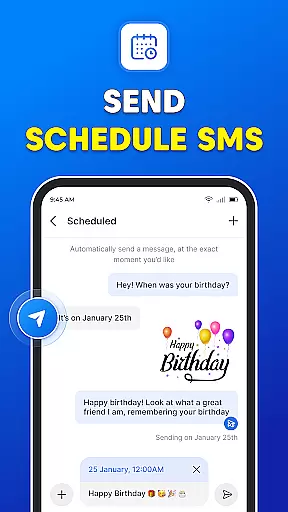
The app also includes practical utilities such as Group Chats, which allow users to stay connected with multiple contacts simultaneously, and After Every Calls functionality, enabling instant access to the SMS inbox post-call. Additional standout features include Backup & Restore for safeguarding important messages, Schedule Message for timely delivery, and Dark Mode for a customizable appearance. These innovations collectively ensure that Messages remains a versatile and indispensable tool for efficient communication.
Real-time messaging speed and reliability are crucial for any communication app, ensuring that messages are delivered instantly and without fail. The Messages app excels in this area by providing a seamless experience where users can send text messages, multimedia content, and even engage in group chats with minimal delay.
The app supports end-to-end encryption, which not only secures the conversation but also maintains the integrity and speed of message delivery. This means that whether you're sending a simple text or sharing media files like images, GIFs, videos, and audio clips, the process remains swift and reliable.
For users, this translates to an uninterrupted flow of conversation, allowing them to stay connected with friends and family without worrying about delays or message failures. The ability to switch between different types of communicationu2014be it individual texts, group messages, or media sharingu2014without losing speed is a significant advantage.
Moreover, the Messages app's capability to function across various devices, such as smartphones and tablets, ensures that real-time communication is not limited to one type of device. This cross-device functionality enhances the overall user experience, making it a dependable choice for anyone looking for a fast and reliable messaging solution.
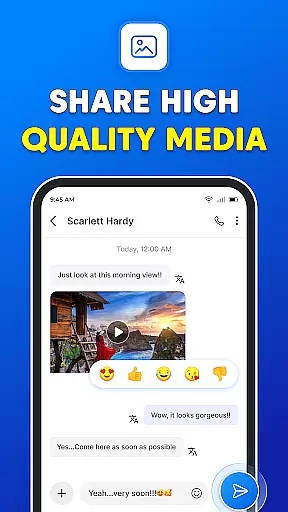
Media sharing support is an essential feature in modern messaging apps, enabling users to share various forms of media effortlessly. The Messages app offers robust capabilities in this domain, allowing users to exchange pictures, GIFs, emojis, videos, and audio files seamlessly within their conversations.
This app stands out by integrating a user-friendly interface that simplifies the process of selecting and sending media files. Whether you want to share a funny GIF, a memorable video, or an important audio clip, the Messages app makes it easy and intuitive. The inclusion of stickers adds another layer of expressiveness, letting users convey emotions and reactions more vividly.
Furthermore, the app's support for multimedia doesn't compromise on quality or speed. Users can expect high-resolution images and videos to be shared without significant compression, preserving the original quality. This is particularly beneficial when sending important documents or cherished memories that deserve to be seen in the best possible light.
In addition to basic media sharing, the Messages app also provides advanced features like backup and restore options for SMS and MMS messages. This ensures that valuable media shared through messages is never lost, offering peace of mind to users who frequently exchange important files. Overall, the comprehensive media sharing support makes the Messages app a versatile tool for staying connected in today's digital age.
User-friendly interface
End-to-end encryption
Multimedia sharing
Scheduled messaging
Dark mode available
No internet-free calls
Limited customization
Ads in free version
Occasional bugs
Heavy on storage

A web browser that respects your privacy.
 4.30
4.30
Browse fast on Opera Mini, with Data Saving, News, Football Scores, and Download
4.60
Phone Dialer with Caller ID, Address Book & Contacts Manager.
4.30
A Browser with powerful ad blocker to help focus on what really matters.
3.00
Fast Dialer & Contact Manager with Caller ID and Spam Protection
4.00
An agentic AI browser for Android, built by Perplexity
4.50
An app dedicated solely to marriage, not dating, and supported by a rigorous verification mechanism to ensure seriousness.
4.3
Manage your mobile phone plan, check unlimited 5g data usage and track rewards
4.50
Group Chat That’s Fun & Games
4.30
We’re taking the yada yada out of wireless—now we’ve taken it out of your app.
4.70
Useful. Social. Expressive.
4.70
Create a secure hotspot on-the-go with Portable WiFi - Mobile hotspot.
4.40
Smart and simple anti-wiring application - IMSI-catchers catcher
4.40
Get through your inbox faster with the mail app designed to simplify your life.
4.40
2nd Phone Number Line for Anonymous Texting, Calling, and Picture Messages
4.30
BiP is a fast, secure, free messaging and HD video calling app!
4.10
Fun, free app that lets kids video call and message family and close friends.
3.80
Caller ID, Spam Call & SMS Blocker
3.80
Fast, Simple And Secure Application That Provides SMBv3 Server On Your Device
3.30


User Reviews