
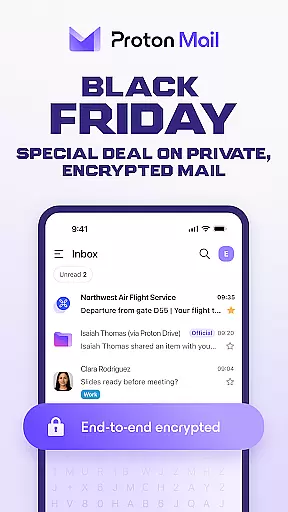
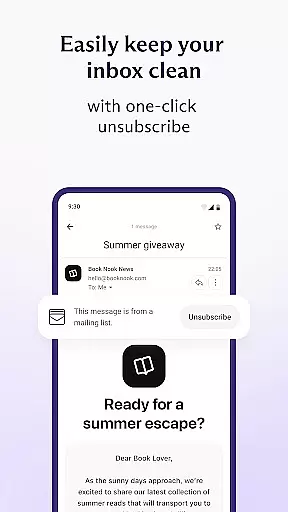
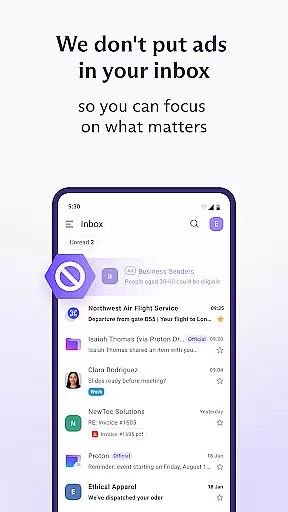
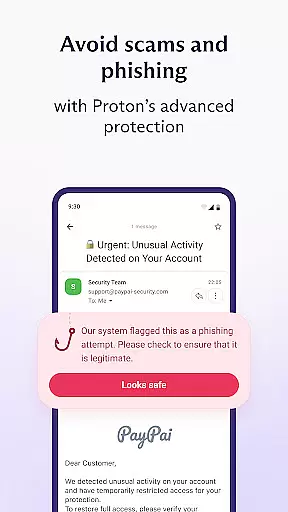
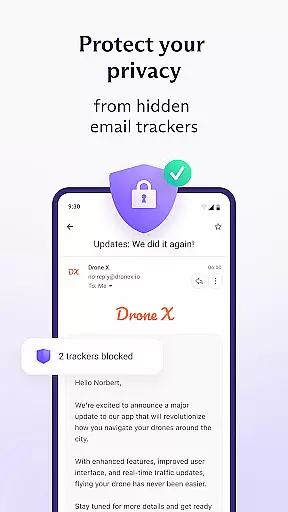

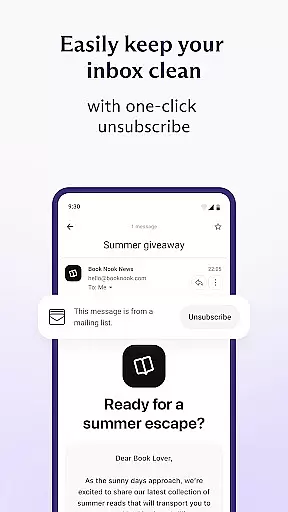
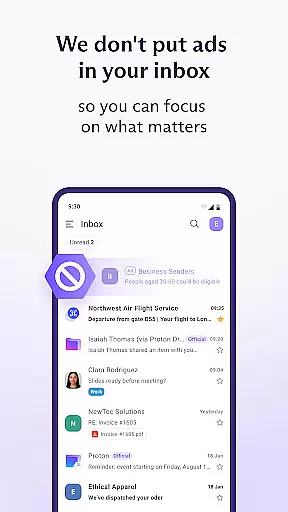
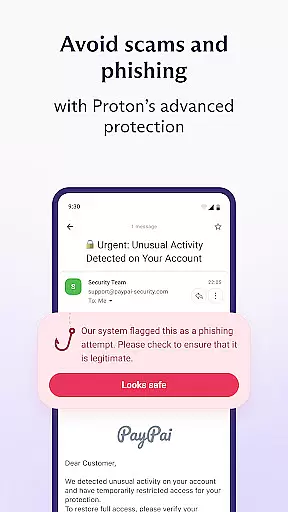
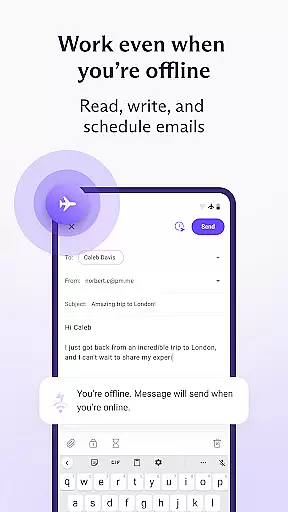
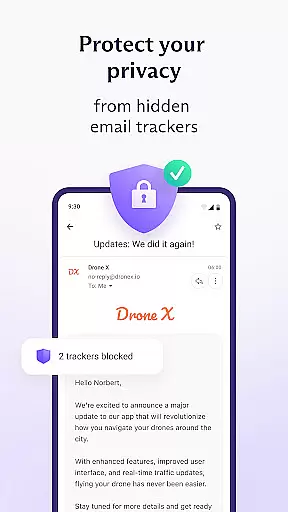
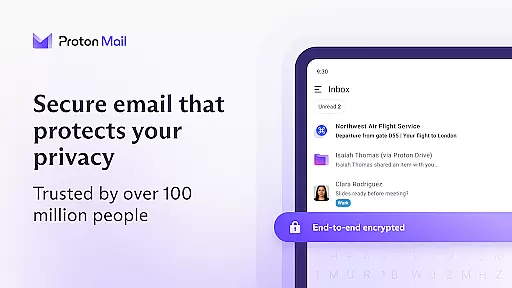
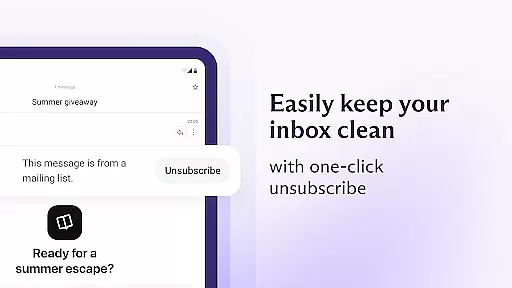
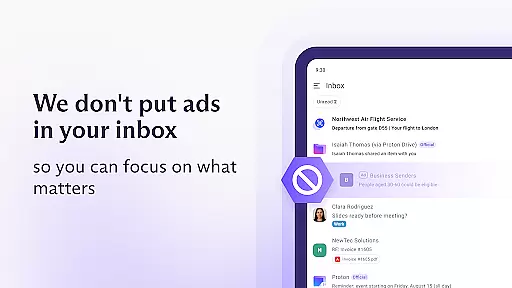
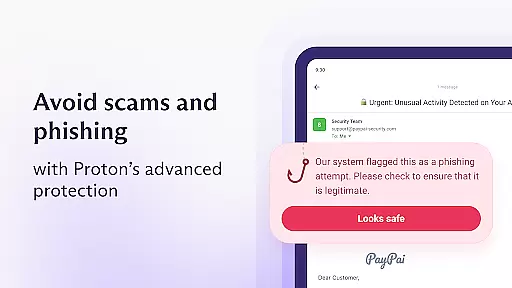
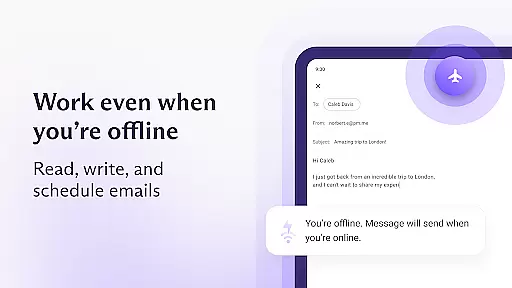
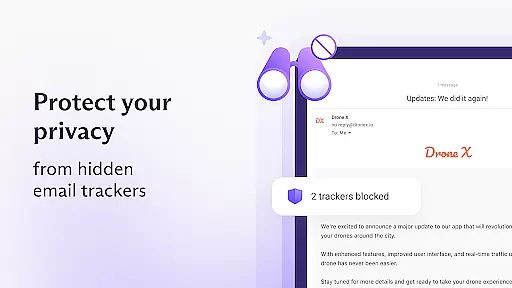
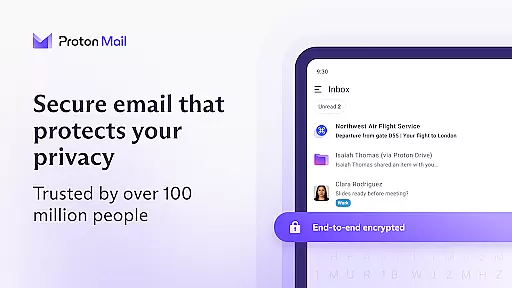
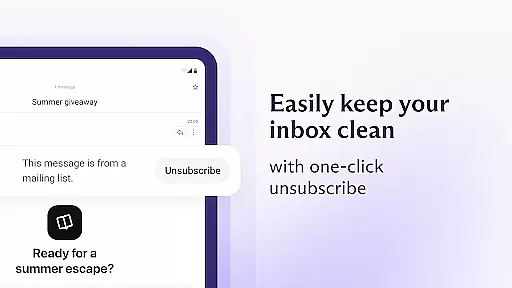
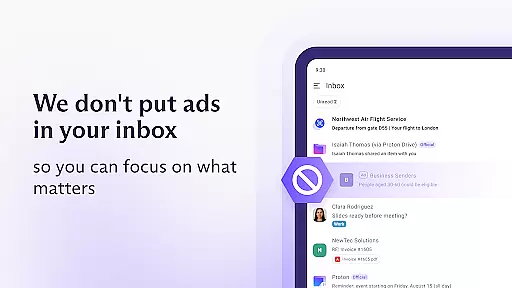
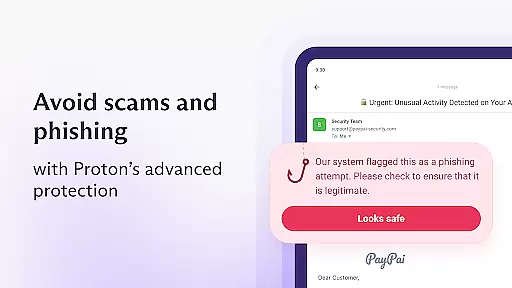
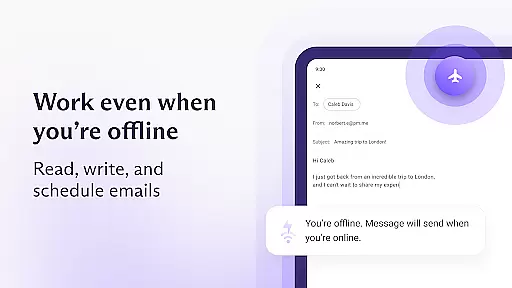
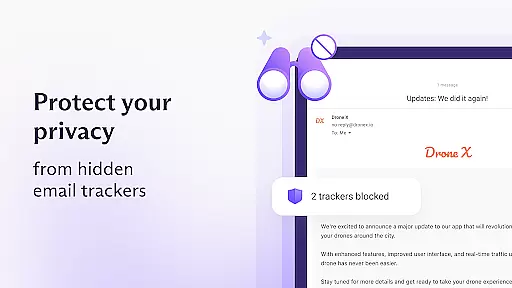
Proton Mail is a secure email application that offers end-to-end encryption to protect your communications. It allows users to create encrypted email addresses, send and receive secure messages, and manage multiple accounts with ease. The app features advanced security protocols, zero-access architecture, and open-source cryptography, ensuring privacy and protection against phishing and spam.
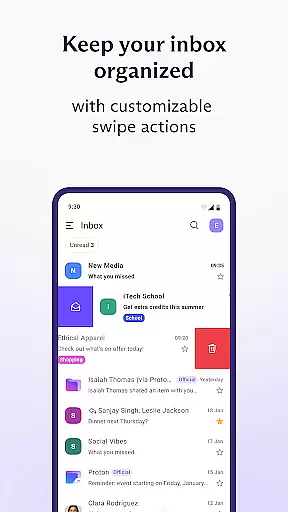
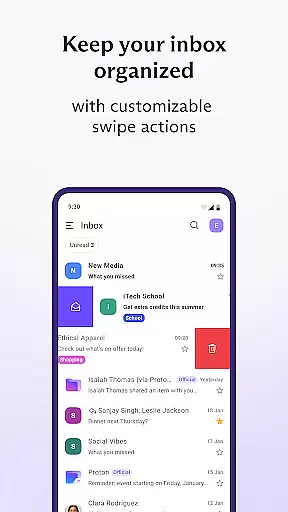
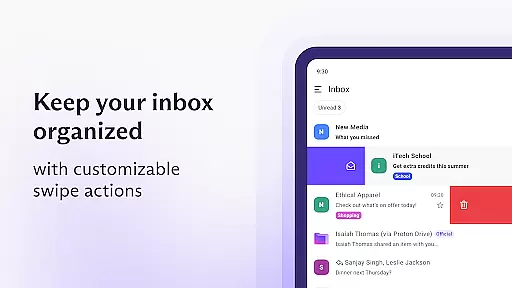
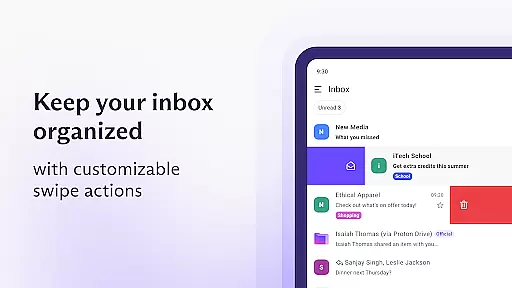
The app's intuitive design makes it easy to organize your inbox with folders, labels, and swipe gestures. With Proton Mail, you can also enable dark mode, set up new email notifications, and send password-protected emails. Whether you're an individual seeking privacy or a business needing secure communication, Proton Mail provides a reliable solution for encrypted email management.
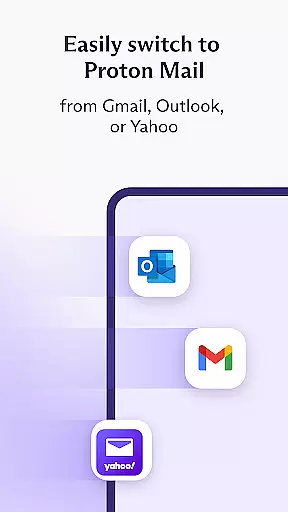
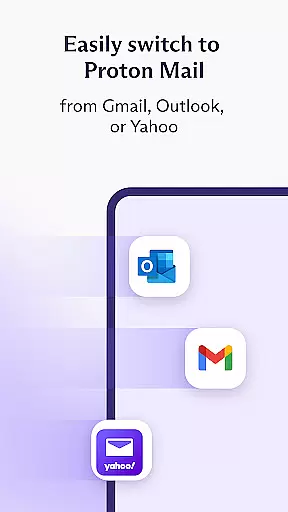
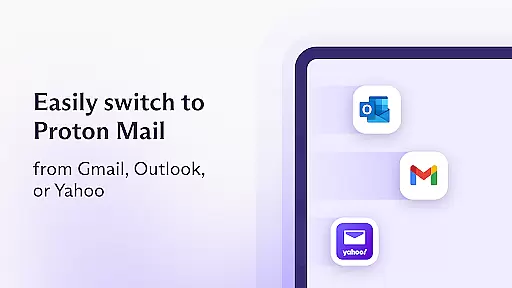
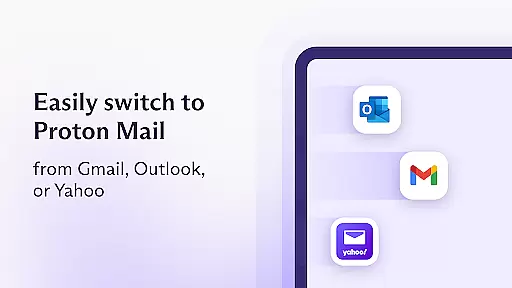
Proton Mail stands out with its robust feature set tailored for privacy-conscious users. The app supports creating both @proton.me and @protonmail.com addresses, enabling seamless migration from other services like Gmail and Outlook through the Proton Easy Switch feature. Its end-to-end encryption ensures that only the sender and recipient can read the emails, while zero-access architecture guarantees that even Proton cannot access your data.
Additional features include auto-forwarding from Gmail accounts, strong anti-phishing measures, and support for encrypted attachments. The app also uses industry-leading AES, RSA, and OpenPGP encryption methods, all of which are open source. This transparency in cryptographic libraries ensures there are no hidden backdoors, providing users with peace of mind when managing sensitive information.
Real-time messaging speed and reliability are crucial for any communication app, ensuring that messages are delivered instantly and without fail. Proton Mail excels in this area by providing a seamless experience where encrypted emails and attachments are sent and received with ease.
The app's infrastructure is designed to handle high volumes of traffic while maintaining fast delivery times. This ensures that users can communicate efficiently without worrying about delays or message failures. The robust server architecture and optimized data transmission protocols work together to guarantee message delivery even during peak usage periods.
For users, this means they can trust that their important communications will reach the intended recipients promptly. Whether it's a time-sensitive business email or a personal message, Proton Mail's reliable delivery system ensures that nothing gets lost in transit. This reliability builds confidence among users who depend on secure and timely communication.
Moreover, Proton Mail offers features like zero-access encryption and end-to-end encryption, which not only protect the content of the messages but also ensure their integrity during transmission. These security measures further enhance the overall reliability of the messaging experience, making Proton Mail a top choice for those prioritizing both speed and security.
Media sharing support is an essential feature for modern communication apps, allowing users to exchange various types of media files effortlessly. Proton Mail addresses this need by enabling users to send and receive encrypted attachments, including images, documents, and other file types, ensuring both convenience and security.
The app supports a wide range of file formats, making it versatile for different user needs. Whether you need to share photos, PDFs, or spreadsheets, Proton Mail handles these files with ease. The encryption protocols used by the app ensure that all shared media remains private and protected from unauthorized access.
Users benefit from this comprehensive media sharing capability as it enhances their ability to collaborate and communicate effectively. For instance, professionals can securely share sensitive documents with colleagues, while families can exchange personal photos without compromising privacy. This flexibility makes Proton Mail suitable for both personal and professional use.
In addition to supporting diverse file types, Proton Mail also provides options for sending password-protected emails. This feature adds another layer of security when sharing media, ensuring that only authorized recipients can access the contents. By combining robust media sharing capabilities with advanced security features, Proton Mail delivers a superior user experience that prioritizes both functionality and privacy.
End-to-end encryption
Zero-access architecture
Open-source cryptography
User-friendly interface
Free basic plan
Limited free storage
Paid advanced features
Occasional sync issues
No live chat support
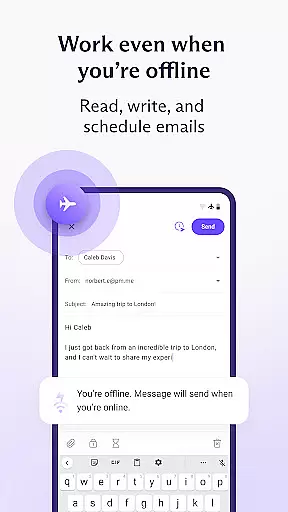
Restricted offline access

Fast and simple walkie talkie app
 4.20
4.20
Call Forwarding is easy and simple application to use.
3.80
Pure modern IRC experience for Android
3.70
Enables Plus features of Quick Search.
4.2
فیلتر شکن قوی پرسرعت کلید جدید برای اندرویدسریع ترین وی پی ان برای همه اپراتورها
4.70
Create a secure hotspot on-the-go with Portable WiFi - Mobile hotspot.
4.40
Threema is the messenger with the most consistent focus on security and privacy.
4.00
SMS Messenger is a lightning-fast messaging app.
4.20
Simple tool for businesses to talk to their customers.
4.40
Stay in touch with the people who matter most.
4.60
Fast and mini browser with Ad Blocker,Video Downloader and Video Player
4.40
Use this SMS app standalone or as a TREK: Total Interface companion.
4.30
BiP is a fast, secure, free messaging and HD video calling app!
4.10
Send SMS and chat messages easily with a fast text messaging app for Android.
4.10
Messages: Fast, simple SMS app with scheduling and smart features.
4.00
SMS Messenger ensures that communication become effortless and accessible.
3.80
Call & Text Anywhere With A Canadian Number.
3.60
A softphone app with seamless SIP calling and an intuitive VoIP dialer
3.50
Comprehensive and powerful scan tool app with enhanced functions
3.00


User Reviews