
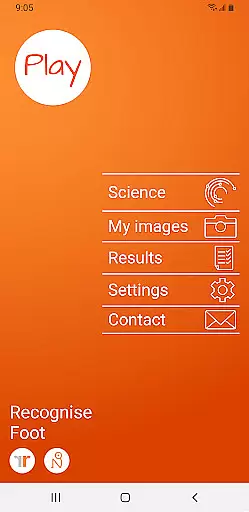
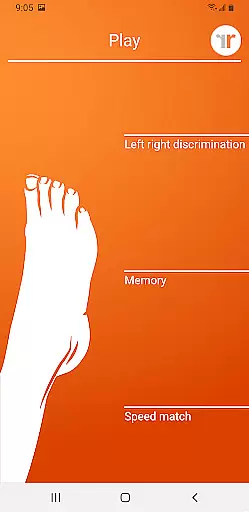
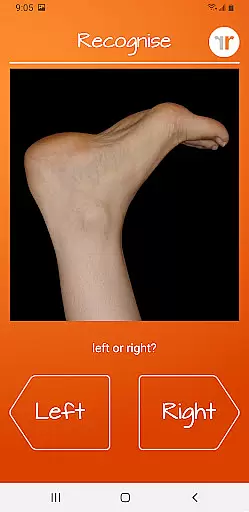
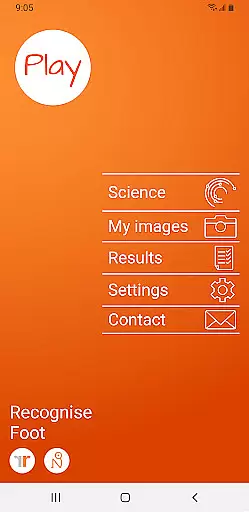
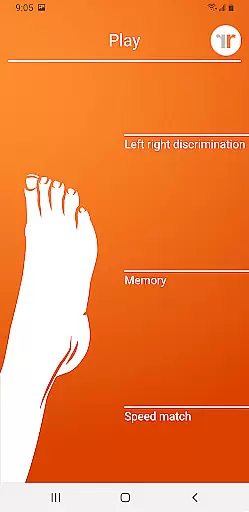
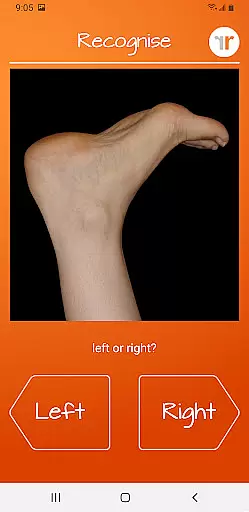
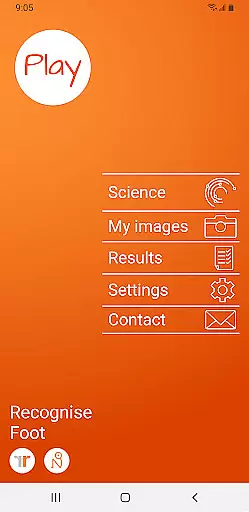
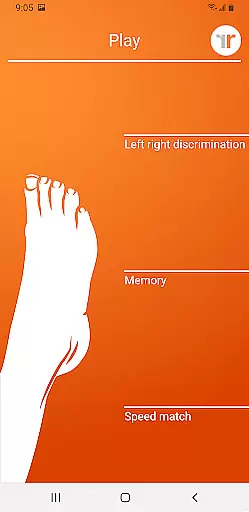
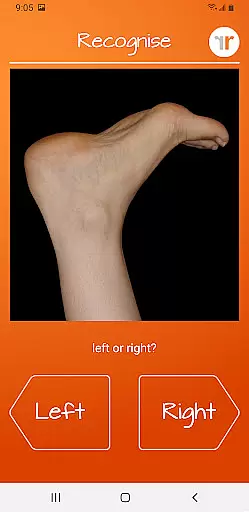
Recognise Foot is a specialized health and fitness application designed to assist users in reducing pain, enhancing performance, and aiding in rehabilitation through a structured Graded Motor Imagery (GMI) program. The app focuses on improving the user's ability to distinguish between left and right body parts, which is crucial for recovery from various complex pain conditions and injuries.
The application offers two main modes of engagement - TEST and TRAIN. In TEST mode, users can evaluate their proficiency in recognizing images of body areas as either left or right, known as 'Left/Right Discrimination.' TRAIN mode allows users to leverage the brain's neuroplasticity with diverse tools aimed at enhancing this recognition skill.
With its comprehensive approach, Recognise Foot serves as an essential tool for patients undergoing physical therapy and rehabilitation, providing them with the means to actively participate in their recovery process and track their progress over time.
Recognise Foot stands out with its unique features tailored to optimize the rehabilitation experience. Users can engage with 'Memory' and 'Speed match' tools that elevate their training routines, ensuring continuous improvement and adaptation through graded difficulty levels and personal best challenges.
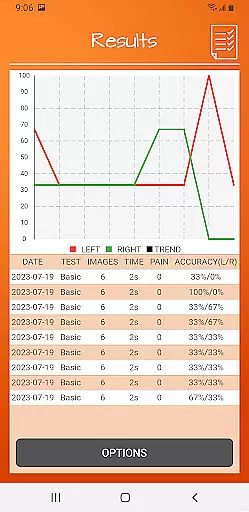
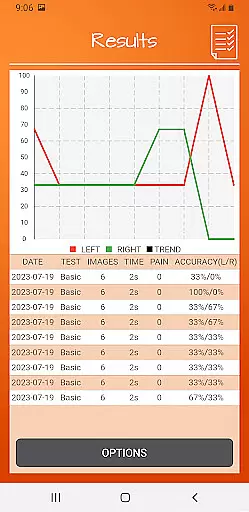
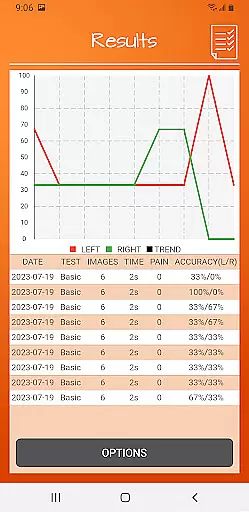
The app provides detailed onscreen results and graphs, enabling users to visualize their advancement and maintain motivation. Additionally, it includes powerful clinical integration tools that allow for exporting and emailing results directly to healthcare providers, thus facilitating professional guidance and feedback.
Another remarkable feature is the ability to capture and incorporate personal images into training sessions, making the exercises more relevant and engaging. Recognise Foot also educates users about the science behind Left/Right Discrimination and GMI, empowering them with knowledge about their rehabilitation journey.
Recognise Foot offers a personalized approach to motor imagery training, which is crucial for rehabilitation and performance enhancement. The app's ability to adapt to individual needs ensures that each user receives a tailored experience.
Through features like graded difficulty levels and personal best challenges, the app adjusts its training modules based on user progress. This adaptive training helps in creating an optimal learning curve for users with different rehabilitation requirements.
Users can capture their own images and incorporate them into training sessions, further customizing the experience. This level of personalization allows for targeted exercises that are more engaging and relevant to the user's specific condition.
The integration of detailed onscreen results and graphs provides clear feedback on performance, enabling users to understand their improvement over time. Such personalized planning not only motivates but also empowers users in their rehabilitation journey.
Visualizing progress is a key component of the Recognise Foot app, providing users with tangible evidence of their rehabilitation journey. The comprehensive tracking system within the app plays a vital role in maintaining user motivation and adherence to therapy.
With detailed onscreen results and graphs, users can easily monitor their advancements in left/right discrimination tasks. These visual tools offer an intuitive way to comprehend complex data related to reaction times and accuracy rates during training sessions.
The ability to export and email results to clinicians or therapists extends the utility of progress visualization beyond the app. It facilitates professional guidance and adjustments to treatment plans based on quantifiable outcomes.
By mapping out achievements through visual aids, Recognise Foot transforms abstract improvements into concrete milestones. This feature not only enhances user engagement but also supports informed decision-making between patients and healthcare providers.
User-friendly interface
Comprehensive progress tracking
Customizable training options
Direct clinician integration
Educational content included
Requires consistent practice
Premium version costly
Limited to specific rehabilitation
Dependent on device camera quality
May need professional guidance

Text notifications, button control, heart monitor & more for your Amazfit.
 2.40
2.40
The simplest way to track your 21 Day Program containers, exercises, and water.
4.50
Insanity blocks of intense physical activity, short breaks of 30 seconds.
4.2
The app helps you address digestive symptoms based on the Fast Tract Diet.
3.50
HRV4Training helps you optimize goals and improve performance. No sensors needed
3.30
Beauty Care, Makeup & Skin Care Scanner | Pregnancy App For A Mom | Healthy Baby
5.00
Grow with self-tests and personal routine.
4.30
Medbridge GO gets you moving - get back to doing what you love, faster!
4.90
You deserve easy access to important insurance information. Download for FREE.
4.70
Easy to use step counter, calorie counter helps lose weight, count steps offline
4.80
App to stop smoking slowly or now with a motivational badges and helpful tips
4.80
Binaural Beats - Fully Customizable Waves - Pure Sound - No Loops
4.50
The most accurate heart rate app to monitor and track your heart rate & pulse.
4.40
Your Health Has Met Its App (℠)
3.90
Your Health Assistant
3.90
Track sleep cycle, relax with white noise, sleep sounds & smart alarm clock
3.80
Focus on BP & Health
3.80
Control your sleep in real-time wearing Garmin device
3.60
Using Recognise™ has been shown to reduce pain and improve performance.
4.5


User Reviews