
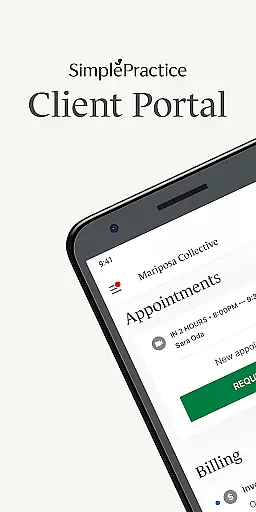
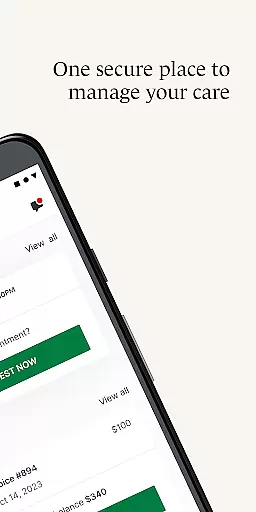
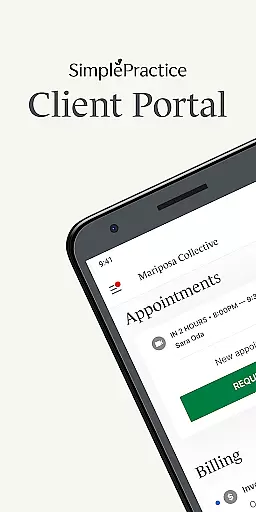
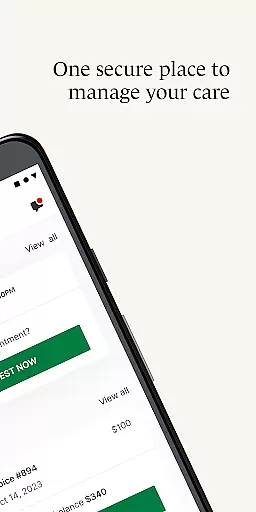
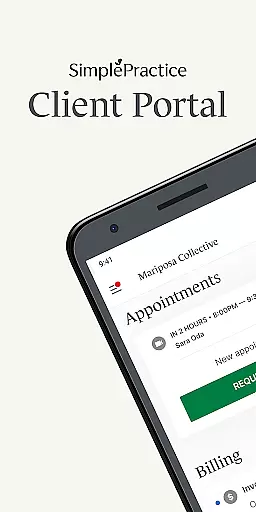
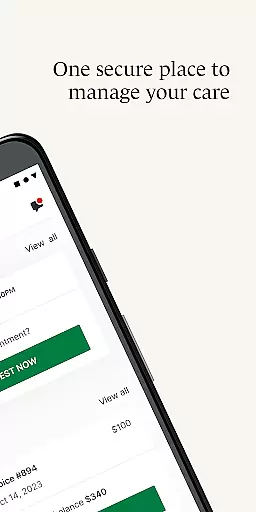
The SimplePractice Client Portal app is a secure platform designed for individuals receiving wellness services from practitioners using SimplePractice. It allows users to manage their care conveniently from their Android devices, ensuring privacy while providing easy access to personal information.
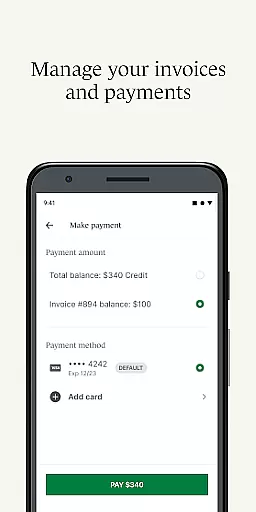
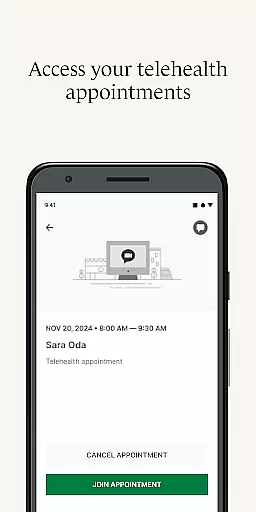
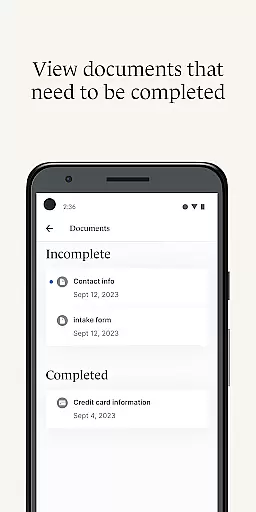
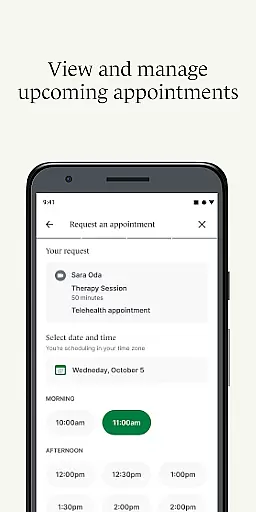
With features like passwordless login, personalized notifications, and secure messaging, the app simplifies how clients interact with their healthcare providers. Users can view upcoming appointments, request new ones, make digital payments, complete necessary paperwork, and even join telehealth sessions directly from the app.
This app is particularly beneficial for those juggling multiple health services or managing care for loved ones, as it consolidates all interactions into one accessible location, enhancing the overall healthcare experience.
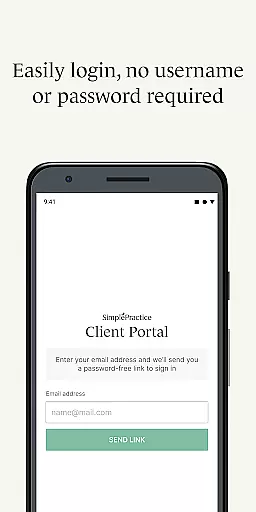
The SimplePractice Client Portal app offers a comprehensive suite of features tailored to enhance client-practitioner interactions. One standout feature is the passwordless login, which allows users to securely access their accounts using a passcode or biometrics, eliminating the need to remember usernames and passwords.
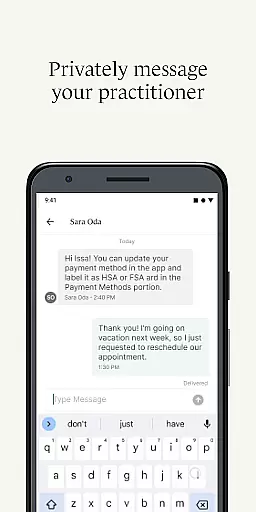
Personalized notifications ensure that users never miss important updates from their practitioners, such as messages, invoices, or documents. Secure messaging provides a private channel for communication, while the ability to view and request appointments streamlines scheduling.
Digital payments support various methods including HSA and FSA cards, making bill payment seamless. Additionally, the telehealth functionality enables virtual appointments, enhancing accessibility and convenience for users managing diverse healthcare needs.
In the realm of healthcare applications, ensuring the credibility of medical content is paramount. The SimplePractice Client Portal app takes this responsibility seriously by providing a secure platform where users can manage their healthcare needs with confidence. This app is designed for individuals receiving services such as behavioral health, counseling, and various therapies from practitioners who use SimplePractice.
The app's features are crafted to maintain high standards of privacy and security. For instance, it offers passwordless login options through passcode or biometrics, which not only simplifies access but also enhances security. Additionally, all communications between clients and practitioners are conducted through secure messaging, ensuring that sensitive information remains confidential and protected.
Another significant aspect of the SimplePractice app is its commitment to expert review. Practitioners using the platform are typically well-versed in their respective fields, ensuring that the advice and treatment plans provided are based on professional expertise. Users can engage in telehealth appointments, complete digital paperwork, and make payments, all within a framework that prioritizes accuracy and reliability.
Ultimately, the SimplePractice Client Portal app provides peace of mind to its users by offering a suite of features that are both credible and reviewed by experts. Whether it's managing appointments, handling invoices, or completing necessary documentation, users can trust that they are interacting with a system that values the integrity and authenticity of medical content.
Teleconsultation has become an essential component of modern healthcare, allowing patients to receive medical advice and treatment remotely. The SimplePractice Client Portal app excels in delivering high-quality teleconsultation services, making it easier for users to connect with their healthcare providers regardless of location. This feature is particularly beneficial for those undergoing therapy or other wellness services.
The app facilitates seamless virtual appointments, enabling users to join sessions directly from their mobile devices without the need to search for links in emails. This streamlined process ensures that teleconsultations are efficient and user-friendly, enhancing the overall experience for both clients and practitioners. Moreover, the integration of personalized notifications keeps users informed about upcoming appointments, ensuring they never miss a session.
Quality in teleconsultation also extends to the security and privacy measures implemented by the app. Secure messaging and digital payments are part of the comprehensive approach to safeguarding user data. These features ensure that all interactions within the app are protected, fostering a trustworthy environment for telehealth services.
By focusing on these aspects, the SimplePractice Client Portal app sets a high standard for teleconsultation quality. It empowers users to take control of their healthcare journey, offering convenience and reliability while maintaining the professionalism expected in medical consultations.
User-friendly interface
Secure communication
Convenient appointment management
Multiple payment options
Telehealth capabilities
Requires practitioner invitation
Limited by practitioner settings
No iOS compatibility mentioned
Potential learning curve
Dependent on internet connectivity

HealtheLife lets you easily manage your health online.
 3.20
3.20
Molina Members: My Molina. Manage your health anytime, anywhere!
4.30
Patient Health Portal
4.20
MHealth is the mobile version of MEDITECH’s Patient and Consumer Health Portal.
3.10
Good for You. Great for Life.
4.00
700 questions, 2 full exams, Predictive Scoring—your key to NREMT success!
3.90
Your pocket guide to following The Monash University Low FODMAP diet.
4.20
Donating plasma just got easier with the BioLife Plasma Services mobile app.
3.90
Anthem/Wellpoint and other health insurance plans
4.60
Spruce is the leading platform for HIPAA-compliant communication and care.
4.90
Manage your healthcare through the FollowMyHealth® Universal Health Record.
4.80
Amplify surrounding sounds, conversations, TV or lectures for louder hearing.
4.70
Adaptive-learning flashcards and quizzes for the Top 250 Drugs
4.60
Sync your blood glucose device, log values automatically and tame your diabetes!
4.60
Personalized hearing experience and health data tracking
4.50
The OptumRx app empowers you to become an advocate of your pharmacy benefits.
4.40
Use the phone microphone or headset mic as sound amplifier for louder hearing.
4.30
Over 1,200 review questions and 5 exams—pass the NREMT with EMT Review Plus!
4.10
ECG modules improve rhythm ID. ACLS is a simulator for cardiac arrest scenarios.
4.4


User Reviews