
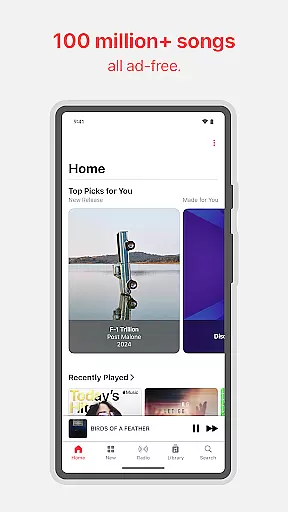
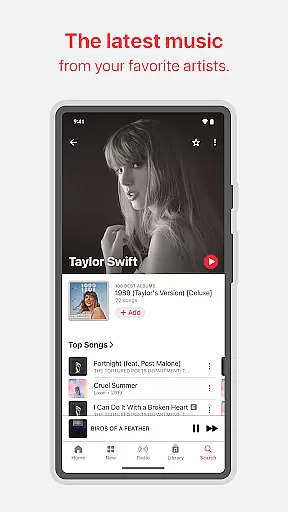
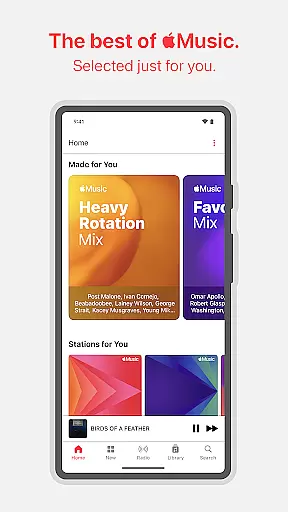
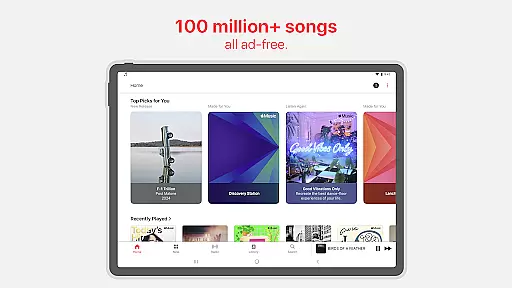
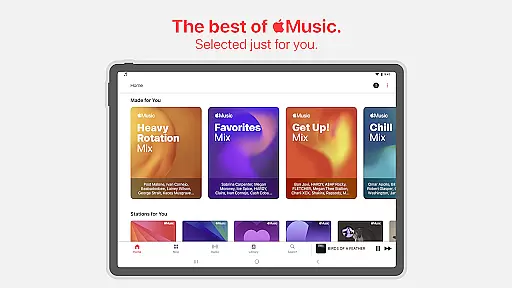
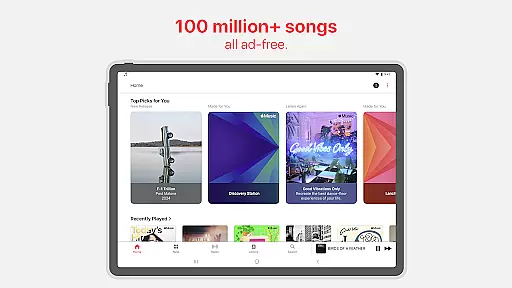
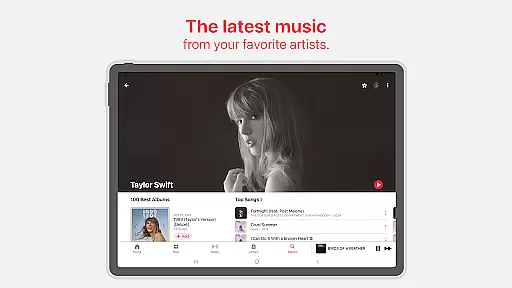
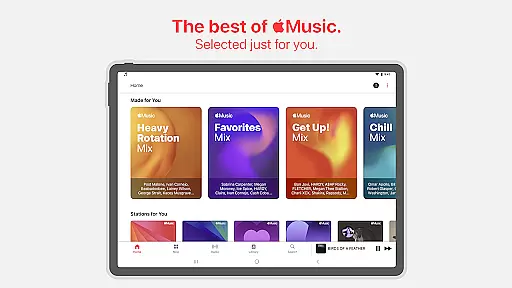
Apple Music is a premier music streaming service that offers users access to over 100 million songs in high-quality audio formats. The app stands out with its exclusive content, including artist interviews and live performances, as well as personalized playlists and recommendations curated by expert editors.
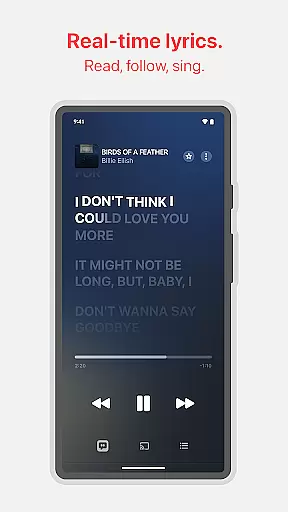
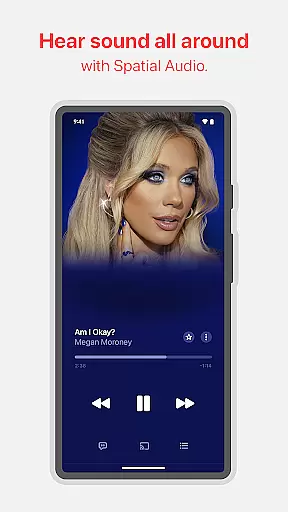
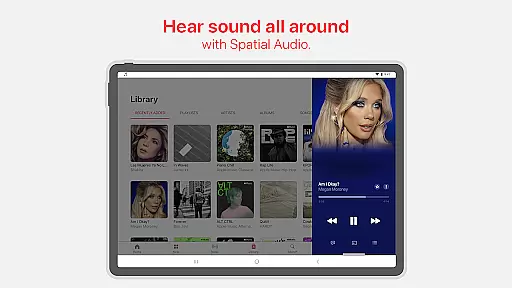
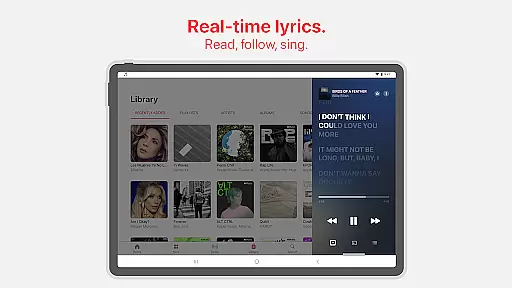
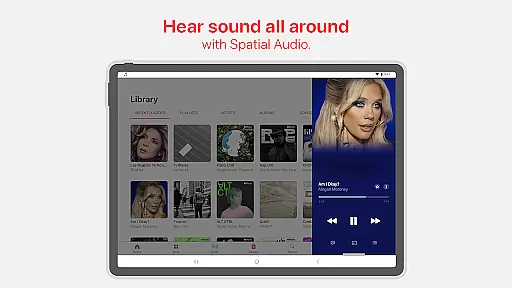
One of the key features of Apple Music is its integration with Spatial Audio and Dolby Atmos, providing an immersive listening experience. Additionally, users can enjoy offline downloads, shareable playlists, and precise lyrics for sing-alongs. Whether you're at home or on the go, Apple Music ensures uninterrupted playback through features like AutoPlay and crossfade.
This service is ideal for audiophiles and casual listeners alike who want ad-free access to a vast library of music while enjoying unique content from their favorite artists. With support for Android Auto and Chromecast, it caters to various devices and situations, making it versatile for everyday use.
Apple Music boasts a rich set of features designed to enhance your music discovery and listening experience. Users can explore exclusive radio shows hosted by iconic musicians, enjoy personalized new releases, and dive into daily charts tailored to different regions worldwide. These features ensure that there's always something fresh and engaging to listen to.
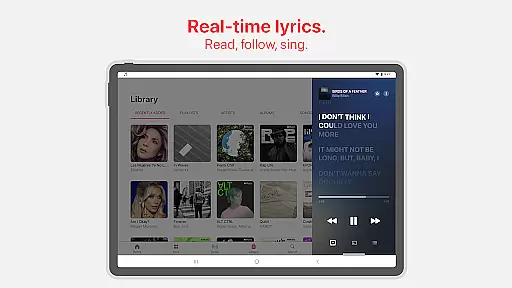
The app also supports advanced functionalities such as creating collaborative playlists with friends, sharing music via SharePlay during car rides, and streaming via Chromecast to compatible devices. Moreover, Apple Music provides precise, beat-by-beat lyrics, allowing users to follow along with their favorite tracks. This combination of social interaction, convenience, and detailed content enriches the overall user experience.
For those seeking superior sound quality, Apple Music delivers unparalleled clarity with Lossless Audio and immersive experiences through Spatial Audio. These technological advancements make Apple Music a top choice for listeners who prioritize audio fidelity in their streaming services.
Apple Music offers an extensive music library with over 100 million songs, ensuring users have access to a vast array of tracks across various genres and languages. This immense collection is continually updated with new releases, providing listeners with the latest hits from their favorite artists.
The platform places a strong emphasis on copyright authenticity, ensuring that all tracks are legally licensed and sourced directly from artists and record labels. This guarantees users are accessing high-quality, legitimate content while supporting the creators behind the music.
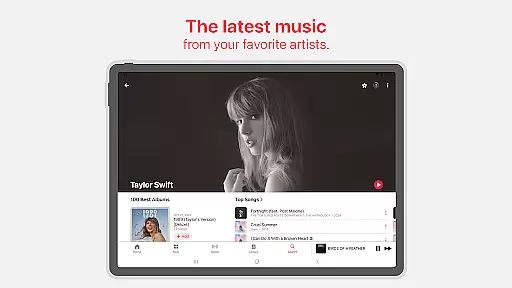
With exclusive releases and content only found on Apple Music, subscribers can enjoy unique offerings such as live performances, interviews, and radio shows created by iconic names in the music industry. These features enhance the listening experience by providing unparalleled access to the artists you love.
By prioritizing both library size and copyright legitimacy, Apple Music delivers a comprehensive and trustworthy service that caters to diverse musical tastes while fostering a sustainable ecosystem for artists and listeners alike.
Apple Music stands out for its exceptional audio quality options, offering immersive Spatial Audio with Dolby Atmos alongside Lossless Audio formats. These technologies ensure that every track delivers unmatched clarity and depth, elevating the overall listening experience for audiophiles and casual listeners alike.
Spatial Audio creates a multidimensional sound environment, making it feel like instruments and vocals are coming from all around you. Meanwhile, Lossless Audio preserves the original recording quality, allowing users to hear music exactly as the artist intended without any compression artifacts.
In addition to these premium features, Apple Music provides seamless integration across devices, ensuring consistent playback quality whether streaming through headphones or casting to external speakers via Chromecast. The ability to download tracks for offline listening further enhances convenience without compromising audio fidelity.
By combining cutting-edge technology with user-friendly functionality, Apple Music sets a new standard for digital music platforms, delivering pristine sound quality tailored to meet the demands of modern listeners.
Extensive music library
High-quality audio options
Exclusive artist content
Personalized recommendations
Offline listening mode
Subscription-based model
Limited free tier
Regional restrictions apply
No built-in equalizer
Higher cost compared to competitors

Pay Once, no monthly payment
 4.60
4.60
Remove ads permanently from Music Visualizer
4.1
Most Advanced AI Song Generator and Music Creator. Rap, Pop, Rock, Gospel & more
4.70
JBL PartyBox APP works with 110/310/710/120/320/520/Encore/Encore 2/Encore Ess 2
4.80
Permanently backup Now Playing. Maps, filters & listening stats.
4.00
Music Streaming suite for Ampache, Nextcloud Music and compatible backends.
4.0
The alternative folder based music player.
4.20
Offline Music Player & MP3 Player.Powerful equalizer, Lyrics, Themes, Tag Editor
4.80
Versatile MP3 recorder with auto-backup to Dropbox and Google Drive
4.10
Music, News & Sports Radio Tuner App. Tune in Live FM & AM Radio Stations.
4.80
Play your hearts out on TouchTunes jukeboxes & connect with fellow music lovers.
4.80
Gorgeous UI, Powerful music Search and Equalizer, the great choice for you!
4.70
Record, Mix & Master with all n-Track effects, 64-bit audio and Stem Separation.
4.70
Unleash your creativity! Turn simple prompts into full fledged songs.
4.70
Fun & Easy Voice Changer – Record, Edit & Add Hilarious Effects!
4.50
Visualize the guitar fretboard, master scales & play through changes like a pro!
4.50
Learn and play 2M+ music tabs & chords on guitar, ukulele, bass, and more
4.30
Turn your Android phone into a professional audio analyser with up to 120 bands.
4.00
Offline Tunes, Unlimited Vibes
3.90


User Reviews