
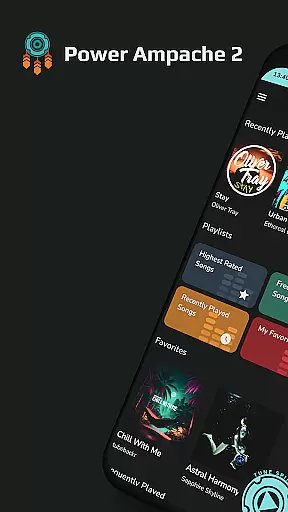
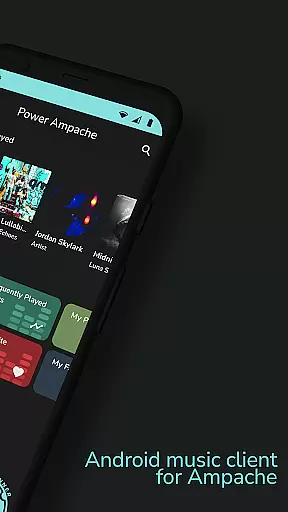
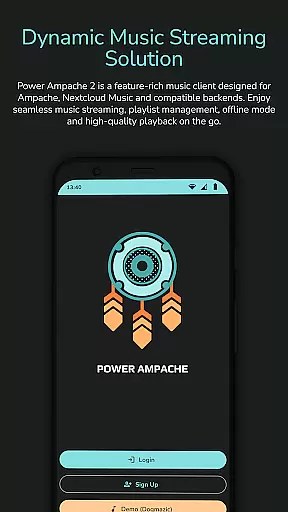
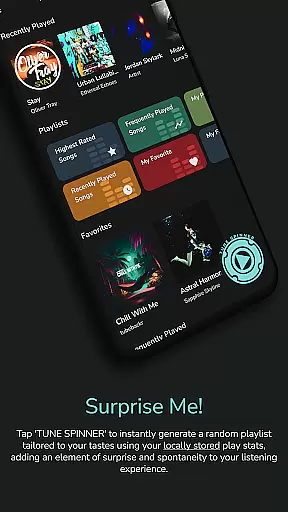
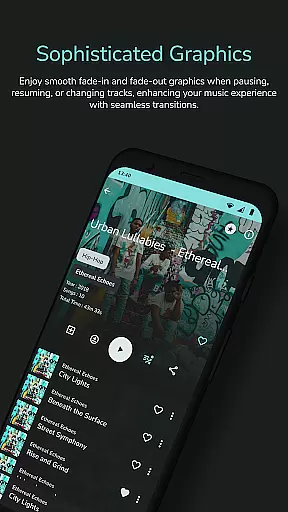
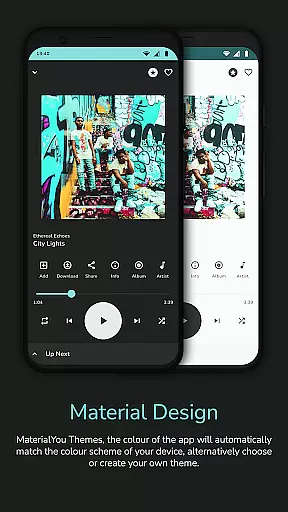
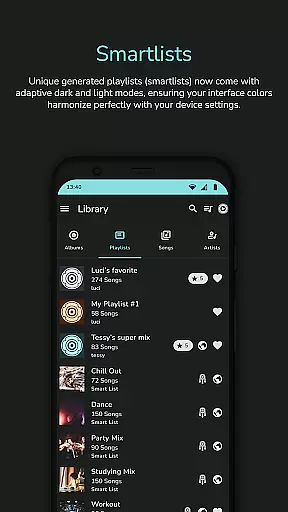
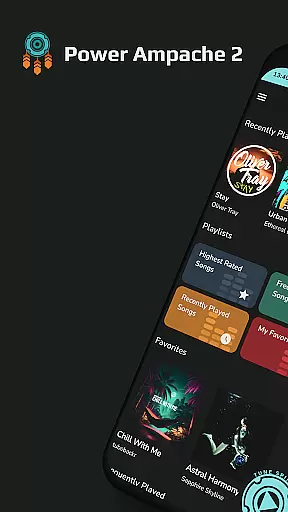
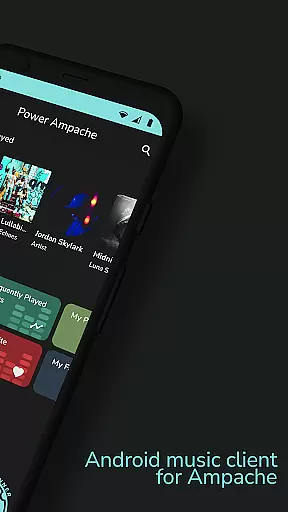
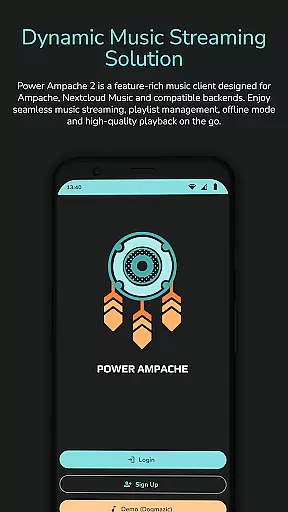
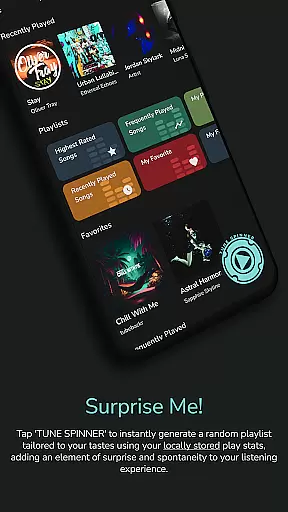
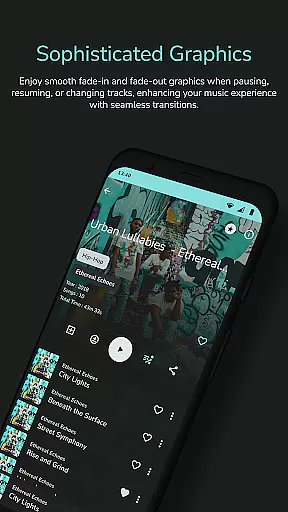
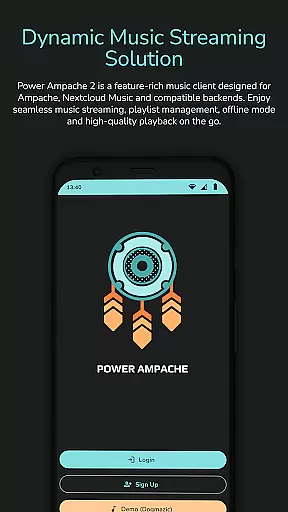
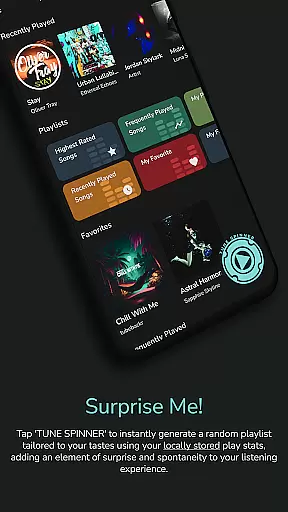
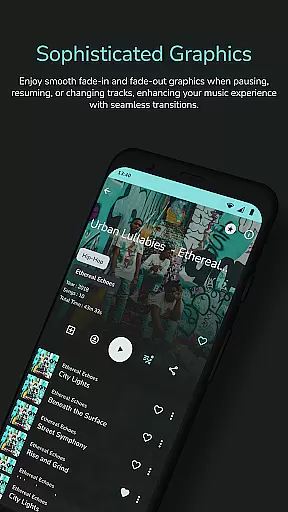
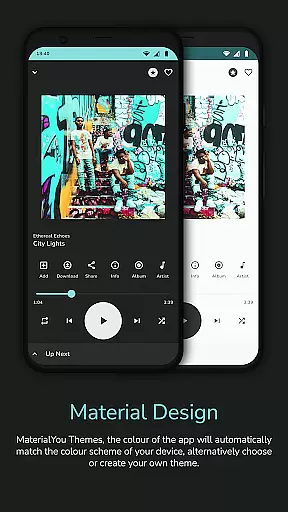
Power Ampache 2 is a versatile music client tailored for Ampache, Nextcloud Music, and other compatible backends. It combines all essential features of mainstream music players with advanced functionalities like multi-account support, offline mode, and an ad-free interface. The app allows users to download and export music files, access lyrics, and enjoy adaptive interface colors.
Designed for audiophiles who value privacy and performance, Power Ampache 2 supports high-quality FLAC audio playback and offers unique smartlists, powerful search, and lock screen controls. Whether you're streaming from Ampache servers or managing local playlists, this app ensures a seamless, tracker-free experience across Android devices.
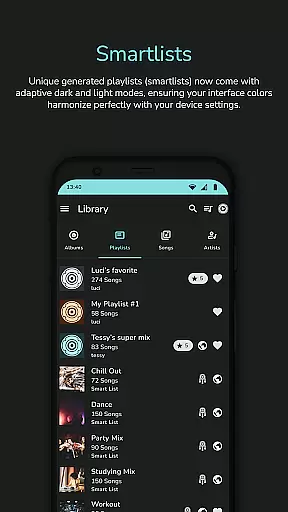
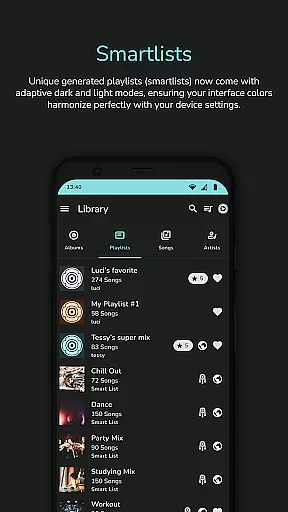
Power Ampache 2 stands out with its rich feature set designed to enhance the music listening experience. Key highlights include smartlists for dynamic playlist generation, drag-and-drop playlist editing (coming soon), and advanced search capabilities. Users can also take advantage of its offline mode, which ensures uninterrupted playback even without an internet connection.
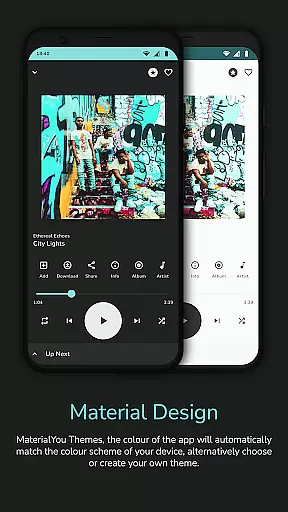
The app's modern design incorporates Material3 and MaterialYou themes, offering both dark and light modes. Additional functionalities include media key support, Bluetooth integration, and Android TV compatibility (in progress). With its open-source transparency, lightweight performance, and privacy-focused architecture, Power Ampache 2 delivers a reliable and customizable solution for music enthusiasts.
Power Ampache 2 offers a vast music library by connecting to Ampache, Nextcloud Music, and compatible backends. This ensures users have access to a wide range of songs, albums, and playlists while maintaining the authenticity of copyrighted content.
The app allows users to download music files for offline use, ensuring that the integrity of copyright is preserved. By facilitating downloads without compromising on legal standards, Power Ampache 2 provides peace of mind for users who want to enjoy their music library wherever they go.
With multi-account support and the ability to connect to various music servers, users can expand their music collections responsibly. The assurance of accessing content through legitimate means enhances the overall value proposition of Power Ampache 2.
Power Ampache 2 places a strong emphasis on audio quality, supporting high-quality formats to ensure an exceptional listening experience. Users can enjoy their music at full quality, with FLAC support coming soon, making it ideal for audiophiles who demand the best sound fidelity.
The app's efficient performance ensures that even with high-quality audio files, playback remains smooth and reliable. Whether streaming online or playing downloaded tracks, listeners are guaranteed a premium auditory experience without interruptions or quality degradation.
Additionally, the absence of ads and trackers within the app contributes to uninterrupted playback. This focus on pure, high-quality audio delivery makes Power Ampache 2 stand out as a top choice for discerning music enthusiasts.
Feature-rich music player
Ad-free and tracking-free
Supports offline mode
Open-source transparency
Advanced search functionality
Some features still in progress
Limited widget options
No FLAC support yet
Interface may feel complex
Requires server setup

Simply convert wav to mp3. Clear. Reliable. Safe.
 4.5
4.5
Your HD audio recorder on the go for music, meetings, ambience, animal sounds…
4.30
Formerly known as Spotistats! View your top tracks, artists, albums and more!
4.40
Bass Booster Pro takes auto-equalizing to the next level!
4.30
Record, Mix & Master with all n-Track effects, 64-bit audio and Stem Separation.
4.70
AI Music Maker: Generate And Compose AI Tunes & AI Songs & AI Music & AI Melody!
4.60
Versatile MP3 recorder with auto-backup to Dropbox and Google Drive
4.10
Responsive piano with great sounds, graphics, and songs
4.80
Full featured mp3 and audio player with Chromecast and Android Auto support.
4.40
Voice recorder - Audio recorder. Best recorder for recording
4.90
Unleash your creativity! Turn simple prompts into full fledged songs.
4.70
Listen radio AM / FM Stations. Live AM / FM Radio App Station. Radio Com.
4.70
SqueezePlayer turns your Android phone or tablet into a SqueezeBox on its own!
4.60
Enjoy singing any song, no matter how high or low it is
4.30
Time Trainer: accurate metronome w tools to help you develop your internal time!
4.20
A High-Precision Audio Spectrum Analysis App
4.20
PowerAudio is a powerful offline music player.
4.20
Sheet music reader, piano & music note player. Play music score & learn to read.
3.90
The Cubase remote control app
3.60


User Reviews