
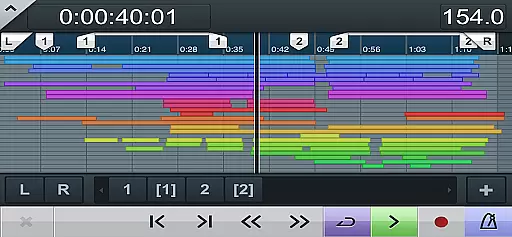
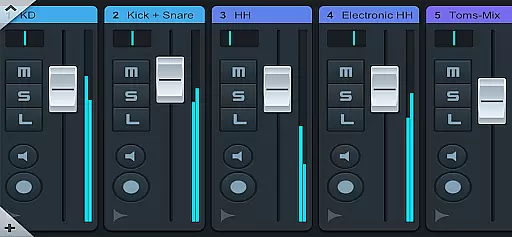
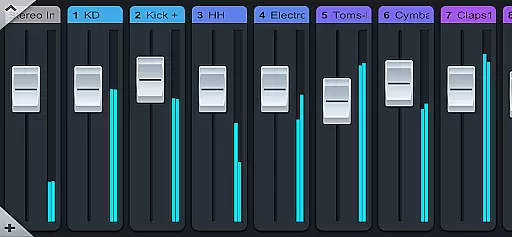
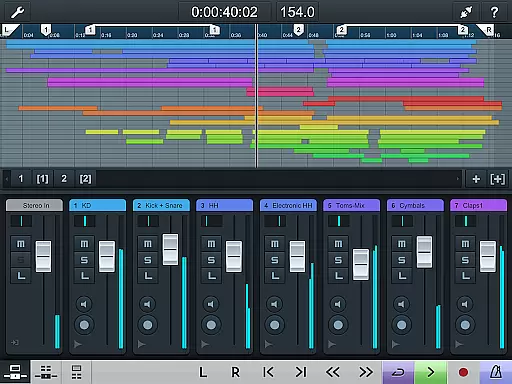
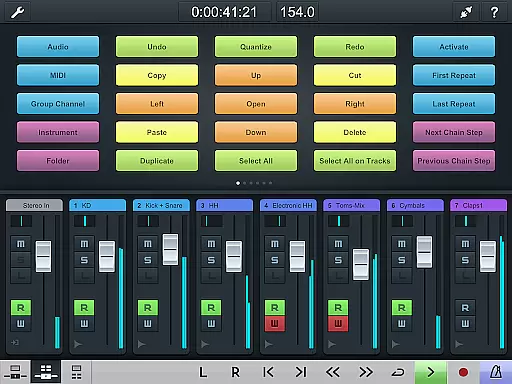
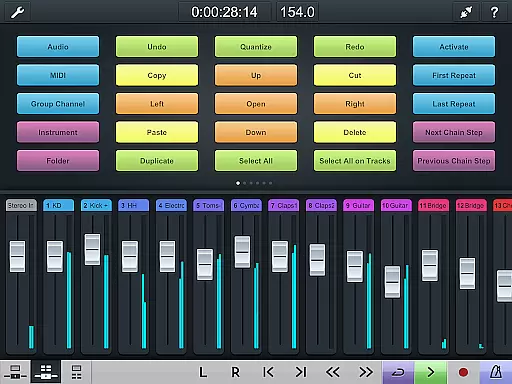
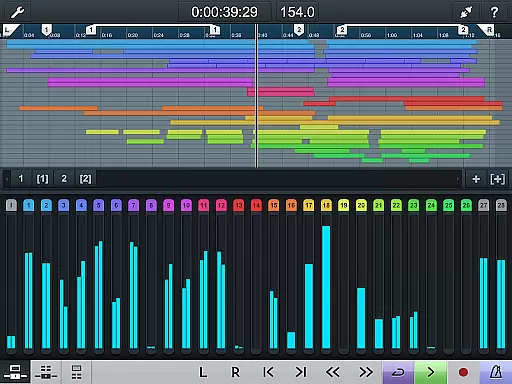
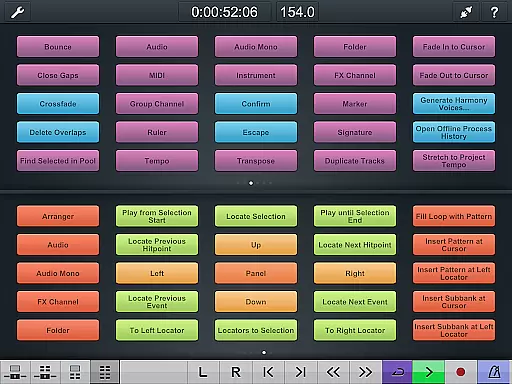
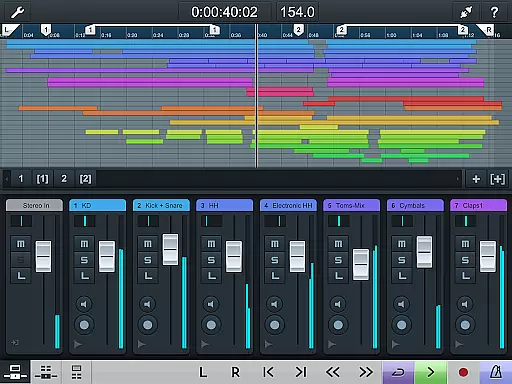
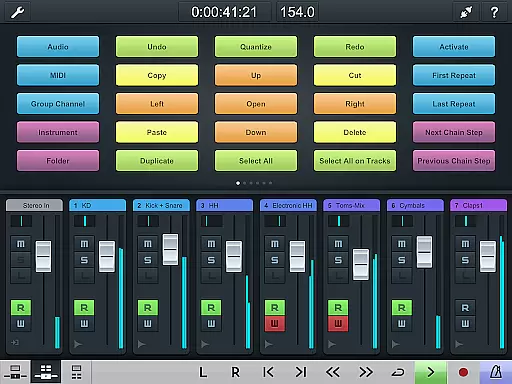
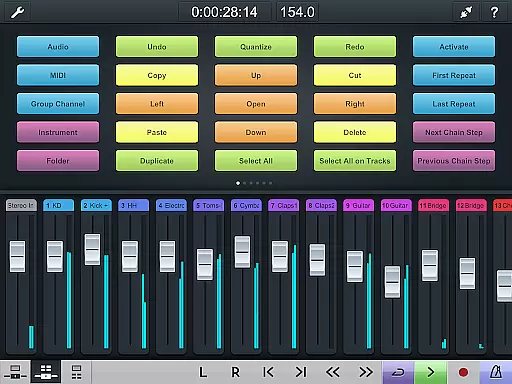
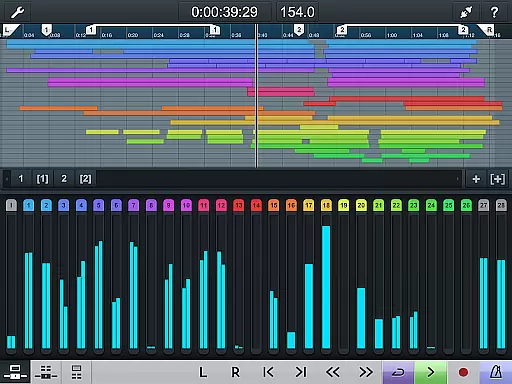
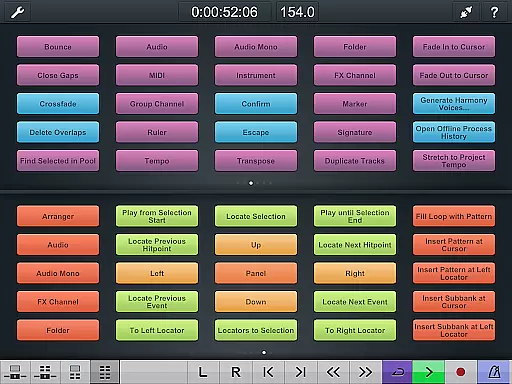
Cubase iC Pro is an advanced control application designed specifically for music production professionals using Cubase software. This app serves as a personal recording assistant, enabling users to manage their projects directly from their mobile devices. The interface mirrors the Cubase environment, featuring a project overview page and mixer that allow seamless navigation and control.
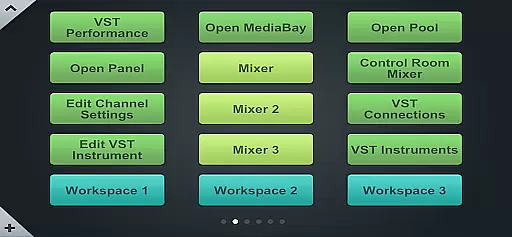
One of the standout features is the key command page, which lets users configure frequently used keyboard shortcuts and macros. This functionality significantly enhances workflow efficiency, making it an indispensable tool for producers and engineers who require quick access to essential commands while recording or mixing.
Ideal for studio environments, Cubase iC Pro ensures that users can maintain their creative flow without being tied to their computer workstations. By facilitating remote control over Cubase sessions, this app empowers musicians and audio engineers to focus on their artistry while managing technical aspects with ease.
Cubase iC Pro offers a comprehensive set of features tailored for professional audio production. The app provides a detailed project overview page that replicates the Cubase interface, allowing users to monitor and adjust their projects remotely. This feature is particularly useful for tracking recording progress and making necessary adjustments on the fly.
The mixer functionality is another highlight, offering precise control over audio levels, panning, and effects. Users can fine-tune their mixes directly from their mobile devices, ensuring optimal sound quality. Additionally, the key command page enables customization of keyboard shortcuts, streamlining the production process by providing instant access to frequently used functions.
It's important to note that Cubase iC Pro requires a connection to Cubase and works best with advanced versions of the software. To use this app, users must install the Steinberg SKI Remote, available at http://www.steinberg.net/ski. This integration ensures reliable communication between the app and Cubase, delivering a seamless user experience.
When it comes to music production, having access to a vast and diverse music library is essential. Cubase iC Pro offers an extensive collection of high-quality audio samples and virtual instruments that are fully licensed and authenticated. This ensures that every sound you use in your projects is both legally compliant and of the highest standard.
The app's integration with Cubase provides users with seamless access to this rich library, allowing them to explore different genres and styles without any legal concerns. Whether you're working on a complex orchestral arrangement or a simple pop track, the wide range of sounds available guarantees that you'll find exactly what you need.
Moreover, the authenticity of the content within Cubase iC Prou2019s library means that musicians can trust the quality and origin of each sample. This level of assurance not only enhances creativity but also saves time by eliminating the need to search for additional resources elsewhere.
Audio quality is paramount in music production, and Cubase iC Pro excels in providing top-notch audio processing capabilities. The app supports various audio formats and resolutions, ensuring that your recordings maintain their integrity throughout the production process. From uncompressed WAV files to high-definition FLACs, users have the flexibility to choose the format that best suits their project requirements.
In addition to supporting multiple file types, Cubase iC Pro includes advanced features such as real-time effects processing and high-resolution metering. These tools enable producers to fine-tune every aspect of their audio, resulting in professional-sounding tracks that meet industry standards.
Furthermore, the app's compatibility with high-end audio interfaces and equipment allows for pristine sound capture and playback. By leveraging these audio quality options, musicians and producers can achieve exceptional results, making Cubase iC Pro an indispensable tool in their creative arsenal.
Advanced project control
Efficient workflow management
Customizable key commands
Real-time mixer adjustments
Seamless Cubase integration
Requires Cubase connection
Limited standalone functionality
Dependent on SKI Remote installation
Advanced features need premium Cubase
Not suitable for all Cubase versions

SqueezePlayer turns your Android phone or tablet into a SqueezeBox on its own!
 4.60
4.60
Offline and always ad-free - stream in the highest quality available.
4.10
Pay Once, no monthly payment
4.60
Taal player that lets you sing any Indian & Western song with Tabla & Tanpura
4.60
Gorgeous UI, Powerful music Search and Equalizer, the great choice for you!
4.70
Permanently backup Now Playing. Maps, filters & listening stats.
4.00
Next generation modular control surface
4.10
Simple mp3 and mp4 player with advanced features.
3.40
Uninterrupted Tunes, Unmatched Vibes
3.90
Ultimate Sonos Controller
4.70
Save hundreds of dollars for a physical strobe tuner and instead use this app.
4.50
Manage your Sonos system directly from your home-screen!
4.40
Your HD audio recorder on the go for music, meetings, ambience, animal sounds…
4.30
Equalizer, Bass Booster and Volume Booster (Eq & Bass) improve sound quality
4.30
The original SP-1200 experience on your iPad
4.20
Turn your phone into a musical instrument from the future!
3.90
Slow music down without changing pitch.
3.70
The Skullcandy App Experience
3.20
MilkDrop for Android TV
3.00


User Reviews