

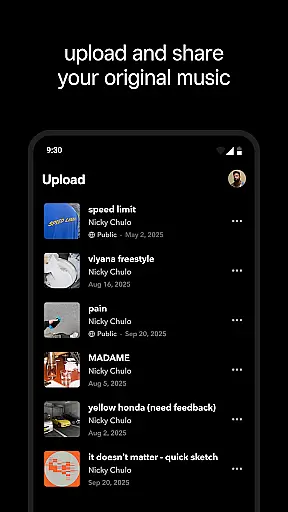

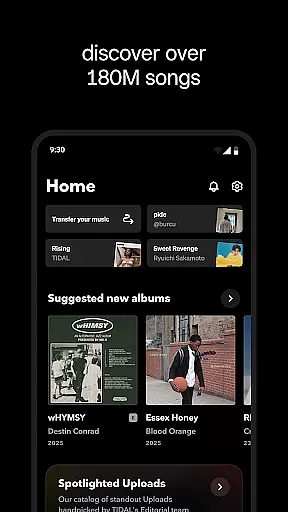
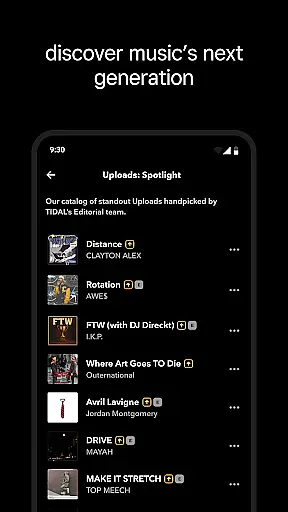
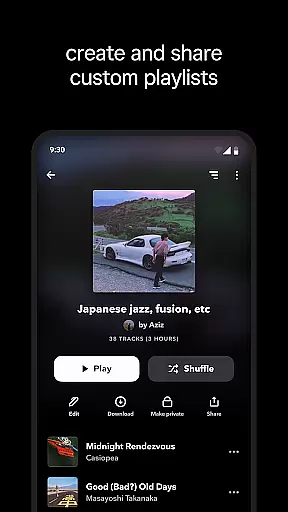
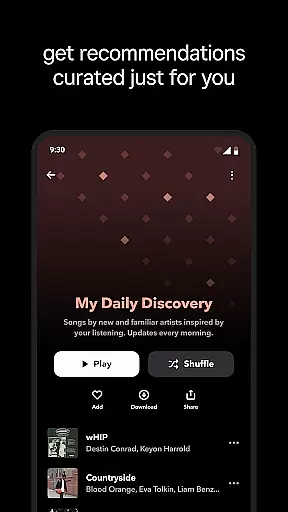
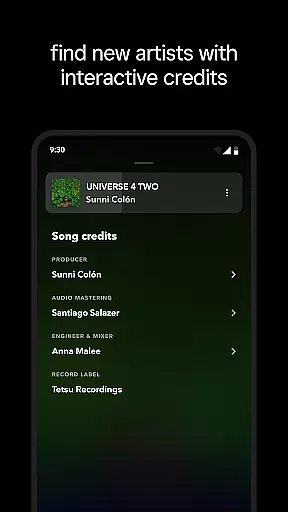
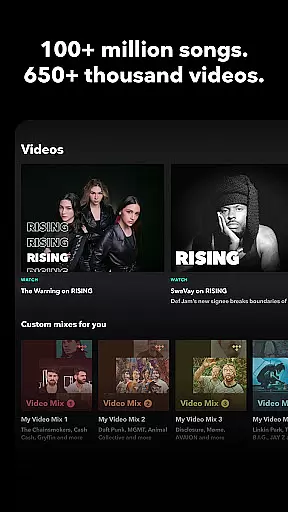
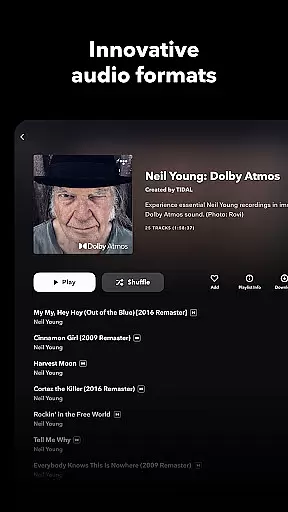
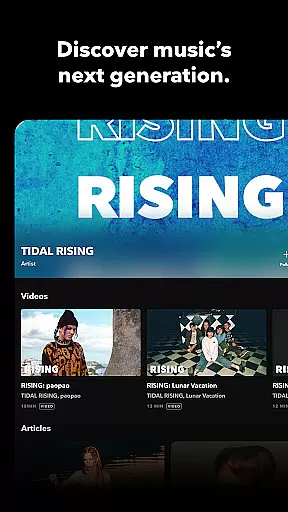
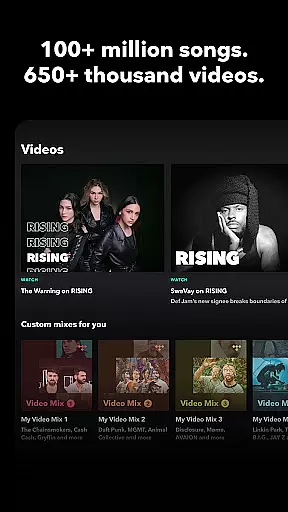
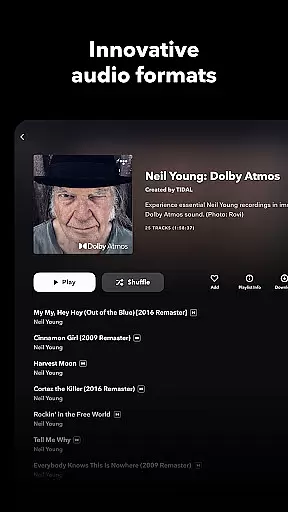
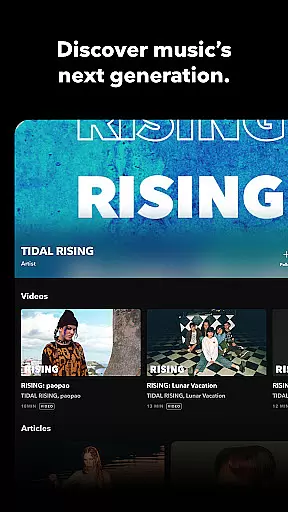
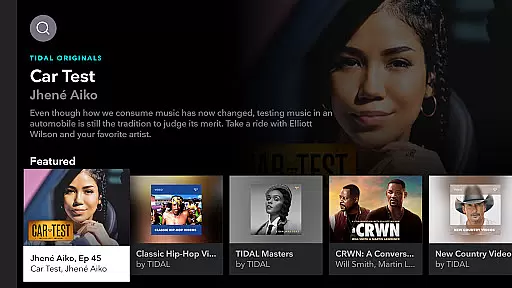

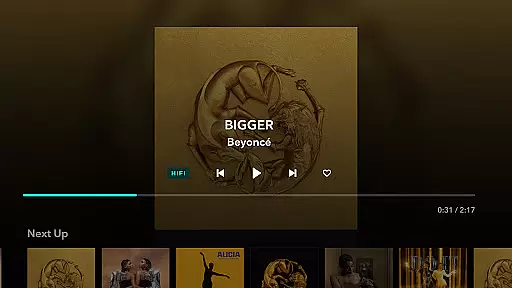
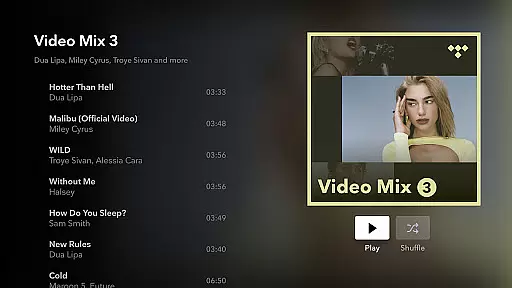
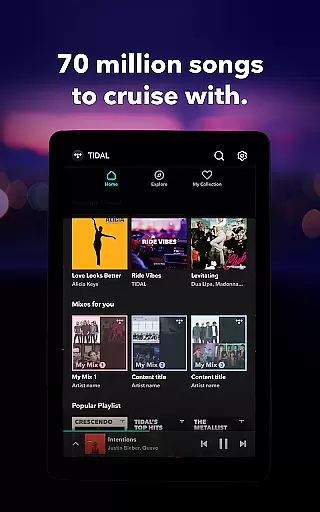

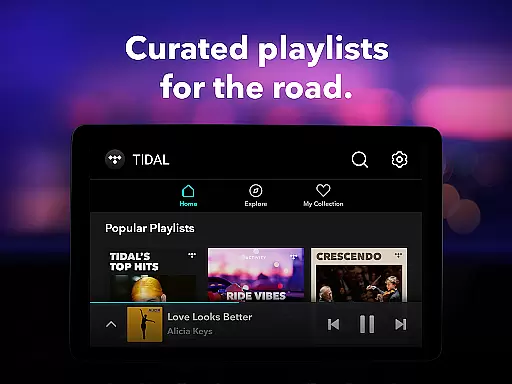
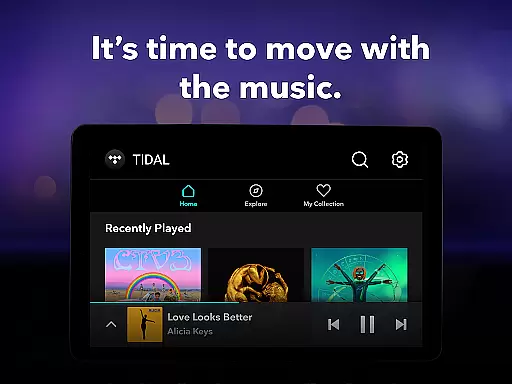
TIDAL Music is a premium music streaming service that stands out for its commitment to high-fidelity sound quality. The app provides an extensive library of millions of tracks, albums, and playlists across multiple genres, all available in HiFi audio. With features like offline listening, personalized recommendations, and curated playlists, TIDAL caters to audiophiles and casual listeners alike.
One of the standout aspects of TIDAL is its support for HiRes lossless audio quality, reaching up to 24-bit, 192 kHz, and Dolby Atmos. This ensures an immersive listening experience that captures every detail of your favorite songs. Additionally, users can enjoy ad-free playback, unlimited skips, and the ability to download music for offline use, making it perfect for commutes or areas with limited connectivity.
Whether you're at home or on the go, TIDAL's seamless integration with various devices through TIDAL Connect allows you to enjoy high-quality audio without interruptions. Its subscription plans cater to different user needs, including individual, family, and student options, ensuring accessibility for everyone who appreciates superior sound quality.
TIDAL Music offers a comprehensive suite of features designed to enhance the listening experience. At its core, the app delivers high-fidelity audio streaming, providing lossless sound quality that is rare among mainstream music platforms. This feature is particularly appealing to audiophiles who demand the best possible audio reproduction from their favorite tracks.
Beyond its impressive sound quality, TIDAL incorporates several user-friendly functionalities. Personalized mixes and editorially curated playlists help users discover new music tailored to their preferences. The app also supports offline mode, allowing users to download songs, albums, or playlists for uninterrupted listening without an internet connection. Furthermore, TIDAL Connect enables seamless playback on compatible devices, enhancing convenience and accessibility.
The platform also emphasizes user control and flexibility. Listeners can track and share their streaming activity, import playlists from other services via tidal.com/transfer-music, and choose from various subscription plans. These include individual, family, and discounted student options, each offering a 30-day free trial. This combination of superior audio quality, personalized discovery tools, and flexible subscription models makes TIDAL a compelling choice for discerning music enthusiasts.
When it comes to digital music platforms, the size and authenticity of the music library are crucial factors for users. TIDAL Music boasts an extensive collection of millions of songs and albums spanning various genres. This vast library ensures that users have access to a diverse range of music, from mainstream hits to niche tracks.
The platform places a strong emphasis on copyright authenticity, ensuring that all music is legally licensed. This commitment not only supports artists and creators but also provides users with peace of mind, knowing they are accessing legitimate content. The inclusion of HiRes lossless sound quality further enhances the listening experience, offering tracks up to 24-bit, 192 kHz, and Dolby Atmos.
For music enthusiasts, this means enjoying your favorite tracks in superior quality while also discovering new music effortlessly. With TIDAL's extensive and authentic music library, users can explore different genres and find hidden gems without worrying about copyright issues.
Audio quality is a defining feature for any music streaming service, and TIDAL Music excels in providing top-notch audio quality options. The app offers high-fidelity audio streaming, delivering an immersive and rich listening experience that captures every detail of the original recording.
TIDAL's subscription plans include access to HiRes lossless sound quality, which supports formats up to 24-bit, 192 kHz, and Dolby Atmos. This level of audio quality ensures that listeners can enjoy their favorite tracks as the artists intended, with crystal-clear clarity and depth.
In addition to superior sound quality, TIDAL provides an ad-free listening experience with unlimited skips. This combination of high-quality audio and user-friendly features makes TIDAL a preferred choice for audiophiles and casual listeners alike. Whether you're using high-end audio equipment or standard headphones, TIDAL's audio quality options enhance every listening session.
High-fidelity audio
Extensive music library
Offline listening mode
Personalized recommendations
Multiple subscription plans
Higher cost than competitors
Limited device compatibility
No free tier available
Complex setup process
Fewer exclusive releases

Time Guru will strengthen your internal sense of musical time via random muting.
 4.30
4.30
10-Band Audio Equalizer, Sound / Bass Booster for Spotify Users & Music Players
4.40
Most Advanced AI Song Generator and Music Creator. Rap, Pop, Rock, Gospel & more
4.70
Listen to live FM radio stations, sports, music and news on global radios online
4.70
Visualize the guitar fretboard, master scales & play through changes like a pro!
4.50
Advanced 10-Band Audio Graphic Equalizer Sound Booster Pro
4.30
Make songs with AI! Any genre, custom lyric, song generator for music creation!
4.80
The iconic iOS metronome app is now on Android.
3.70
Reverse your voice & songs instantly! Fun singing challenge with cool effects.
4.60
Responsive piano with great sounds, graphics, and songs
4.80
Fun & Easy Voice Changer – Record, Edit & Add Hilarious Effects!
4.50
Bass Booster Pro takes auto-equalizing to the next level!
4.30
Enjoy singing any song, no matter how high or low it is
4.30
Versatile MP3 recorder with auto-backup to Dropbox and Google Drive
4.10
Turn your phone into a musical instrument from the future!
3.90
Powerful beat maker & DJ mixer to remix tracks, make music, & perform DJ mix
3.70
The Skullcandy App Experience
3.20
MilkDrop for Android TV
3.00
Remove ads permanently from Music Visualizer
4.2


User Reviews