
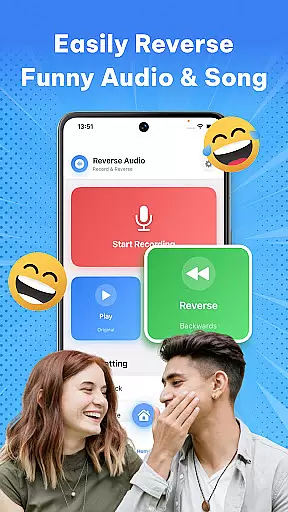
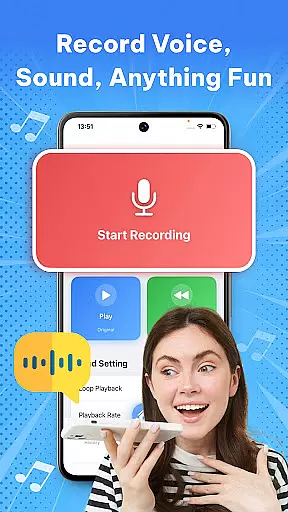


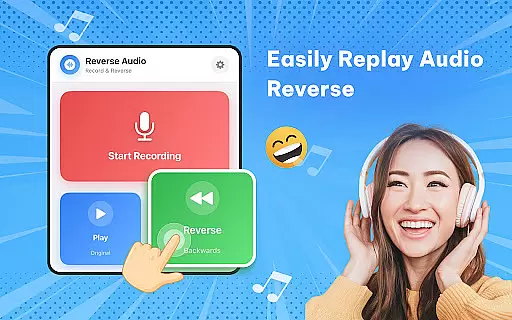
Reverse Audio: Sing Challenge is a creative audio tool that allows users to record, reverse, and manipulate sound clips. This app transforms ordinary audio into extraordinary creations by flipping voices, songs, or any recorded sound backward. With its intuitive interface and powerful processing capabilities, it caters to creators, singers, pranksters, and anyone looking to experiment with sound in a fun way.
The app offers high-quality sound processing with smooth performance, even working offline. Whether you're crafting unique content for social media, practicing vocal techniques, or simply amusing friends with quirky reversed messages, Reverse Audio provides the tools to unleash your creativity through sound manipulation.
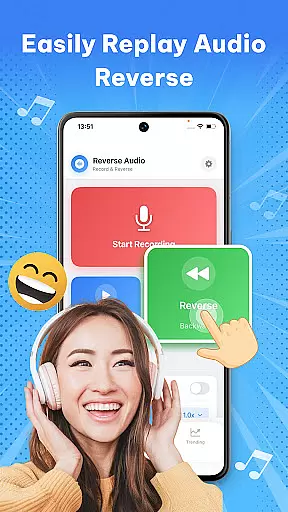
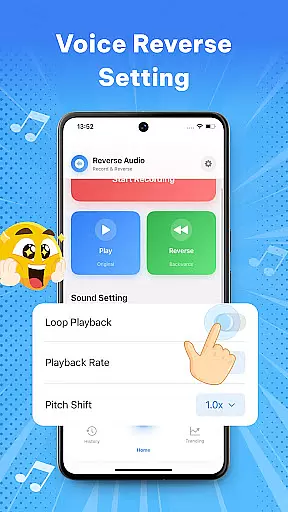
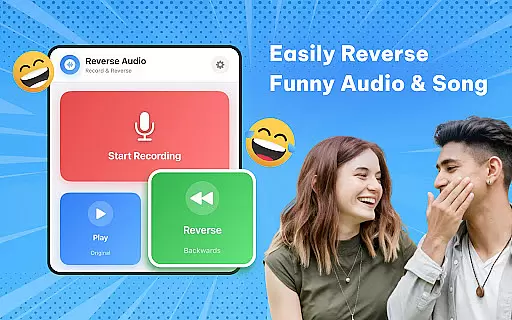
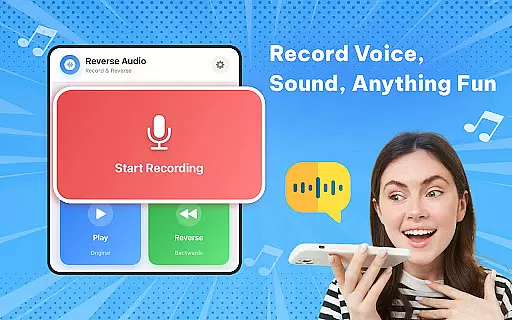
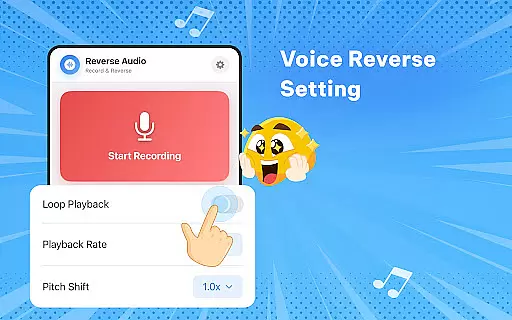
One of the standout features of Reverse Audio is its ability to instantly reverse any voice or sound clip. Users can record audio directly within the app and hear it played backward within seconds. The app also includes advanced playback options such as adjustable speed and pitch settings, enabling users to create weird, spooky, or hilarious effects.
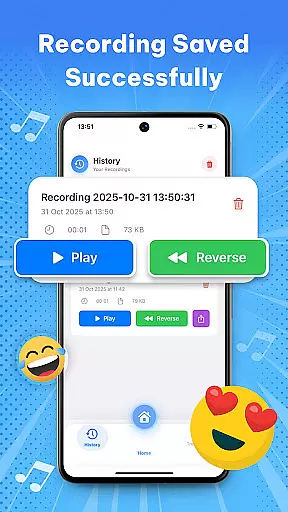
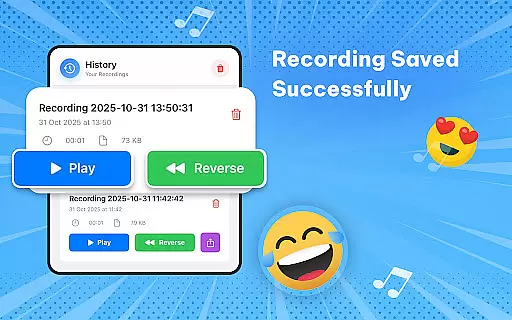
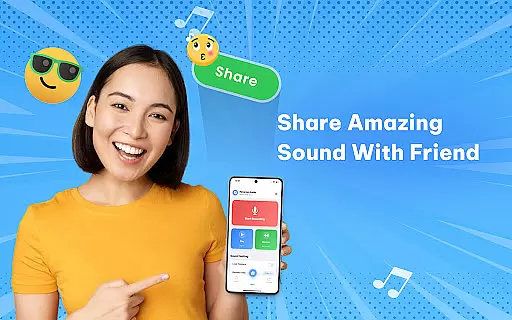
In addition to reversing audio, the app supports easy sharing and saving of reversed clips. You can rename files, store them in your library, and share them directly on social media platforms. Its seamless integration with various audio types—voice, music, or ambient sounds—and its reliable offline functionality make it an ideal choice for creators who need flexibility and precision in their audio experiments.
When it comes to music and audio applications like Reverse Audio: Sing Challenge, the size and variety of the music library are crucial for user engagement. This app offers a unique twist by allowing users to manipulate any sound or voice recording, providing an endless array of possibilities for creativity and experimentation.
The application enables users to record, reverse, and modify their audio clips with various effects, which adds a layer of depth to its music library. Although it doesn't provide pre-recorded tracks, the ability to create and alter sounds in innovative ways effectively expands the scope of its musical content.
Regarding copyright authenticity, Reverse Audio ensures that all features, including reverse playback speed and pitch adjustments, respect intellectual property rights. Users can freely experiment with their recordings without infringing on copyrights, making it a safe space for creators and singers to practice and innovate.
Ultimately, the app empowers users to craft unique audio experiences while maintaining legal integrity, offering peace of mind alongside limitless creative potential.
Audio quality is paramount in music and audio applications, and Reverse Audio: Sing Challenge excels in delivering high-quality sound processing. The app provides crystal-clear audio reversal, ensuring that every flipped sound retains its clarity and fidelity.
Users have the option to adjust playback speed and pitch, which allows for precise control over the final output. These features not only enhance the auditory experience but also cater to diverse user needs, from creating viral social media content to practicing vocal techniques.
Moreover, the app's performance is smooth and reliable, even when applying complex modifications. Its offline functionality guarantees consistent quality without requiring an internet connection, making it accessible anytime, anywhere.
With these robust audio quality options, Reverse Audio: Sing Challenge stands out as a powerful tool for both entertainment and professional use, ensuring that every reversed clip meets high standards of excellence.
User-friendly interface
High-quality audio processing
Fun and addictive challenges
Versatile sound manipulation
Offline functionality
Limited advanced editing
No batch processing
Few premium features
Basic UI design
Occasional glitches

Time Guru will strengthen your internal sense of musical time via random muting.
 4.30
4.30
Make music anywhere. Turn your device into an instrument.
4.3
Performance-Synthesizer & Multi-Track-Sequencer, polyphonic + multi timbral!
4.70
Enjoy singing any song, no matter how high or low it is
4.30
Play your hearts out on TouchTunes jukeboxes & connect with fellow music lovers.
4.80
Music, News & Sports Radio Tuner App. Tune in Live FM & AM Radio Stations.
4.80
Play KORG’s revolutionary touch-based instrument on a variety of devices.
4.40
One-tap booster for max volume - enjoy powerful sound with this audio booster
4.50
Play your music offline without limits
4.80
Offline Music Player & MP3 Player.Powerful equalizer, Lyrics, Themes, Tag Editor
4.80
Taal player that lets you sing any Indian & Western song with Tabla & Tanpura
4.60
Offline Music Player&MP3 Player with themes, equalizer, lyrics, music play mode
4.60
A synth that really lets you shape your sounds!
4.50
10-Band Audio Equalizer, Sound / Bass Booster for Spotify Users & Music Players
4.40
Advanced 10-Band Audio Graphic Equalizer Sound Booster Pro
4.30
VB-AUDIO Software / VBAN-Receptor allows listening to any VBAN Streams
4.10
USB audio recording and playback finally possible on Android 3.1 or higher!
3.90
Offline Tunes, Unlimited Vibes
3.90
Background pads for your band
3.80


User Reviews