
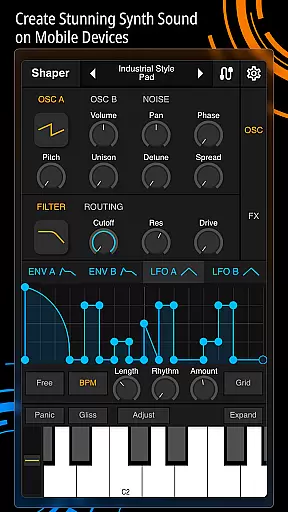
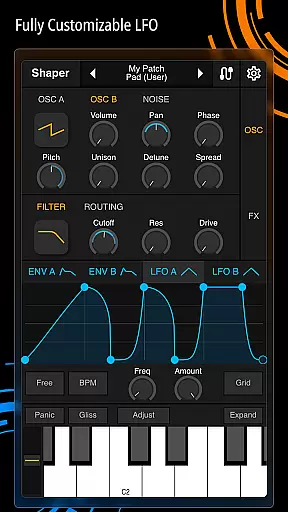
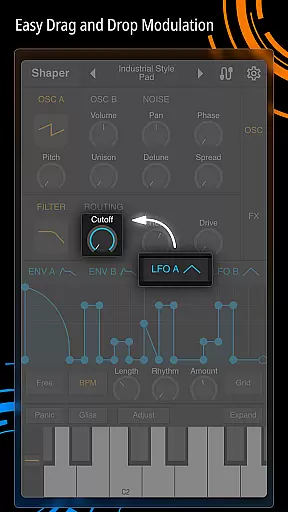
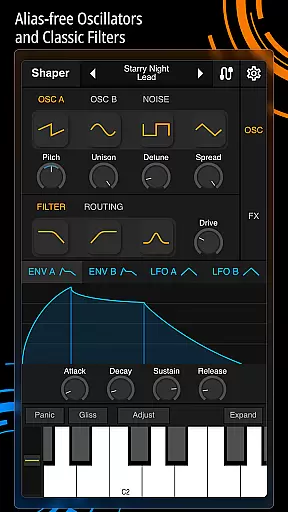
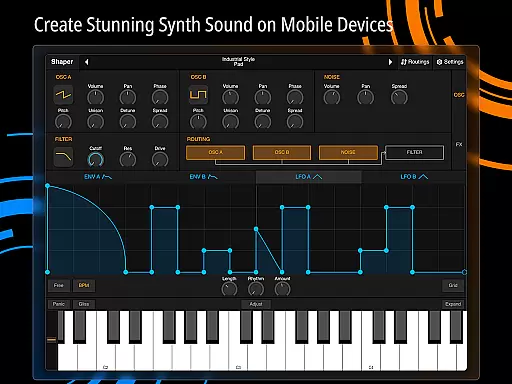
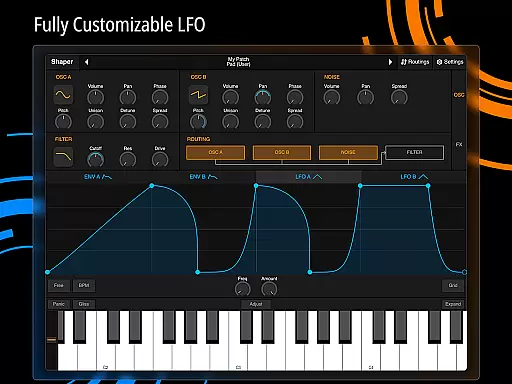
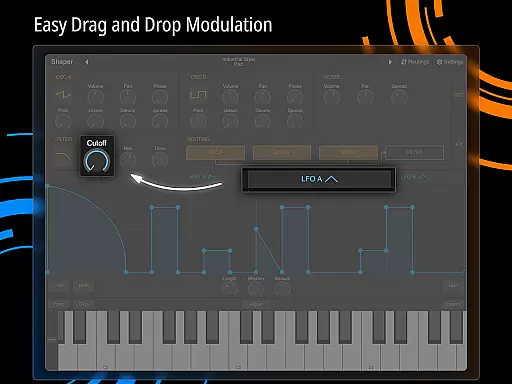
Shaper is a professional-grade subtractive synthesizer designed specifically for mobile platforms. This app empowers musicians and sound designers to create dynamic sounds through an advanced modulation matrix, configurable LFO graphs, and an intuitive drag-and-drop modulation system. Its classic analog filter and eight built-in effects like Bitcrusher, Chorus, Delay, and Reverb provide users with everything needed to craft high-quality audio on the go.
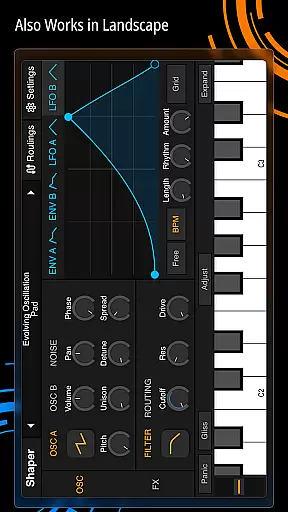
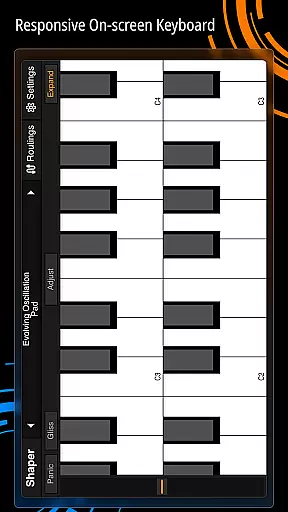
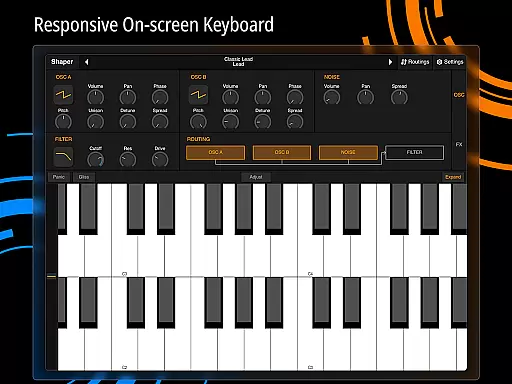
The app's interface is thoughtfully designed to ensure a seamless creative experience. Whether you're producing music in a studio or experimenting with sound design on your mobile device, Shaper offers both depth and ease of use. The combination of powerful features and user-friendly controls makes it an ideal tool for professionals and hobbyists alike.
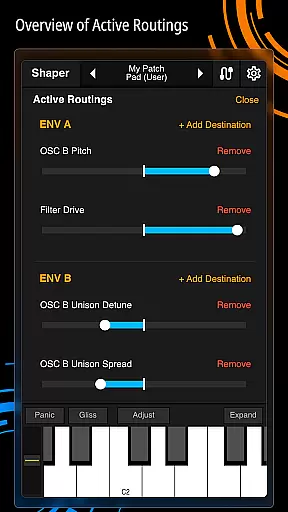
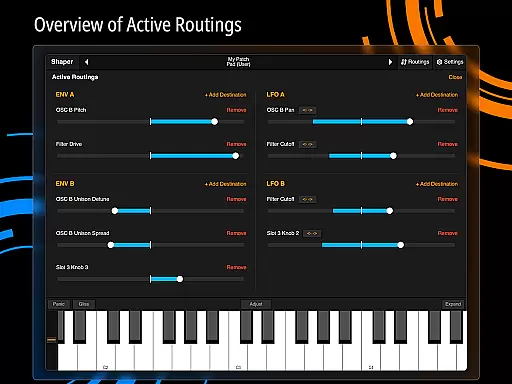
Shaper stands out with its comprehensive set of features tailored for sound synthesis enthusiasts. The app includes an advanced modulation matrix that allows complex signal routing, giving users precise control over their sound design. Additionally, the fully configurable LFO graphs enable intricate waveform manipulation, while the drag-and-drop modulation assignment simplifies the process of linking parameters.
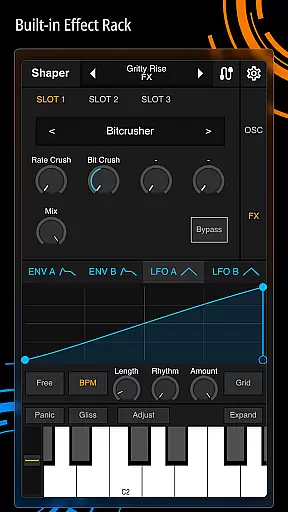
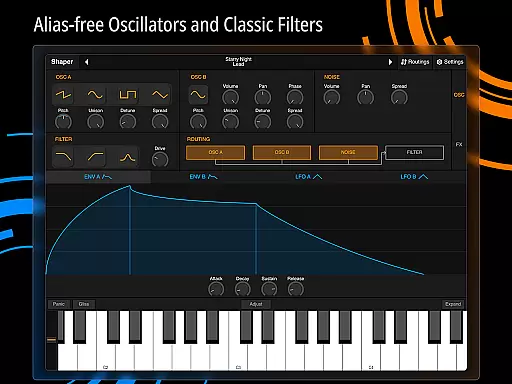
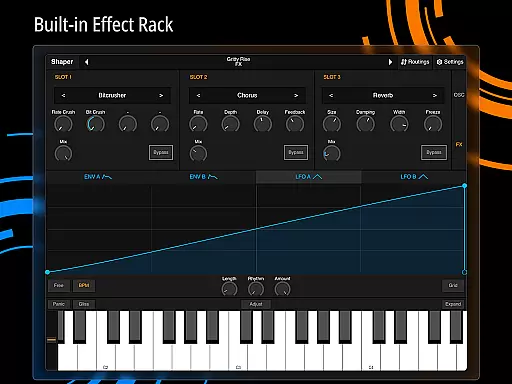
Another highlight is the amazing-sounding classic analog filter, which adds warmth and character to any sound. Complementing this are eight built-in effects such as Bitcrusher, Chorus, Delay, Groove Delay, Distortion, Filter, Phaser, and Reverb. These tools collectively offer limitless possibilities for crafting unique audio textures. With its robust feature set, Shaper ensures a professional-grade music production experience on mobile devices.
When it comes to music production applications like Shaper, the size and authenticity of the music library are crucial factors. A comprehensive library ensures that users have a wide array of sounds and samples at their disposal, which is essential for creating diverse musical compositions.
Shaper offers an extensive collection of built-in effects including Bitcrusher, Chorus, Delay, Groove Delay, Distortion, Filter, Phaser, and Reverb. These effects enrich the sound design process, allowing musicians to experiment with different audio textures and styles.
The app's commitment to copyright authenticity is evident in its professional-grade features such as the advanced modulation matrix and fully configurable LFO graphs. These tools not only enhance creativity but also ensure that all sound modifications are original and legally compliant.
By providing these high-quality, authentic features, Shaper empowers users to craft unique and dynamic sounds without worrying about copyright infringement, thus supporting both creativity and legal integrity in music production.
Audio quality is paramount in music production, and Shaper excels in delivering top-notch audio options. The app includes an amazing-sounding classic analog filter, which is instrumental in shaping the tone and character of the sound output.
In addition to the analog filter, Shaper provides eight additional built-in effects such as Bitcrusher, Chorus, Delay, Groove Delay, Distortion, Filter, Phaser, and Reverb. Each effect is designed to offer precise control over various aspects of audio processing, ensuring that users can achieve the desired sound quality.
The intuitive drag-and-drop modulation assignment further enhances the user experience by simplifying complex audio adjustments. This feature allows users to easily manipulate parameters and create intricate sound designs without compromising on quality.
Overall, Shaper's robust set of audio quality options makes it a powerful tool for musicians and producers who demand excellence in their sound production, enabling them to push creative boundaries while maintaining superior audio fidelity.
Intuitive interface
Advanced modulation options
Classic analog filter
Eight built-in effects
Seamless creative workflow
Steep learning curve
High resource usage
Limited free features
No MIDI support
Occasional bugs

The Music Journey in Your Hands
 4.30
4.30
A High-Precision Audio Spectrum Analysis App
4.20
Permanently backup Now Playing. Maps, filters & listening stats.
4.00
Brian Eno and Peter Chilvers’ acclaimed music app Bloom, radically reinvented.
4.80
Ultimate Sonos Controller
4.70
Guzheng Master supports many playing techniques as an acoustic Guzheng
4.50
AI Music Maker: Generate And Compose AI Tunes & AI Songs & AI Music & AI Melody!
4.60
Full featured mp3 and audio player with Chromecast and Android Auto support.
4.40
Offline Tunes, Unlimited Vibes
3.90
Voice recorder - Audio recorder. Best recorder for recording
4.90
Responsive piano with great sounds, graphics, and songs
4.80
Performance-Synthesizer & Multi-Track-Sequencer, polyphonic + multi timbral!
4.70
Taal player that lets you sing any Indian & Western song with Tabla & Tanpura
4.60
Manage your Sonos system directly from your home-screen!
4.40
Bass Booster Pro takes auto-equalizing to the next level!
4.30
Master Salsa Rhythm quickly and with a lot of fun!
4.30
The alternative folder based music player.
4.20
No wifi music app. Mp3 offline. Tuner radio, young radio music. Music downloader
4.20
Slow music down without changing pitch.
3.70


User Reviews