
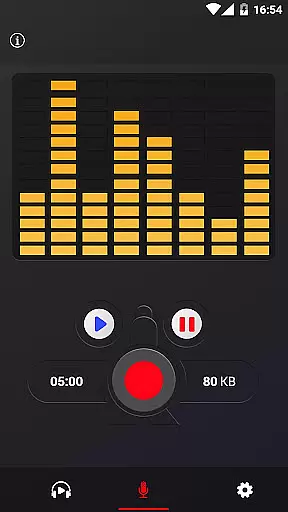
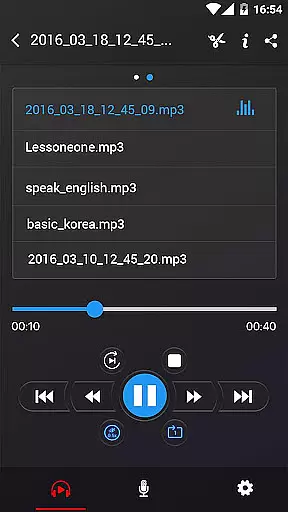
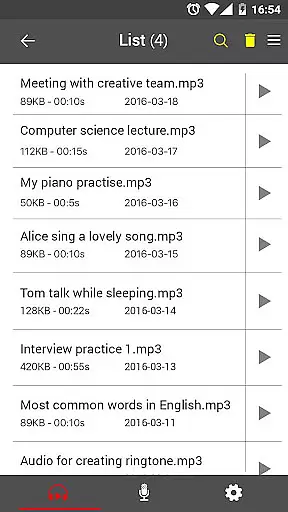
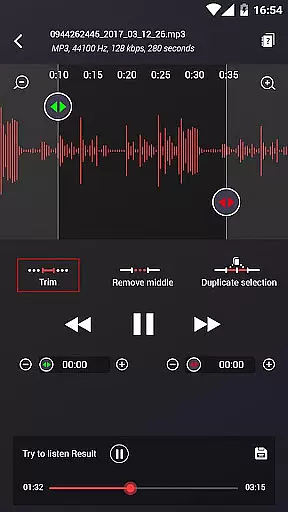
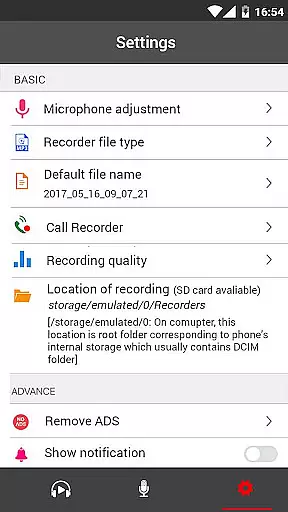
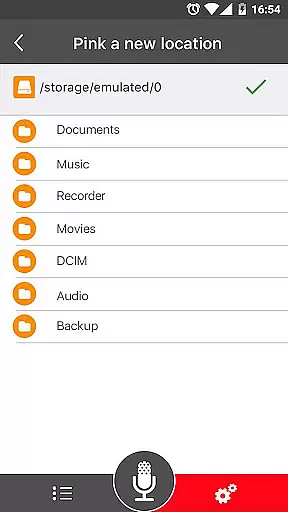
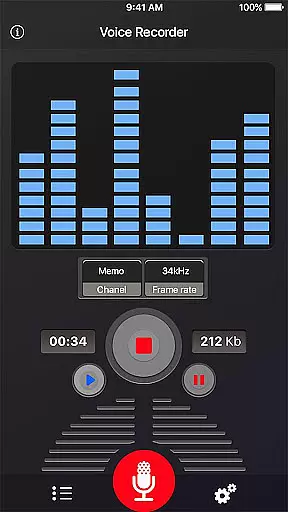
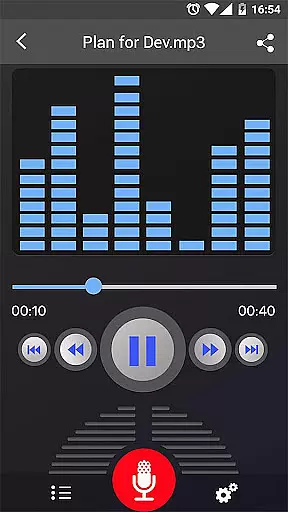
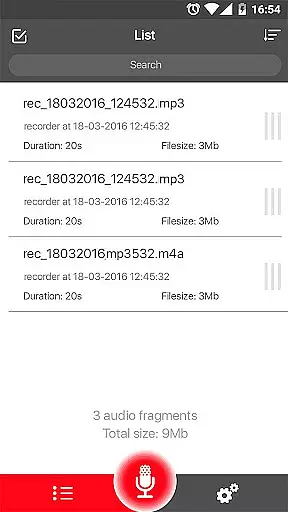
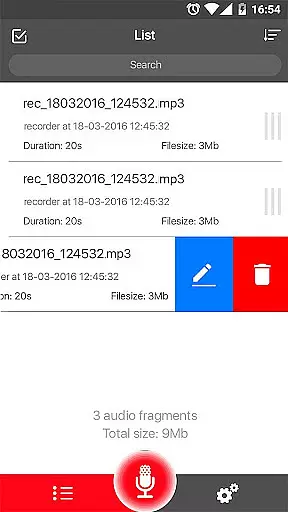
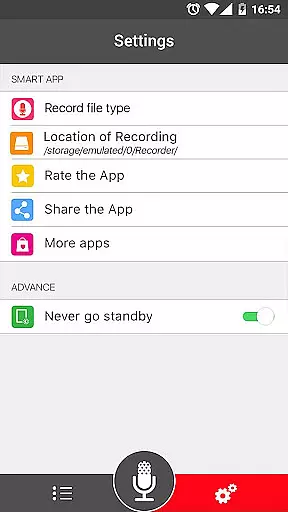
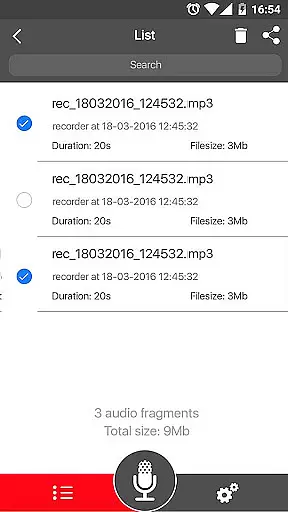

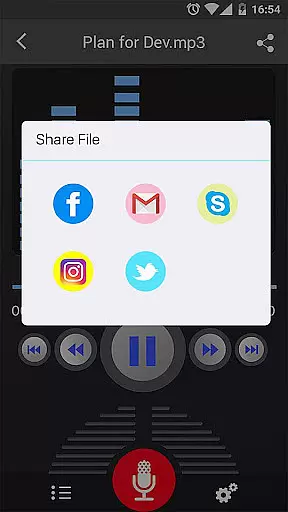
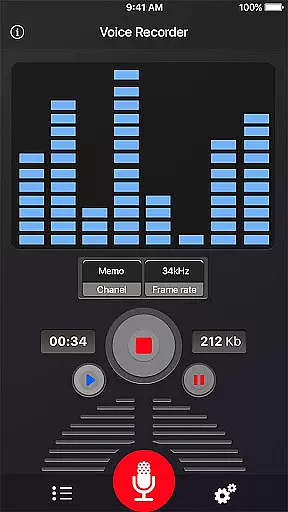
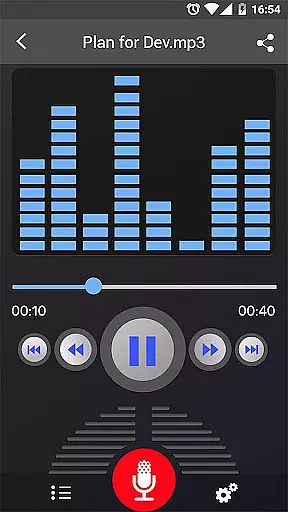
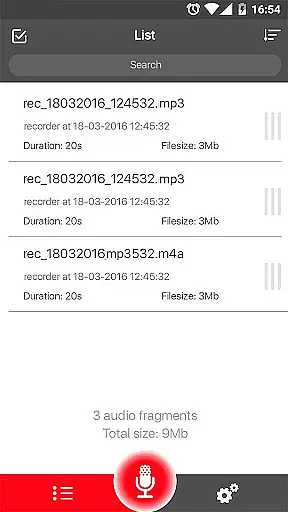
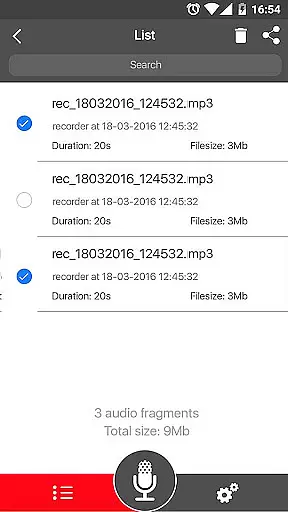
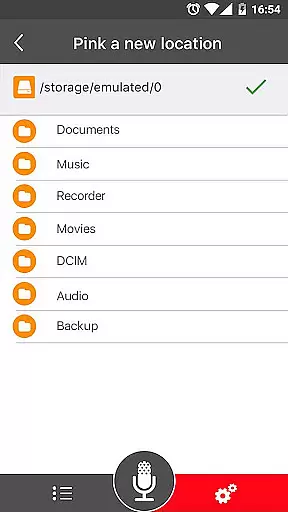
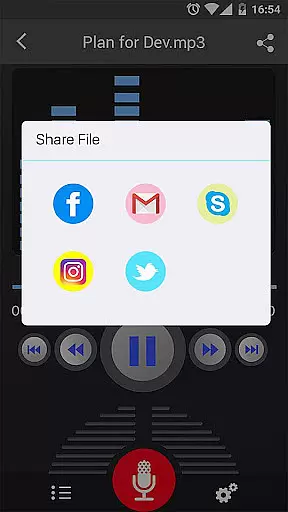
Voice Recorder is a top-tier audio recording application designed for capturing high-quality sound recordings across various scenarios. This free tool offers an intuitive user interface that makes it easy to reliably record meetings, personal notes, speeches, lectures, and even songs without any time restrictions.
Whether you need to document a business meeting, capture a university lecture, or preserve an important interview, this app provides the functionality needed to ensure your recordings are clear and accessible. Its comprehensive feature set and ease of use make it an ideal choice for both personal and professional audio recording needs.
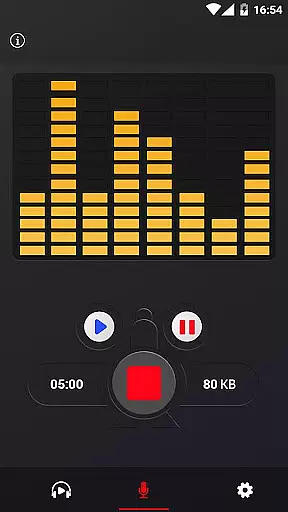
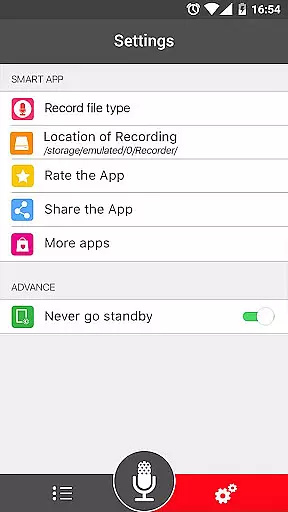
The Voice Recorder app stands out with its robust feature set tailored for optimal audio capture. It supports high-quality recording in multiple formats including MP3 and OGG, allowing users to choose the best format for their needs. The app also includes a live audio spectrum analyzer and adjustable MP3 encoding with sample rates ranging from 8 to 44 kHz.
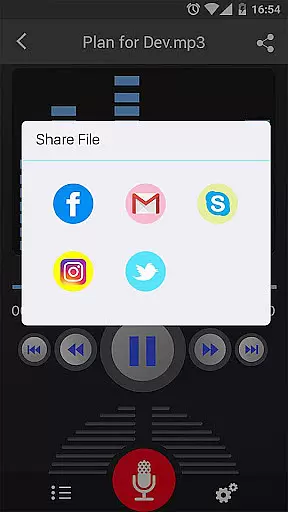
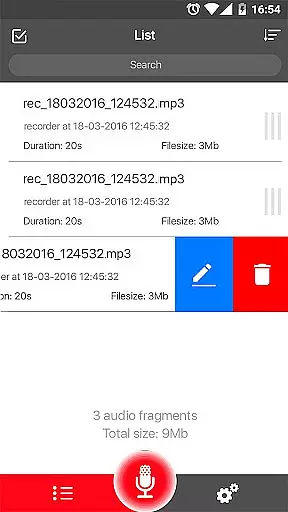
Additional functionalities include the ability to record in the background, even when the display is off, and a microphone gain calibration tool for enhanced audio clarity. Users can easily manage their recordings through play, pause, and stop controls, as well as save, delete, and share files via email, SMS, social media platforms, and cloud services like Dropbox. These features collectively provide a versatile and powerful audio recording experience.
When it comes to recording and managing audio files, the size of the music library and the authenticity of the content are crucial factors. Voice Recorder offers a robust set of features that ensure users can capture high-quality audio without limitations on recording time. This means you can reliably document everything from business meetings to lectures and personal notes, all in excellent clarity.
The application supports multiple file formats such as MP3 and OGG, which not only enhances compatibility but also ensures that your recordings maintain their quality across different platforms. With functionalities like live audio spectrum analysis and MP3 encoding with adjustable sample rates ranging from 8-44 kHz, users have the tools needed to produce professional-grade recordings.
Moreover, Voice Recorder provides options for saving, pausing, resuming, or canceling the recording process, giving users complete control over their audio projects. The ability to share these recordings via email, SMS, social media, and cloud services further underscores its versatility and commitment to delivering an expansive library of user-generated content that adheres to copyright standards.
Audio quality is paramount when selecting a voice recorder app, and Voice Recorder excels in this area by offering advanced features designed to capture sound with exceptional clarity. Users can record voices with high fidelity, making it ideal for various scenarios including interviews, speeches, and musical performances. The absence of time limits allows for extended sessions without compromising on quality.
This application stands out due to its support for high-quality recording formats like MP3 and OGG. Additionally, features such as background recordingu2014even when the display is offu2014and a microphone gain calibration tool ensure consistent performance regardless of environmental conditions. These capabilities make certain that every recording retains its intended impact and precision.
Voice Recorder also includes playback controls such as play, pause, and stop, allowing users to review their work immediately after recording. Furthermore, the option to send or share recordings through numerous channelsu2014including email, SMS, MMS, Facebook, WhatsApp, and Dropboxu2014ensures that sharing high-quality audio has never been easier. By focusing on delivering top-notch audio quality options, Voice Recorder positions itself as an indispensable tool for anyone needing reliable sound documentation.
User-friendly interface
High-quality recordings
Multiple sharing options
No time limits on recordings
Background recording capability
Lacks call recording feature
Occasional bugs reported
Interface could be more modern
Ads present in free version
File management could be improved

Offline and always ad-free - stream in the highest quality available.
 4.10
4.10
Taal player that lets you sing any Indian & Western song with Tabla & Tanpura
4.60
Time Trainer: accurate metronome w tools to help you develop your internal time!
4.20
VB-AUDIO Software / VBAN-Receptor allows listening to any VBAN Streams
4.10
Powerful beat maker & DJ mixer to remix tracks, make music, & perform DJ mix
3.70
Simple & Intuitive Metronome
4.70
AI Music Maker: Generate And Compose AI Tunes & AI Songs & AI Music & AI Melody!
4.60
Be a true music maker: create beats, mix and make music like a real DJ!
4.30
Melody Beat: Great for travel, workouts, offline vibes, play your tunes anytime.
4.10
JBL PartyBox APP works with 110/310/710/120/320/520/Encore/Encore 2/Encore Ess 2
4.80
Walkout Song DJ is the most intuitive app to manage your sports music.
4.70
Let your Android device with the sound effects you want
4.50
Formerly known as Spotistats! View your top tracks, artists, albums and more!
4.40
Full featured mp3 and audio player with Chromecast and Android Auto support.
4.40
Enjoy singing any song, no matter how high or low it is
4.30
The original SP-1200 experience on your iPad
4.20
Turn your phone into a musical instrument from the future!
3.90
MilkDrop for Android TV
3.00
Remove ads permanently from Music Visualizer
4.4


User Reviews