
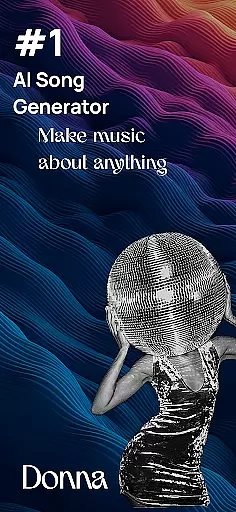
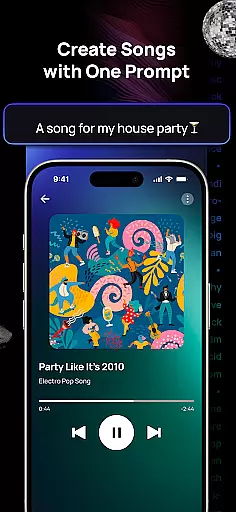
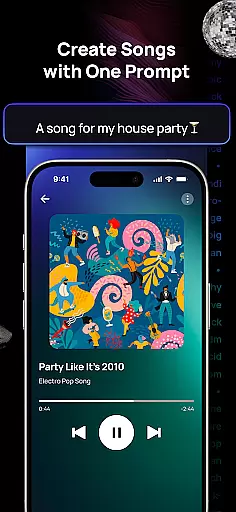
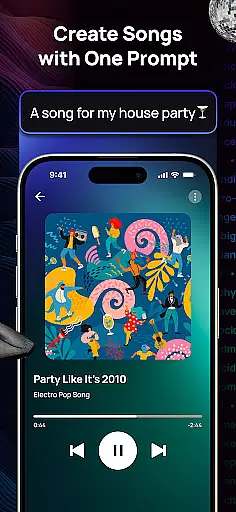
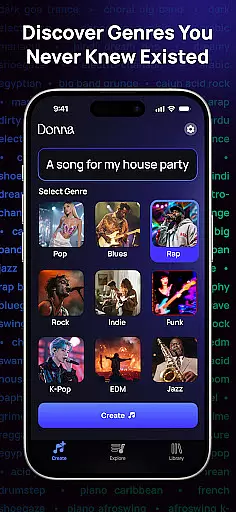
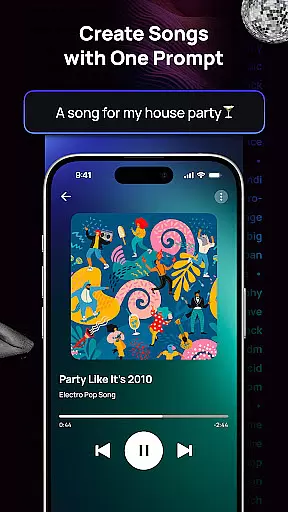
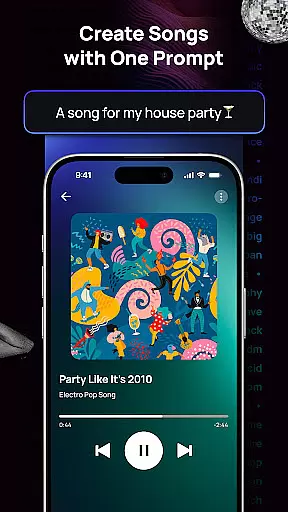
Donna AI Song & Music Maker is a cutting-edge AI music generator that transforms descriptions, lyrics, or images into captivating music tracks. This innovative tool offers limitless possibilities in music creation, supporting hundreds of genres and moods to match your vision perfectly.
With features like AI Cover, song extension capabilities, and audio separation tools, Donna empowers users to create professional-quality songs effortlessly. Whether you're producing vocalized tracks, remixing instrumentals, or crafting royalty-free compositions, this app caters to both beginners and professionals.
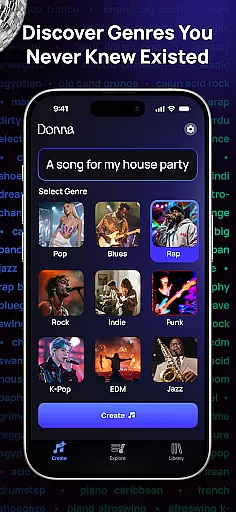
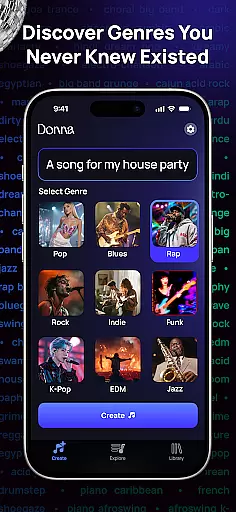
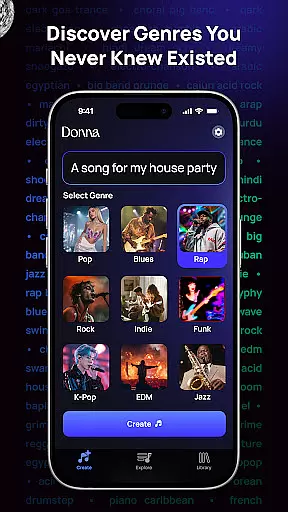
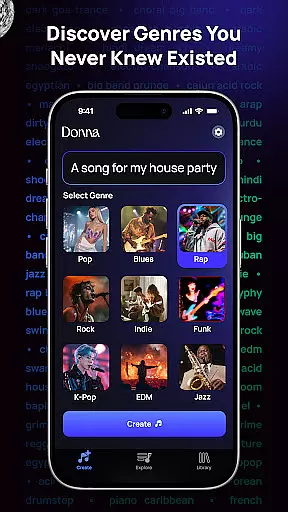
Donna AI Song & Music Maker stands out with its advanced AI technology that generates high-quality music from simple inputs such as text or images. The app supports diverse musical styles, including pop, rock, ballads, and rap, ensuring versatility for every creative project.
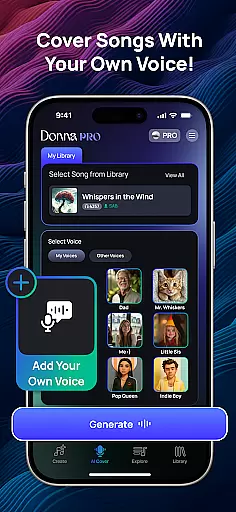
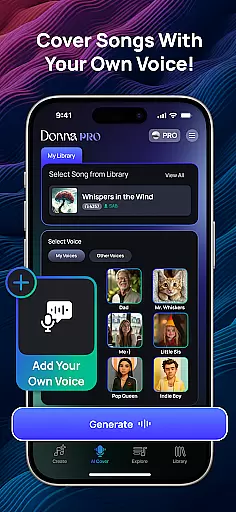
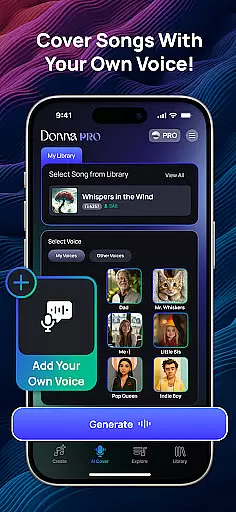
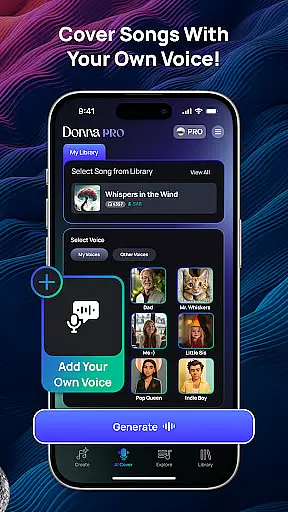
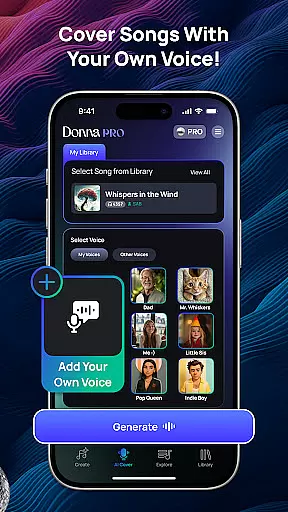
Unique features include the ability to upload your voice for customized cover songs, split tracks into vocals, drums, bass, and instrumentals, and choose between Studio or Live Concert listening modes. These tools provide complete control over composition and enhance the creative process.
Donna AI Song & Music Maker offers an extensive music library that caters to a wide range of genres and moods, ensuring users have access to diverse musical styles. The app leverages advanced AI technology to generate original compositions, which means the music created is unique and not replicated from existing tracks.
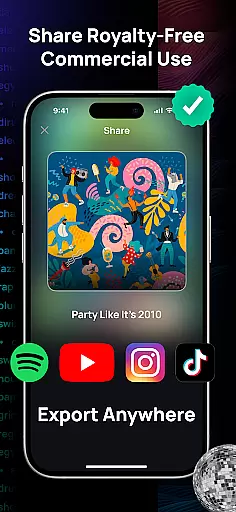
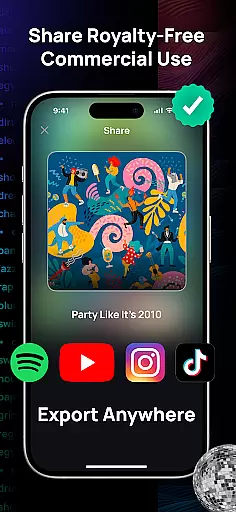
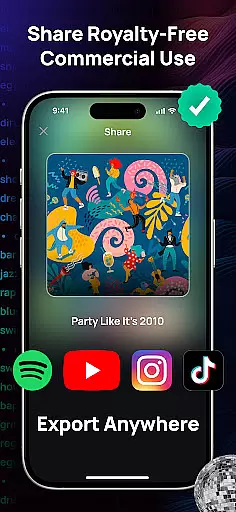
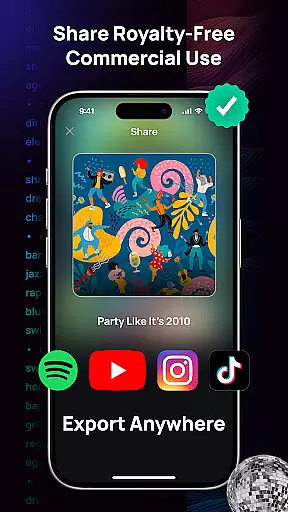
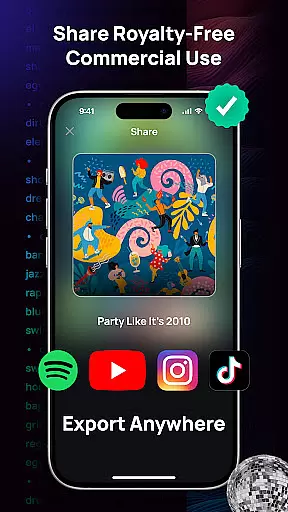
Copyright authenticity is a crucial aspect of Donna's offering. Every track produced through the AI music generator is royalty-free, providing users peace of mind when using their creations for personal or commercial projects. This feature is particularly beneficial for content creators who require original music without the risk of copyright infringement.
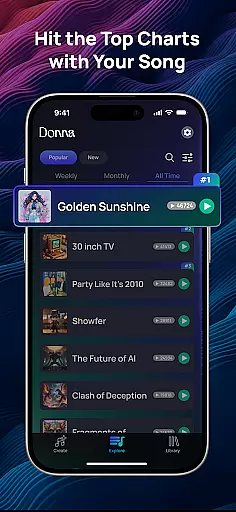
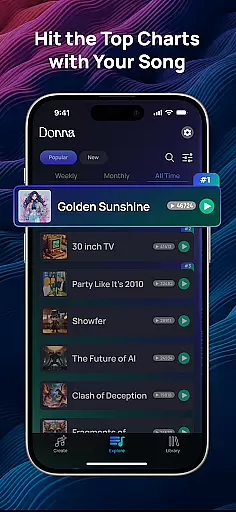
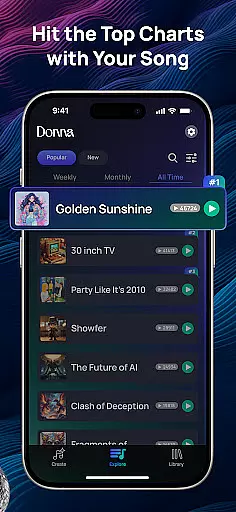
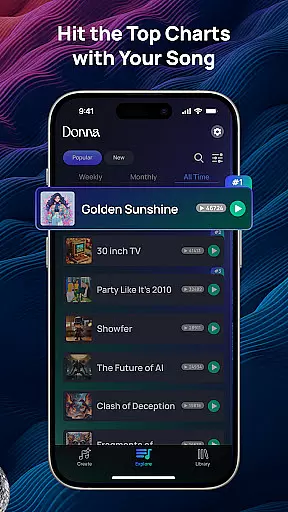
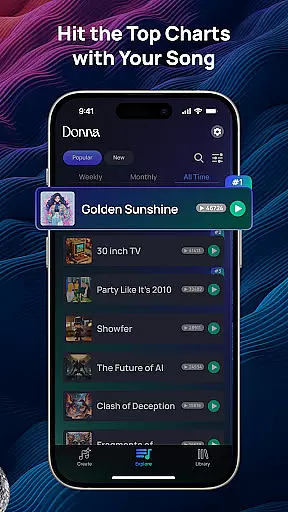
The app allows users to craft personalized playlists and share their AI-generated masterpieces with global audiences, enhancing the creative experience. By supporting various performance modes and vocal choices, Donna ensures that each piece of music can be tailored to fit the user's vision while maintaining authenticity.
With Donna AI Song & Music Maker, audio quality is prioritized through two distinct performance modes: Live Concert energy and pristine Studio quality audio. These options ensure that whether you're aiming for the vibrant atmosphere of a live performance or the polished sound of a studio recording, your music will meet high-quality standards.
The ability to choose between male or female vocals adds another layer of customization, allowing users to fine-tune their AI-generated songs to better align with their artistic goals. This flexibility in audio output helps produce professional-sounding tracks every time.
In addition to vocal preferences, Donna provides powerful tools such as audio separation, enabling users to split songs into components like vocals, drums, bass, and instrumentals. This functionality supports remixing and refining tracks, giving creators even more control over the final audio product's quality and composition.
Easy-to-use interface
Versatile genre support
Professional sound quality
Innovative AI Cover feature
Free trial available
Limited free features
Premium subscription required
Occasional bugs reported
Internet connection needed
Learning curve for beginners

Your HD audio recorder on the go for music, meetings, ambience, animal sounds…
 4.30
4.30
Formerly known as Spotistats! View your top tracks, artists, albums and more!
4.40
Offline and always ad-free - stream in the highest quality available.
4.10
VB-AUDIO Software / VBAN-Receptor allows listening to any VBAN Streams
4.10
Powerful beat maker & DJ mixer to remix tracks, make music, & perform DJ mix
3.70
Walkout Song DJ is the most intuitive app to manage your sports music.
4.70
More downloads than any other metronome. Includes drum machine & tempo trainer.
4.80
USB audio recording and playback finally possible on Android 3.1 or higher!
3.90
A complete sound package for the sound engineer or enthusiast
4.60
Unleash your creativity! Turn simple prompts into full fledged songs.
4.70
Over 100 million tracks available for high quality streaming and download
4.60
Taal player that lets you sing any Indian & Western song with Tabla & Tanpura
4.60
The best music and audio player, with beautiful UI, music search and equalizer.
4.60
Manage your Sonos system directly from your home-screen!
4.40
Time Guru will strengthen your internal sense of musical time via random muting.
4.30
Bass Booster Pro takes auto-equalizing to the next level!
4.30
The Minimalistic Premium Music Player. Handmade with passion for music
2.20
Remove ads permanently from Music Visualizer
4.2
Music Streaming suite for Ampache, Nextcloud Music and compatible backends.
4.5


User Reviews