
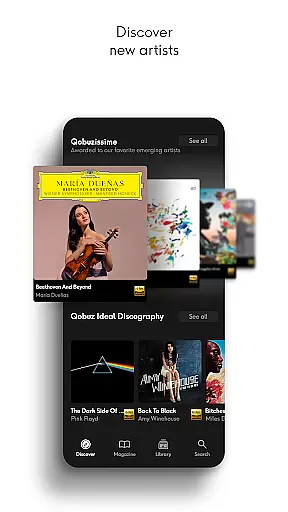
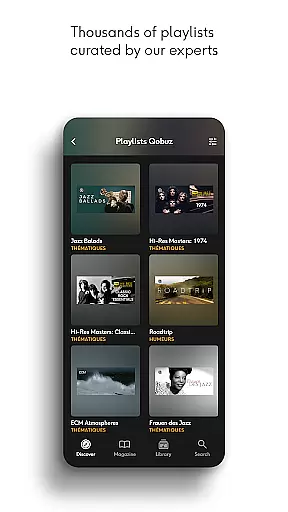
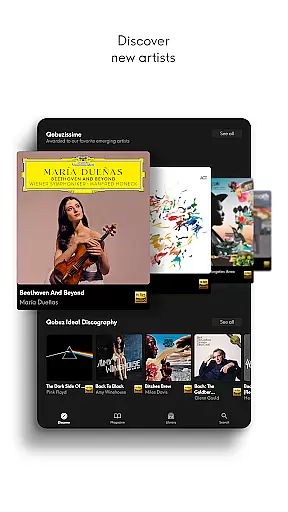
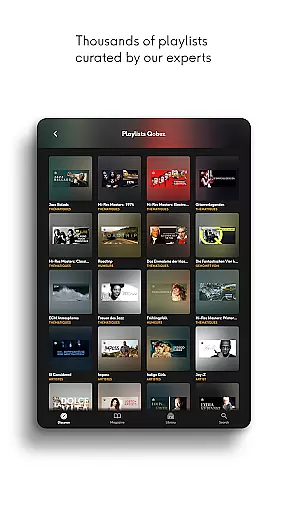
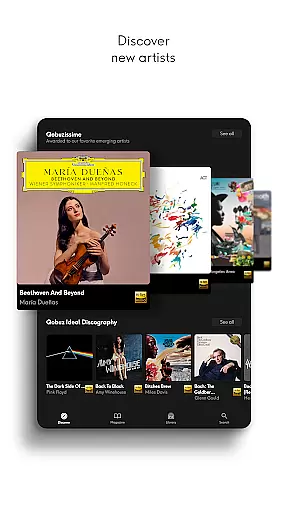
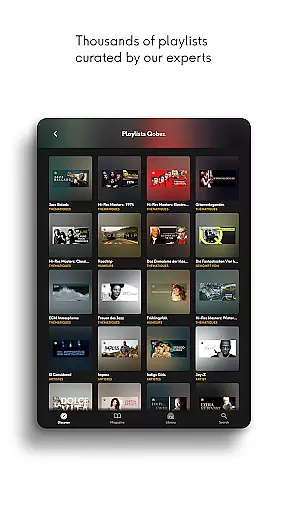
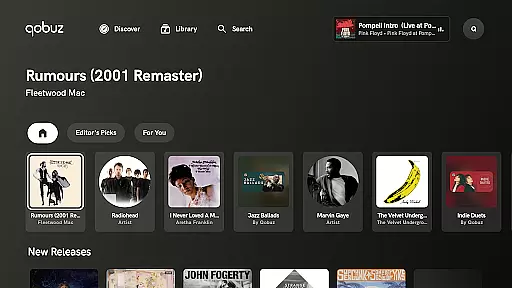

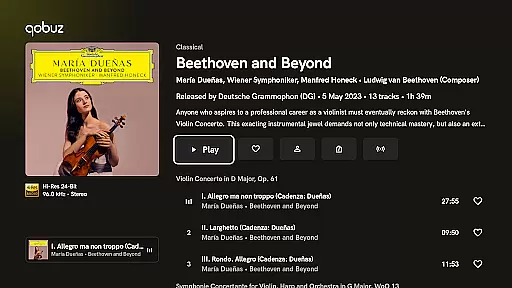

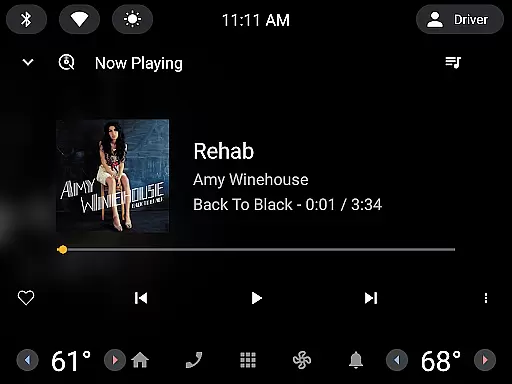
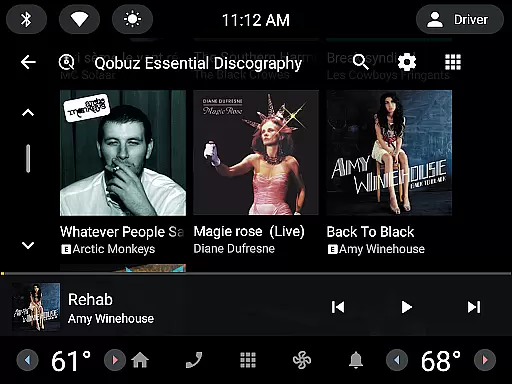
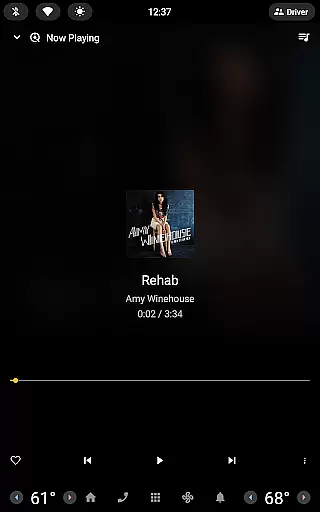
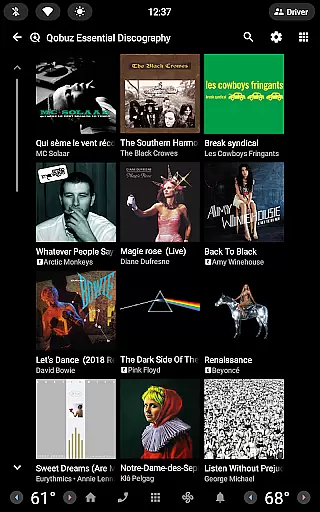
Qobuz is a premier music streaming and editorial platform that offers an unparalleled listening experience for audiophiles. With over 100 million tracks available in high-resolution and CD-quality audio, it stands out as the only service providing both streaming and Hi-Res downloads. Subscribers can explore a vast library of human-curated playlists, exclusive articles, interviews, and reviews crafted by seasoned music experts.
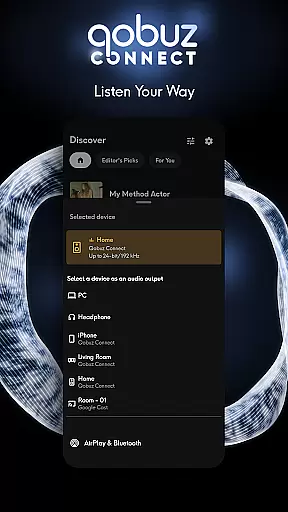
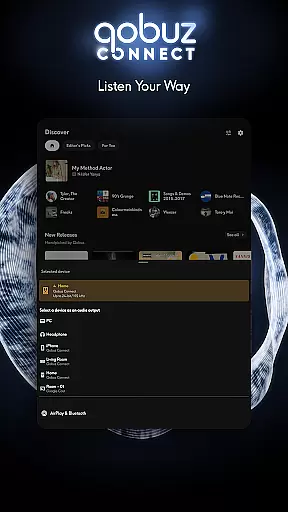
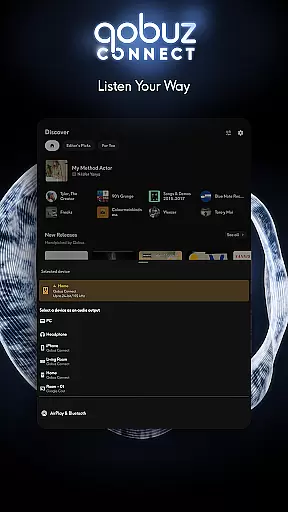
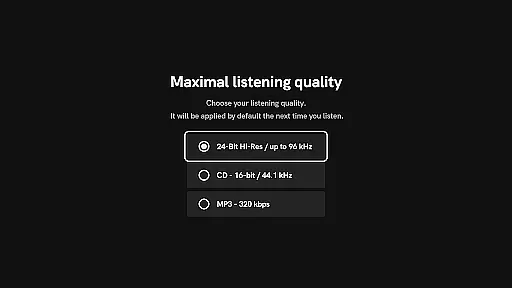
The app's robust features extend beyond just playback. Qobuz supports offline listening, ensuring uninterrupted access to your favorite music anywhere, anytime. Its seamless integration with various devices and platforms like Chromecast, Airplay, and Roon makes it versatile for different listening environments. Whether you're a casual listener or a dedicated audiophile, Qobuz delivers an authentic sound experience with FLAC 16-Bit/44.1 kHz and up to 24-Bit/192 kHz Hi-Res quality.
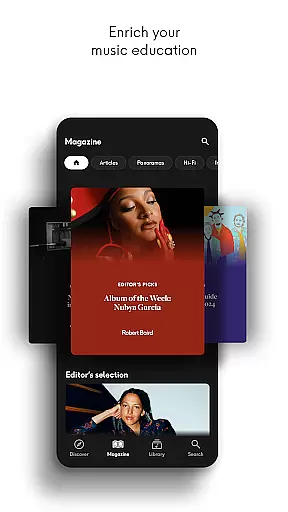
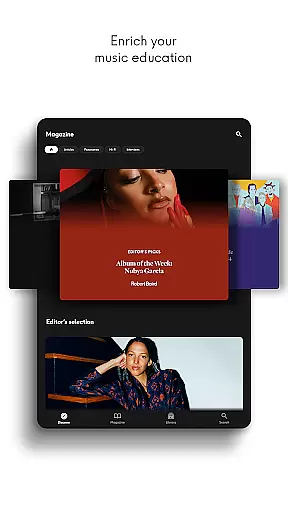
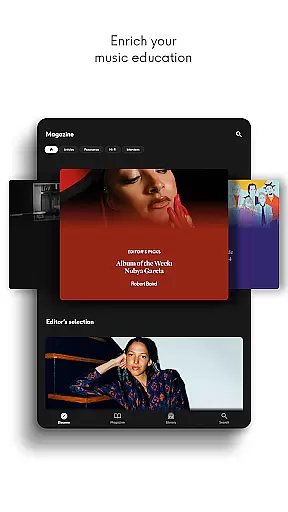
For those eager to dive deeper into the world of music, Qobuz offers enriching editorial content including artist interviews, news articles, and comprehensive album liner notes. This unique combination of high-quality audio and expertly curated content makes Qobuz an ideal choice for users seeking both discovery and depth in their music journey.
Qobuz distinguishes itself through its commitment to high-fidelity audio and rich editorial content. The platform provides lossless audio streams (FLAC) at CD quality and higher, catering specifically to listeners who demand the best in sound reproduction. This dedication to quality ensures that every note and nuance is preserved, offering an immersive listening experience akin to being in the studio with the artists.
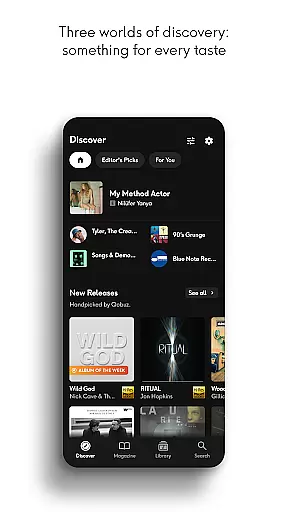
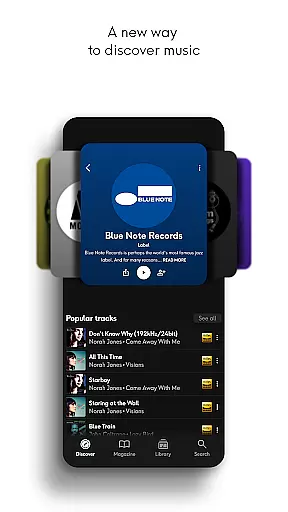
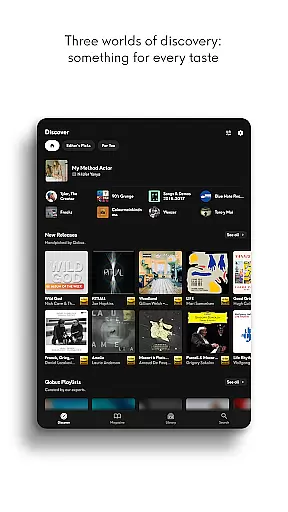
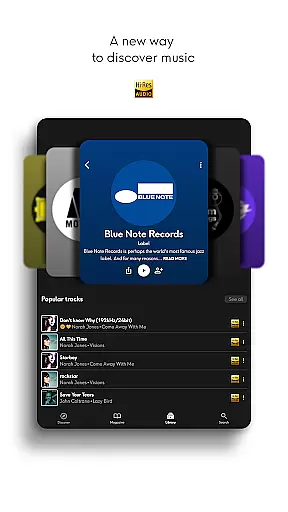
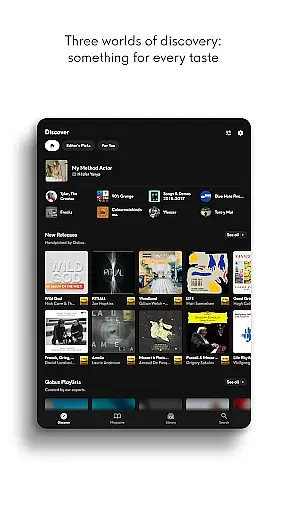
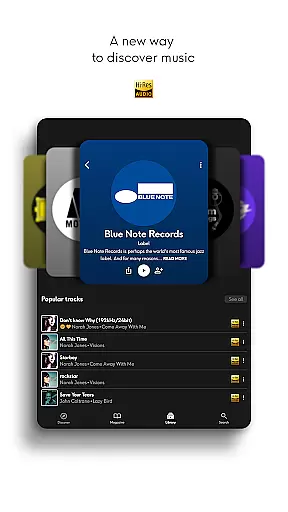
Beyond its audio prowess, Qobuz boasts an extensive array of features designed to enhance user engagement. The Discover page simplifies music exploration with curated playlists spanning numerous genres such as rock, jazz, classical, and more. Additionally, users have access to hundreds of thousands of original articles, interviews, and deep dives into specific artists or genres, all penned by industry experts. These resources not only entertain but also educate, fostering a deeper appreciation for music.
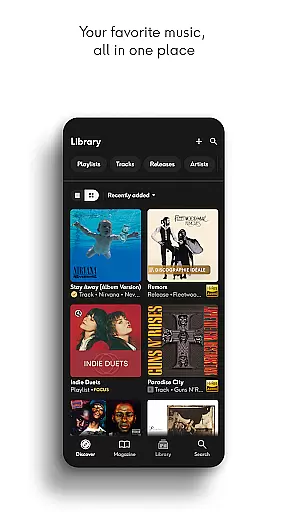
Practical functionalities further augment the user experience. Qobuz supports offline mode, enabling users to enjoy their favorite tracks without an internet connection. Integration with major audio devices and platforms like Chromecast and Airplay ensures broad compatibility. Moreover, tools like Soundiiz facilitate easy migration of playlists from other services, making the transition to Qobuz smooth and hassle-free. Such comprehensive features underscore Qobuz's position as a leader in the high-fidelity music streaming space.
Qobuz offers an extensive music library with over 100 million tracks available in high resolution and CD quality. This vast collection ensures that users have access to a wide variety of music genres, from classical to contemporary hits.
The platform is committed to copyright authenticity, providing users with legally acquired music. Each track is sourced directly from the studio, ensuring that artists and rights holders are properly compensated for their work.
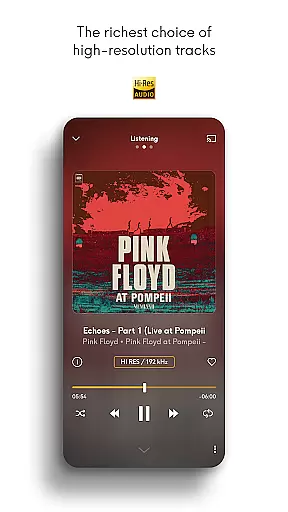
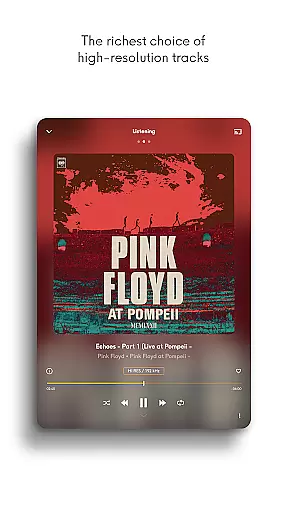
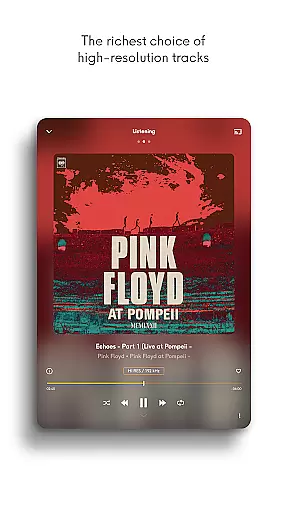
With Qobuz, users can enjoy new releases and reissues in lossless FLAC 16-Bit/44.1 kHz and Hi-Res quality up to 24-Bit encoded sound at 192 kHz. This commitment to quality and authenticity enhances the listening experience, offering an exceptional audio journey.
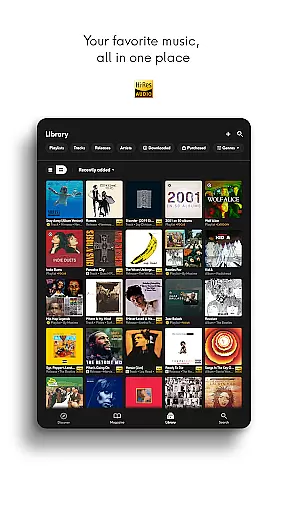
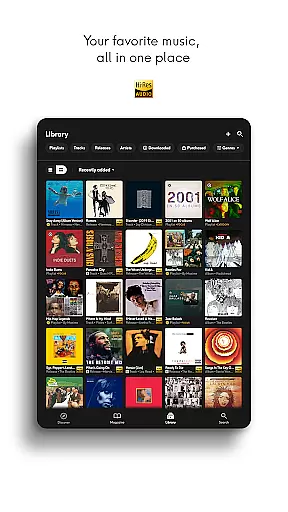
Additionally, Qobuz enriches its library with thousands of human-curated playlists and exclusive editorial content, including articles, interviews, and reviews written by experts. This combination of a vast music library and expert curation provides users with both quantity and quality in their music selection.
Qobuz stands out in the music streaming world by offering unparalleled audio quality options. Users can experience music in lossless CD quality (FLAC 16-Bit/44.1 kHz) and Hi-Res quality (24-Bit encoded sound up to 192 kHz), delivering an authentic sound straight from the studio.
This high level of audio quality ensures that listeners can hear every detail as intended by the artists. Whether enjoying classical symphonies or exploring new releases in pop, the superior sound quality elevates the musical experience.
In addition to high-quality streaming, Qobuz supports downloads in Hi-Res, allowing users to enjoy their favorite tracks offline without compromising on audio fidelity. This feature is particularly beneficial for audiophiles who demand the best possible listening experience.
Furthermore, Qobuz is compatible with various high-end audio equipment brands, ensuring that users can take full advantage of their premium sound systems. The integration with main wireless listening devices like Chromecast, Airplay, and Roon guarantees uninterrupted playback with top-notch audio performance across all devices.
High-quality audio
Expert curation
Offline mode
Extensive library
Cross-device support
Premium pricing
Complex interface
Limited free tier
Heavy data usage
Occasional bugs

The Skullcandy App Experience
 3.20
3.20
Tune in to the greatest hits on UK Radio | The home of Capital, Smooth & Heart.
4.90
Taal player that lets you sing any Indian & Western song with Tabla & Tanpura
4.60
VB-AUDIO Software / VBAN-Receptor allows listening to any VBAN Streams
4.10
Walkout Song DJ is the most intuitive app to manage your sports music.
4.70
The ultimate media player for Android devices
3.90
Bass Booster Pro takes auto-equalizing to the next level!
4.30
Enjoy singing any song, no matter how high or low it is
4.30
Make songs with AI! Any genre, custom lyric, song generator for music creation!
4.80
More downloads than any other metronome. Includes drum machine & tempo trainer.
4.80
Gorgeous UI, Powerful music Search and Equalizer, the great choice for you!
4.70
Offline Music Player&MP3 Player with themes, equalizer, lyrics, music play mode
4.60
Enhance the sound quality of your devices, listen to what you want
4.50
Formerly known as Spotistats! View your top tracks, artists, albums and more!
4.40
Time Guru will strengthen your internal sense of musical time via random muting.
4.30
Next generation modular control surface
4.10
The only true audiophile music player with Hi-Fi audio rendering and DSP engine
3.90
Sheet music reader, piano & music note player. Play music score & learn to read.
3.90
The iconic iOS metronome app is now on Android.
3.70


User Reviews