
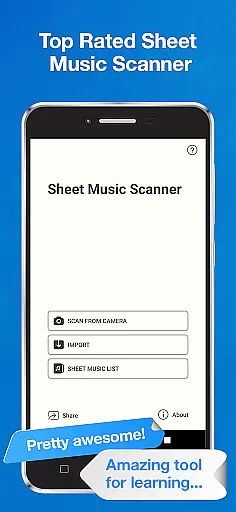
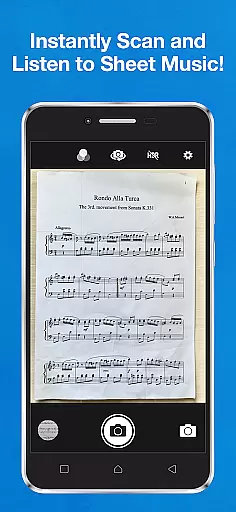
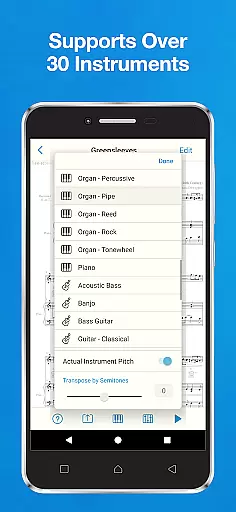
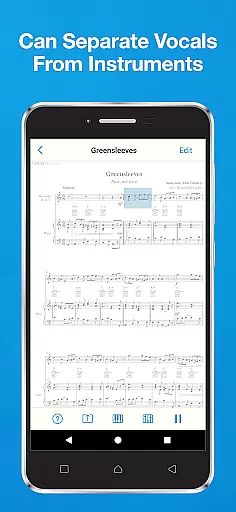
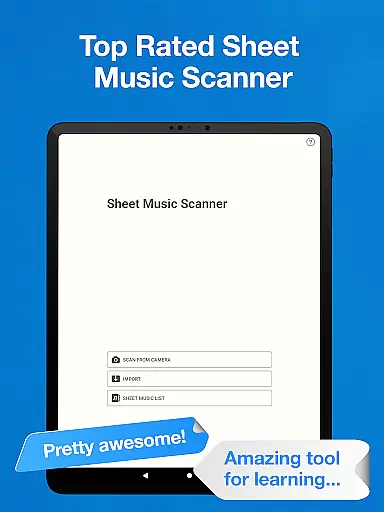
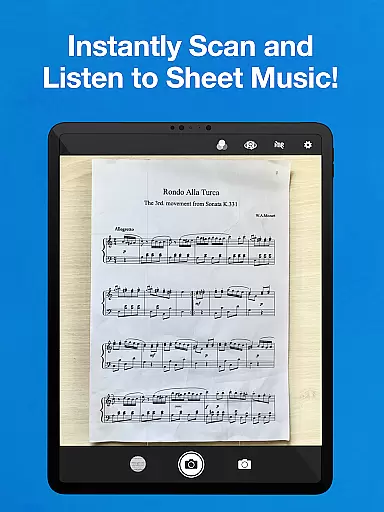
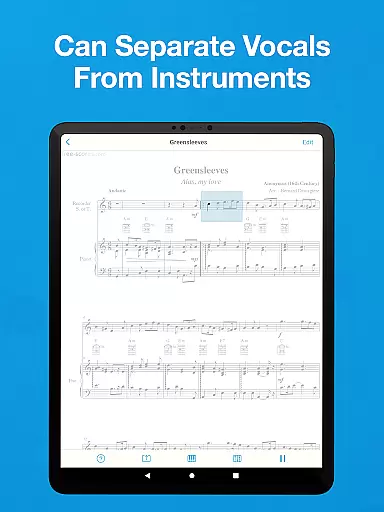
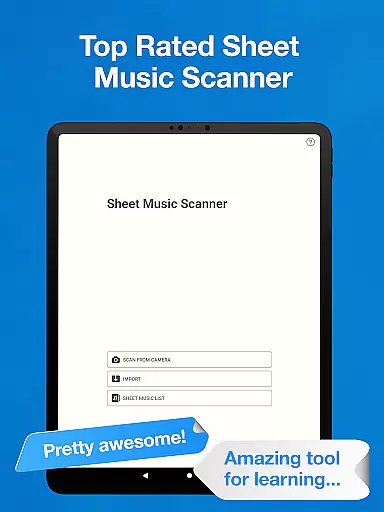
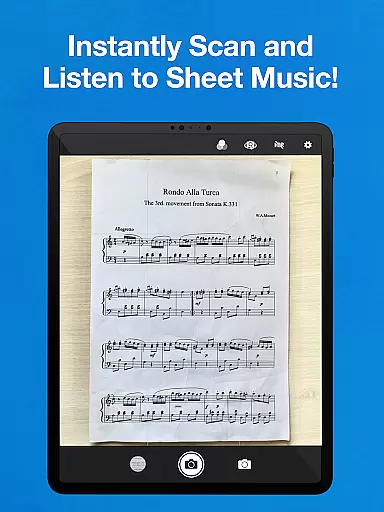
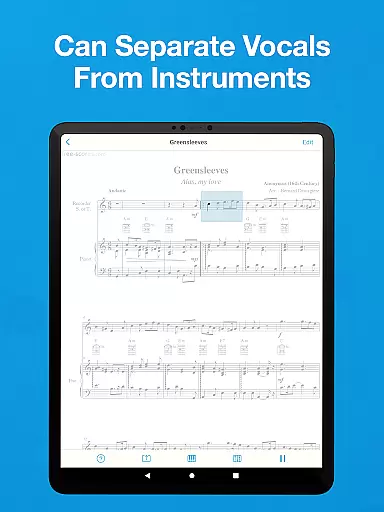
Sheet Music Scanner & Reader is a premier music application designed for musicians and learners alike. This app allows users to scan printed sheet music using their device's camera, transforming it into playable scores. With support for over 30 instruments, including piano, violin, and trumpet, it serves as an excellent tool for learning and practicing music.
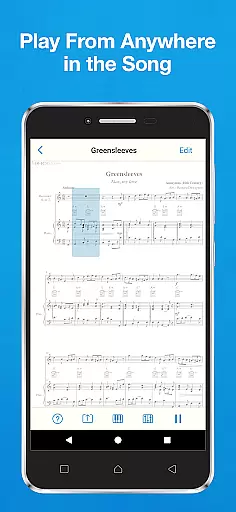
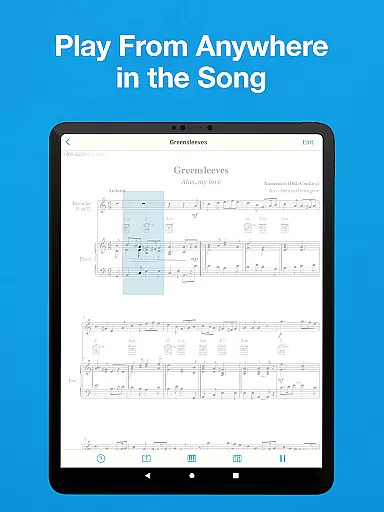
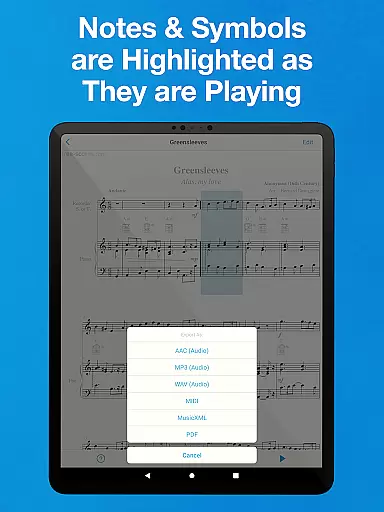
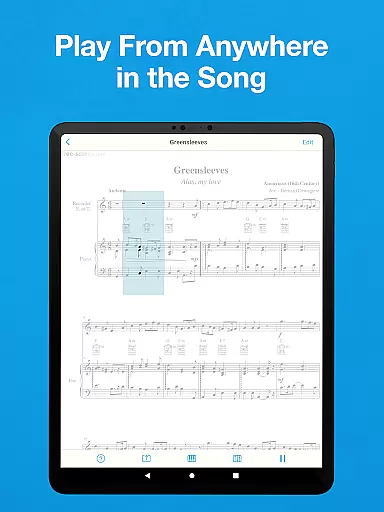
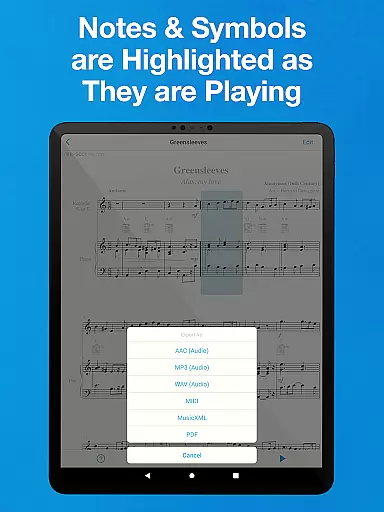
The app highlights music notes and symbols in real-time during playback, making it easier for users to follow along and understand complex compositions. Whether you're a beginner wanting to learn the basics or an experienced musician needing to decipher intricate scores, Sheet Music Scanner & Reader provides the functionality needed to enhance your musical journey.
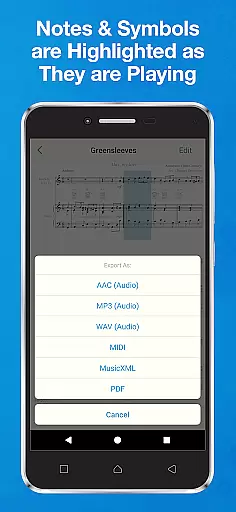
Available on both smartphones and tablets, this app offers flexibility and convenience. Its ability to export files in various formats such as MIDI, MusicXML, and audio files (M4A/AAC, MP3, WAV) adds to its versatility, ensuring that musicians can integrate it seamlessly into their existing workflows.
Sheet Music Scanner & Reader boasts an array of features that cater to a wide range of musical needs. One standout feature is its Optical Music Recognition (OMR) technology, which instantly scans entire sheets of music and converts them into editable and playable formats. This functionality supports multiple clefs and recognizes various musical symbols related to melody, harmony, and rhythm.
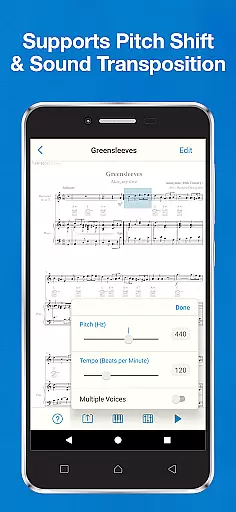
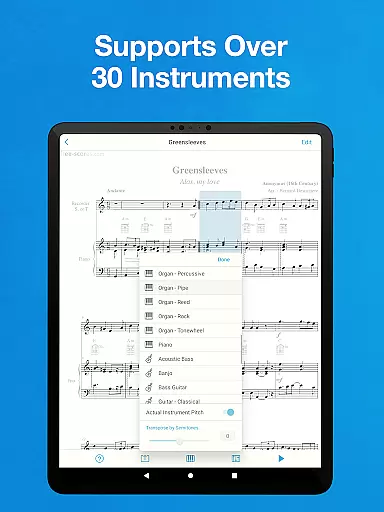
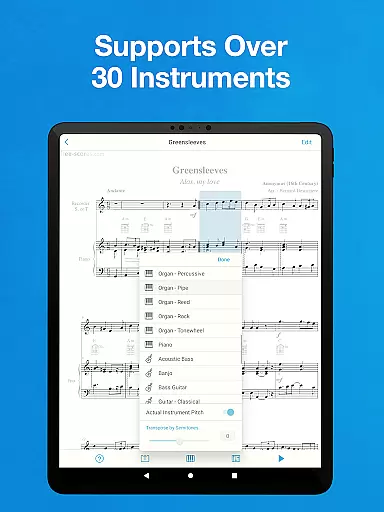
Users can enjoy extensive instrument compatibility, with playback options for more than 30 instruments. The app also allows pitch adjustments up to two octaves in either direction, accommodating different instrumental standards. Additionally, the ability to change tempo between 50 and 330 beats per minute ensures that users can practice at their preferred speed.
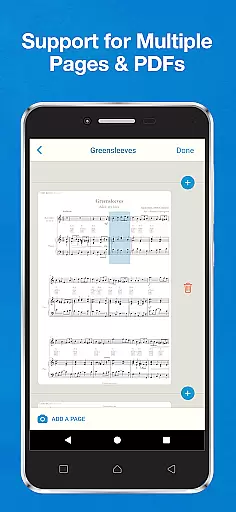
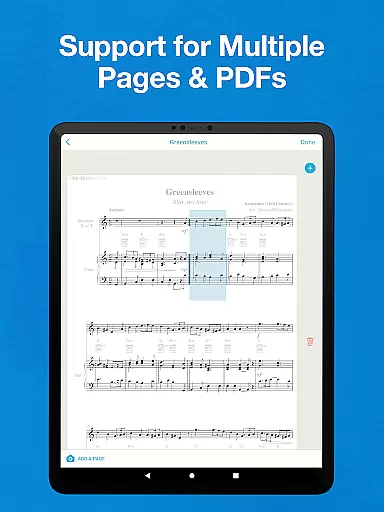
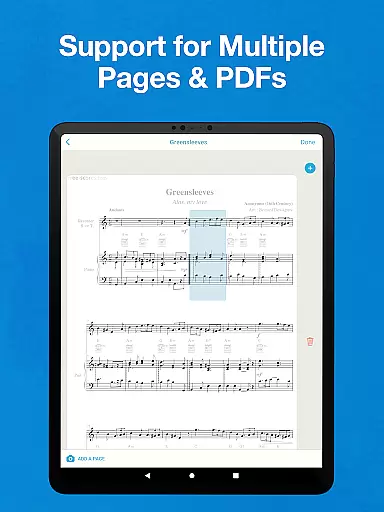
Another remarkable feature is the app's capability to handle multi-page sheet music and accommodate different voices played simultaneously. This makes it ideal for ensemble practice or solo performances requiring detailed score analysis. Furthermore, exporting options to cloud storage services like Google Drive and Dropbox facilitate easy sharing and backup of your musical projects.
Sheet Music Scanner & Reader offers an extensive virtual music library that supports over 30 instruments, ranging from piano and violin to more unique options like bagpipes and celeste. This vast selection ensures that musicians of all kinds can find their instrument of choice within the app.
The app's ability to scan printed sheet music using optical recognition technology (OMR/OCR) provides users with a legitimate way to access and play copyrighted material. By uploading PDFs or images of physical sheet music, users can convert them into playable scores, respecting the original composers' rights while enjoying convenience.
With its support for exporting files in multiple formats such as MIDI, MusicXML, and audio types including M4A/AAC, MP3, WAV, as well as PDFs, the app facilitates sharing and storing music legally. Users can export these files directly to cloud storage services like Google Drive or Dropbox, ensuring they have backups without infringing on copyright laws.
This comprehensive approach not only enriches the useru2019s experience by providing a wide array of musical pieces but also upholds the integrity of copyright protection, making it a reliable tool for both learning and performance purposes.
The Sheet Music Scanner & Reader app is designed to deliver high-quality audio playback, which is crucial for musicians who need accurate sound representation when practicing or learning new pieces. The app allows users to adjust playback speed between 50 and 330 beats per minute, catering to different skill levels and practice needs.
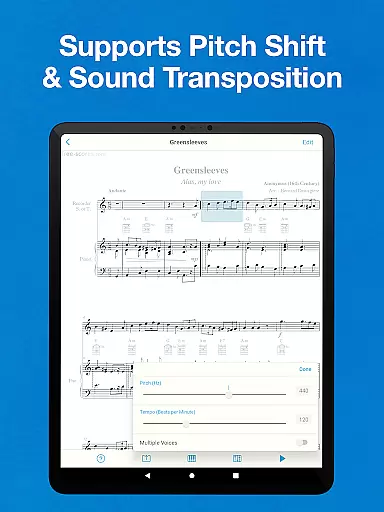
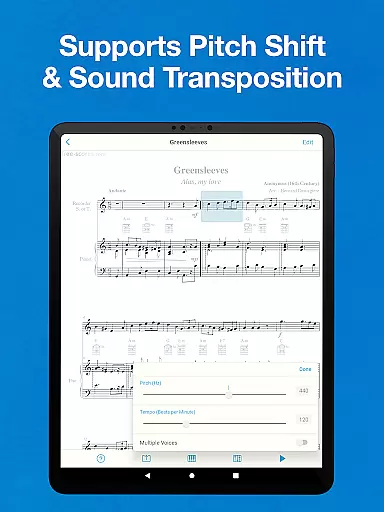
For transposing instruments, the app supports actual instrument pitch and offers pitch shift/sound transposition capabilities up to two octaves in either direction. This feature ensures that the audio output matches the intended tonality of the instrument being played, maintaining the authenticity of the musical piece.
Additionally, users can change their pitch standard based on the instrument, ranging from a standard 440Hz to a flexible range of 380-480 Hz. This level of customization enables musicians to fine-tune the audio quality according to their specific requirements or preferences, enhancing the overall listening and learning experience.
By offering these advanced audio settings, the app guarantees that whether you're a beginner learning your first notes or an experienced musician refining your technique, the audio quality will meet professional standards and expectations.
Instant sheet music scanning
Supports 30+ instruments
Real-time note highlighting
Flexible tempo adjustments
Multi-format file export
No handwritten sheet support
Limited special symbol recognition
Requires good lighting conditions
Occasional older print issues
Premium features may require payment

Make music anywhere. Turn your device into an instrument.
 4.0
4.0
VB-AUDIO Software / VBAN-Receptor allows listening to any VBAN Streams
4.10
DJ Music Mixer - DJ Remix: remix songs, make beat music & record mix of DJ.
4.40
Next generation modular control surface
4.10
Super Sound Editor, Song Maker & Mixer, Vocal Remover, Voice Recorder & Changer!
4.60
Smart piano keyboard, Classical to Pop, Real-time multiplayer connection!
4.20
Slow music down without changing pitch.
3.70
Reverse your voice & songs instantly! Fun singing challenge with cool effects.
4.60
One-tap booster for max volume - enjoy powerful sound with this audio booster
4.50
Walkout Song DJ is the most intuitive app to manage your sports music.
4.70
Recording studio w/ 10k beats, pro vocal FX and a network of 20M rappers & fans!
4.60
Learn the notes on the guitar fretboard fast with this easy and fun app
4.60
The Music Journey in Your Hands
4.30
Bass Booster Pro takes auto-equalizing to the next level!
4.30
Time Trainer: accurate metronome w tools to help you develop your internal time!
4.20
PowerAudio is a powerful offline music player.
4.20
Turn your phone into a musical instrument from the future!
3.90
USB audio recording and playback finally possible on Android 3.1 or higher!
3.90
Simply convert wav to mp3. Clear. Reliable. Safe.
4.3


User Reviews