
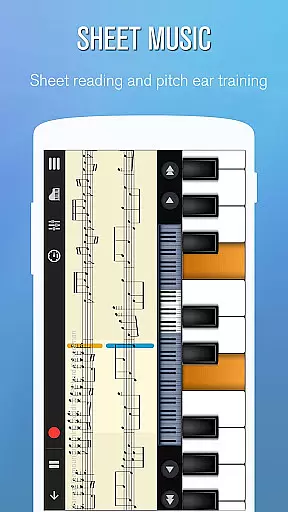
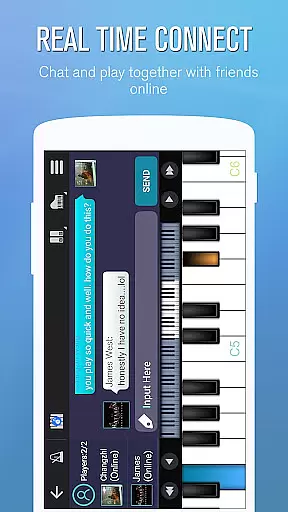
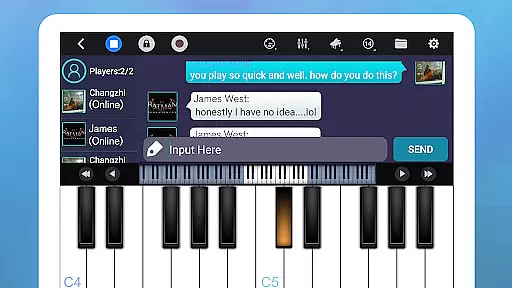
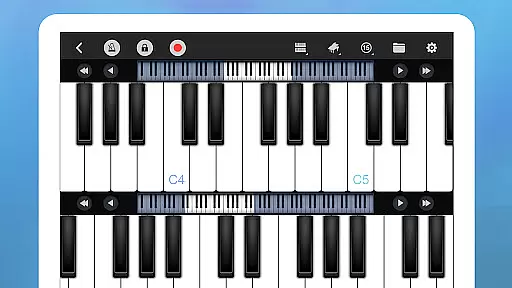
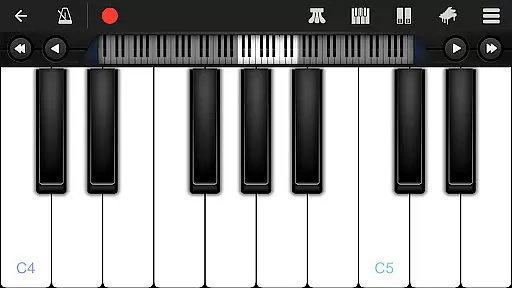
Perfect Piano is a feature-rich piano simulator designed for Android devices, offering an authentic piano experience with its built-in genuine piano timbre. The app provides multiple play modes and learning tools, making it suitable for both beginners and experienced musicians. With support for USB MIDI keyboards and various timbre plug-ins, users can expand their musical creativity beyond traditional pianos.
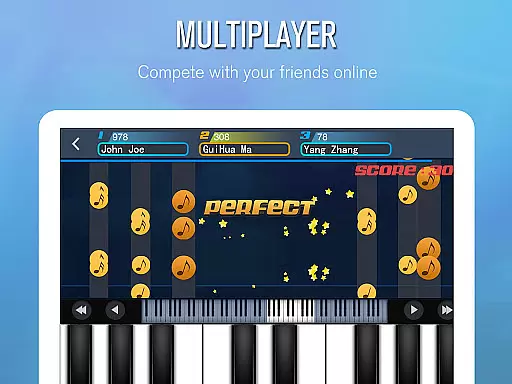
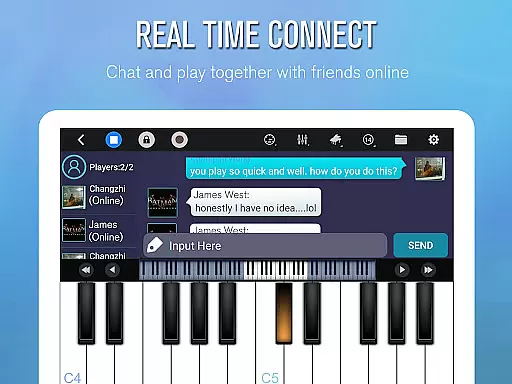
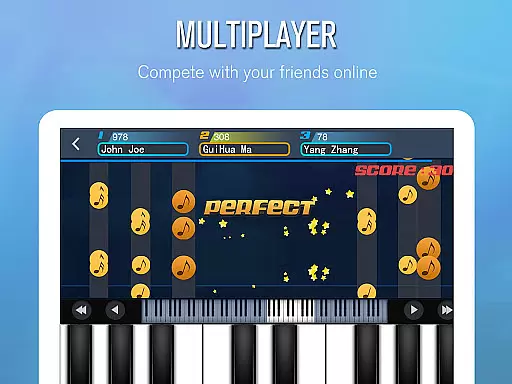
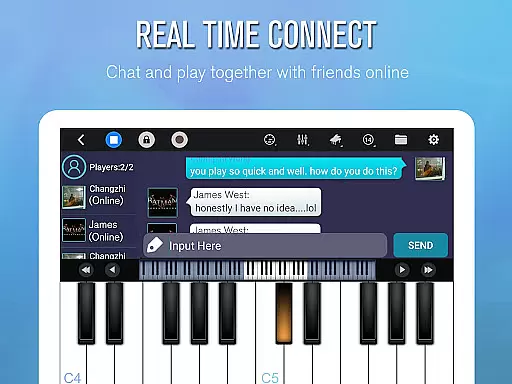
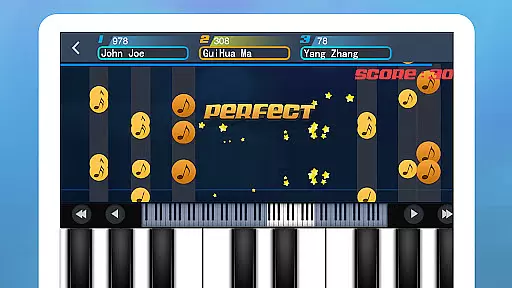
The application also includes social and competitive elements through its multiplayer features, allowing users to connect, chat, and compete with fellow musicians worldwide. Whether practicing alone or participating in weekly challenges, Perfect Piano delivers a comprehensive musical experience that combines education, performance, and community interaction.
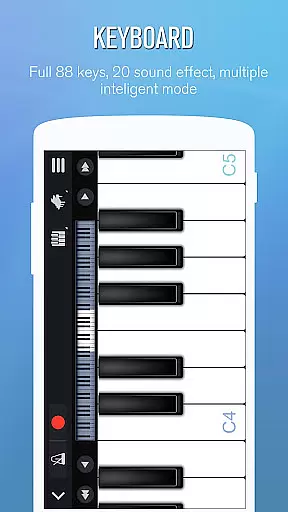
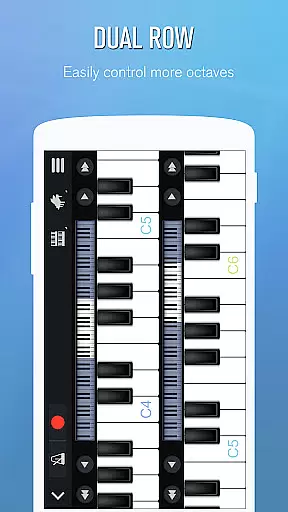
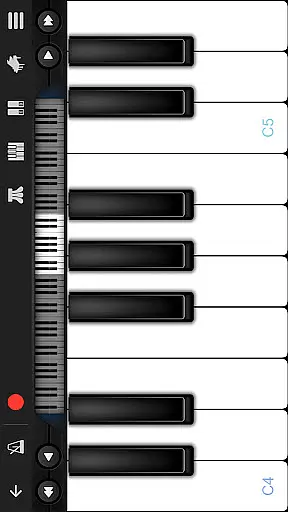
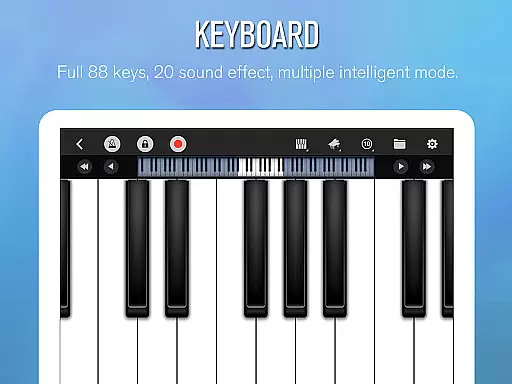
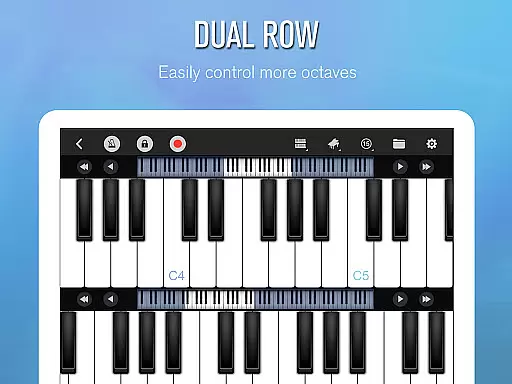
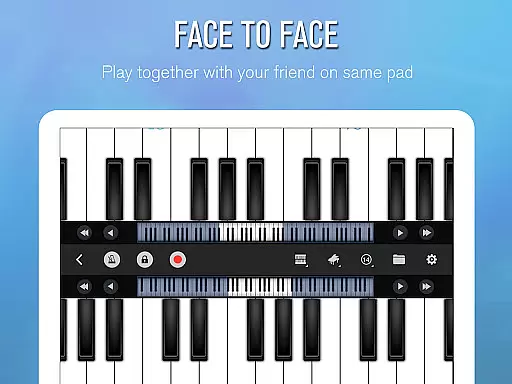
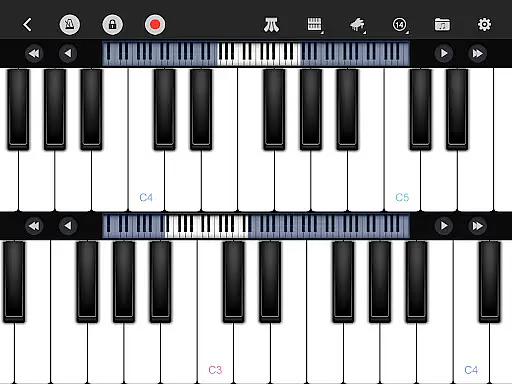
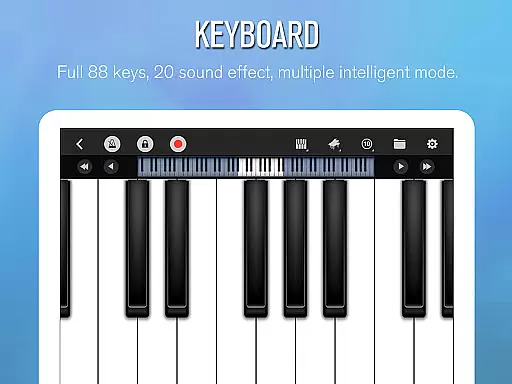
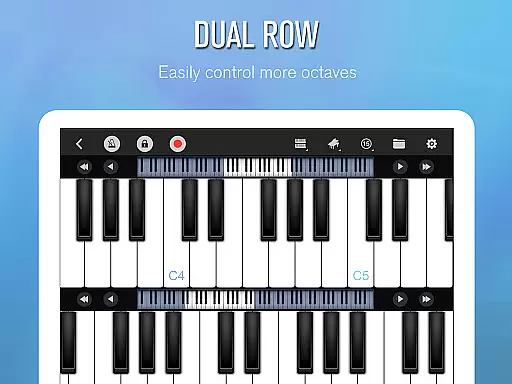
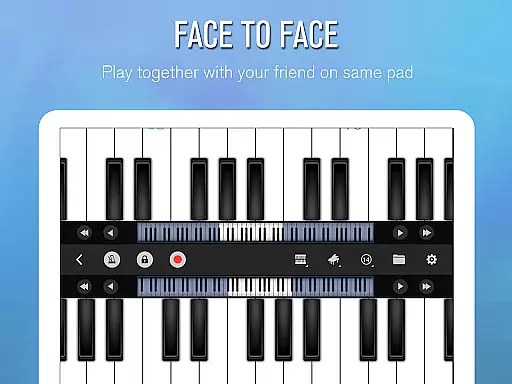
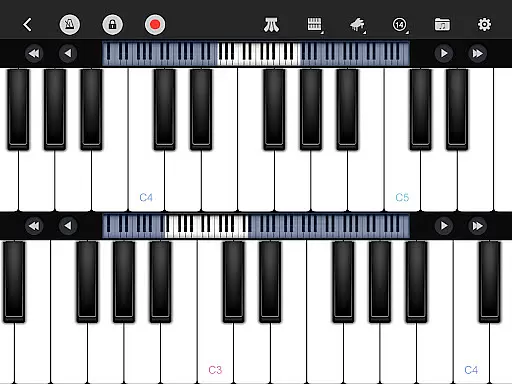
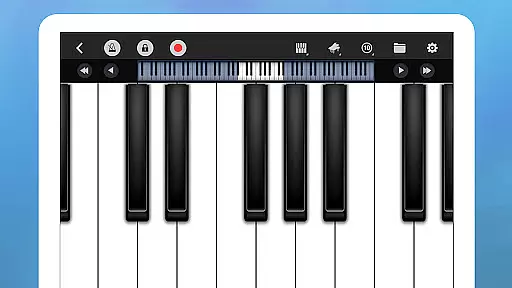
Perfect Piano stands out with its intelligent keyboard functionality, featuring an 88-key piano layout and multiple play modes including single-row, double-row, chords, and dual-player options. Advanced touch capabilities like multitouch and force touch provide a responsive playing experience, while the adjustable keyboard width ensures comfort across different devices. The app supports various sound effects such as Grand Piano, Music Box, and Pipe Organ, enhancing the sonic diversity available to users.
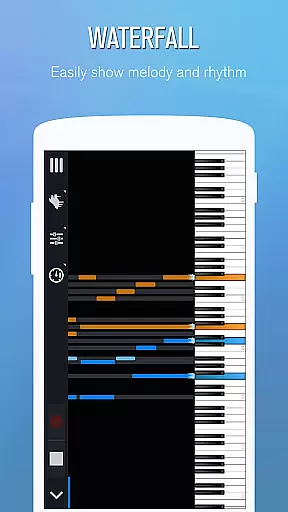
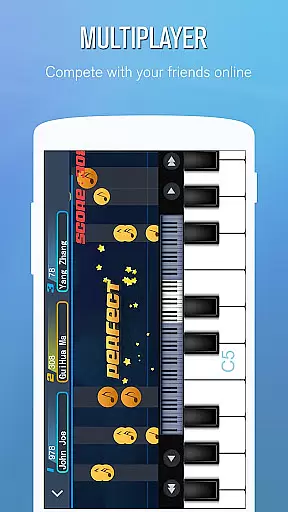
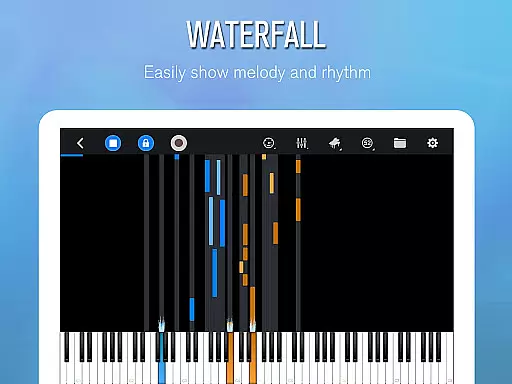
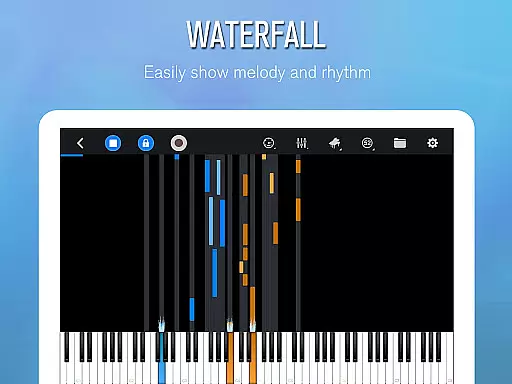
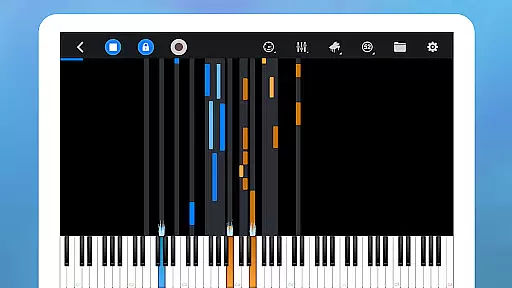
Learning is made accessible through guided lessons with three distinct guidance patterns and customizable play modes. Users can adjust hand setups, loop sections, and modify playback speed and difficulty levels. Additionally, Perfect Piano facilitates global connections by enabling real-time multiplayer sessions, online chats, and weekly ranking competitions, fostering a vibrant community of music enthusiasts.
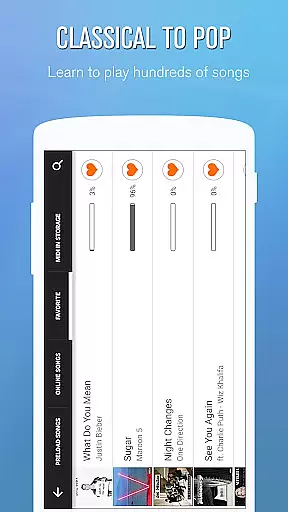
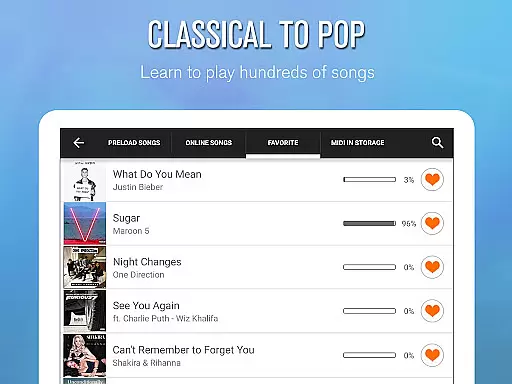
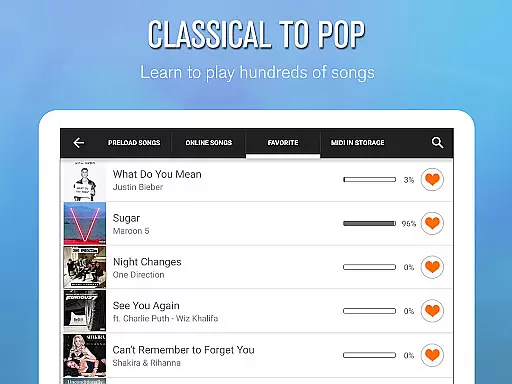
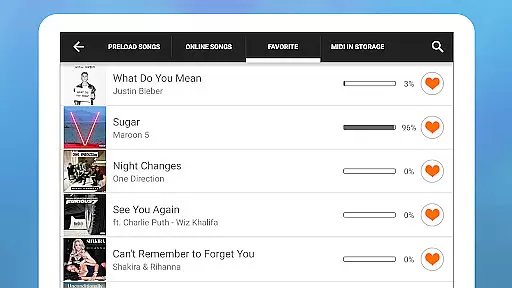
Perfect Piano offers an extensive music library that caters to users of all skill levels. With thousands of popular music scores available, the app ensures a diverse selection that spans various genres and styles.
The inclusion of genuine piano timbre and multiple sound effects such as Grand piano, Bright Piano, and Pipe Organ enhances the authenticity of the musical experience. This attention to detail in sound quality guarantees that users are engaging with content that respects copyright laws and provides a true piano-playing experience.
Additionally, Perfect Piano supports MIDI and ACC audio recording, allowing musicians to capture their performances legally and share them without concerns over copyright infringement. The ability to set recordings as ringtones or share them directly adds value by providing avenues for personalization and social sharing within legal frameworks.
Perfect Piano stands out in its category by offering superior audio quality options that cater to audiophiles and casual players alike. The app supports high-fidelity sound through OpenSL ES low latency audio, ensuring minimal delay between input and output during play sessions.
With features like force touch and adjustable keyboard width, users can fine-tune their playing experience to match their preferences and device capabilities. These customization options contribute significantly to the overall audio output quality, making each note resonate with clarity and depth.
Furthermore, compatibility with USB MIDI keyboards extends the range of audio quality options. By connecting professional-grade instruments such as YAMAHA P105 or Roland F-120, users can leverage external hardware to achieve studio-level sound reproduction, elevating their musical exploration on Perfect Piano.
User-friendly interface
Wide range of sound effects
Comprehensive learning tools
Multiplayer connectivity
Supports MIDI keyboards
External MIDI requires specific hardware
Some features may need additional plugins
Advanced functions could overwhelm beginners
Occasional latency issues reported
In-app purchases necessary for full experience

 4.70
4.70
Simply convert wav to mp3. Clear. Reliable. Safe.
4.0
Make music anywhere. Turn your device into an instrument.
4.5
Gorgeous UI, Powerful music Search and Equalizer, the great choice for you!
4.70
Walkout Song DJ is the most intuitive app to manage your sports music.
4.70
Learn to play the piano using falling notes!
3.80
Music, News & Sports Radio Tuner App. Tune in Live FM & AM Radio Stations.
4.80
PowerAudio is a powerful offline music player.
4.20
Turn Every Moment into Music
3.60
Performance-Synthesizer & Multi-Track-Sequencer, polyphonic + multi timbral!
4.70
The best music and audio player, with beautiful UI, music search and equalizer.
4.60
Super Sound Editor, Song Maker & Mixer, Vocal Remover, Voice Recorder & Changer!
4.60
Recording studio w/ 10k beats, pro vocal FX and a network of 20M rappers & fans!
4.60
AI Music Maker: Generate And Compose AI Tunes & AI Songs & AI Music & AI Melody!
4.60
Visualize the guitar fretboard, master scales & play through changes like a pro!
4.50
The Music Journey in Your Hands
4.30
Advanced 10-Band Audio Graphic Equalizer Sound Booster Pro
4.30
Offline Tunes, Unlimited Vibes
3.90
The Minimalistic Premium Music Player. Handmade with passion for music
2.20


User Reviews