
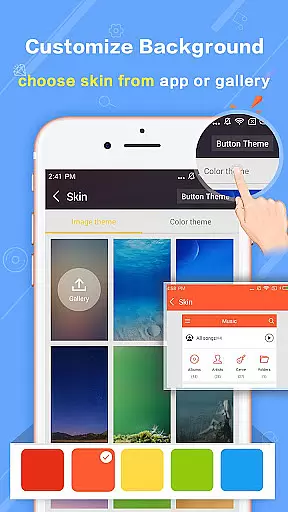
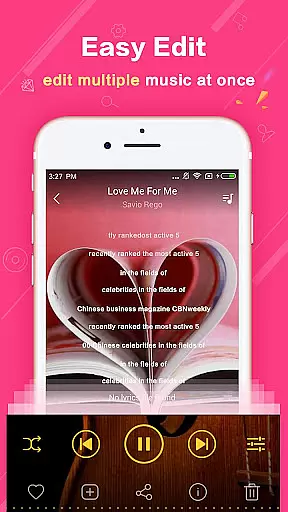
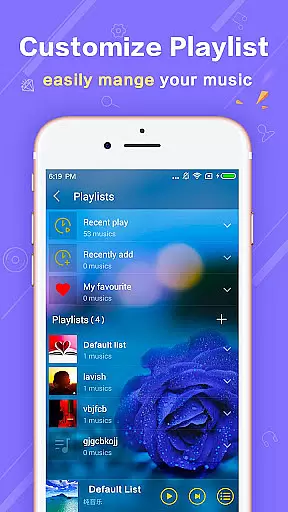
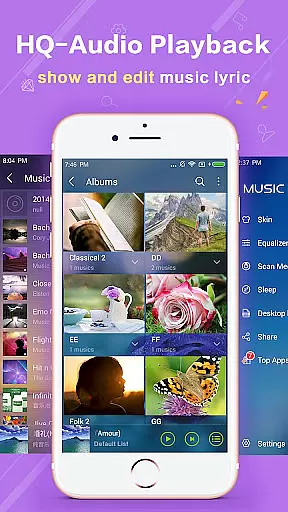
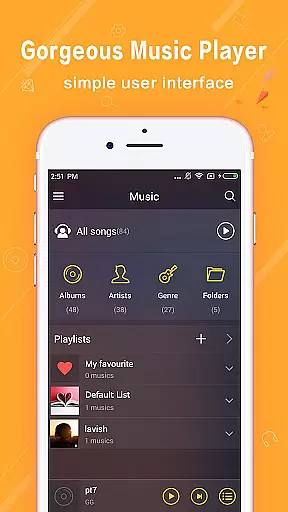
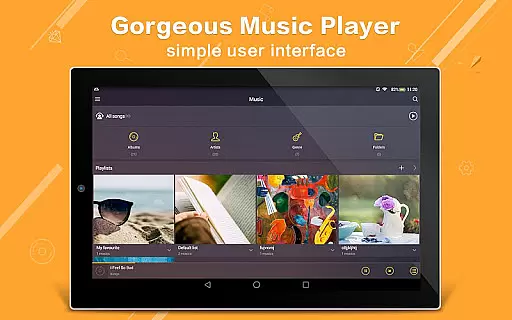
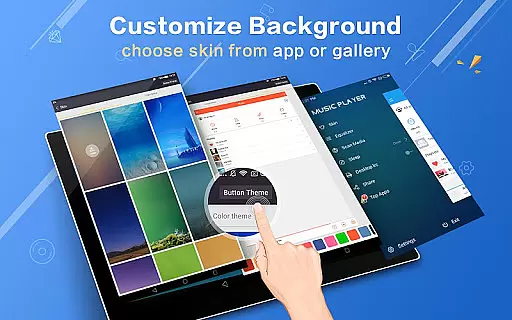
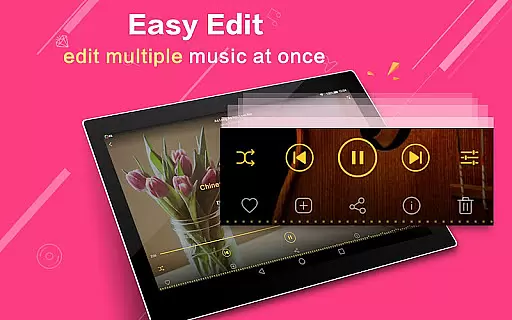
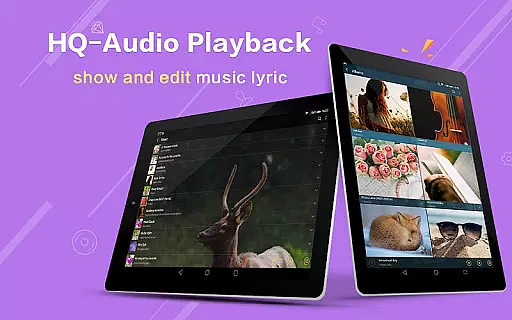
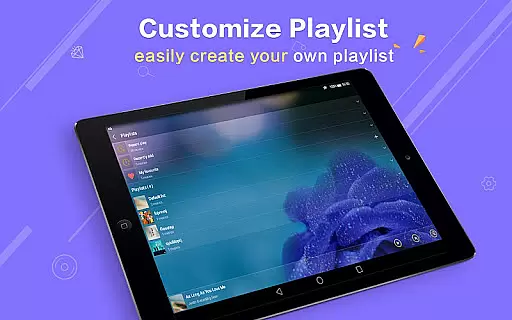
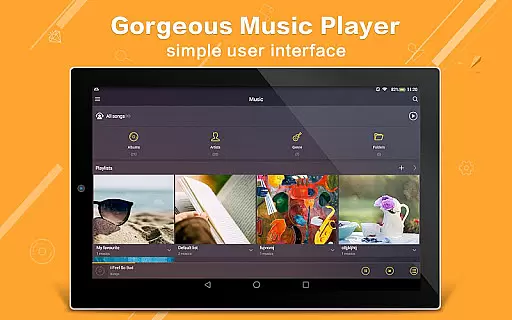
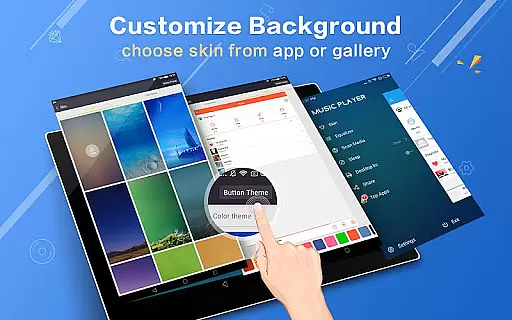
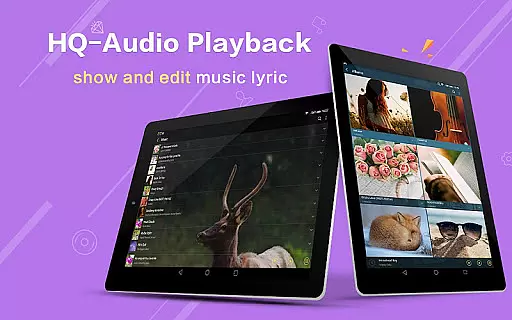
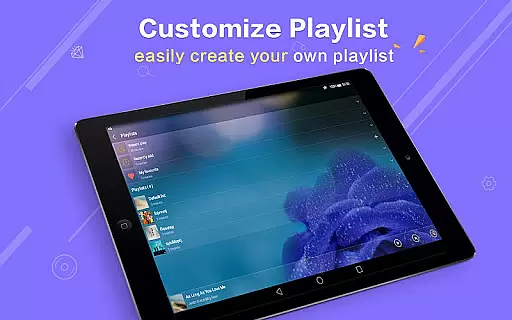
Music Player Plus is a feature-rich audio player designed to enhance your music listening experience. This app supports all popular music file formats and offers an intuitive interface for easy navigation through albums, artists, songs, playlists, and folders. The powerful equalizer with over 22 preset styles allows you to customize your sound, while the replaceable background skins let you personalize the look of your player.
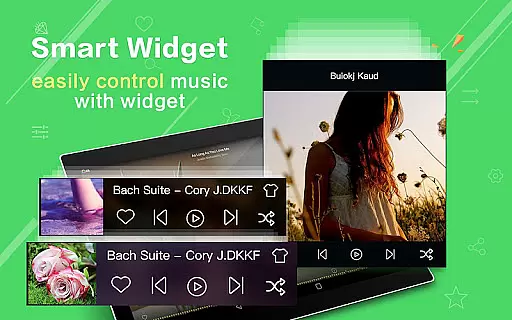
With its unique folder-based organization, Music Player Plus makes it simple to locate all your music files quickly. The app also includes practical features like lyric support, widgets for the home screen, and notification controls. Whether you're a casual listener or an audiophile, this app provides the tools you need to enjoy your music library to the fullest.
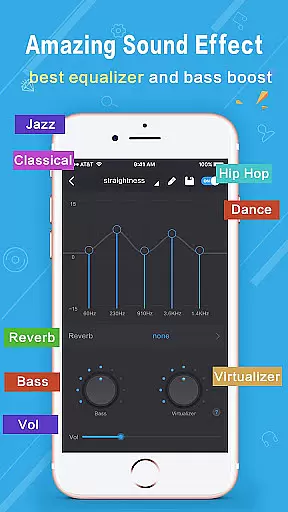
Music Player Plus stands out with its comprehensive set of features tailored for music enthusiasts. The app's powerful equalizer offers more than 22 preset music tone styles, including Normal, Classic, Dance, Folk, Heavy, Hip hop, Jazz, Pop, and Rock, allowing users to fine-tune their listening experience. Additionally, the customizable equalizer settings enable manual adjustments for complete control over the audio output.
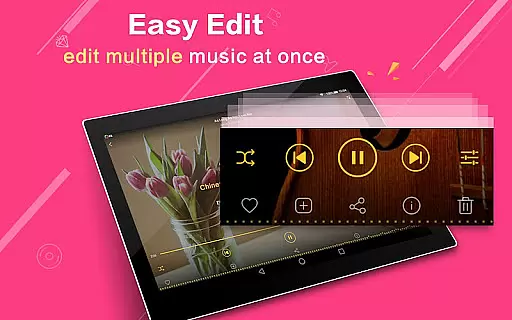
Beyond its audio capabilities, the app provides 22 gorgeous background skins, giving users the freedom to personalize their interface. The built-in search function and folder-based organization ensure that finding your favorite tracks is effortless. Other notable features include widget support, lyric file matching, and innovative playback controls like shake-to-change-song. These thoughtful additions make Music Player Plus a versatile choice for managing and enjoying your music collection.
When it comes to digital music players, the size and authenticity of the music library are crucial factors for users who want variety and legitimacy in their audio experience. Music Player Plus offers extensive support for all popular music file formats, ensuring that users can access a vast array of songs without compatibility concerns.
The application goes beyond just playing music; it allows users to browse and organize their collections by albums, artists, songs, playlists, and even folders. This meticulous organization speaks to the app's commitment to providing an authentic and comprehensive music library experience.
With genre lists and support for lyric files, the app matches lyrics to songs automatically, enhancing the perception of originality and copyright respect. Users can enjoy their music while feeling assured that they are accessing a structured and legitimate music database.
Audio quality is paramount for any music enthusiast, and Music Player Plus delivers exceptional sound with its powerful equalizer. The app includes over 22 preset music tone styles, catering to diverse musical tastes ranging from classical to hip-hop, allowing users to customize their listening experience.
For those seeking further personalization, the app provides options to manually adjust the equalizer, giving control over the music style and thus enabling an even more tailored audio output. This feature ensures that the nuances of each track are heard as the artist intended.
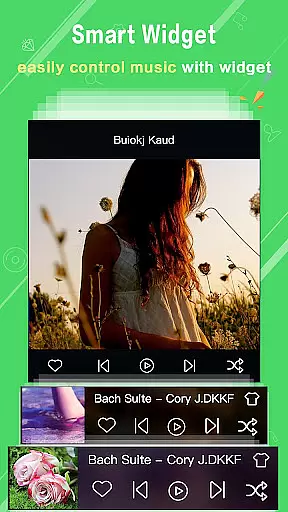
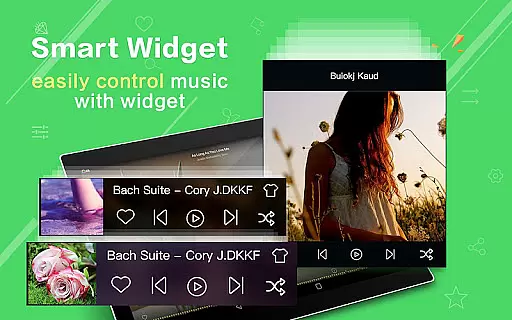
Additionally, the availability of different home screen widgets and the option to show album artwork in the notification status contribute to both convenience and uninterrupted high-quality playback. Such attention to detail in user interface design underlines the app's dedication to superior audio quality options.
User-friendly interface
Powerful equalizer
Customizable skins
Comprehensive file support
Intuitive folder navigation
No cloud integration
Limited sharing options
Heavy on resources
Occasional bugs
Ads in free version

Full-featured, High-Quality Groovebox Workstation, perfect for Live Performance!
 4.80
4.80
DJ Music Mixer - DJ Remix: remix songs, make beat music & record mix of DJ.
4.40
Enhance the sound quality of your devices, listen to what you want
4.50
More downloads than any other metronome. Includes drum machine & tempo trainer.
4.80
AI Music Maker: Generate And Compose AI Tunes & AI Songs & AI Music & AI Melody!
4.60
Play KORG’s revolutionary touch-based instrument on a variety of devices.
4.40
Full featured mp3 and audio player with Chromecast and Android Auto support.
4.40
One-tap booster for max volume - enjoy powerful sound with this audio booster
4.50
Customize Your Favorite Songs and Videos with booster.
4.70
Over 100 million tracks available for high quality streaming and download
4.60
A complete sound package for the sound engineer or enthusiast
4.60
Learn the notes on the guitar fretboard fast with this easy and fun app
4.60
Your HD audio recorder on the go for music, meetings, ambience, animal sounds…
4.30
The Music Journey in Your Hands
4.30
A High-Precision Audio Spectrum Analysis App
4.20
Turn your phone into a musical instrument from the future!
3.90
Offline Tunes, Unlimited Vibes
3.90
The Skullcandy App Experience
3.20
Make music anywhere. Turn your device into an instrument.
4.3


User Reviews