
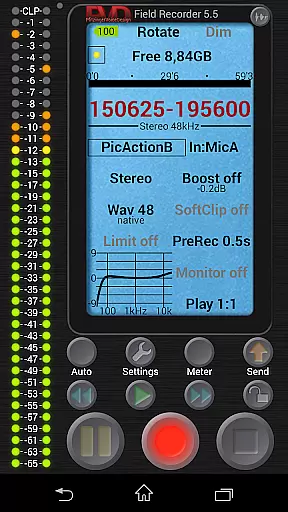
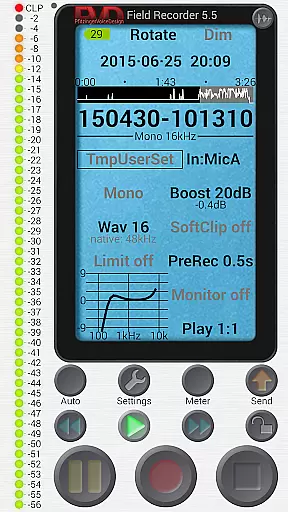
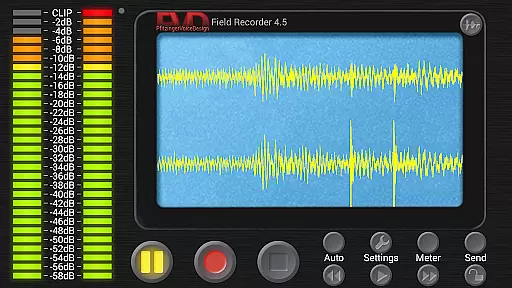
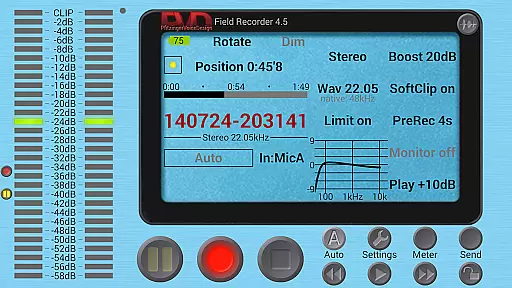
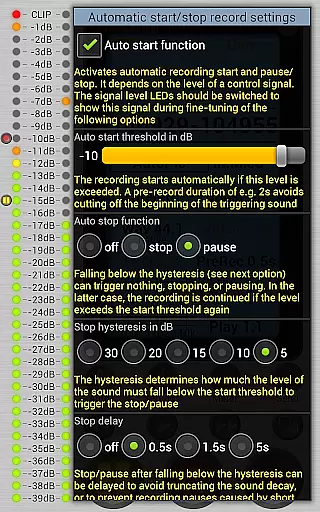
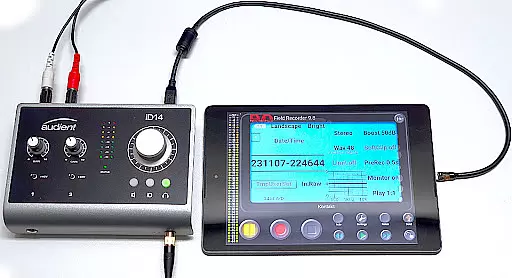
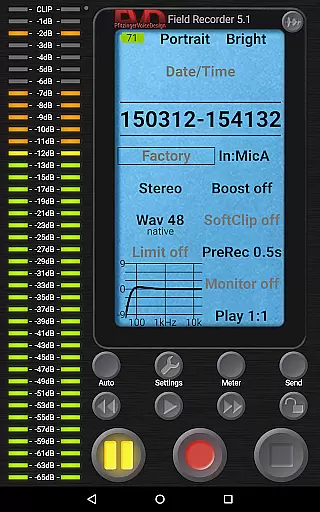
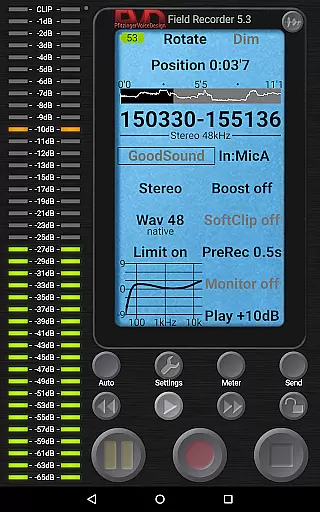
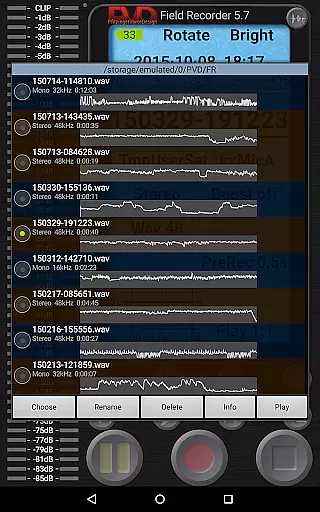
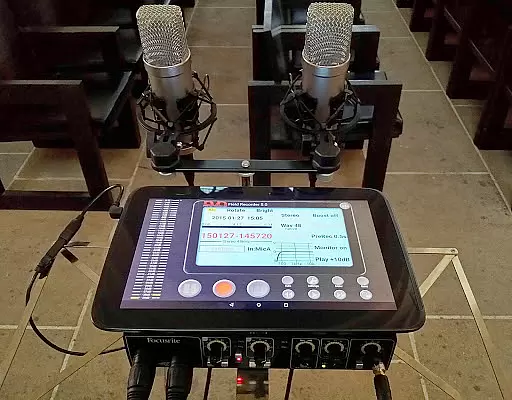
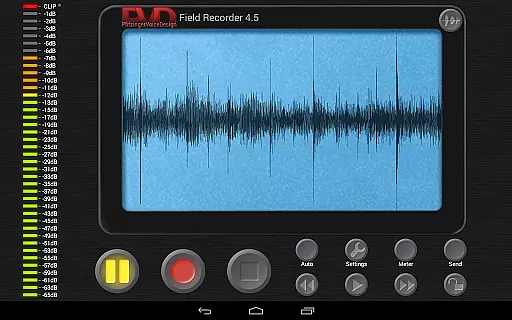
Field Recorder transforms your mobile device into a versatile audio recording tool, perfect for capturing high-quality sound on the go. With support for built-in microphones, external mics, and USB sound cards, it offers extensive customization options including equalizers, limiters, and adjustable audio parameters.
The app provides professional-grade recording capabilities in formats ranging from mono/16kHz/16-bit to stereo/192kHz/24-bit WAV files. Its powerful features include automatic start/stop functions, pre-recording buffer, and post-recording extensions, making it suitable for various scenarios like concerts, interviews, or field recordings.
Whether you're recording band rehearsals, lectures, or environmental sounds, Field Recorder's advanced monitoring and editing tools ensure optimal audio quality. The app also supports quick sharing options and seamless integration with helper apps for format conversion, providing users with complete control over their audio projects.
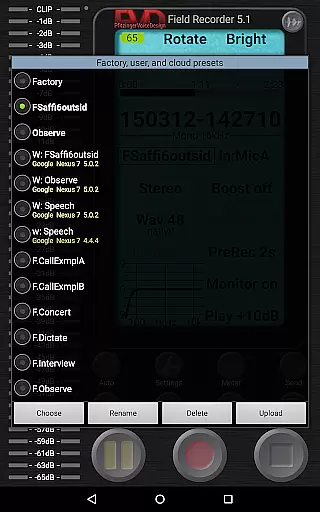
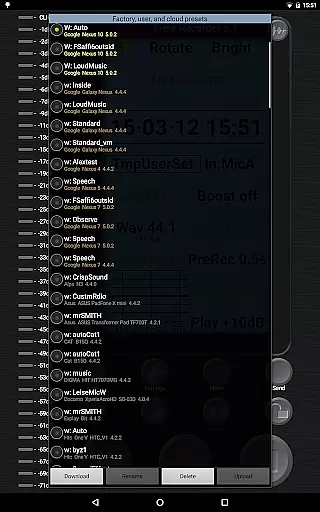
Field Recorder stands out with its comprehensive feature set designed for both amateur and professional audio enthusiasts. The app includes specialized presets for different recording situations, from dictation to live concerts, while allowing users to create and save custom configurations.
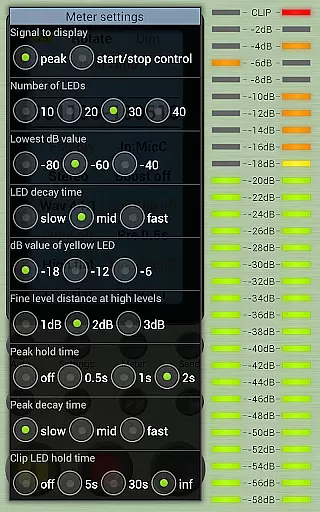
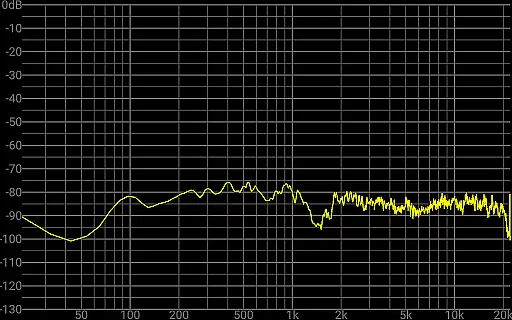
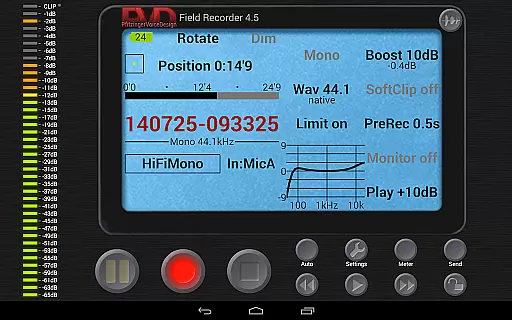
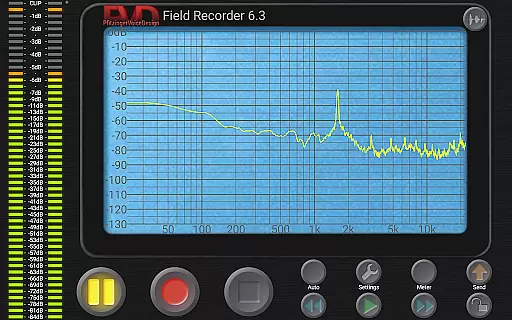
Advanced audio processing capabilities include parametric and shelving equalizers, low-cut filters, and stereo balance correction. The integrated limiter and soft clipping functions prevent distortion, while the spectrum analyzer and sonogram display provide real-time visual feedback during recording sessions.
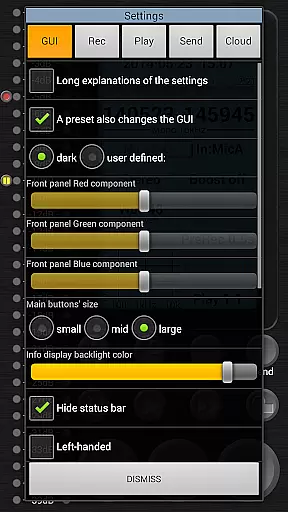
Unique functionalities such as automatic email alerts based on noise levels, gapless file splitting at 4GB boundaries, and configurable GUI elements demonstrate the app's attention to detail. Additional features like HD monitoring with minimal latency and a sophisticated WAV player with volume maximization make this app indispensable for serious audio work.
Field Recorder offers an extensive suite of features that make it a standout choice for audio recording. While it doesn't provide a traditional music library, its capabilities allow users to create their own high-quality audio archives. The app supports various formats including WAV and FLAC, ensuring recordings maintain professional-grade quality.
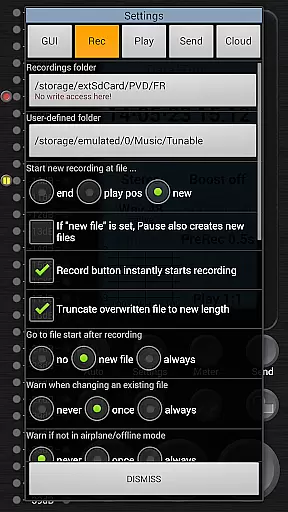
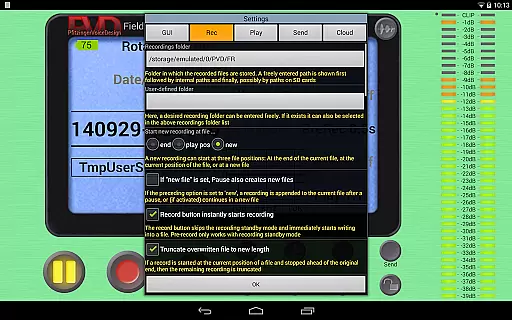
The app's compatibility with external microphones and USB sound cards enhances the recording experience. Users can adjust audio parameters extensively, tailoring each recording to specific needs. These settings can be saved as presets, allowing quick switching between different configurations tailored for diverse recording scenarios.
Field Recorder ensures copyright authenticity by enabling users to record original content directly. With options to convert files into MP3, AAC, or FLAC using helper apps, users can manage their audio libraries efficiently. This flexibility guarantees that all recordings are authentic and owned by the user, avoiding any copyright infringement issues.
Audio quality is at the heart of Field Recorder's design. The app provides unparalleled control over audio parameters, allowing users to adjust settings in more ways than any other recorder. From mono/16kHz/16-bit to stereo/192kHz/24-bit, the range of quality options ensures that every recording meets professional standards.
Advanced features such as low-cut filters, parametric and shelving equalizers, and stereo balance correction help mitigate microphone or situational weaknesses during recording. Additionally, the app includes a configurable limiter, soft clipping, noise shaping, and dithering, which collectively enhance the clarity and fidelity of each recording.
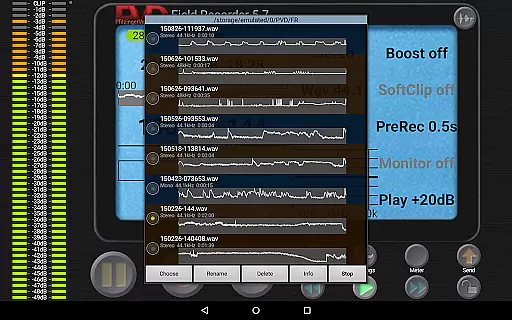
Users benefit from real-time monitoring with latency down to 20ms, ensuring immediate feedback on audio quality. The WAV player further supports this with adjustable volume maximization and audible fast-forward/rewind functions. Such comprehensive tools empower users to produce recordings with exceptional audio quality, making Field Recorder an indispensable tool for audiophiles and professionals alike.
User-friendly interface
High-quality recording
Extensive customization
Professional features
Real-time monitoring
Complex for beginners
High battery usage
Paid additional features
Steep learning curve
Occasional glitches

Performance-Synthesizer & Multi-Track-Sequencer, polyphonic + multi timbral!
 4.70
4.70
Time Trainer: accurate metronome w tools to help you develop your internal time!
4.20
The alternative folder based music player.
4.20
A sleek, no-frills player designed for true music lovers.
4.20
Learn and play 2M+ music tabs & chords on guitar, ukulele, bass, and more
4.30
Slow music down without changing pitch.
3.70
PowerAudio is a powerful offline music player.
4.20
Reverse your voice & songs instantly! Fun singing challenge with cool effects.
4.60
Turn Every Moment into Music
3.60
Voice recorder - Audio recorder. Best recorder for recording
4.90
Listen to live FM radio stations, sports, music and news on global radios online
4.70
Unleash your creativity! Turn simple prompts into full fledged songs.
4.70
Taal player that lets you sing any Indian & Western song with Tabla & Tanpura
4.60
Super Sound Editor, Song Maker & Mixer, Vocal Remover, Voice Recorder & Changer!
4.60
Play KORG’s revolutionary touch-based instrument on a variety of devices.
4.40
Advanced 10-Band Audio Graphic Equalizer Sound Booster Pro
4.30
The iconic iOS metronome app is now on Android.
3.70
MilkDrop for Android TV
3.00
Music Streaming suite for Ampache, Nextcloud Music and compatible backends.
4.0


User Reviews