
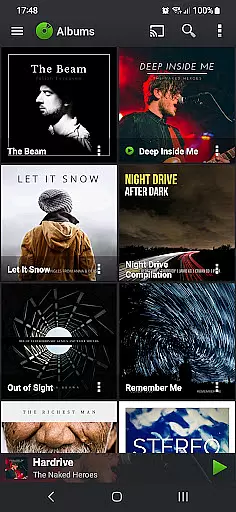
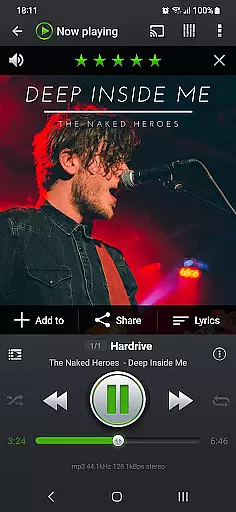
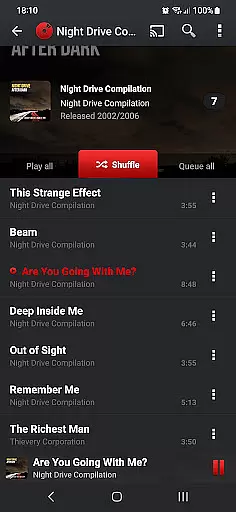
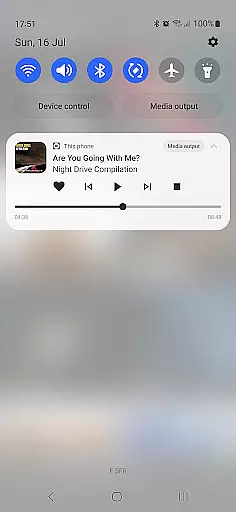
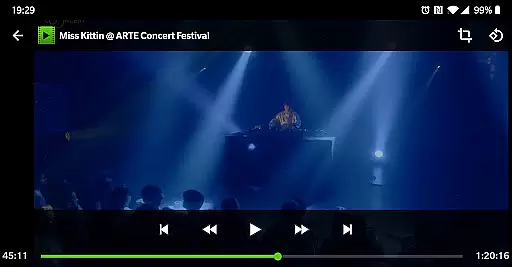
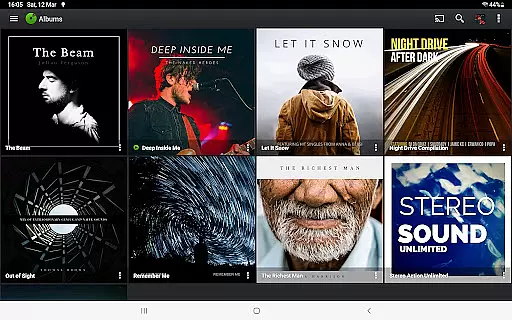
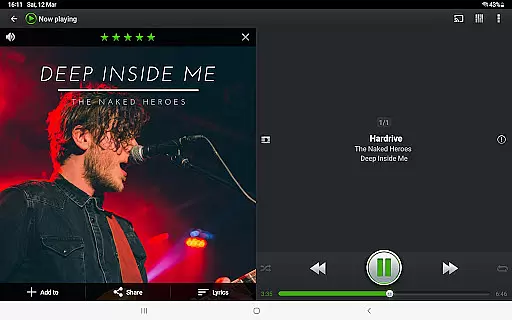
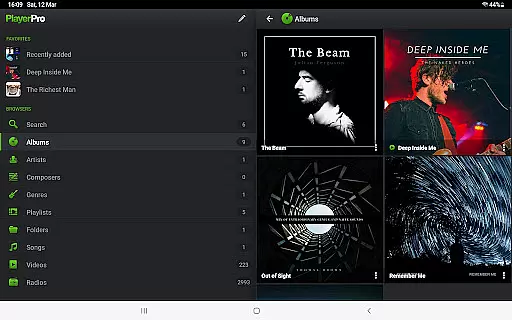
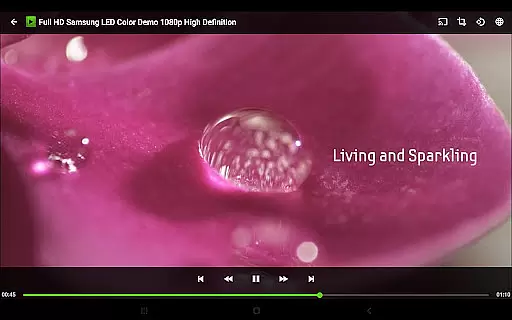
PlayerPro Music Player (Pro) is a premium music and video player for Android devices, offering an advanced audio experience with a sleek interface. It supports multiple browsing methods including albums, artists, genres, and playlists, while enabling users to stream content to Chromecast-compatible devices.
The app provides powerful customization options such as skins, grid or list views, and lock screen widgets. With support for high-res audio, 10-band equalizers, and professional DSP effects, it caters to audiophiles seeking fine-tuned sound quality. Additionally, features like Android Auto, lyrics editing, and Google Drive backup make it versatile for various user needs.
Designed for both casual listeners and music enthusiasts, PlayerPro enhances the playback experience through album artwork integration, smart playlists, and metadata editing. Its comprehensive feature set ensures users can manage their libraries efficiently while enjoying rich soundscapes tailored to their preferences.
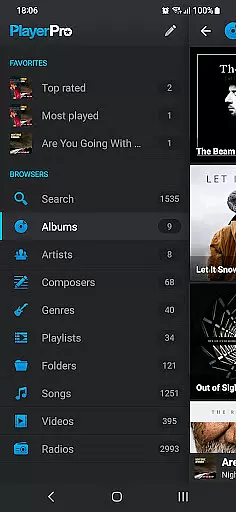
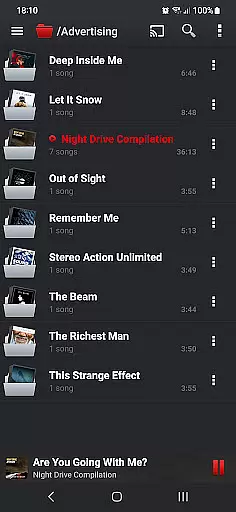
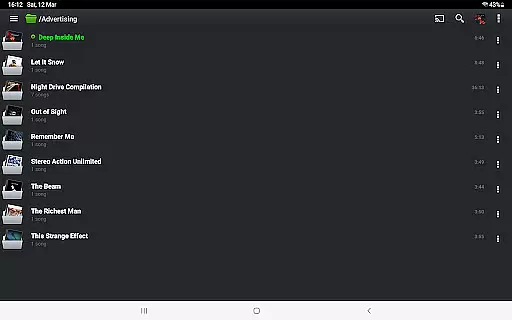
PlayerPro Music Player (Pro) stands out with its robust feature set designed for music aficionados. The app allows users to browse media by albums, artists, genres, playlists, and even folders, ensuring seamless navigation through large libraries. Advanced streaming capabilities enable users to cast music and videos to Chromecast Audio devices or TVs, enhancing accessibility.
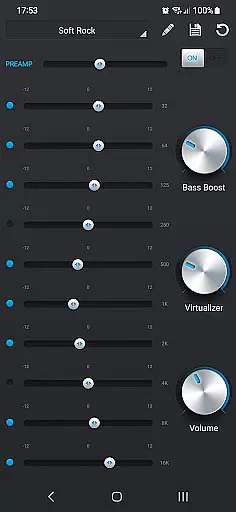
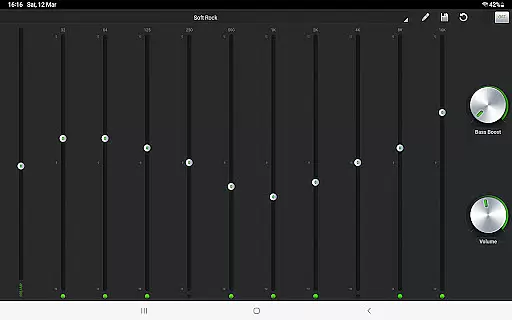
Customization is at the core of PlayerPro's appeal. Users can personalize the interface with downloadable skins, switch between grid and list views, and choose from multiple home screen widgets. The app also includes professional-grade audio tools like a 10-band graphic equalizer, gapless playback, and crossfade support via the free DSP plugin, delivering studio-quality sound.
Beyond playback, PlayerPro offers practical utilities such as ID3 tag editing, smart playlist creation, and Google Drive backups. Features like sleep timers, voice search, and social sharing further extend its functionality, making it a comprehensive solution for managing and enjoying digital media on Android devices.
PlayerPro Music Player (Pro) offers an extensive music library that supports all known audio formats including Mp3, Mp4, Ogg Vorbis, Flac, Wav, Aif, Dsf, Wma, Opus, and Speex. This ensures users have the freedom to play any music file without compatibility issues.
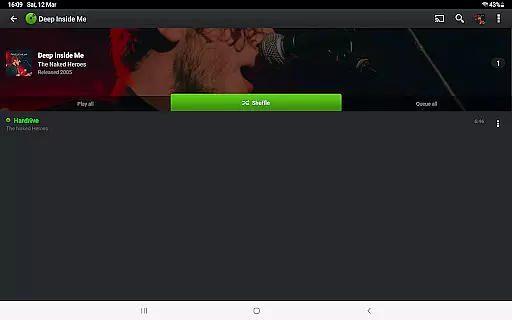
The app allows users to browse and play their music in multiple ways such as by albums, artists, genres, playlists, folders, or songs. This flexibility enhances the user experience by catering to individual preferences for organizing and accessing music.
In addition to its vast format support, PlayerPro provides features like ID3 Tags editing in single or batch mode. Users can edit up to 15 different tag fields, ensuring accurate and comprehensive music metadata management which is crucial for maintaining a well-organized library.
With options to import and export music history and ratings from favorite desktop music players, PlayerPro ensures seamless integration and data consistency across devices, enhancing both the size and authenticity of the user's music collection.
PlayerPro Music Player (Pro) stands out with its powerful audio configuration options designed to enhance sound quality. The app includes a default 5-band graphic equalizer with 15 presets, offering stereo widening effects, reverb settings, bass boost control, and volume adjustments to tailor audio output according to personal preferences.
For audiophiles seeking even more advanced sound customization, PlayerPro offers a free DSP plugin. This plugin supports high-resolution audio up to 32-bit, 384kHz, providing a 10-band graphic equalizer, Pre-Amp control, bass boost, stereo widening, and left-right volume controls for precise audio tuning.
Additional professional audio features include gapless playback, auto/manual crossfade, replay gain, and an audio limiter. These functionalities ensure uninterrupted, high-quality audio performance, making PlayerPro suitable for critical listening sessions where sound fidelity is paramount.
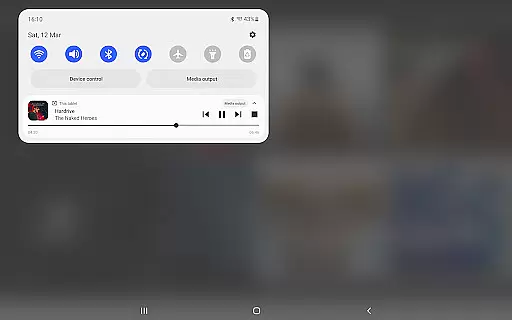
Moreover, the ability to stream music to Chromecast Audio compatible devices extends the high-quality audio experience beyond mobile devices, allowing users to enjoy superior sound on larger sound systems without compromising on quality.
Advanced audio configuration
Beautiful and intuitive UI
Wide range of customization
Supports Chromecast streaming
Comprehensive ID3 tag editor
Paid version only
No iOS compatibility
Occasional bugs reported
Heavy on system resources
Complex for beginners

Your HD audio recorder on the go for music, meetings, ambience, animal sounds…
 4.30
4.30
10-Band Audio Equalizer, Sound / Bass Booster for Spotify Users & Music Players
4.40
JBL PartyBox APP works with 110/310/710/120/320/520/Encore/Encore 2/Encore Ess 2
4.80
Next generation modular control surface
4.10
Bass Booster Pro takes auto-equalizing to the next level!
4.30
Guzheng Master supports many playing techniques as an acoustic Guzheng
4.50
USB audio recording and playback finally possible on Android 3.1 or higher!
3.90
Slow music down without changing pitch.
3.70
Sheet music reader, piano & music note player. Play music score & learn to read.
3.90
Voice recorder - Audio recorder. Best recorder for recording
4.90
Bass Booster & Volume Equalizer Pro improves your music and video sound quality
4.60
Manage your Sonos system directly from your home-screen!
4.40
Time Guru will strengthen your internal sense of musical time via random muting.
4.30
Equalizer, Bass Booster and Volume Booster (Eq & Bass) improve sound quality
4.30
A High-Precision Audio Spectrum Analysis App
4.20
The original SP-1200 experience on your iPad
4.20
Versatile MP3 recorder with auto-backup to Dropbox and Google Drive
4.10
Offline Tunes, Unlimited Vibes
3.90
Remove ads permanently from Music Visualizer
4.2


User Reviews