
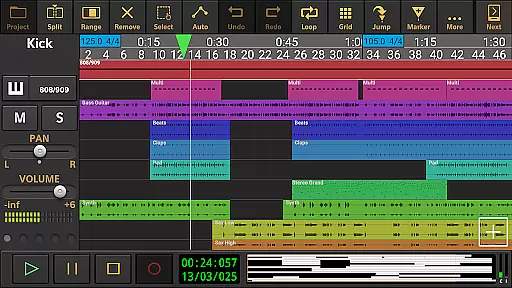
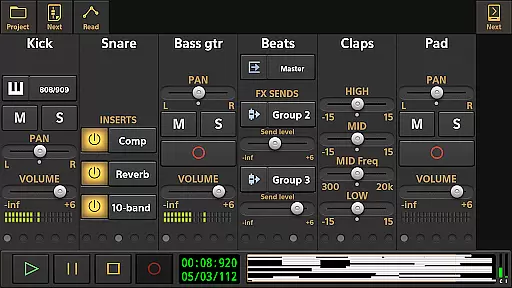
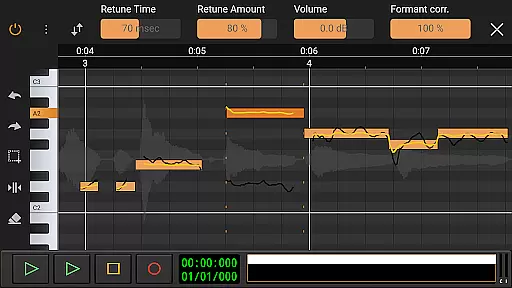
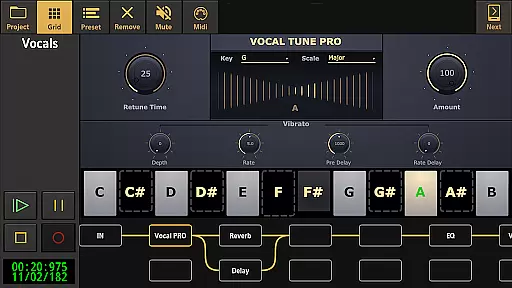
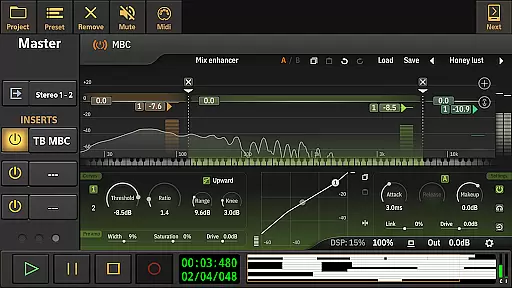
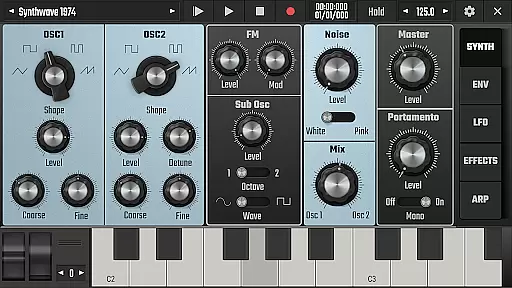
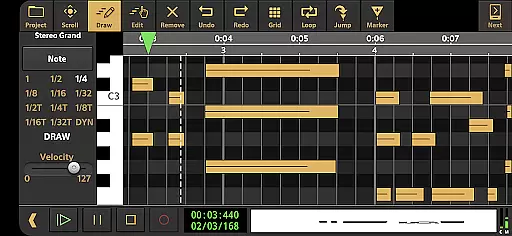
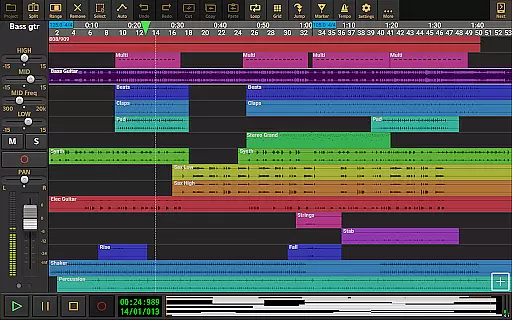
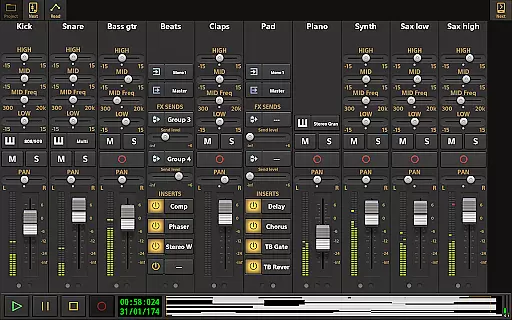
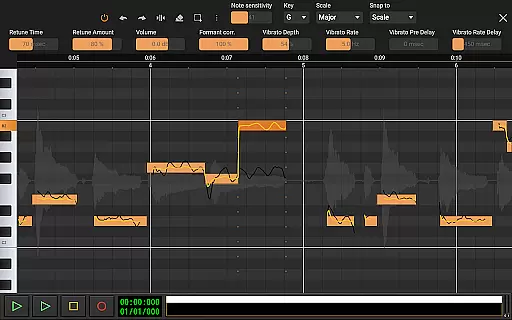
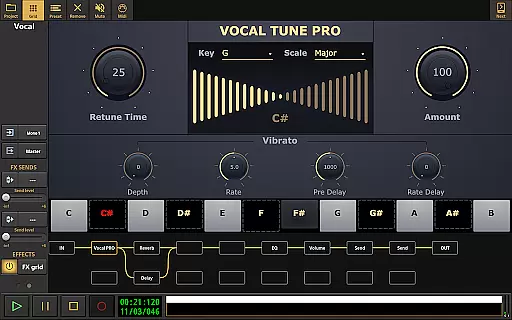
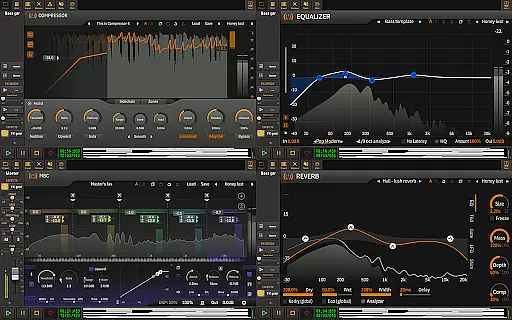
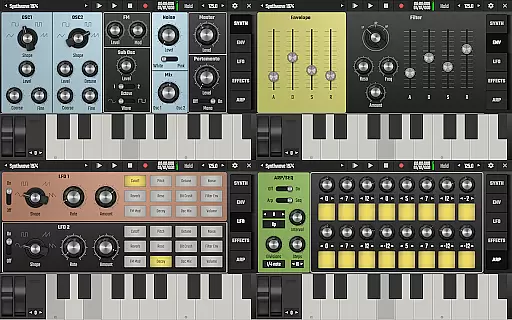
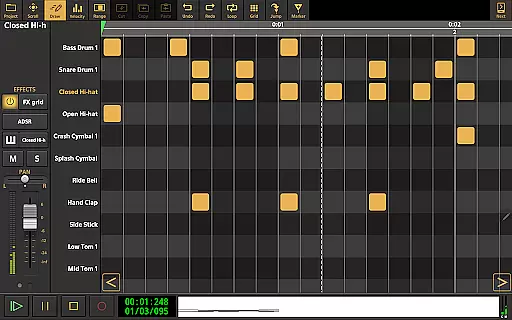
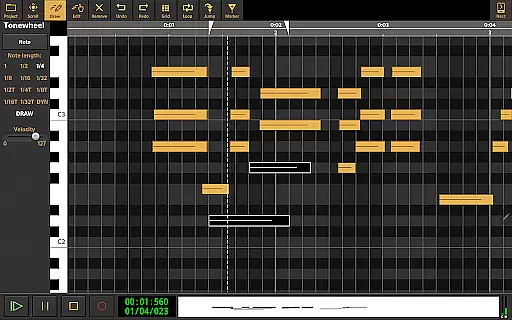
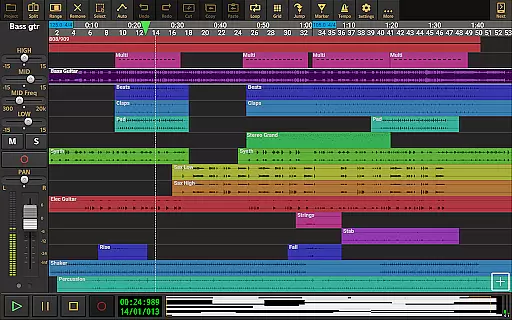
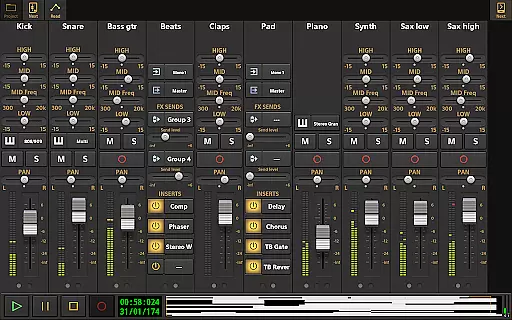
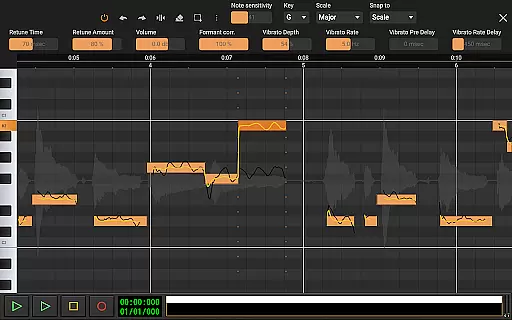
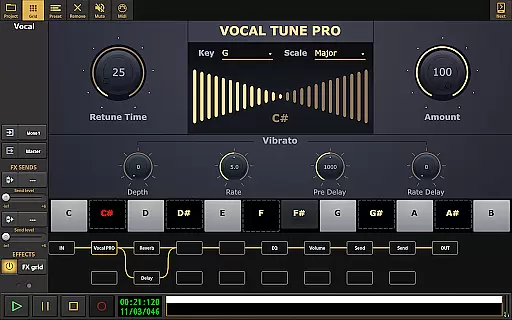
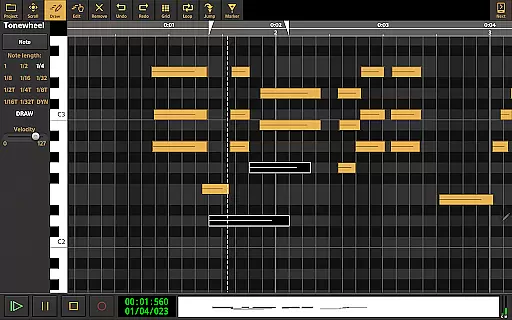
Audio Evolution Mobile Studio is a comprehensive digital audio workstation (DAW) for Android, enabling users to record, mix, and edit music directly on their mobile devices. It supports multitrack audio and MIDI recording with features like Vocal Tune Studio for pitch correction, virtual instruments, and real-time effects.
The app offers advanced capabilities such as low latency recording via USB audio interfaces, automation of mixer parameters, and flexible effect routing. Whether you're creating song ideas or full productions, this app rivals desktop DAWs in functionality.
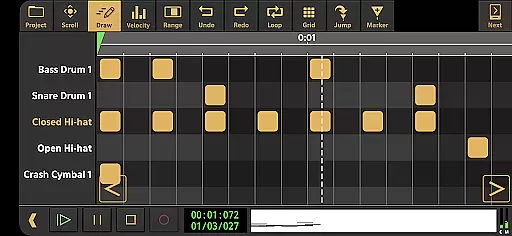
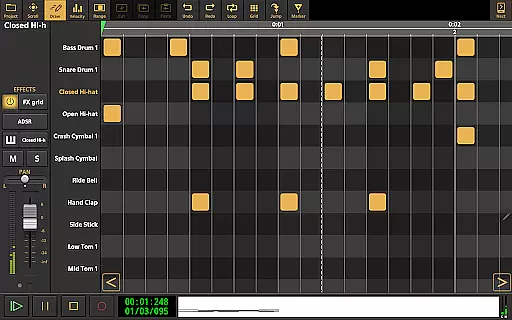
Ideal for musicians on the go, Audio Evolution Mobile Studio allows creative freedom with drum pattern editing, tempo changes, and mastering options. Its compatibility with various formats and cloud sync feature makes it a versatile tool for both casual users and professional producers.
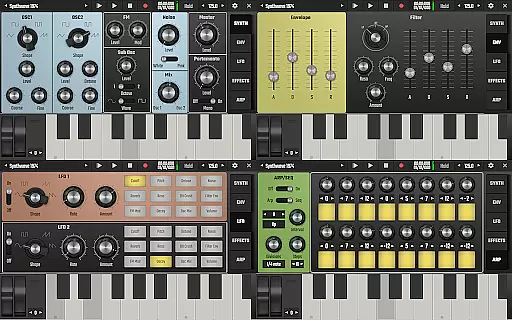
Audio Evolution Mobile Studio stands out with its extensive set of features tailored for music production. The app includes a vocal pitch and time editor, virtual analog synthesizer, and sample-based Soundfont instruments, catering to diverse musical needs.
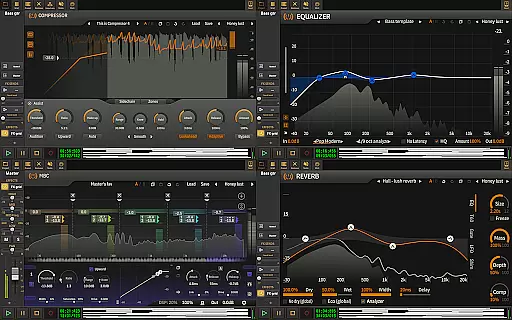
One of the key highlights is the support for multi-channel USB audio interfaces, allowing for high-quality recordings. Users can take advantage of the drum pattern editor, automation capabilities, and a wide array of real-time effects including EQs, reverb, and compressors.
Additionally, the app facilitates seamless project interchangeability with its iOS version and enables exporting projects to other DAWs. With unlimited undo/redo options, flexible effect routing, and sidechain capabilities, it empowers users to craft their sound with precision.
Audio Evolution Mobile Studio offers an extensive music library that caters to a wide range of musical needs. The app includes various virtual instruments and sample-based Soundfont instruments, which significantly expand the creative possibilities for users. These features ensure that musicians have access to a diverse array of sounds and instruments without needing to seek external sources.
In terms of copyright authenticity, Audio Evolution Mobile Studio provides assurance by including legitimately licensed content. This means that all the loops, samples, and instrument sounds are cleared for use, giving creators peace of mind when incorporating them into their projects. Users can focus on their music production without worrying about potential legal issues related to unlicensed material.
The app also allows for the import of additional formats such as WAV, MP3, AIFF, FLAC, OGG, and MIDI files, further enhancing the available music library. This flexibility ensures that users can integrate their personal audio assets or legally acquired content seamlessly into their workflow within the app.
Moreover, the availability of in-app purchases for loops and Soundfonts at various prices enables users to expand their sound collection according to their specific requirements. By offering these options, Audio Evolution Mobile Studio not only increases its music library size but also maintains the integrity of copyright compliance, providing a trustworthy environment for music creation.
When it comes to audio quality options, Audio Evolution Mobile Studio stands out with its ability to handle high-resolution audio recording and playback. The app supports low latency and multichannel recording using a USB audio interface, which is crucial for capturing clean and detailed sound. This feature is particularly beneficial for professionals who require pristine audio quality in their work.
Furthermore, the mastering capabilities of the app allow users to export their final mixes to various high-quality formats such as WAV, MP3, AIFF, FLAC, or OGG files. This versatility in output formats ensures that creators can choose the best option for their distribution needs while maintaining excellent audio fidelity throughout the process.
For those seeking even more advanced audio handling, optional in-app purchases like the custom-developed USB audio driver offer enhanced performance. This driver supports any sample rate and resolution that the connected device allows, pushing beyond standard Android limitations to deliver 24-bit/96kHz audio or higher if the hardware permits.
Additionally, real-time effects including EQs, compressors, reverbs, and others contribute to superior audio manipulation possibilities within the app. These tools empower users to refine their sound with precision, ensuring that the final product meets professional standards. With these comprehensive audio quality options, Audio Evolution Mobile Studio positions itself as a top-tier choice for discerning audio producers on Android devices.
Comprehensive DAW features
Real-time audio effects
High-quality MIDI support
Versatile export options
Active community support
Steep learning curve
In-app purchases needed
Interface not beginner-friendly
High system requirements
Limited free instrument packs

Fun & Easy Voice Changer – Record, Edit & Add Hilarious Effects!
 4.50
4.50
Turn your phone into a musical instrument from the future!
3.90
Equalizer, Bass Booster and Volume Booster (Eq & Bass) improve sound quality
4.30
Time Trainer: accurate metronome w tools to help you develop your internal time!
4.20
Bass Booster & Volume Equalizer Pro improves your music and video sound quality
4.60
Learn to play the piano using falling notes!
3.80
Smart piano keyboard, Classical to Pop, Real-time multiplayer connection!
4.20
Get alarms that fit your lifestyle and wake up to the sounds you love.
4.80
Be a true music maker: create beats, mix and make music like a real DJ!
4.30
Simple & Intuitive Metronome
4.70
Record, Mix & Master with all n-Track effects, 64-bit audio and Stem Separation.
4.70
Listen radio AM / FM Stations. Live AM / FM Radio App Station. Radio Com.
4.70
Pay Once, no monthly payment
4.60
A synth that really lets you shape your sounds!
4.50
Ringtone Maker is free app create ringtone from music files or your recording.
4.40
Offline and always ad-free - stream in the highest quality available.
4.10
Versatile MP3 recorder with auto-backup to Dropbox and Google Drive
4.10
Offline Tunes, Unlimited Vibes
3.90
Control your MIDI USB or Bluetooth devices in app and avoid some trampling
3.30


User Reviews