
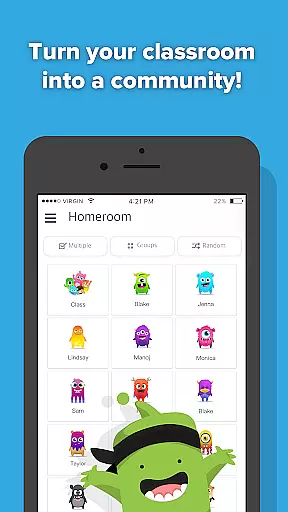
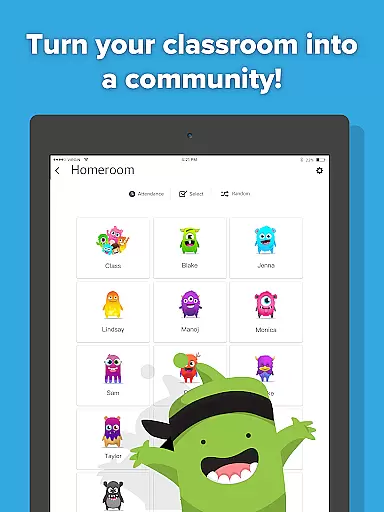
ClassDojo is an innovative educational app designed to foster a positive classroom community by enhancing communication between teachers, parents, and students. The app allows teachers to recognize and encourage students for various skills such as teamwork and hard work, directly involving parents in the learning journey.
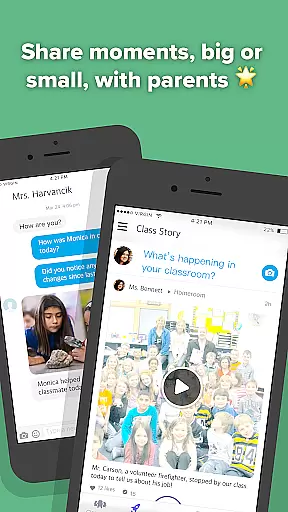
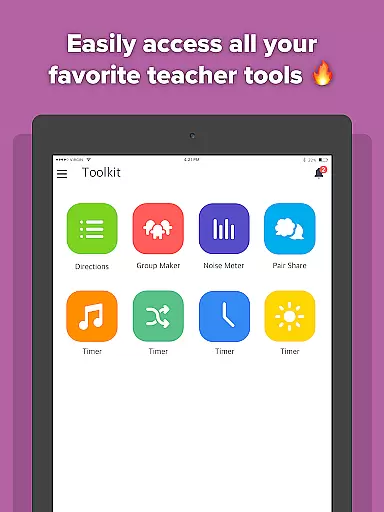
With features like digital portfolios, teachers can easily share classroom moments through photos and videos, while parents receive real-time updates about their child's progress. ClassDojo consolidates essential teacher tools into one platform, making it accessible on any device, from smartphones to smartboards.
This app is particularly useful in creating an engaging classroom environment where everyone feels connected and involved. By bridging the gap between school and home, ClassDojo helps build a supportive network that enhances student development and academic success.
ClassDojo offers a comprehensive suite of features tailored to meet the needs of modern classrooms. Teachers can utilize customizable feedback options to motivate students for both academic and social achievements. This feature not only boosts student morale but also provides parents with insights into their child's strengths and areas for improvement.
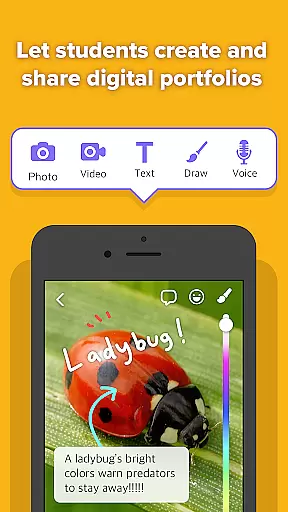
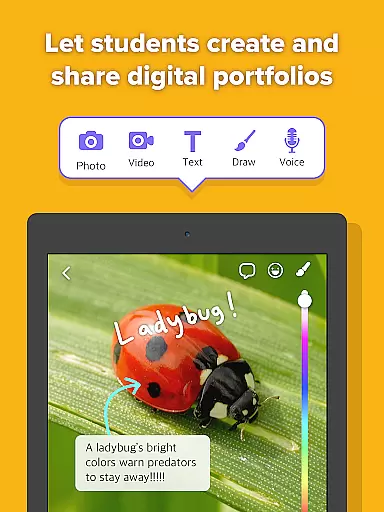
The app's digital portfolio functionality enables students to document their learning journey by uploading classwork, which parents can view and appreciate. Additionally, ClassDojo facilitates seamless communication through its instant messaging system, allowing teachers and parents to maintain open lines of dialogue regarding student progress and classroom activities.
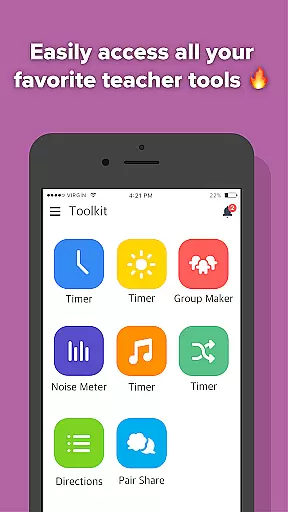
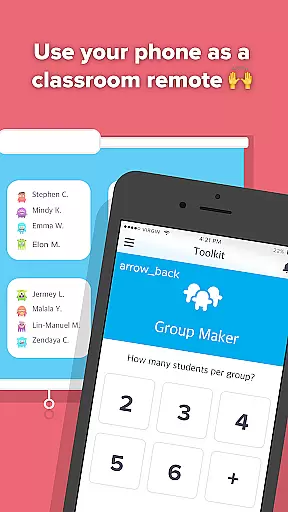
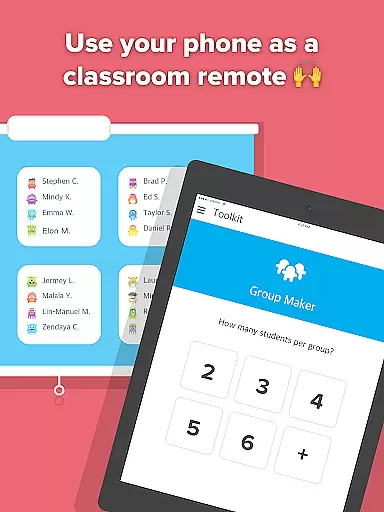
Moreover, ClassDojo incorporates interactive tools like the Group Maker and Noise Meter, which help manage classroom dynamics effectively. These features collectively contribute to creating a harmonious and productive learning environment, benefiting all stakeholders involved in the educational process.
In the realm of education, content accuracy and authority are paramount. ClassDojo ensures that all interactions within its platform are genuine and meaningful, fostering a trustworthy environment for teachers, students, and parents. The app allows teachers to create an encouraging and positive classroom culture by recognizing students for various skills such as 'Working hard' and 'Teamwork,' which are essential traits validated by educational experts.
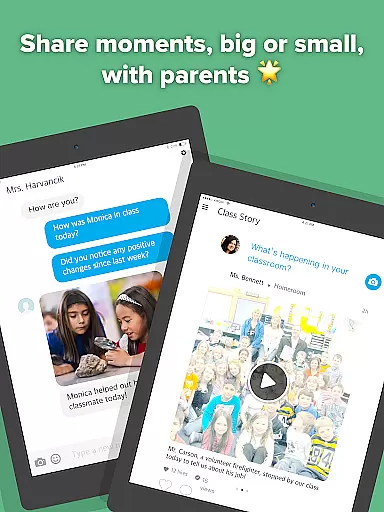
ClassDojo's communication features extend beyond simple messaging. Teachers can share classroom moments through photos and videos, providing parents with authentic glimpses into their child's school day. This transparency builds confidence in the information shared on the platform, reinforcing its credibility. Additionally, the ability for students to contribute their work to digital portfolios further enhances the authenticity of the educational content available to parents.
The app consolidates essential teacher tools like Group Maker and Noise Meter, ensuring that educators have access to reliable resources that support effective classroom management. These tools, combined with real-time updates and announcements, ensure that the information disseminated is both timely and authoritative. By bringing together these elements, ClassDojo establishes itself as a comprehensive and credible educational tool that supports accurate and authoritative content exchange among all stakeholders in a child's education.
ClassDojo offers personalized learning paths by enabling teachers to tailor their encouragement and feedback to individual student needs. Through the platform, teachers can recognize specific skills and behaviors, such as 'Working hard' and 'Teamwork,' allowing for customized reinforcement that aligns with each student's developmental path. This personalized approach helps nurture a unique learning journey for every student, promoting growth in areas most beneficial to them.
Students benefit from ClassDojou2019s digital portfolio feature, where they can easily add their classwork. This creates a personalized repository of their achievements and progress, accessible to parents. Such tailored portfolios allow parents to witness their child's educational trajectory firsthand, making it easier to support and engage with their learning process outside the classroom.
Furthermore, ClassDojo facilitates instant and safe communication between teachers and parents. This direct line allows for discussions about a student's progress and any necessary adjustments to their learning plan. By integrating these personalized elements, ClassDojo not only supports academic growth but also fosters a collaborative environment where teachers, parents, and students work together to create optimal learning experiences tailored to individual needs.
User-friendly interface
Real-time updates
Encourages student engagement
Facilitates parent-teacher communication
Accessible on multiple devices
Limited advanced analytics
No offline functionality
Dependent on user participation
Privacy concerns for some users
Requires consistent internet access

One of the most engaging and innovative ABC apps on the market.
 4.30
4.30
Dinosaurs coloring book game. Drawing and painting dinos.
4.50
The Only Official DVSA Theory Test Kit App
4.50
Astronomy Guide to the Night Sky
4.40
Your best partner for learning Japanese words. Based on a best-selling textbook.
2.90
The Fighter Verses Bible memory system helps you memorize God's Word.
4.50
MONOPOLY JUNIOR brings Hasbro's classic the board game to life.
3.00
Astronomy Guide To Night Sky
4.30
SkyView®, an augmented reality space app, brings stargazing to everyone!
4.40
Stack the Countries makes learning world geography fun!
4.50
An interactive enhancement of the Sesame Street classic.
4.50
An aviator’s preparation, study and test tool for FAA Knowledge Exams.
4.30
Turns you phone or tablet into TI graphing calculator (ROM required).
4.20
Break Language Barriers with AI—Learn Language Anytime, Anywhere!
4.00
Our most popular app series returns, better than ever!
3.90
The official CCM Glossary app, including 700+ terms and definitions.
2.90
AR planetarium app that brings the solar system to you via XREAL Glasses.
4.1
Grazing Risk Monitoring Service
4.3
Learn and joke with the Silly Turkey!
4.0


User Reviews