
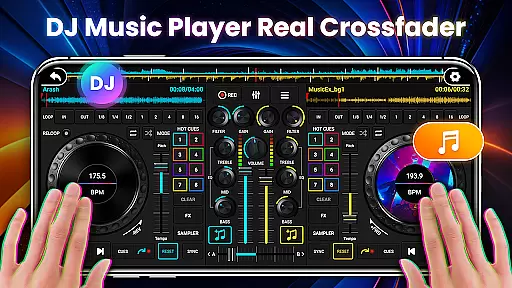
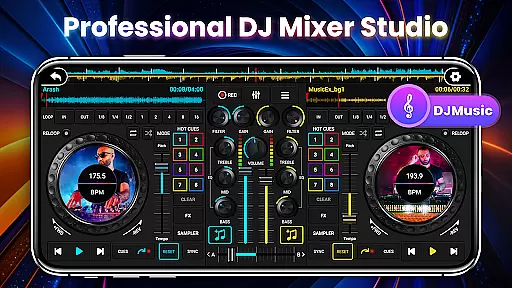
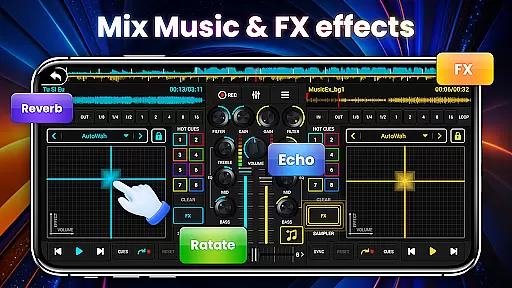
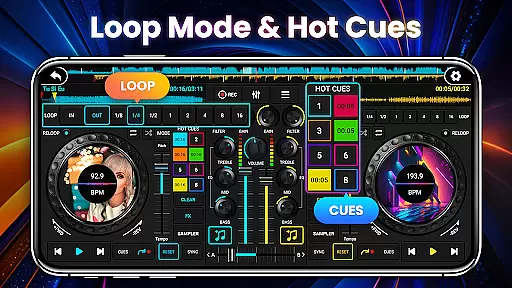
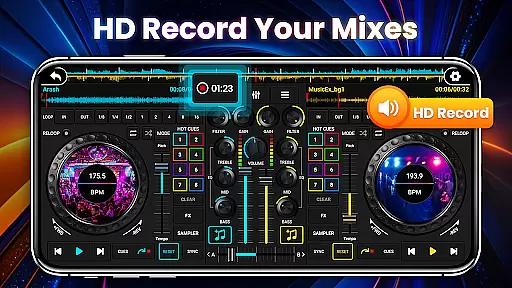
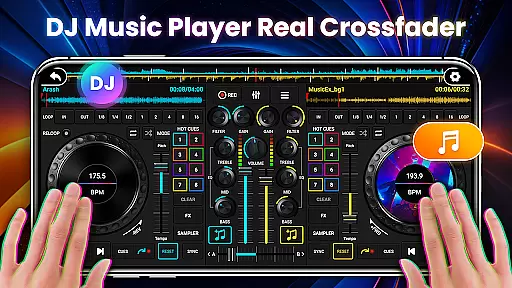
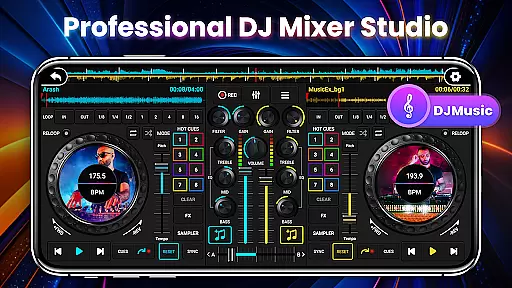
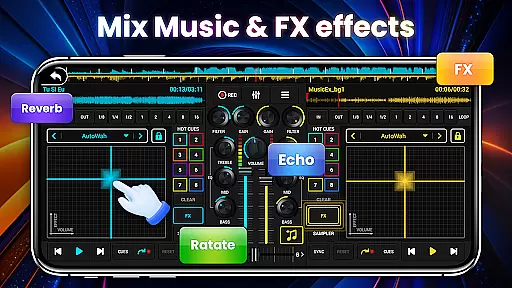
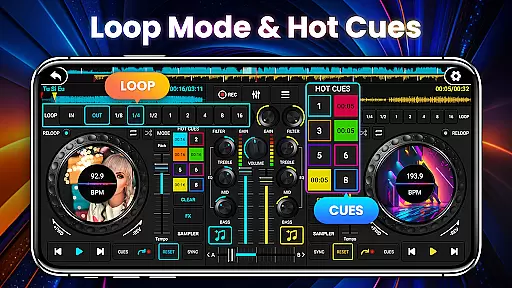
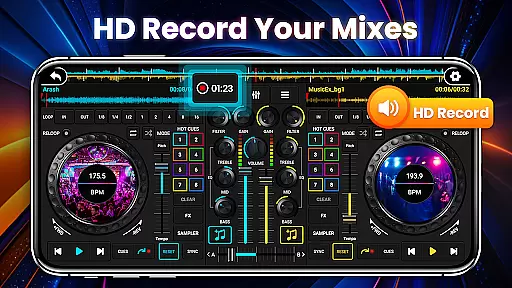
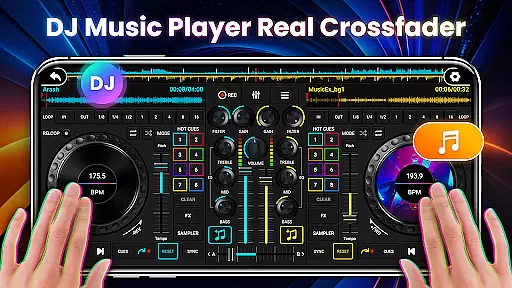
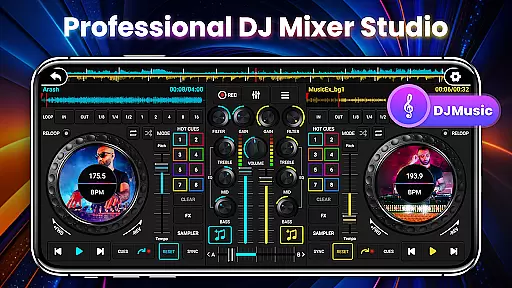
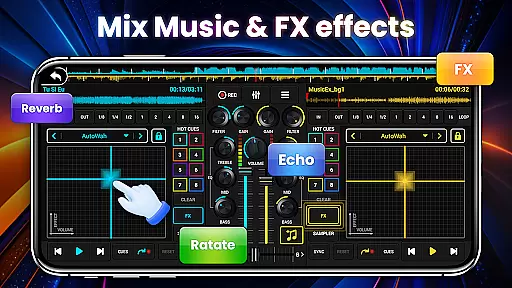
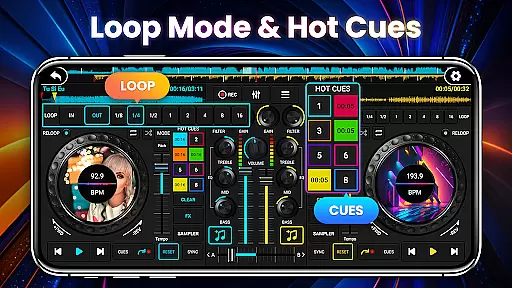
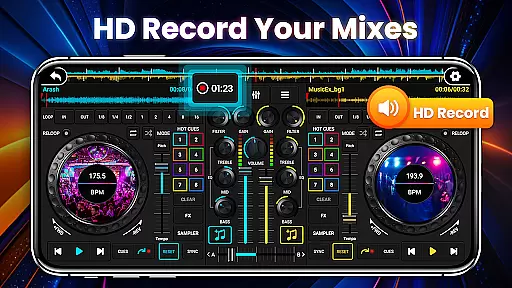
DJ Mixer Studio Pro is a professional-grade virtual DJ console designed for both beginners and experienced DJs. This AD-free edition offers an immersive music mixing experience with features like a 3-band EQ mixer, FX effects, and a 10-band equalizer with bass booster. The app simulates a real DJ console, allowing users to manipulate controls, rotate knobs, and scrub discs back and forth, providing a vivid interactive experience.
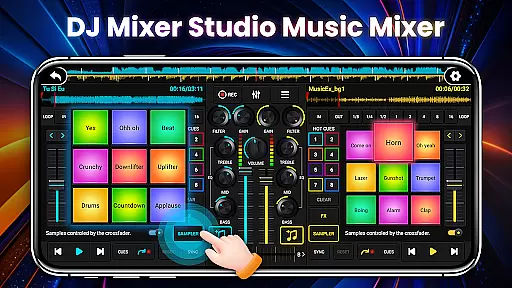
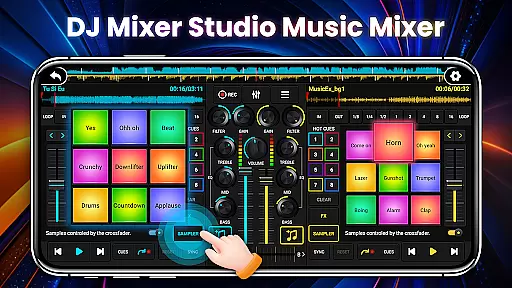
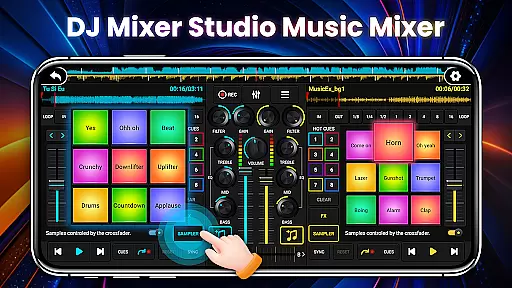
The app includes advanced functionalities such as ten-segment EQ precise adjustment, BPM synchronization, high and low pass filters, and crossfader gradual exit. With up to eight hotspots, 27 free sample packages, and seven FX effects including AutoWah, Echo, and Reverb, it caters to all professional DJing needs. Whether you're creating music or refining DJ skills, this app provides the tools necessary for an engaging audio experience.
DJ Mixer Studio Pro stands out with its comprehensive feature set tailored for professional use. The app includes three quick EQ adjustment buttons, seven FX effects processors, and eight loop modes ranging from 1/8 to 16 beats. It supports up to eight hotspots and offers bass enhancement to unleash the energy of DJ music.
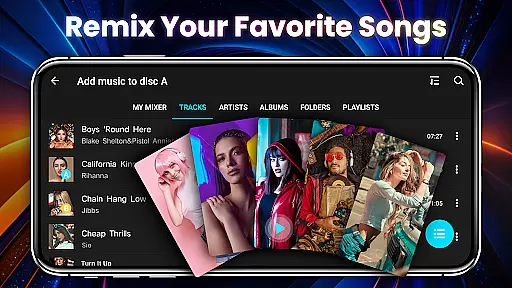
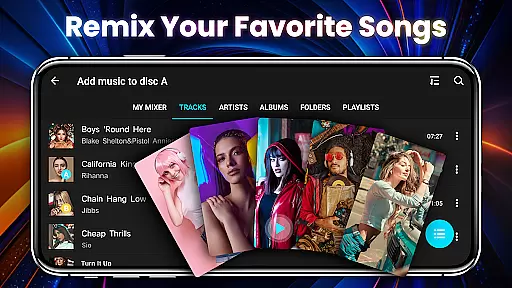
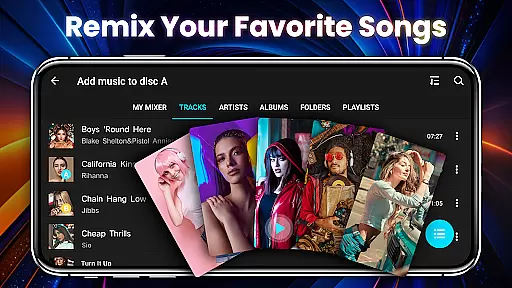
Additional features include real-time BPM display, tone locking during BPM adjustments, and simultaneous or alternating play on two deck consoles. The crossfader allows smooth volume transitions between tracks. Designed for intuitive operation, the app adapts to phone interfaces, includes beginner tutorials, and enables quick access to local songs for seamless music creation.
In the realm of digital music creation and remixing, having access to a vast and legally sound music library is crucial. DJ Mixer Studio Pro offers an extensive collection of tracks and samples that users can leverage to craft unique mixes. This app ensures that all content within its library is properly licensed, giving users peace of mind when creating music.
The application boasts a rich repository of 27 completely free sample packages, each filled with stunning sound effects that can be seamlessly integrated into songs. These samples are not only diverse but also cater to various musical styles, thus enhancing the creative possibilities for users. Furthermore, the app's commitment to copyright authenticity means that DJs can focus on their art without legal concerns looming over them.
For aspiring and professional DJs alike, this vast and verified music library serves as a foundation for creativity. It allows users to experiment with different sounds and genres, knowing that they are working within legal boundaries. The assurance of copyright compliance adds value to the user experience, making DJ Mixer Studio Pro a reliable tool for music production.
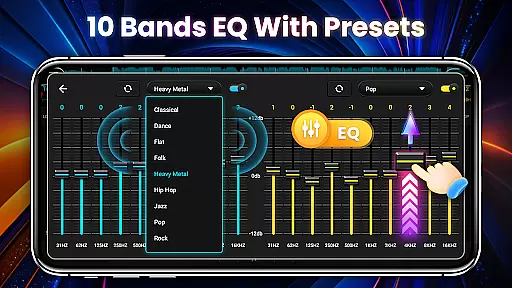
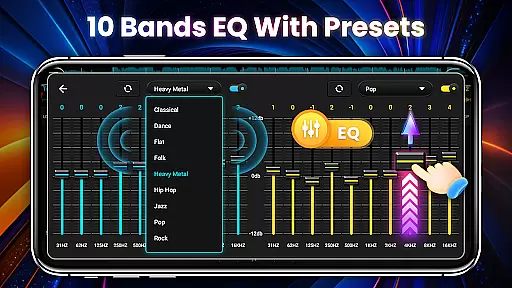
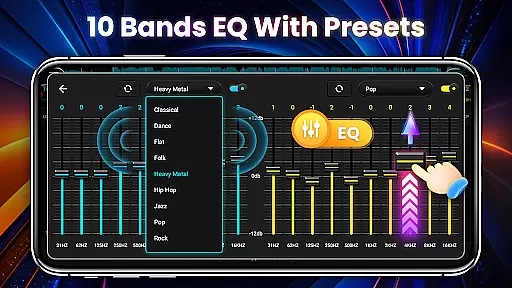
Audio quality is paramount when producing music, and DJ Mixer Studio Pro excels in providing users with a variety of audio quality options. The app features a sophisticated 10-band equalizer and bass booster, enabling precise sound adjustments that cater to individual preferences and professional standards.
With seven FX effects processors including AutoWah, Echo, Damp, Reverb, Chorus, Phaser, and Rotate, users have the tools necessary to fine-tune their audio output. These processors allow for intricate sound manipulation, ensuring that each track can be modified to achieve the desired auditory impact. Additionally, the app supports high and low pass filters, which contribute to the clarity and depth of the audio experience.
Whether you're a beginner or a seasoned DJ, the ability to adjust audio settings is vital for achieving professional-grade results. DJ Mixer Studio Pro empowers users with these capabilities, allowing them to produce high-quality mixes that resonate with audiences. The combination of advanced audio features and user-friendly controls makes this app a standout choice for those seeking superior sound quality in their music projects.
User-friendly interface
Comprehensive DJ tools
Realistic console simulation
AD-free experience
Professional-grade features
Complex for beginners
Resource-intensive
Limited free samples
No cloud sync
Premium price

10-Band Audio Equalizer, Sound / Bass Booster for Spotify Users & Music Players
 4.40
4.40
Background pads for your band
3.80
Most Advanced AI Song Generator and Music Creator. Rap, Pop, Rock, Gospel & more
4.70
Visualize the guitar fretboard, master scales & play through changes like a pro!
4.50
Ultimate Sonos Controller
4.70
Bass Booster & Volume Equalizer Pro improves your music and video sound quality
4.60
Make songs with AI! Any genre, custom lyric, song generator for music creation!
4.80
Offline Music Player&MP3 Player with themes, equalizer, lyrics, music play mode
4.60
The Minimalistic Premium Music Player. Handmade with passion for music
2.20
24,000 free audio books and no ads!
4.90
SqueezePlayer turns your Android phone or tablet into a SqueezeBox on its own!
4.60
Pay Once, no monthly payment
4.60
Bass Booster Pro takes auto-equalizing to the next level!
4.30
The original SP-1200 experience on your iPad
4.20
The official Sonos app
4.10
The only true audiophile music player with Hi-Fi audio rendering and DSP engine
3.90
Simple mp3 and mp4 player with advanced features.
3.40
The Skullcandy App Experience
3.20
Simply convert wav to mp3. Clear. Reliable. Safe.
4.2


User Reviews