
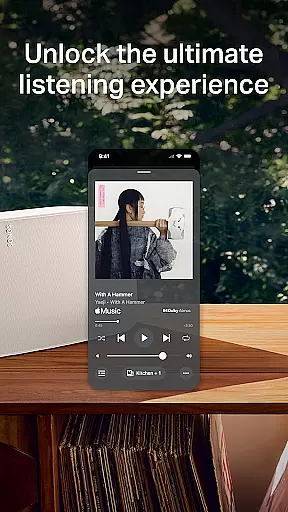
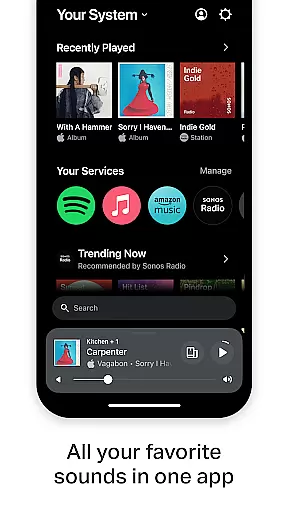
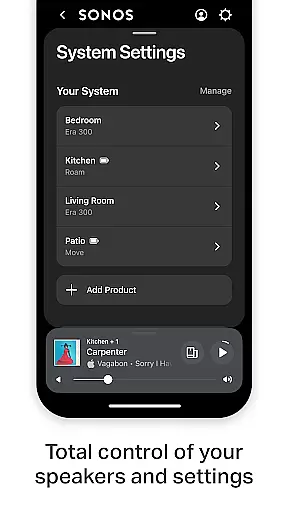
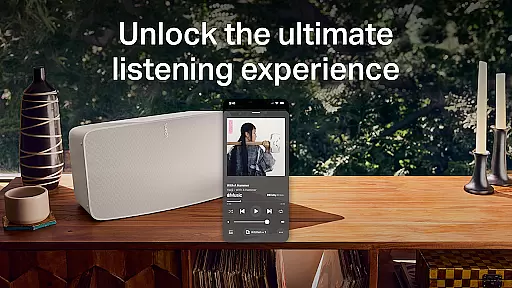
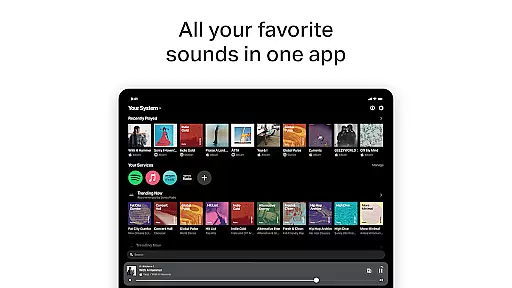
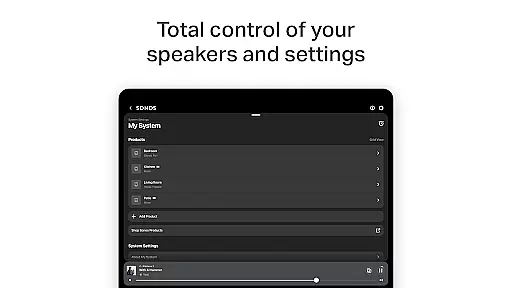
The Sonos app is a comprehensive control center for all your Sonos products, offering effortless management of your listening experience. It consolidates content and settings in one place, allowing you to easily access recent favorites, discover new music, and fill your home with high-quality sound.
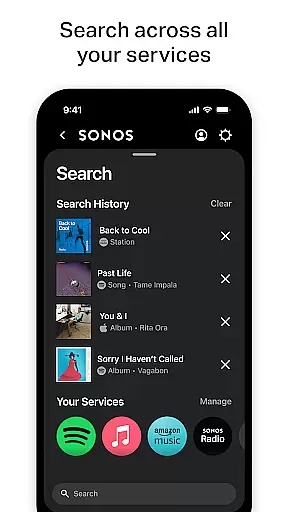
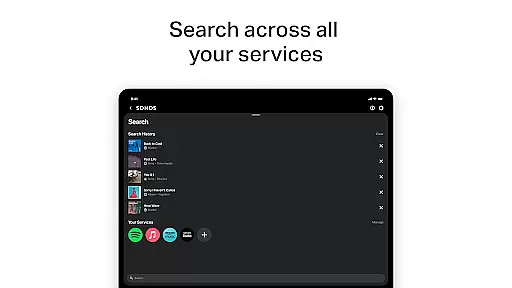
With support for multiple streaming services like Spotify, Apple Music, and Amazon Music, the app simplifies browsing, searching, and playing content from various platforms. You can enjoy whole-home audio control, personalized listening options, and easy setup features that adapt to your space and preferences.
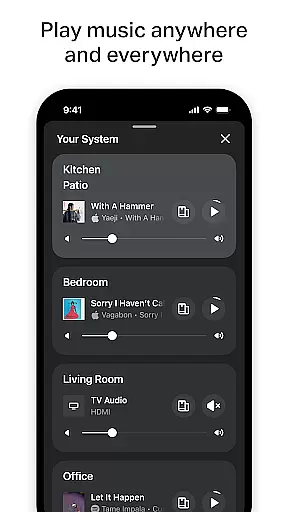
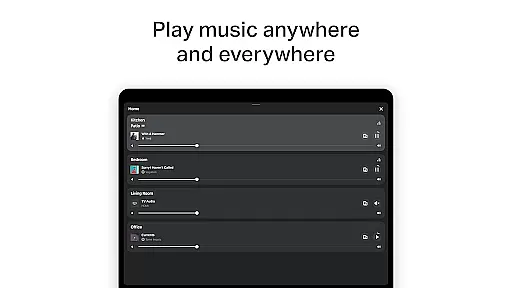
The Sonos app offers an array of advanced features designed to enhance your audio experience. With Whole-Home Control, you can play different music in each room or synchronize the same track throughout your home. The app supports personalized listening through Sonos Favorites, where you can save artists, albums, playlists, and stations.
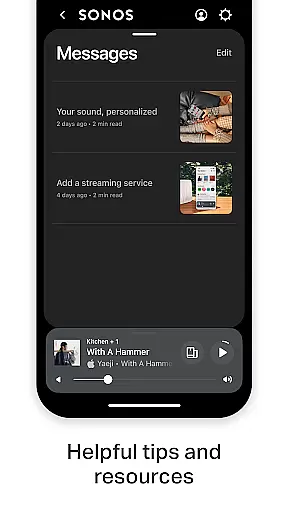
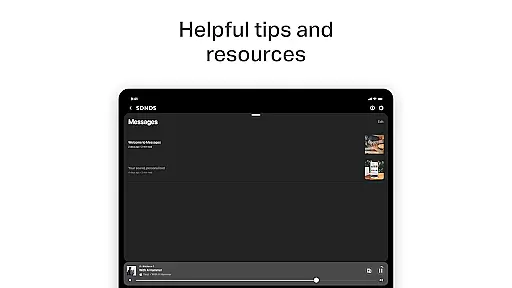
Additionally, the app includes Trueplay™ tuning, which optimizes sound based on your room's acoustics. Easy setup functionalities allow automatic detection of Sonos products, enabling quick configuration of stereo pairs or surround sound systems. Users can also benefit from Sonos Voice Control for hands-free operation and explore tips in the Message Center.
The Sonos app offers an extensive music library, integrating multiple streaming services such as Spotify, Apple Music, Amazon Music, and more. This vast content aggregation ensures that users have access to millions of songs, albums, and playlists from around the world.
Copyright authenticity is a crucial aspect of the Sonos experience. The app partners directly with music services and content providers to ensure all tracks are legitimate and properly licensed. This guarantees users are accessing high-quality audio content that respects intellectual property rights.
By centralizing content from various sources, Sonos simplifies music discovery while maintaining strict adherence to copyright laws. Users can confidently explore new artists and genres knowing all content is authorized and legal.
This combination of a large music library and verified copyright compliance makes Sonos a trusted platform for audio enthusiasts who value both variety and legitimacy in their listening experience.
Audio quality is paramount in the Sonos app, offering various options to enhance the listening experience. Users can fine-tune their sound settings through features like Trueplayu2122, which adjusts audio output based on room acoustics and speaker placement.
The app supports high-quality audio formats and bitrates, ensuring optimal sound reproduction across different devices and network conditions. Listeners can choose between standard and high-definition audio streams, depending on their internet connection and subscription level.
Advanced equalizer settings allow users to customize bass, treble, and balance according to personal preferences or specific musical genres. These precise control options enable audiophiles to create their ideal sound profile.
Furthermore, Sonos maintains consistent audio quality throughout the home by synchronizing playback across multiple speakers. This attention to audio fidelity makes Sonos a preferred choice for discerning listeners who demand professional-grade sound performance.
User-friendly interface
Multi-room audio support
Wide range of streaming services
Personalized listening options
Easy product setup
Limited voice control availability
Requires stable internet connection
Premium subscription may be needed
Occasional connectivity issues
Higher cost for Sonos products

Simply convert wav to mp3. Clear. Reliable. Safe.
 4.0
4.0
Over 100 million tracks available for high quality streaming and download
4.60
Save hundreds of dollars for a physical strobe tuner and instead use this app.
4.50
Brian Eno and Peter Chilvers’ acclaimed music app Bloom, radically reinvented.
4.80
Recording studio w/ 10k beats, pro vocal FX and a network of 20M rappers & fans!
4.60
Ringtone Maker is free app create ringtone from music files or your recording.
4.40
Responsive piano with great sounds, graphics, and songs
4.80
One-tap booster for max volume - enjoy powerful sound with this audio booster
4.50
Customize Your Favorite Songs and Videos with booster.
4.70
JBL PartyBox APP works with 110/310/710/120/320/520/Encore/Encore 2/Encore Ess 2
4.80
Your song collections with lyrics and chords on Android smartphones and tablets.
4.80
Ultimate Sonos Controller
4.70
Bass Booster & Volume Equalizer Pro improves your music and video sound quality
4.60
Offline Music Player&MP3 Player with themes, equalizer, lyrics, music play mode
4.60
Time Guru will strengthen your internal sense of musical time via random muting.
4.30
The alternative folder based music player.
4.20
No wifi music app. Mp3 offline. Tuner radio, young radio music. Music downloader
4.20
Slow music down without changing pitch.
3.70
The Cubase remote control app
3.60


User Reviews