
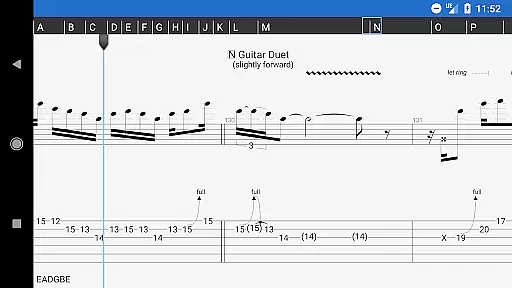
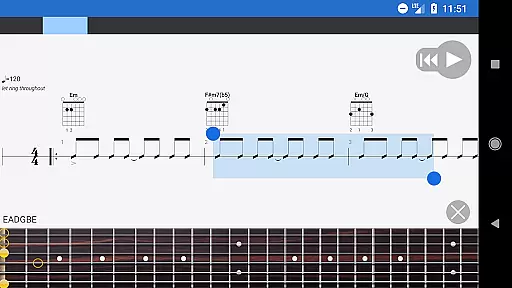
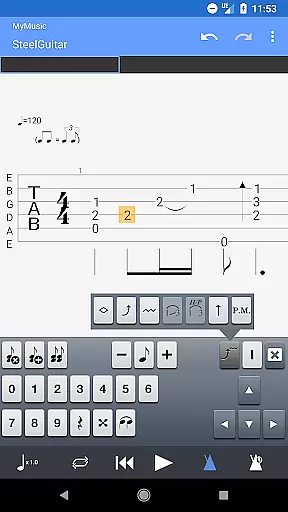
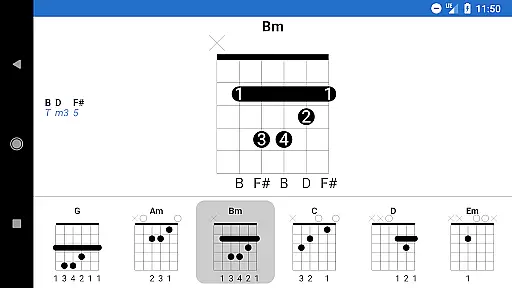
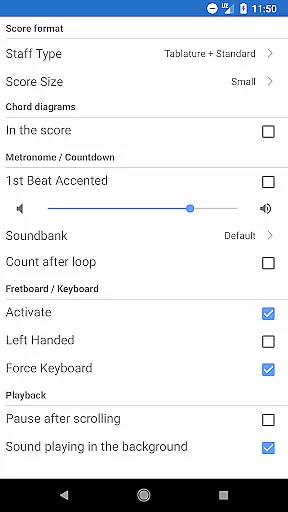
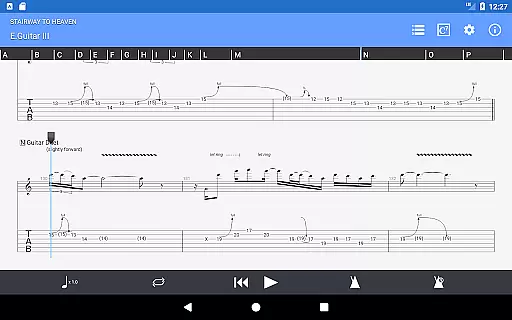
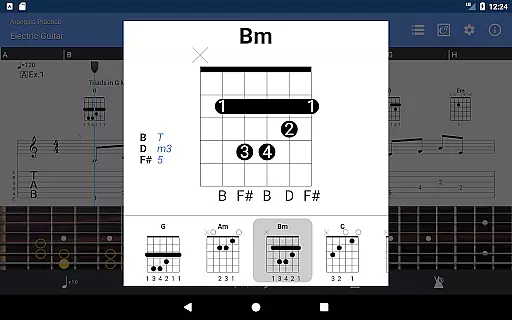
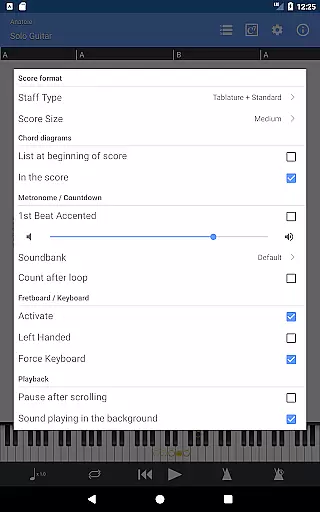
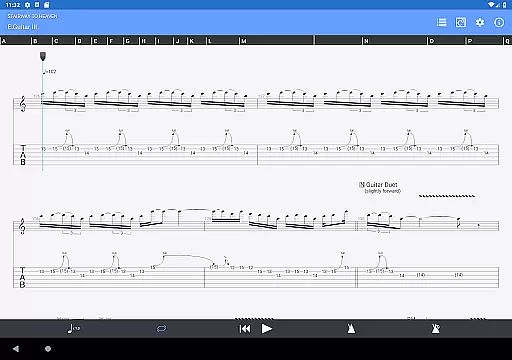
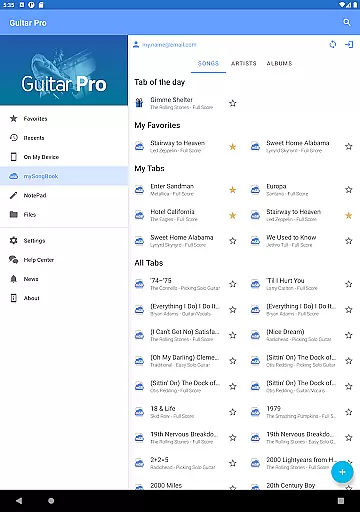
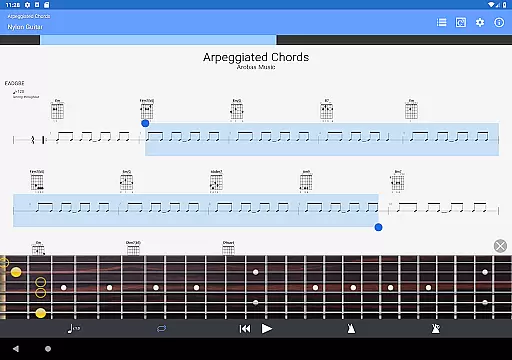
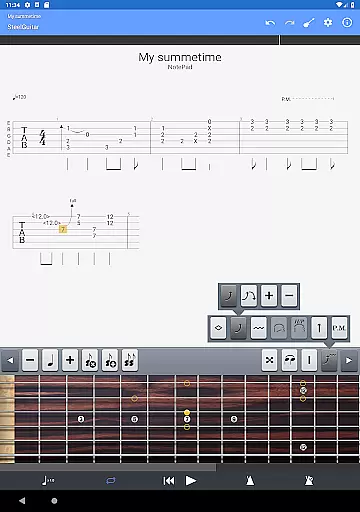
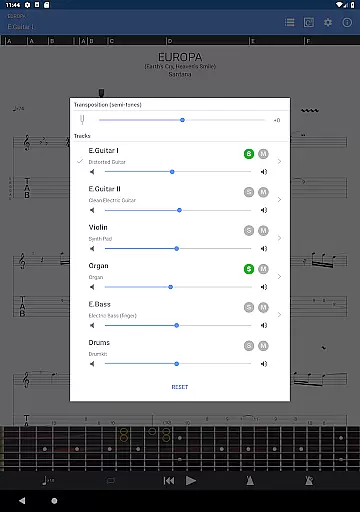
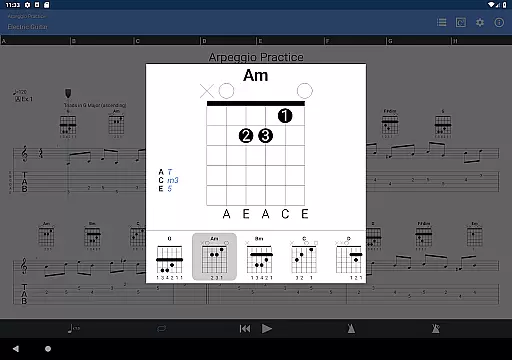
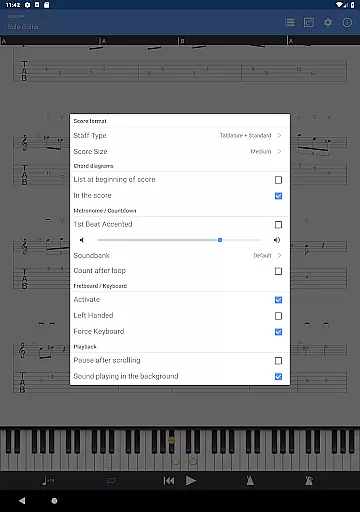
Guitar Pro is a versatile mobile application designed for guitarists who want to view, play, and write tablature directly from their devices. This app serves as the perfect companion for musicians who need to practice songs on the go or capture spontaneous musical ideas. With its powerful score player and NotePad tool, users can easily interact with GP file formats and create single-track tablatures for various stringed instruments.
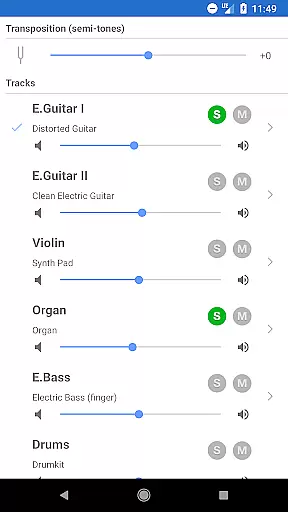
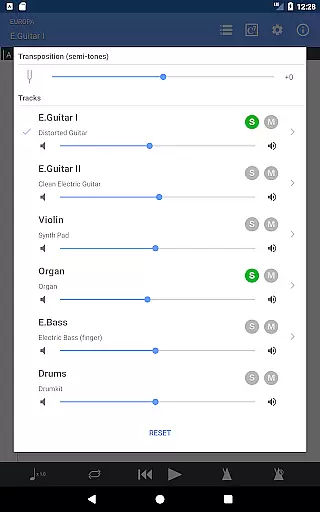
The app supports multiple features that enhance the music creation and learning process. These include compatibility with mySongBook for sheet music, multitrack playback options, tempo adjustments, and global transposing capabilities. Whether you're a beginner or an experienced musician, Guitar Pro provides the tools necessary to refine your skills and bring your musical ideas to life.
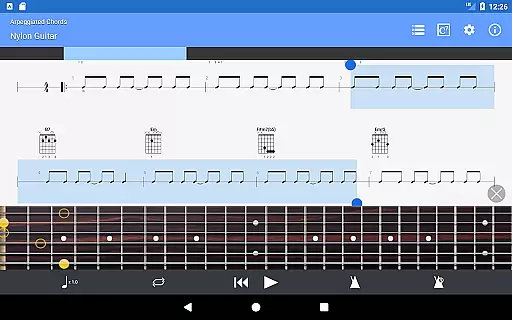
Guitar Pro offers an extensive range of features tailored for musicians. The app supports GP3/4/5/6/7/8 file formats, allowing users to access a wide variety of tablature files. It includes standard notation, tablature, and slash notation displays, catering to different preferences and playing styles. The integrated sheet-music library with search and filter functions makes it easy to find and organize your favorite scores.
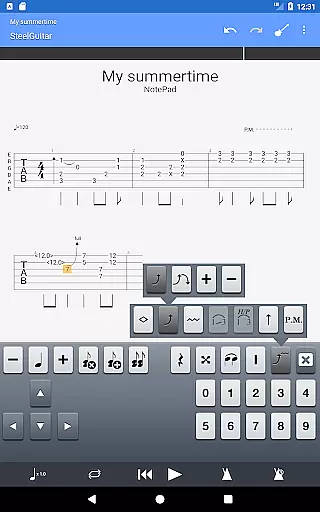
One standout feature is the NotePad tool, which allows users to create and edit single-track tablatures for guitar, bass, banjo, ukulele, and mandolin. With customizable tuning, tempo settings, and 19 built-in sounds, musicians have the flexibility to experiment with different musical ideas. Additionally, the ability to export compositions to Guitar Pro desktop formats ensures seamless integration between mobile and desktop environments.
Guitar Pro offers an extensive music library that supports GP3/4/5/6/7/8 file formats, ensuring compatibility with a wide range of tablature files. This allows users to access and play their favorite songs directly from their mobile devices.
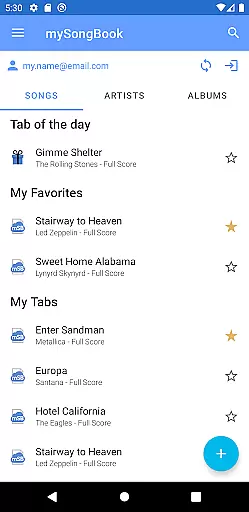
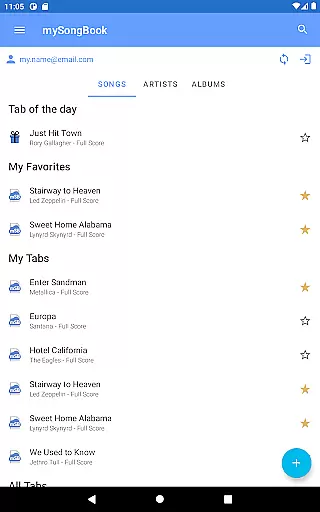
The app is also integrated with the mySongBook portal, which provides additional sheet music options. While monthly subscriptions are excluded, this feature enhances the overall library size and variety available to musicians.
Users can load files via WiFi, web browser, and email, making it convenient to import and manage their music collections. The built-in search, filters, and favorites functionality further streamline navigation through the vast library.
With its robust support for various file formats and integration with external resources, Guitar Pro ensures both the size and authenticity of its music library, providing musicians with reliable access to high-quality content.
Guitar Pro includes 19 built-in sounds within its NotePad tool, allowing users to create single-track tablatures for instruments like guitar, bass, banjo, ukulele, and mandolin. These built-in sounds contribute to the overall audio quality when composing or practicing.
The app supports customizable tuning and tempo settings, enabling musicians to tailor their sound precisely as needed. This flexibility ensures that each composition maintains the desired audio characteristics.
While the mobile version does not include advanced features such as audio track support found in desktop versions, it still delivers solid performance by focusing on core functionalities essential for creating and editing tabs effectively.
By exporting ideas into Guitar Pro 6 and 7 formats, users can continue refining compositions on desktop platforms where more advanced audio options may be available. This seamless transition between mobile and desktop environments underscores Guitar Pro's commitment to maintaining high audio quality across different devices.
User-friendly interface
Wide file format support
Integrated sheet-music library
Flexible NotePad tool
Seamless desktop integration
No audio track editing
Limited notation features
Subscription required for mySongBook
Single-track tablature only
Advanced tools locked behind paywall

DJ Music Mixer Pro is a real DJ controllers and DJ Music Studio to remix DJ.
 4.40
4.40
Background pads for your band
3.80
Simple & Intuitive Metronome
4.70
Your song collections with lyrics and chords on Android smartphones and tablets.
4.80
Advanced 10-Band Audio Graphic Equalizer Sound Booster Pro
4.30
Guzheng Master supports many playing techniques as an acoustic Guzheng
4.50
A sleek, no-frills player designed for true music lovers.
4.20
Master Salsa Rhythm quickly and with a lot of fun!
4.30
Be a true music maker: create beats, mix and make music like a real DJ!
4.30
Make songs with AI! Any genre, custom lyric, song generator for music creation!
4.80
Music, News & Sports Radio Tuner App. Tune in Live FM & AM Radio Stations.
4.80 4.70
4.70
Enhance the sound quality of your devices, listen to what you want
4.50
Play KORG’s revolutionary touch-based instrument on a variety of devices.
4.40
Powerful 10-Band equalizer pro with sound booster improves Android audio quality
4.30
A High-Precision Audio Spectrum Analysis App
4.20
The original SP-1200 experience on your iPad
4.20
Permanently backup Now Playing. Maps, filters & listening stats.
4.00
Remove ads permanently from Music Visualizer
4.2


User Reviews