
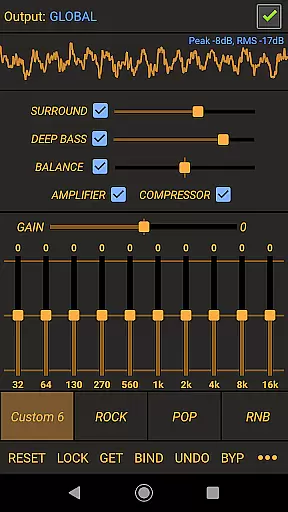
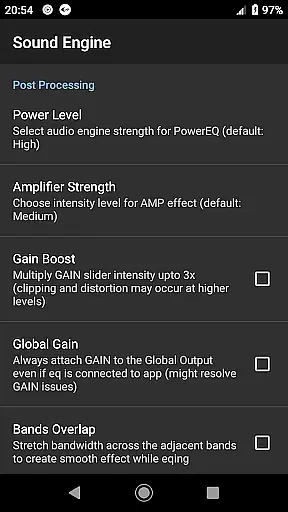
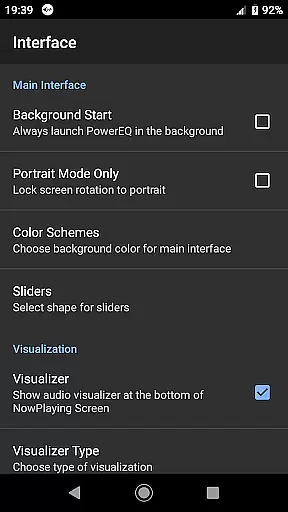
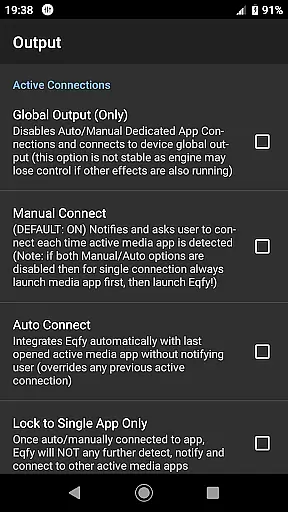
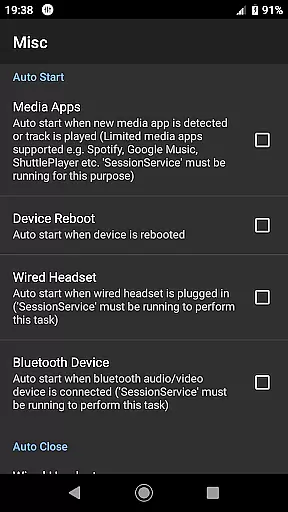
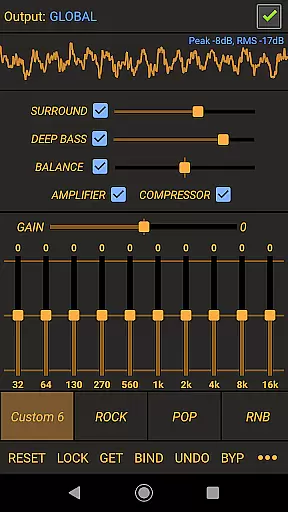
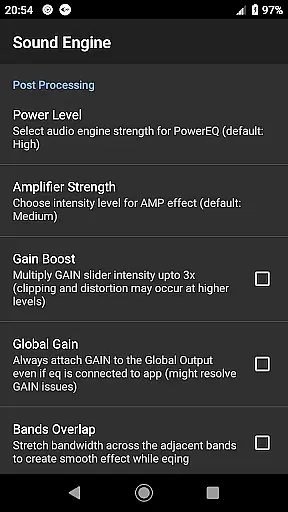
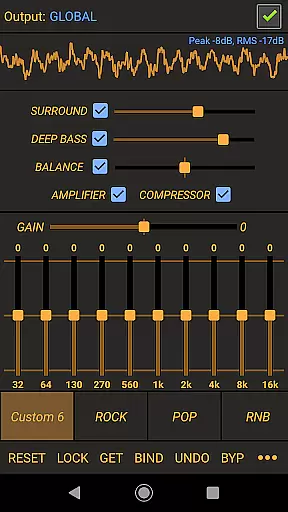
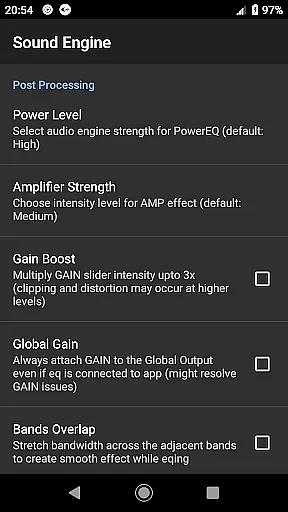
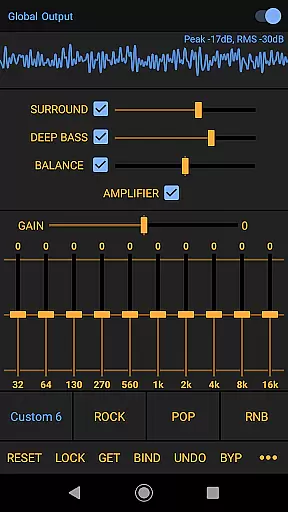
Power Audio Equalizer is a feature-rich audio enhancement application designed to elevate sound quality and volume on Android devices. The app integrates a powerful 10-band equalizer, bass booster, and volume amplifier, allowing users to fine-tune their audio experience with precision.
Compatible with a wide range of music players and audio apps such as Spotify, YouTube Music, and Google Play Music, Power Audio Equalizer ensures seamless integration with both local and streaming audio sources. Whether using headphones, speakers, or Bluetooth systems, this app delivers an optimized listening experience tailored to individual preferences.
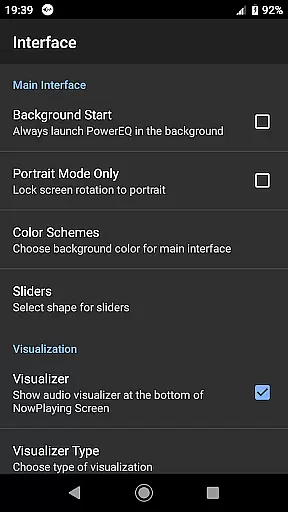
Ideal for audiophiles and casual listeners alike, the app enhances audio playback through customizable presets, real-time music visualization, and advanced sound effects like virtual surround and loudness enhancer. Its intuitive interface makes it easy to use while providing professional-grade tools for superior sound quality.
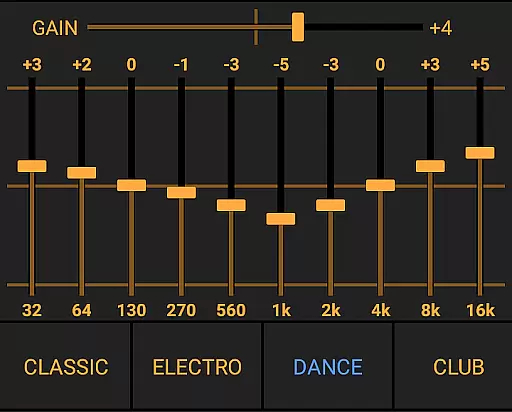
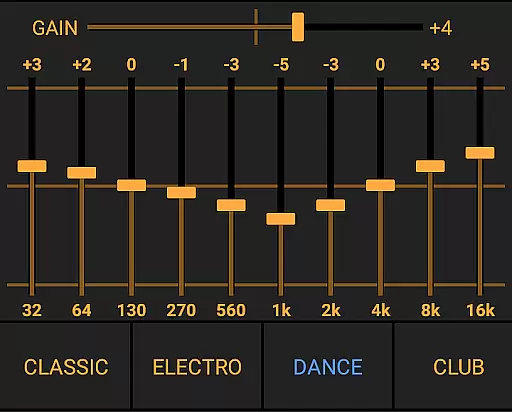
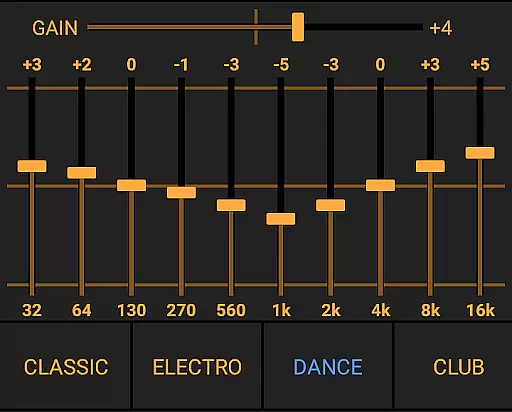
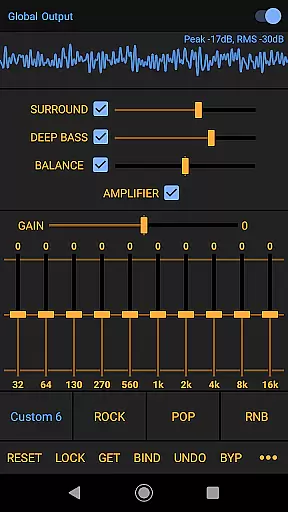
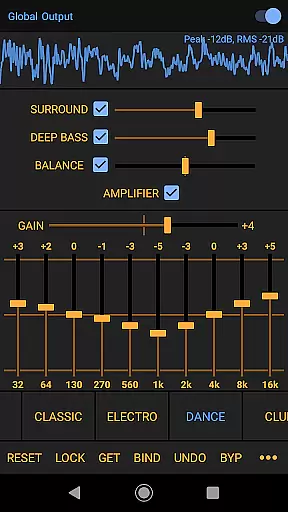
Power Audio Equalizer stands out with its comprehensive suite of audio features. At its core is a high-performance 10-band equalizer that offers a +/- 15dB boost/cut range, enabling detailed sound adjustments. This is complemented by a pre-amp power amplifier effect, which allows volume boosts of up to 45dB for richer audio output.
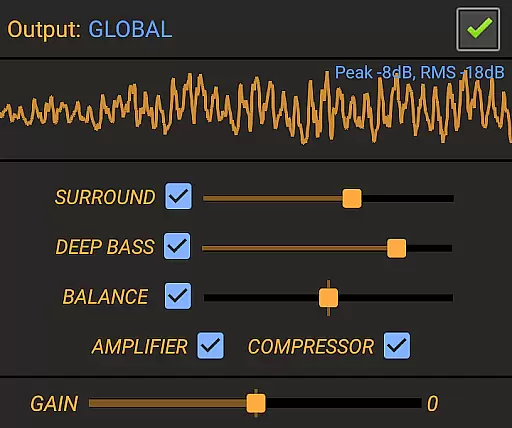
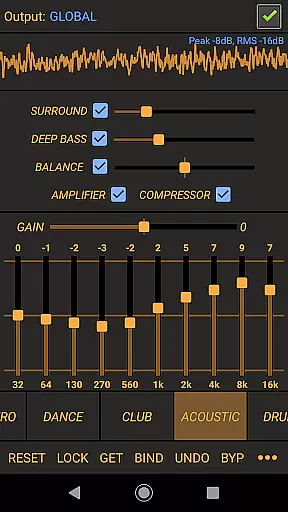
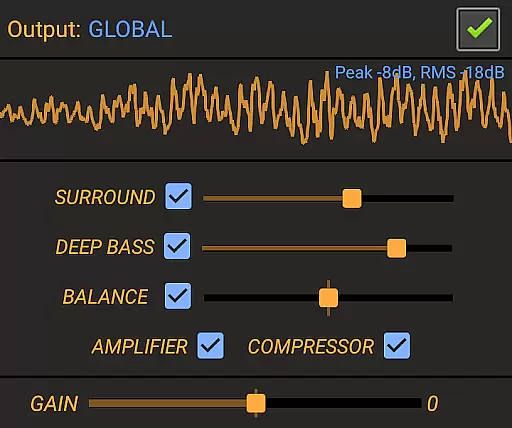
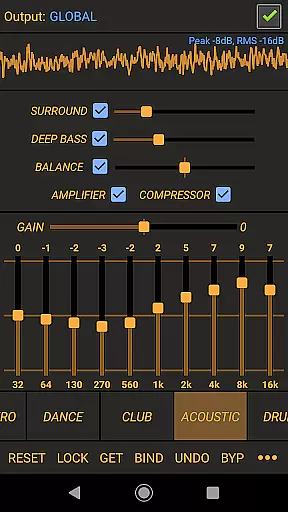
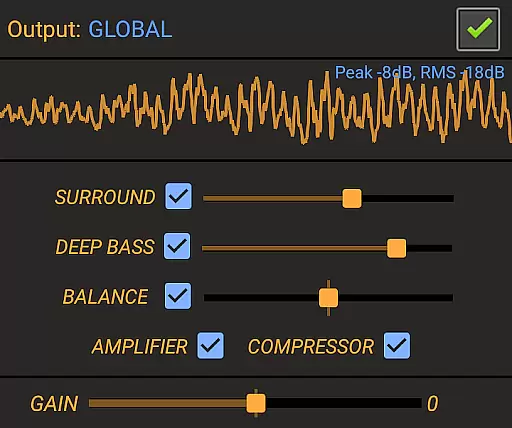
The app includes specialized audio effects such as bass boost, virtual surround, and a loudness enhancer, all of which contribute to a more immersive listening experience. Users can also adjust stereo sound balance and explore customizable presets like Rock, Pop, and Acoustic, ensuring compatibility with diverse musical genres.
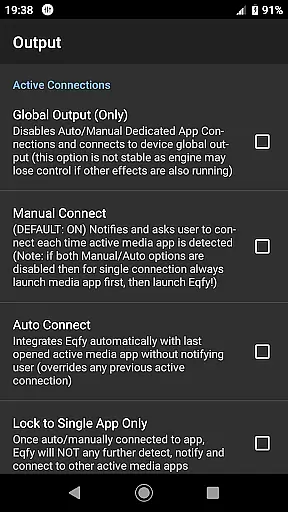
Designed for versatility, Power Audio Equalizer works seamlessly with global audio output and supports various playback devices, including headphones, speakers, and Bluetooth systems. Regular updates and dedicated user support further enhance its reliability and performance.
Power Audio Equalizer offers a comprehensive suite of audio effects that work seamlessly with a wide range of music players and audio playback apps, ensuring high-quality sound enhancement on your Android device. While it doesn't directly manage a music library, its compatibility with platforms like YouTube Music, Spotify, and Google Play Music ensures that users can enjoy an optimized listening experience across various sources.
The app's strength lies in its ability to enhance the audio output from these platforms through its powerful 10-Band equalizer, bass booster, and volume amplifier. This ensures that regardless of the source, users can expect a richer, more immersive sound experience. The inclusion of customizable presets such as Flat, Rock, Pop, and HipHop allows for tailored audio settings that cater to individual preferences.
Regarding copyright authenticity, Power Audio Equalizer respects the integrity of the original audio content by providing tools that enhance sound without altering the core composition. Its regular updates and user support further reinforce its commitment to delivering a reliable and authentic audio enhancement solution.
One of the standout features of Power Audio Equalizer is its robust set of audio quality options designed to deliver an unparalleled listening experience. At the heart of this is the high-performance 10-Band equalizer, which provides a +/- 15dB boost/cut range, allowing users to fine-tune their audio with remarkable precision. This level of control ensures that every note and beat is heard exactly as intended by the artist.
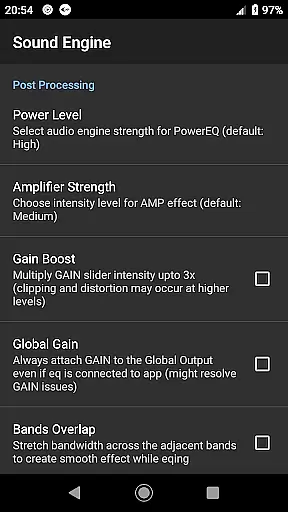
In addition to the equalizer, the app includes a powerful pre-amp amplifier effect capable of boosting volume levels by up to 45dB. This feature is particularly beneficial for users who require extra amplification without compromising sound clarity. Furthermore, the inclusion of a compressor helps manage audio dynamics, ensuring balanced sound even at higher volumes.
Other notable audio quality enhancements include bass boost, virtual surround, and a loudness enhancer, all of which contribute to a richer, more dynamic soundscape. Whether using headphones, speakers, or Bluetooth sound systems, Power Audio Equalizer guarantees top-notch audio performance, making it an essential tool for audiophiles seeking the best possible sound quality.
Wide device compatibility
Advanced equalizer controls
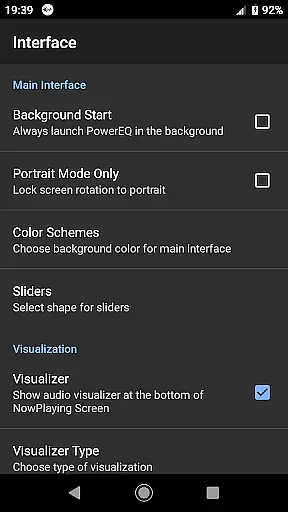
Real-time audio visualization
Customizable sound presets
Regular feature updates
May drain battery faster
Interface not beginner-friendly
Occasional audio glitches
Limited free features
Requires manual adjustments

Pay Once, no monthly payment
 4.60
4.60
The best music and audio player, with beautiful UI, music search and equalizer.
4.60
Bass Booster & Volume Equalizer Pro improves your music and video sound quality
4.60
The original SP-1200 experience on your iPad
4.20
A complete sound package for the sound engineer or enthusiast
4.60
Slow music down without changing pitch.
3.70
Turn your Android phone into a professional audio analyser with up to 120 bands.
4.00
Turn Every Moment into Music
3.60
Get alarms that fit your lifestyle and wake up to the sounds you love.
4.80
Responsive piano with great sounds, graphics, and songs
4.80
Listen radio AM / FM Stations. Live AM / FM Radio App Station. Radio Com.
4.70
Walkout Song DJ is the most intuitive app to manage your sports music.
4.70
Over 100 million tracks available for high quality streaming and download
4.60
Offline Music Player&MP3 Player with themes, equalizer, lyrics, music play mode
4.60
Advanced 10-Band Audio Graphic Equalizer Sound Booster Pro
4.30
The only true audiophile music player with Hi-Fi audio rendering and DSP engine
3.90
USB audio recording and playback finally possible on Android 3.1 or higher!
3.90
Simple mp3 and mp4 player with advanced features.
3.40
Simply convert wav to mp3. Clear. Reliable. Safe.
4.5


User Reviews