
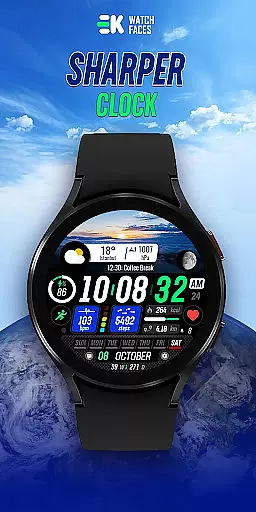
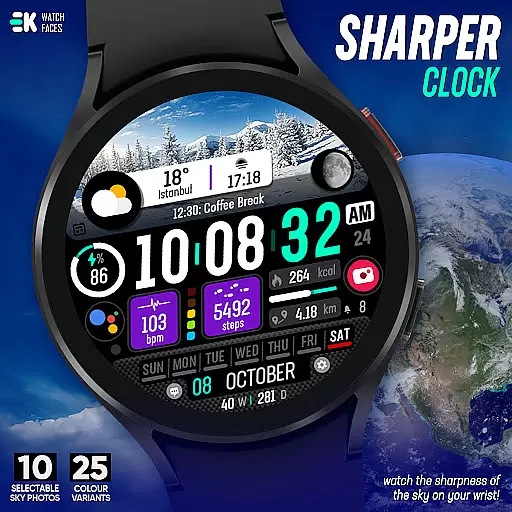
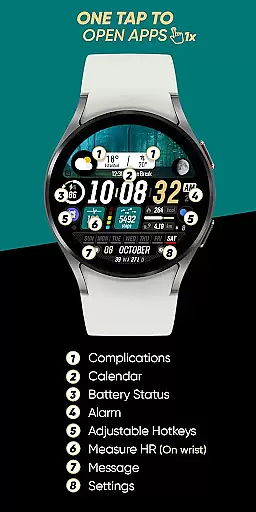
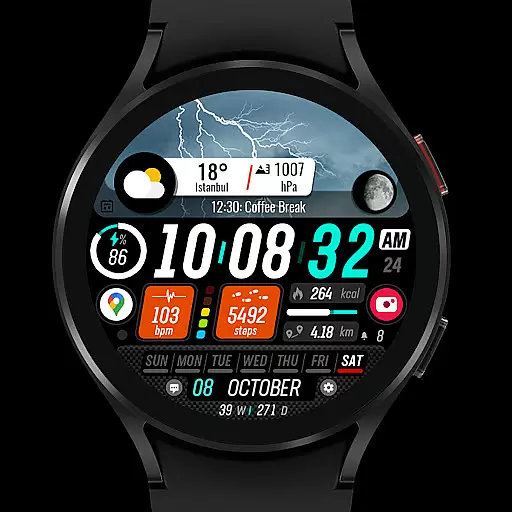
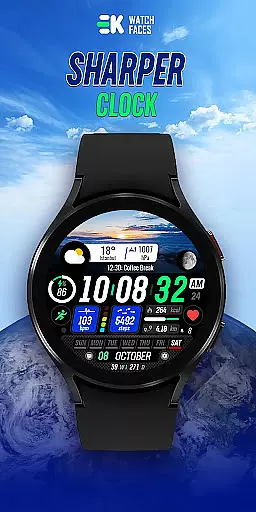
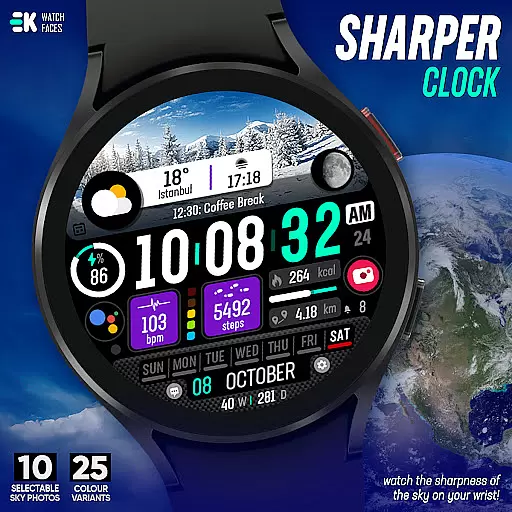
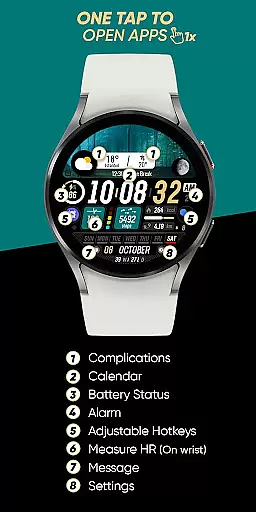
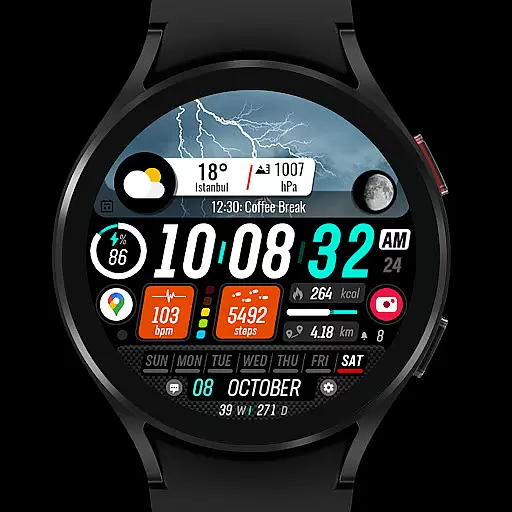
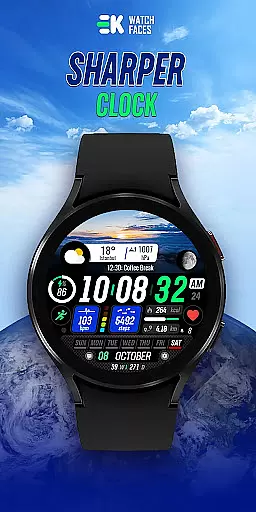
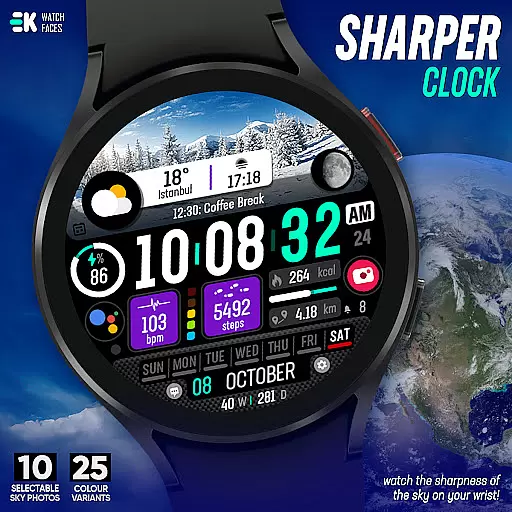
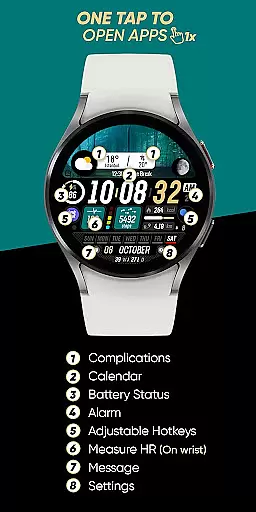
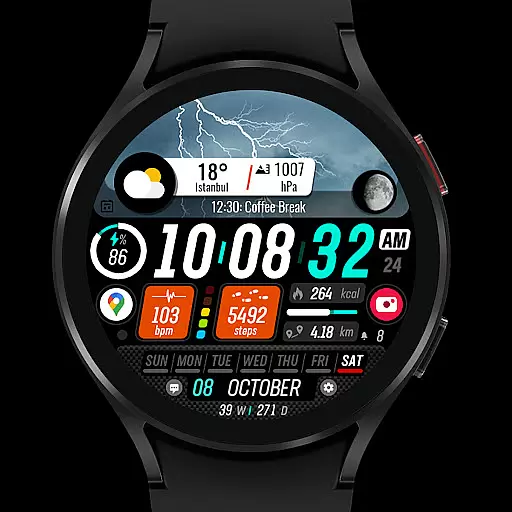
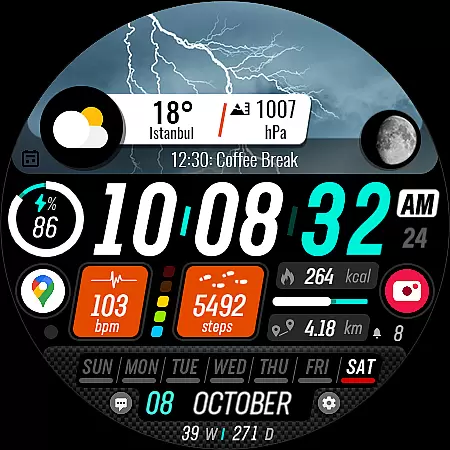
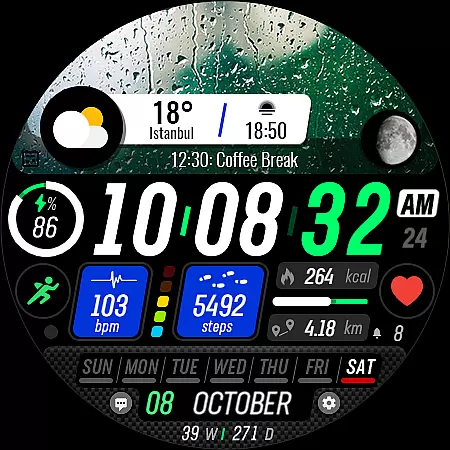
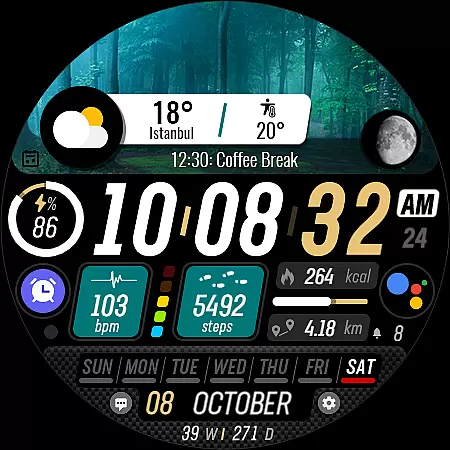
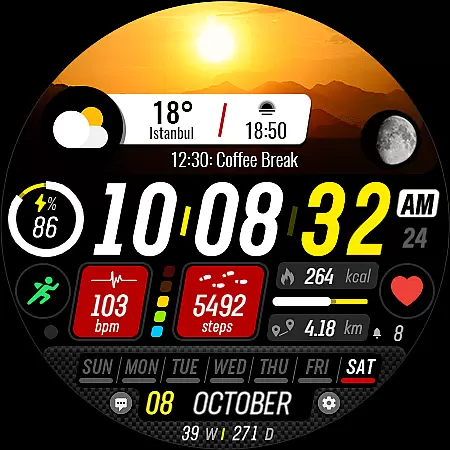
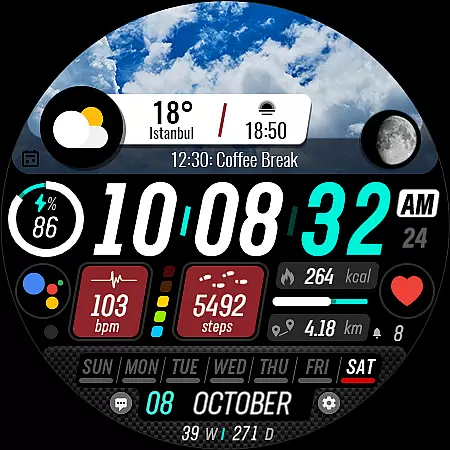
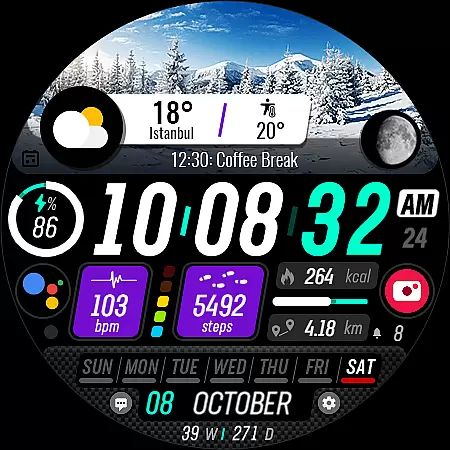
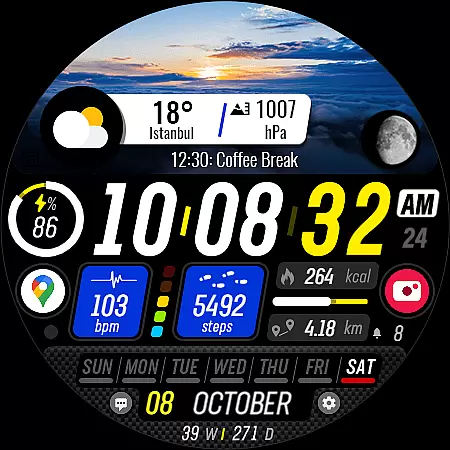
Sharper Clock is a premium watch face designed exclusively for Wear OS devices running API 33 and above. This sophisticated timepiece brings the beauty of the sky to your wrist with its stunning display options and advanced features.
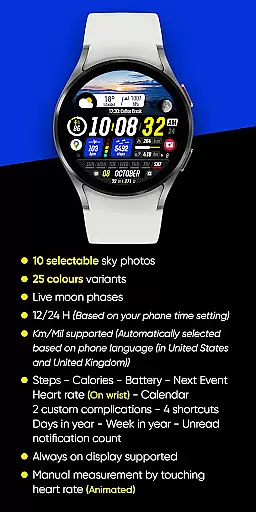
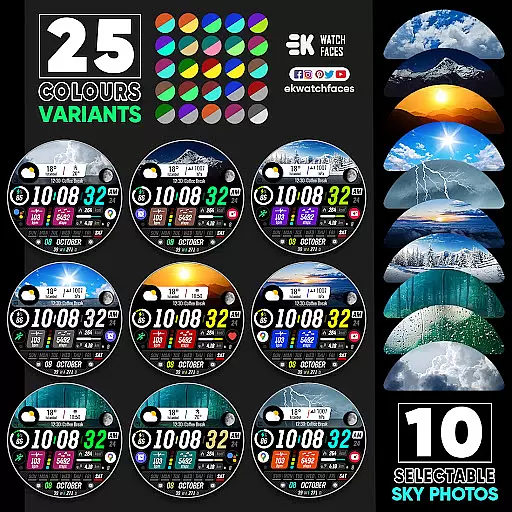
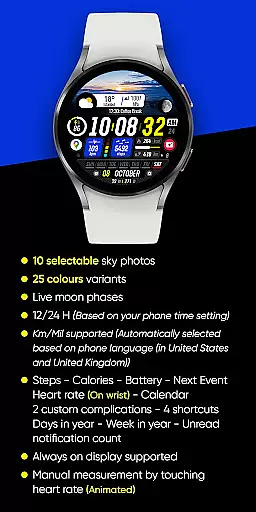
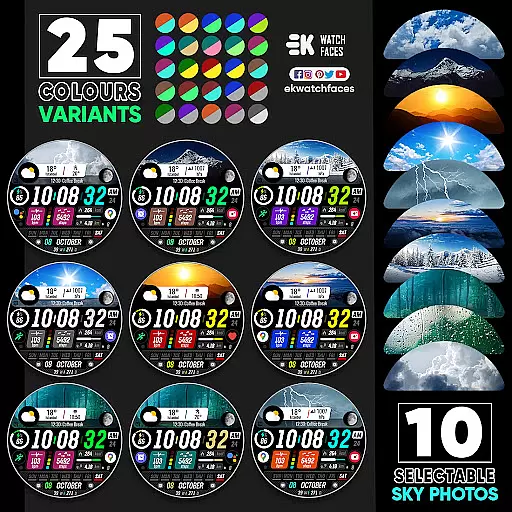
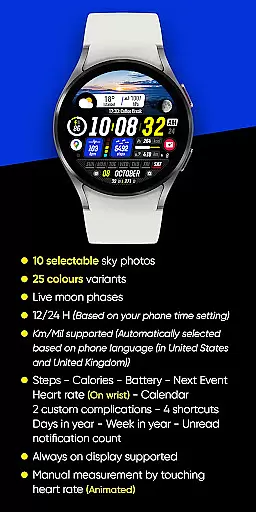
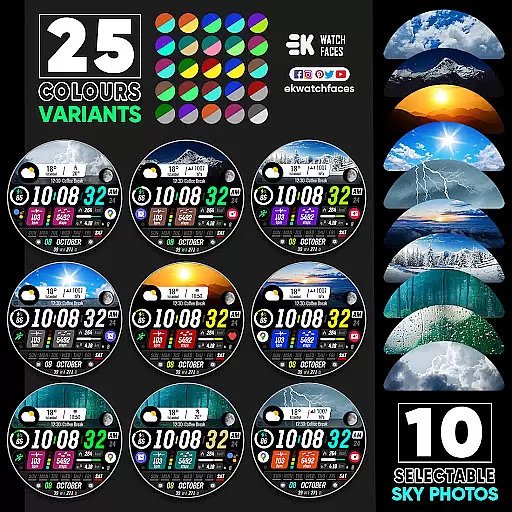
The watch face offers 10 selectable sky photos with 25 color variants, creating a personalized and visually striking appearance. It includes practical functionalities such as live moon phases, automatic 12/24-hour format based on phone settings, and distance measurement in kilometers or miles depending on your location.
Sharper Clock stands out with its comprehensive feature set tailored for wearable technology enthusiasts. The application provides users with an impressive array of customization options including various complications like steps, calories burned, battery status, next event, heart rate monitoring, and calendar integration.
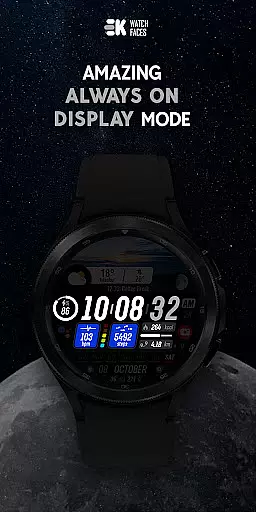
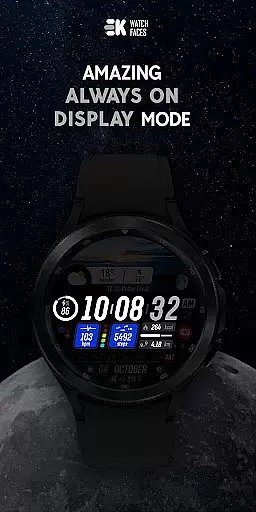
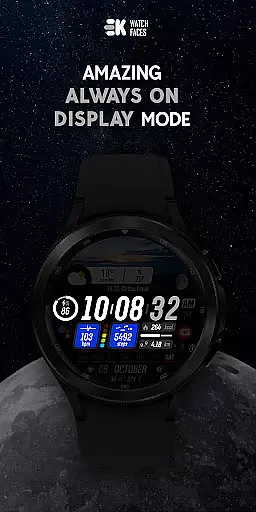
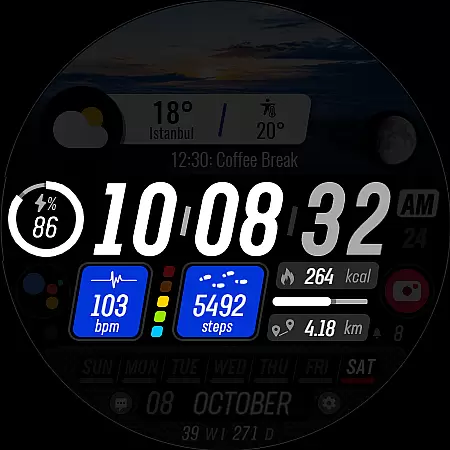
Additional notable features include support for always-on display functionality and four customizable shortcuts. Users can also view their daily progress through step tracking and monitor unread notifications directly from their wrist. For optimal performance, manual activation of sensors and complication data permissions is required.
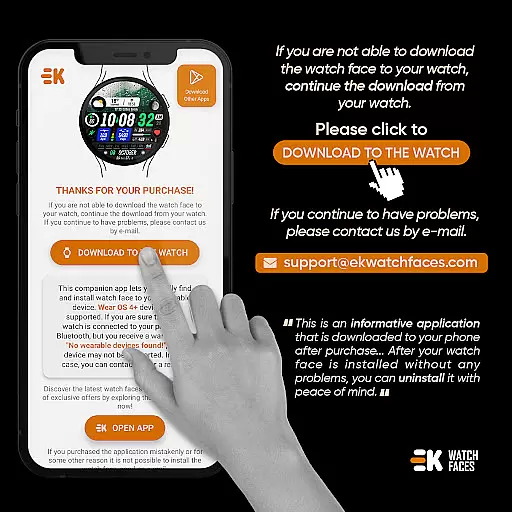
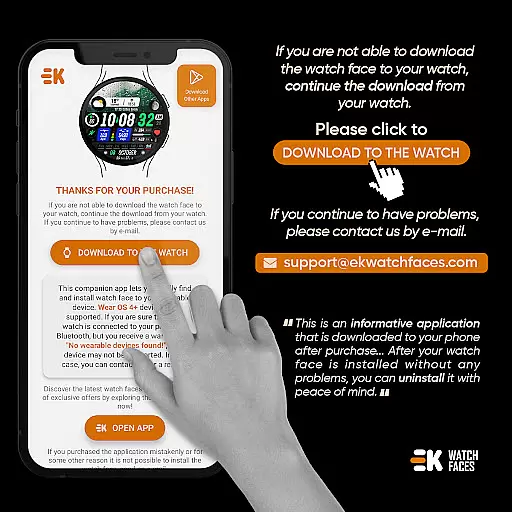
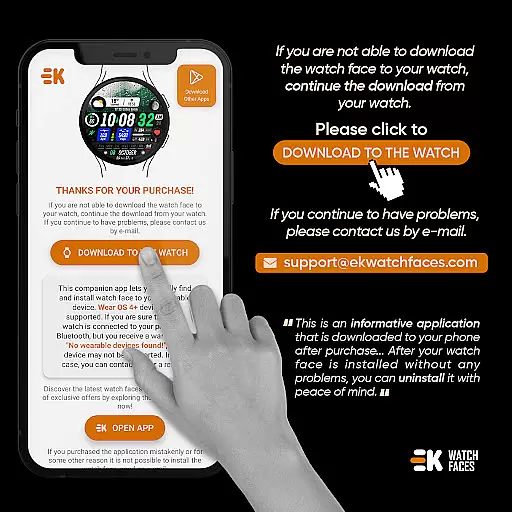
In the realm of wearable technology, seamless companion app integration is crucial for an optimal user experience. Sharper Clock - Watch Face understands this necessity and offers a streamlined process to ensure your Wear OS device is always in sync with your smartphone. The phone app acts as a vital conduit, simplifying the installation and selection of your new watch face directly on your wearable device.
By tapping on the dedicated 'DOWNLOAD TO THE WATCH' button within the phone app, users can effortlessly transfer the desired watch face to their connected Wear OS device. This intuitive approach negates potential confusion and fosters a hassle-free setup, letting you revel in the sharpness of the sky portrayed on your wrist in no time.
The emphasis on clear instructions and user guidance is evident throughout the installation process. Should any synchronization hiccups occur, such as being caught in a payment loop, rest assured that patience and a simple device restart will resolve most issues. This resilience against common teething problems underscores the app's commitment to delivering a dependable and user-centric experience.
Compatibility is key when it comes to making the most out of your Wear OS device, and Sharper Clock - Watch Face rises to the occasion by supporting API 33+. This ensures that users with newer Wear OS devices can enjoy the full breadth of features without running into compatibility roadblocks.
Sharper Clock doesn't just stop at basic compatibility; it enriches the Wear OS experience with a suite of sophisticated functionalities. From displaying live moon phases to offering 25 color variants and 10 selectable sky photos, the app leverages the capabilities of Wear OS to deliver a visually stunning and highly customizable watch face.
Moreover, the app intelligently adapts to your preferences, automatically selecting between 12/24-hour formats and Km/Mil units based on your phone settings and language. With support for always-on display and a plethora of complications like steps, calories, and heart rate, Sharper Clock stands out as a paragon of how apps should harmonize with Wear OS devices to offer an unmatched user experience.
Visually appealing design
Wide range of customization
Live moon phase display
Automatic unit conversion
Comprehensive health tracking
Limited to Wear OS
Requires API 33+
Installation complexity
Potential payment issues
Permission management needed

A full-featured Amazon Alexa voice assistant that can show you things.
 3.70
3.70
Authentic military-tactical design with ZULU time! Realistic and functional!
3.80
Get helpful reminders, take progress photos and find answers to your questions.
3.90
The Chevron App allows you to pay for fuel from the comfort of your car!
4.80
Bold weather Digital watchface with forecast & optional animated background
4.40
Hyper-Realistic Airplane Dashboard Watch Face With 10 Skins and Custom AOD
4.00
A modern hybrid informative watch face for Wear OS designed by BALLOZI
4.80
A digital watch face that celebrates Christmas.
4.00
Premium hybrid watch face with many customizations for Wear OS devices.
4.40
Kia Access makes getting your vehicle information easier than ever
4.60
Monitor health with the stress test and pulse checker in the heart rate app.
4.60
Digital watch face. For Wear OS devices.
4.40
Beautiful artistic animated digital watch face, with a customizable layout!
4.40
Christmas watch face. For Wear OS devices.
4.30
sleep, alarm, snoring, stress, healing, focus, sound therapy, circadian rhythm
4.10
Christmas is near, let's count together the days left until Santa comes
4.4
A Wintery Snow Globe on Your Wrist; now celebrating Christmas!
4.1
A heartwarming Christmas scene featuring a cute image of Santa and Rudolf
4.0
Simple Analog-Digital Watchface For Wear OS 3.0 and Up Smartwatches
4.2


User Reviews