
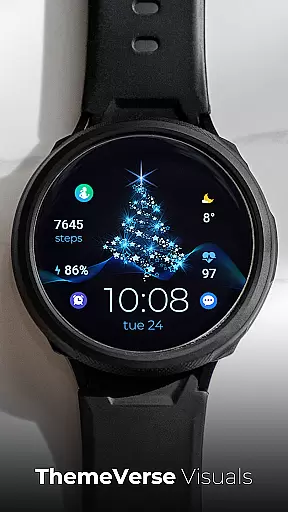
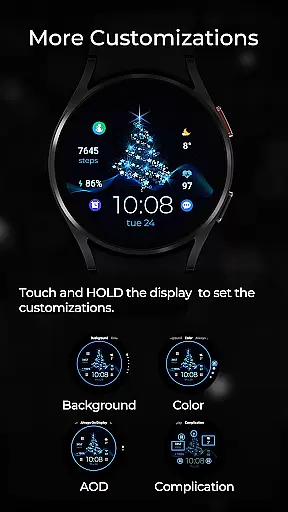
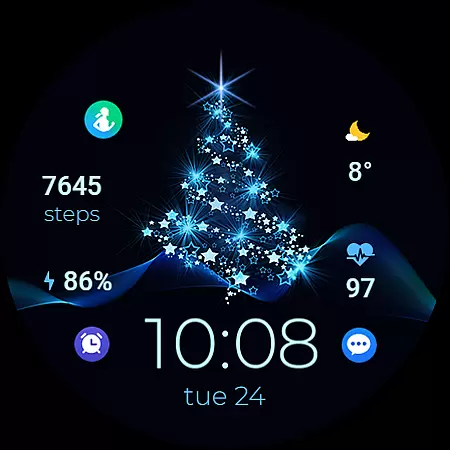
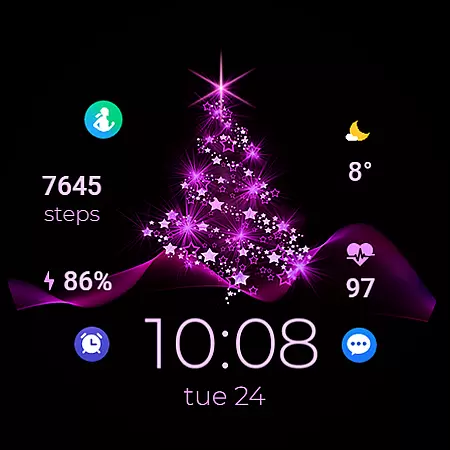
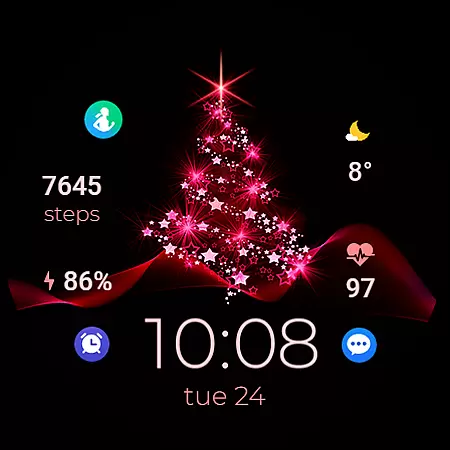
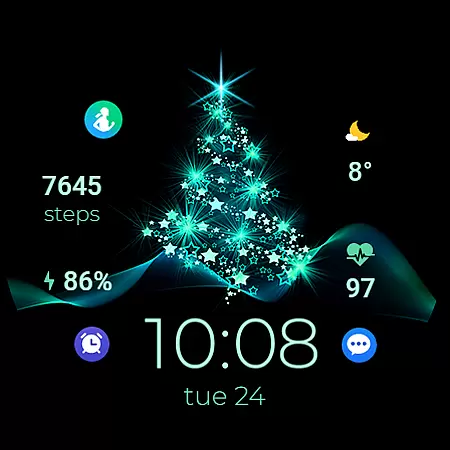
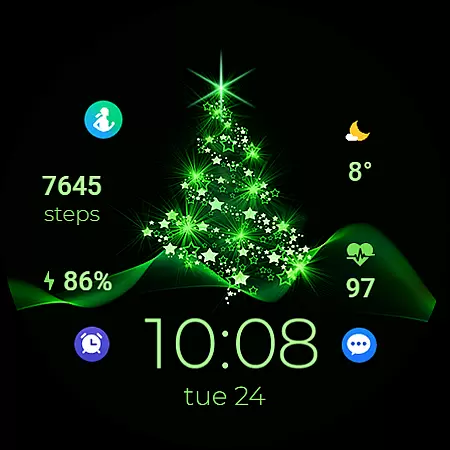
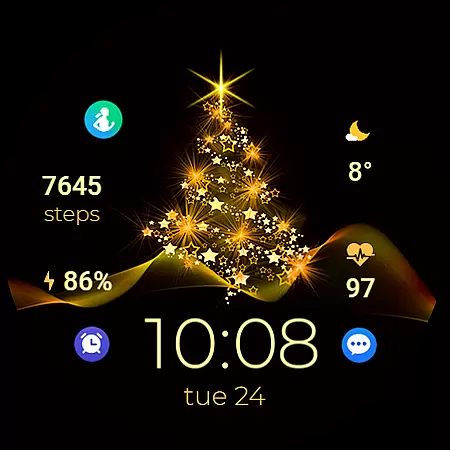
TVV Christmas 2 Watch Face is a festive-themed digital watch face designed specifically for WEAR OS devices running API LEVEL 33 and above. This application transforms your smartwatch into a Christmas celebration accessory while maintaining essential functionalities.
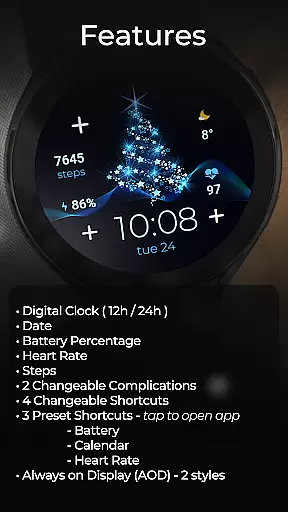
The watch face features a digital clock that supports both 12-hour and 24-hour formats based on your phone settings, along with displaying the date, battery percentage, heart rate, and step count. It also offers two changeable complications and four customizable shortcuts, allowing users to personalize their experience. With three preset shortcuts to quickly access battery, calendar, and heart rate apps, this watch face combines functionality with festivity.
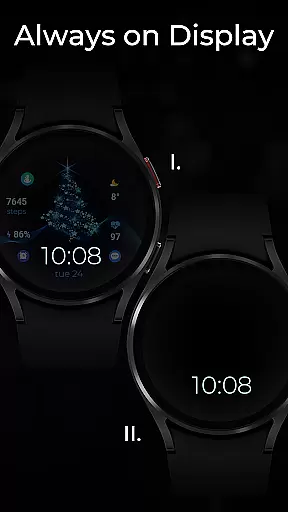
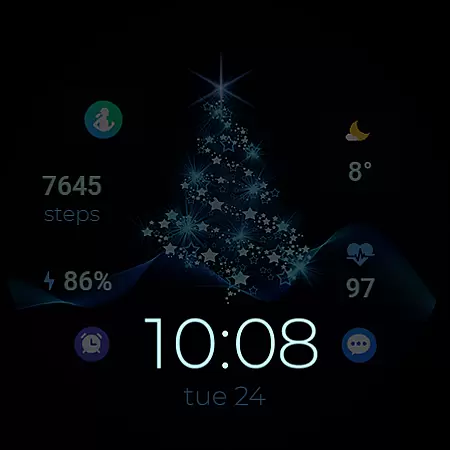
Ideal for the holiday season, TVV Christmas 2 ensures you stay connected to your essential apps while enjoying the Christmas spirit. The Always on Display (AOD) feature comes with two styles, providing users with additional customization options to suit their preferences.
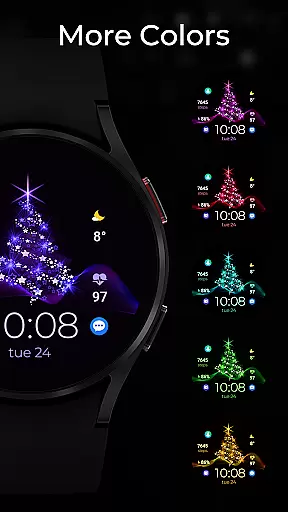
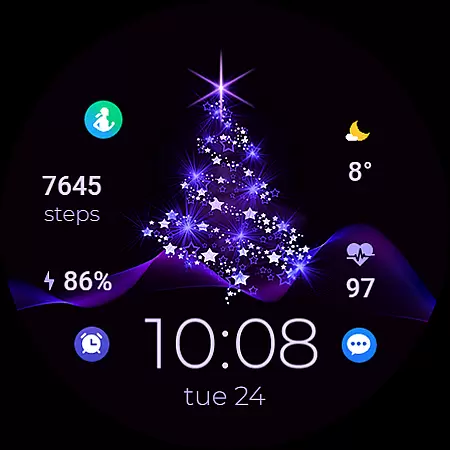
TVV Christmas 2 Watch Face stands out with its rich feature set tailored for WEAR OS users. One of its key highlights is the ability to customize colors and complications easily. Users can simply touch and hold the display, then tap on the customize option to modify the watch face's appearance.
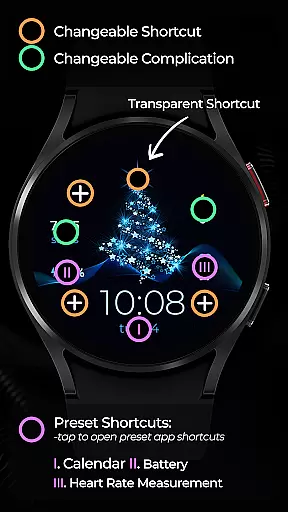
This application includes practical features such as a digital clock that adapts to the phone's time settings, displaying either 12-hour or 24-hour format. Additionally, it shows the date, battery percentage, heart rate measured every 10 minutes, and step count. The inclusion of two changeable complications and four changeable shortcuts enhances user interaction and personalization.
TVV Christmas 2 also provides three preset shortcuts for quick access to battery, calendar, and heart rate apps. Its Always on Display (AOD) feature offers two distinct styles, although these are not previewed in real-time. This combination of aesthetics and functionality makes the watch face both visually appealing and highly practical for daily use.
Companion app integration is essential for a seamless wearable experience. TVV Christmas 2 Watch Face offers robust connectivity with its companion app, ensuring that all your preferences and settings are perfectly synchronized.
This synchronization allows users to customize their watch face effortlessly. By simply touching and holding the display, users can access the customization options directly from their wearable device. This feature ensures that any changes made in the companion app reflect immediately on the watch face.
The integration supports various functionalities such as digital clock formats based on phone settings, date display, battery percentage, heart rate, steps, and even complications. With this level of integration, users can enjoy a highly personalized and functional watch face that caters to their specific needs.
Additionally, the watch face includes preset shortcuts to open apps like Battery, Calendar, and Heart Rate, enhancing user convenience. This cohesive ecosystem between the wearable and its companion app provides an intuitive and efficient user experience, making daily interactions smoother and more enjoyable.
Ensuring compatibility across various devices is crucial for a versatile Wear OS application. TVV Christmas 2 Watch Face is designed to be compatible with WEAR OS devices operating on API LEVEL 33+, guaranteeing a broad range of support for different hardware configurations.
This compatibility extends to numerous features embedded within the watch face. Users can enjoy functionalities such as a digital clock that adjusts to 12h/24h formats based on phone settings, date display, battery percentage, heart rate monitoring, and step counting. These features collectively enhance the utility of the watch face across supported devices.
Moreover, the watch face offers Always on Display (AOD) with two styles, which is not previewed in the customization interface but can be adjusted through similar steps. This flexibility ensures that users can tailor their experience according to their preferences while maintaining optimal performance on their devices.
It's important to note that while certain advanced features like 'Open App' actions may not be supported on all devices, the overall compatibility and functionality provided by TVV Christmas 2 Watch Face ensure a reliable and engaging user experience across a wide array of Wear OS devices.
Customizable design
Festive Christmas theme
Heart rate monitoring
Always on Display
Multiple shortcuts
Limited device compatibility
No real-time AOD preview
Dependent on phone settings
Feature limitations on some devices
Requires API LEVEL 33+

Snowflake Rose Gold Watch Face - Digital, modern, & sleek with GYRO effect.
 4.10
4.10
A full-featured Amazon Alexa voice assistant that can show you things.
3.70
Stunning modern digital watch face with 7 complications and strong contrast
4.4
Sleek, highly customizable watch face inspired by Galaxy Watch Circle Dashboard.
4.4
3 Complications. All shadow on/off. 30 Themes color palette...
4.0
Stylish digital watch face for Wear OS devices with customizable features
4.3
The #1 source of faces for your smartwatch!
4.00
Period, ovulation & pregnancy tracker. Fertility insights & menstrual calendar.
4.90
Start and succeed with PAP
4.10
A modern hybrid informative watch face for Wear OS designed by BALLOZI
4.80
WTW M17 is a premium and luxurious hybrid watch face
4.70
Monitor health with the stress test and pulse checker in the heart rate app.
4.60
A realistic hybrid watch face with many customization options.
4.60
Reliable phone calls with spam protection, caller ID and more helpful features
4.40
Bold weather Digital watchface with forecast & optional animated background
4.40
The ultimate destination for kids ages 3-8 to explore the Marvel Universe!
4.30
Want to take charge of your health? Let Google Fit help you reach your goals.
3.50
Stay in touch with your friends and family using LINE!
3.40
Minimalistic design modern digital watch face.
4.2


User Reviews