
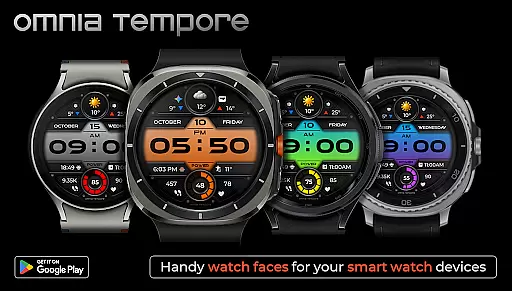
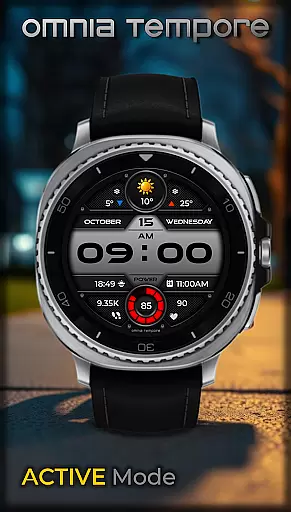
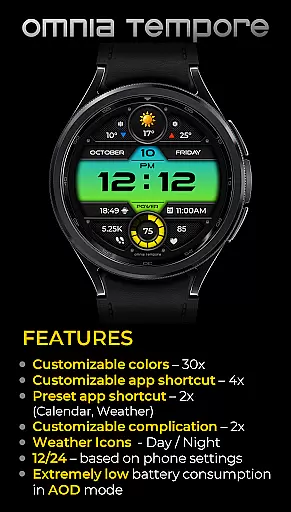
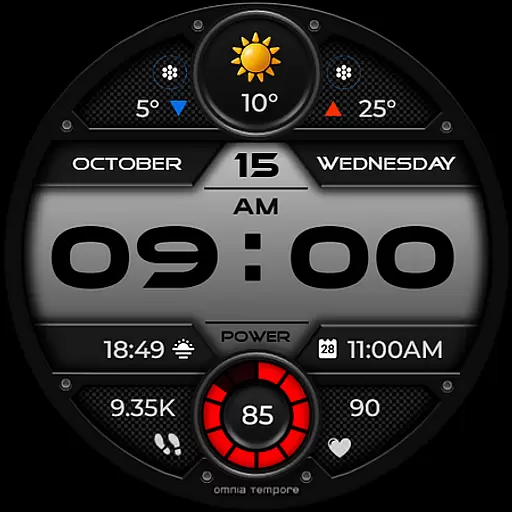
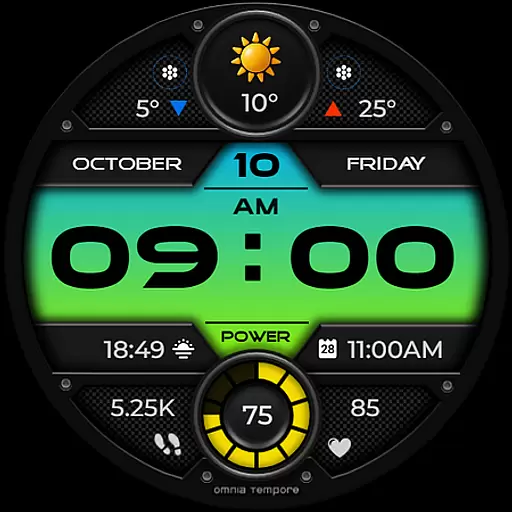
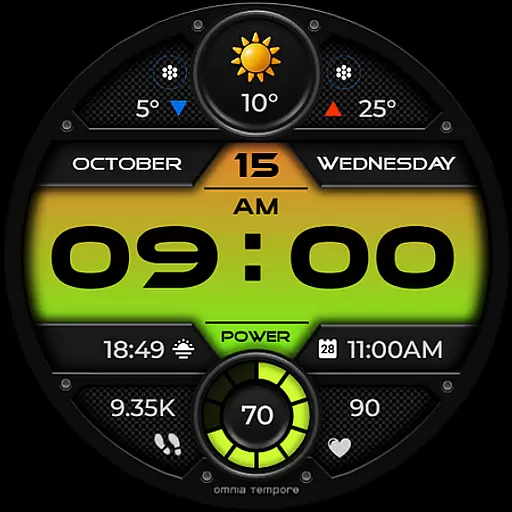
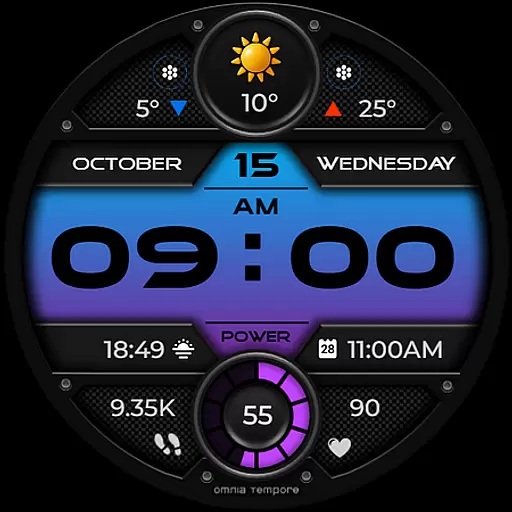
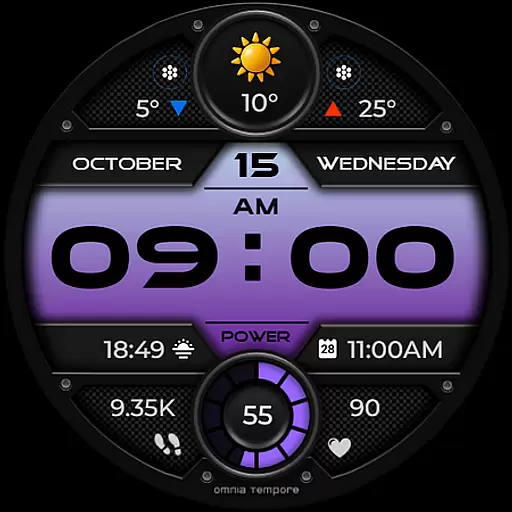
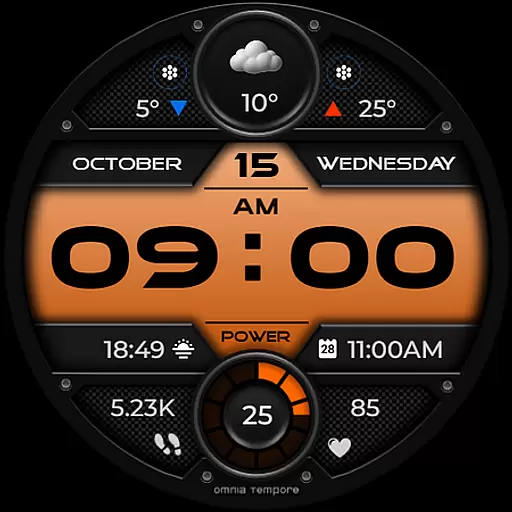
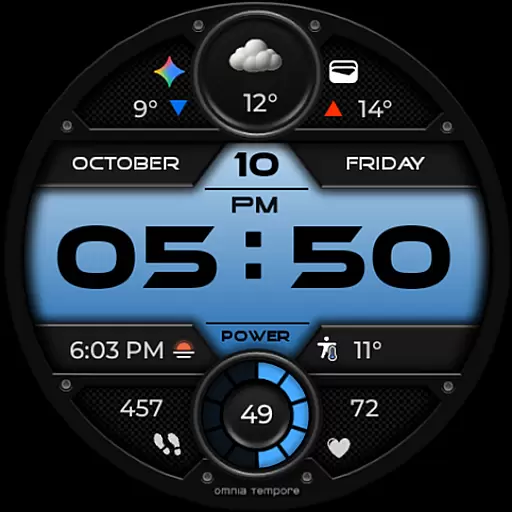
OT is a feature-rich digital watch face designed for Wear OS devices running version 5.0 and above. This stylish timepiece seamlessly blends aesthetics with functionality, offering users real-time weather updates, step counting, and heart rate monitoring. The design emphasizes both form and function, ensuring that important stats are always accessible on your wrist.
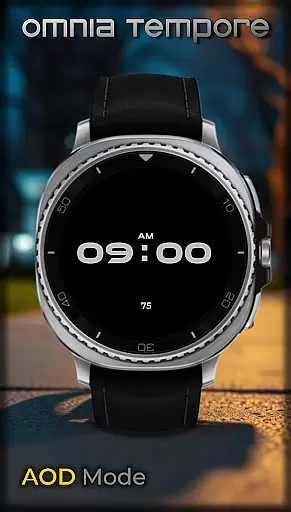
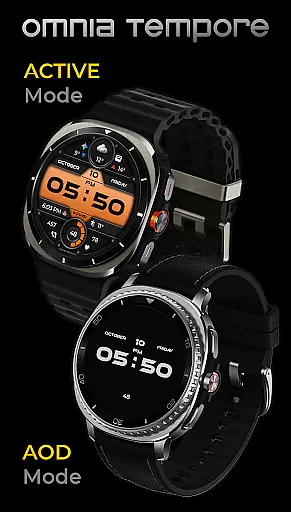
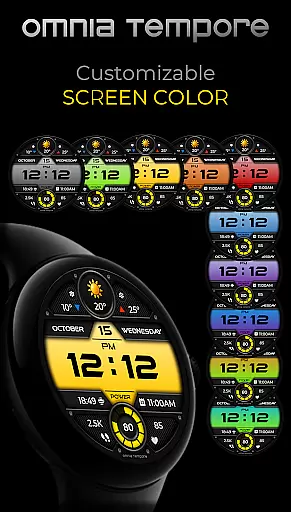
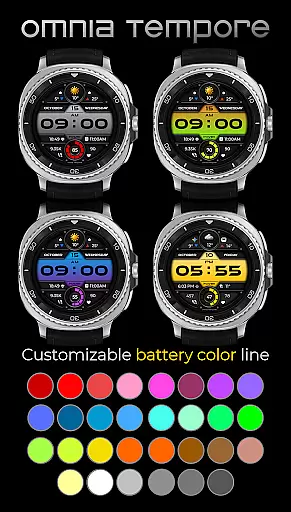
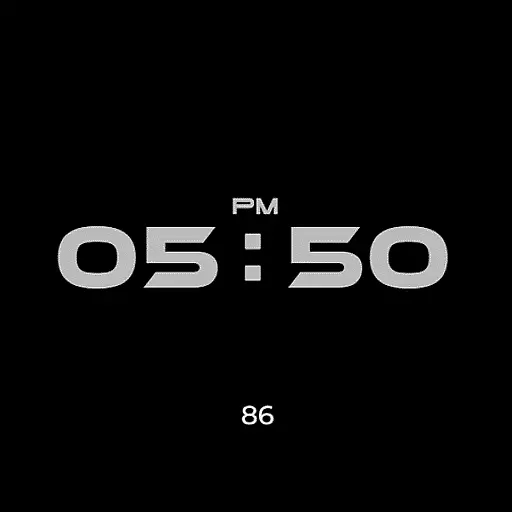
The watch face supports extensive customization options including two customizable complications and app shortcut slots. With 10 color versions of the display and 30 color options for battery status, users can tailor their experience to match personal preferences. Additionally, it maintains low power consumption in Always-On Display (AOD) mode, making it practical for everyday use.
Whether you're managing your schedule or tracking fitness goals, OT provides clarity and control without compromising style. Its modern aesthetic ensures you stay connected and informed while elevating your everyday look.
OT stands out with its comprehensive set of features tailored for smartwatch users. It offers real-time weather updates, step counting, and heart rate tracking, all integrated into an elegant interface. These features ensure that users remain aware of their surroundings and health metrics throughout the day.
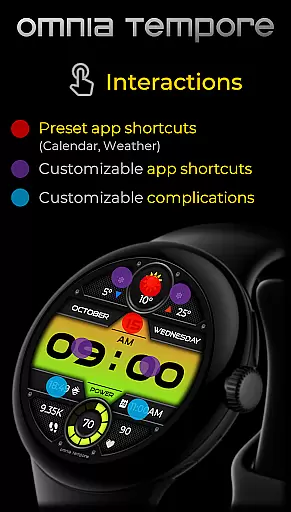
Customization is at the core of OT's appeal. Users can personalize their watch face with two customizable complications and choose from preset app shortcuts like Calendar and Weather. There are four app shortcut slots available, two visible and two hidden, allowing quick access to frequently used tools. Furthermore, the availability of 10 display color versions and 30 battery status color options lets users create a unique and personalized appearance.
Efficiency is another hallmark of this watch face. It boasts low power consumption in AOD mode, extending battery life while still providing essential information at a glance. Whether you're in a meeting or working out, OT delivers a seamless blend of style and utility.
Companion app integration is essential for a seamless wearable experience. OT ensures that your Wear OS device works in harmony with your smartphone, providing real-time synchronization of important data such as weather updates, calendar events, and health metrics.
This stylish digital watch face offers two preset app shortcuts for Weather and Calendar, making it easy to access vital information at a glance. With four additional app shortcut slots available, you can customize your watch to launch your favorite tools directly from the home screen.
The ability to stay connected to both your personal and digital worlds without missing a beat is what makes OT stand out. By integrating customizable complications, this watch face allows users to prioritize what matters most to them, whether it's tracking steps or monitoring heart rate.
Compatibility with Wear OS devices is crucial for any smartwatch application. OT is designed specifically for Wear OS 5.0 and above, ensuring that users with updated operating systems can take full advantage of its features.
With support for a wide range of Wear OS-powered devices, OT provides a consistent experience across different hardware models. This compatibility ensures that regardless of your device, you will enjoy the same level of sleek design and functionality.
Furthermore, OT offers low power consumption in Always-On Display (AOD) mode, which is an important consideration for maintaining battery life on compatible devices. The availability of 10 color versions of the display and 30 color options for battery status also demonstrates its adaptability to various user preferences and device capabilities.
User-friendly interface
Extensive customization
Low power consumption
Real-time updates
Health tracking features
Limited to Wear OS
Requires Android 5.0+
Premium features may cost extra
Complex setup for beginners
Occasional sync issues

Highly customizable hybrid watch face for Wear OS, perfect for everyday use.
 4.60
4.60
A Wintery Snow Globe on Your Wrist; now celebrating Christmas!
4.2
Contemporary digital watch face with five complications
4.4
Easy Voice Recorder is your everyday companion to record important moments.
4.70
Let's celebrate Thanksgiving - Wear Os watch face
4.20
Digital watch face with big numbers and many customization for Wear OS devices
4.40
Connect to your Bluelink equipped Hyundai vehicle from your smartphone.
4.50
Your music, your playlists, and more—offline and unlimited.
4.20
Track your active life in one place and share the journey with friends.
4.40
Real-time weather radar with temperatures, warnings, hurricanes, and widgets
4.80
Kia Access makes getting your vehicle information easier than ever
4.60
Walking app for weight loss: walk & step tracker, pedometer, indoor treadmill
4.60
Deck out your Wear OS Watch face with a beautifully decorated pine wreath!
4.50
A white realistic classic analog watch face with many customization options.
4.40
Elegant animated Christmas tree with multiple customization options
4.20
Animated video-game inspired “secret agent” simulation, right on your wrist!
4.20
Snowflake Rose Gold Watch Face - Digital, modern, & sleek with GYRO effect.
4.10
A full-featured Amazon Alexa voice assistant that can show you things.
3.70
3 Complications. All shadow on/off. 30 Themes color palette...
4.1


User Reviews