
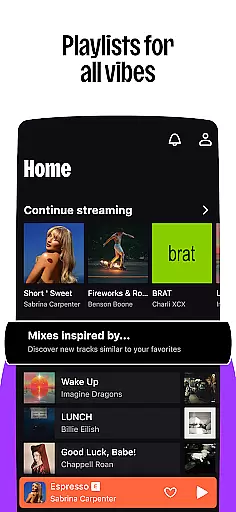

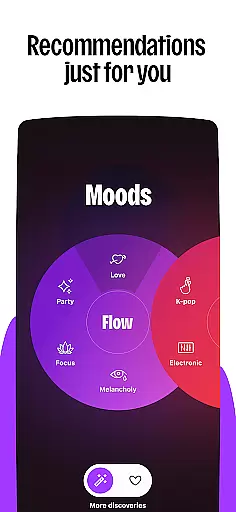
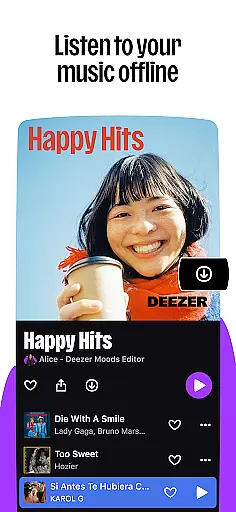




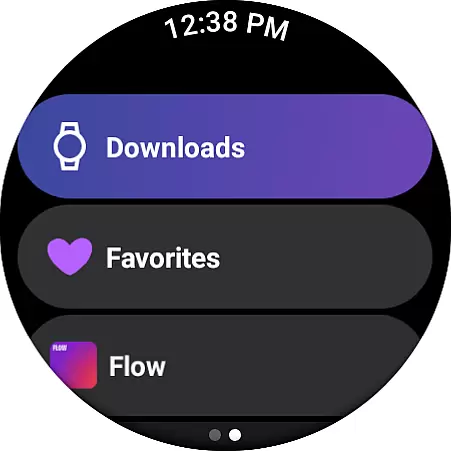
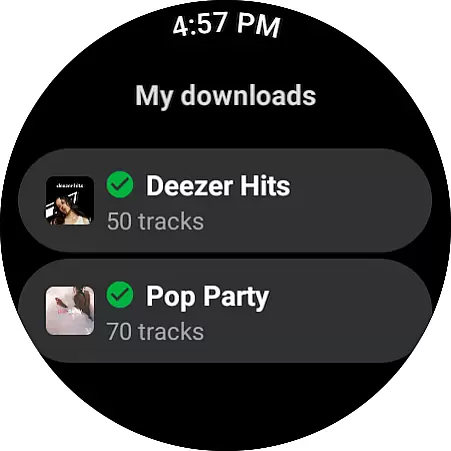
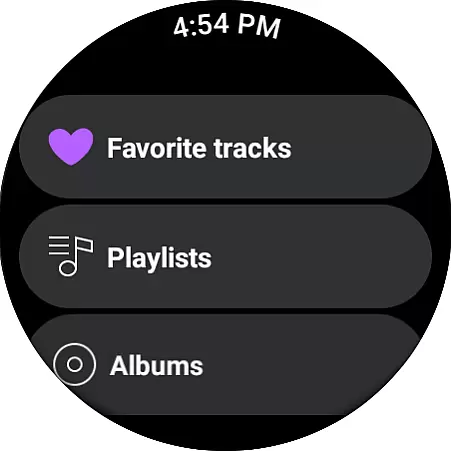
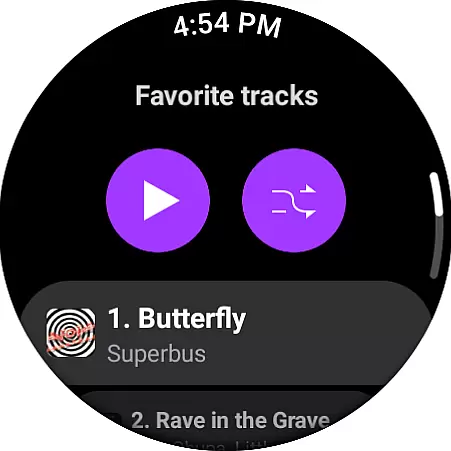
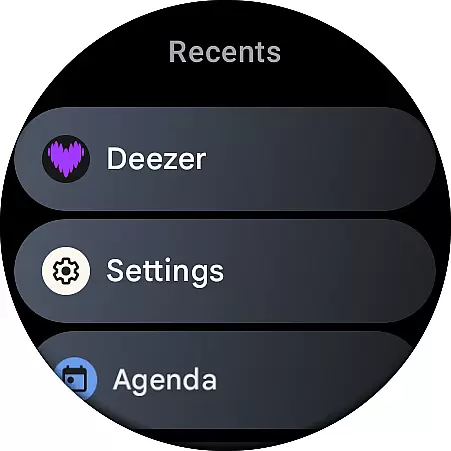
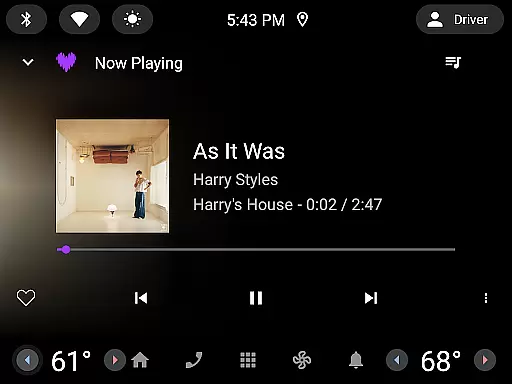
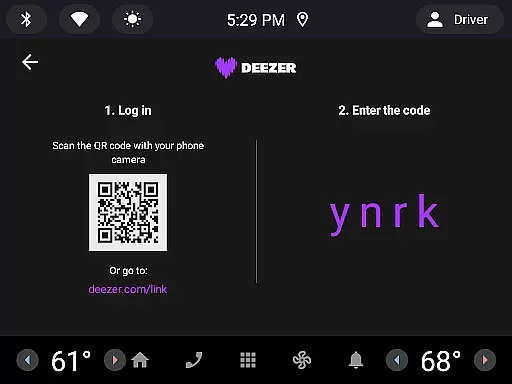

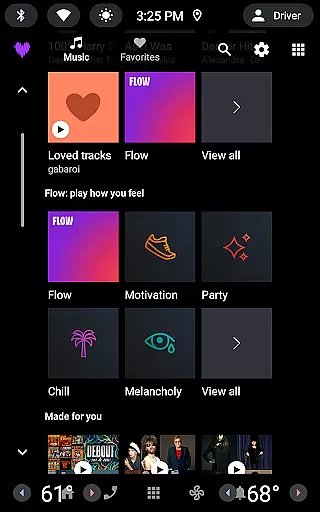
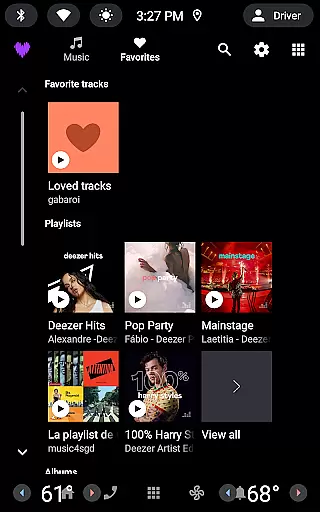

Deezer is a comprehensive music streaming platform designed specifically for Android Wear users. This app offers a fully personalized listening experience that adapts to individual preferences. With features like mood-driven mixes and curated playlists, Deezer ensures you discover music that resonates with your personal taste. Available on wearable devices, it allows you to enjoy music, podcasts, and audiobooks directly from your wrist.
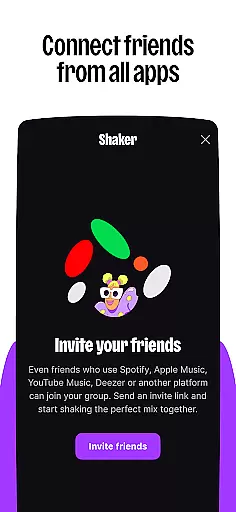
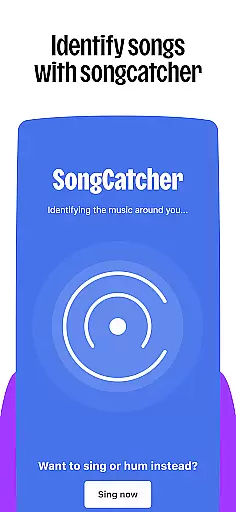
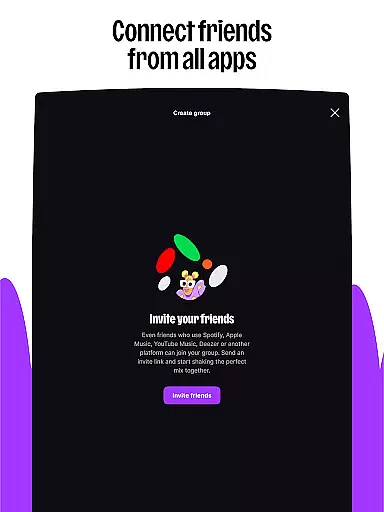
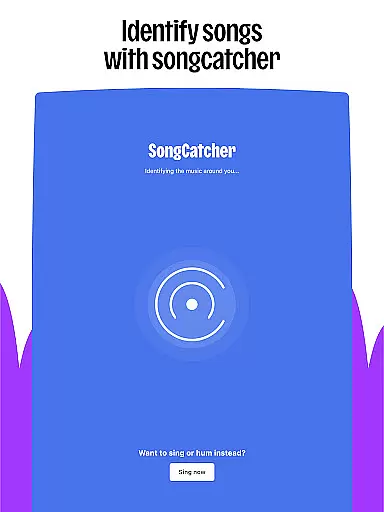
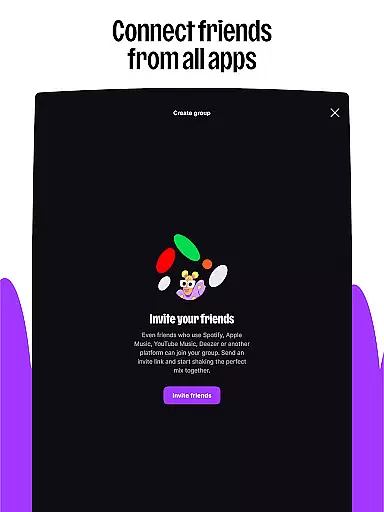
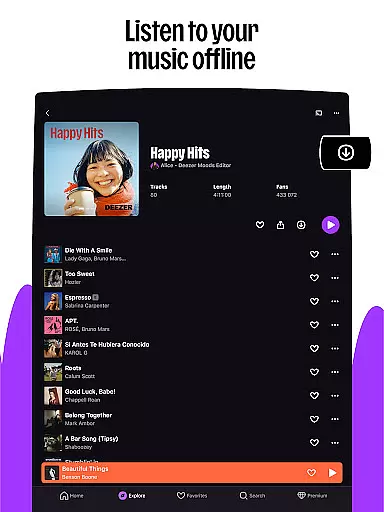
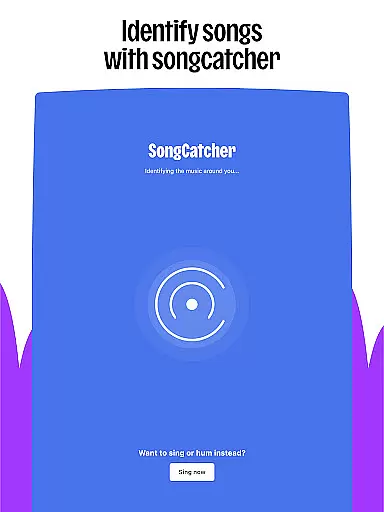
The application provides interactive features such as Shaker, which lets you mix playlists with friends, and SongCatcher, helping identify songs playing around you. Additionally, Deezer offers customization options, enabling users to tailor their music algorithm, create custom playlist covers, and organize their homepage. With support for HiFi audio quality and offline mode, Deezer ensures an uninterrupted, high-quality listening experience on the go.
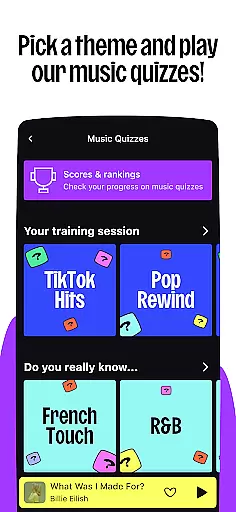
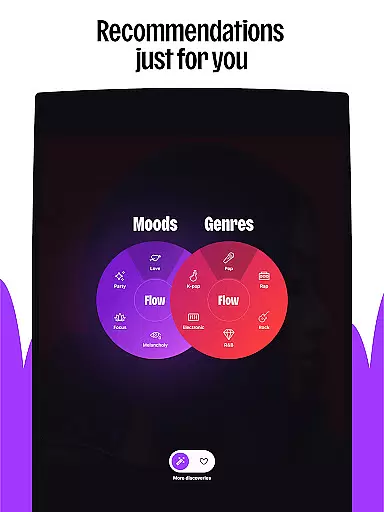
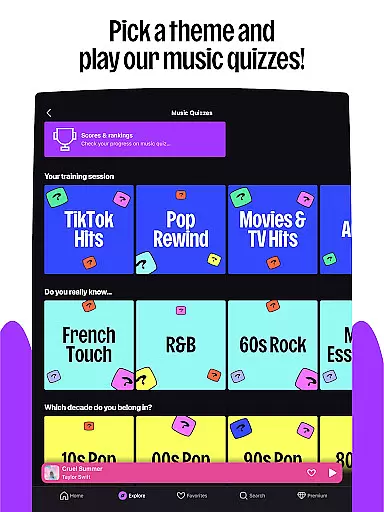
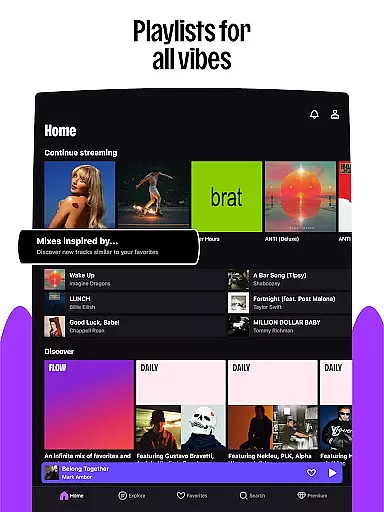
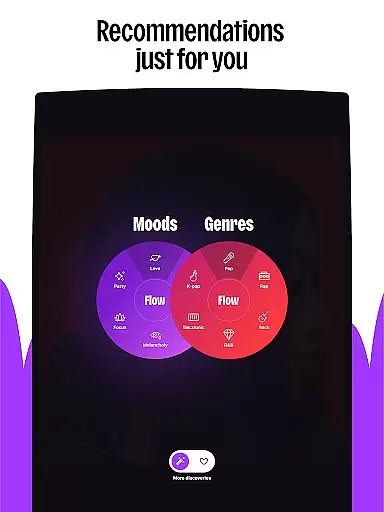
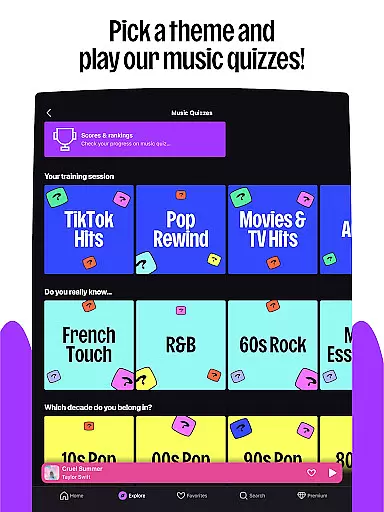
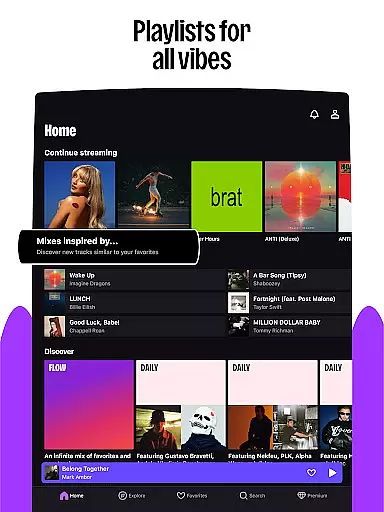
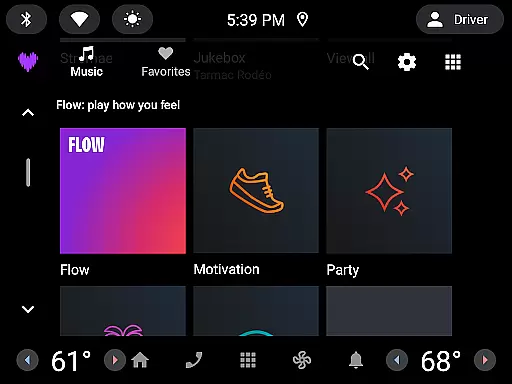
Deezer stands out with its rich feature set tailored for Android Wear. The app boasts a massive catalog of tracks, offering everything from Flow, an infinite personalized mix, to curated playlists for every mood and genre. Interactive features like Shaker and Music Quiz enhance user engagement by allowing social interaction and testing music knowledge.
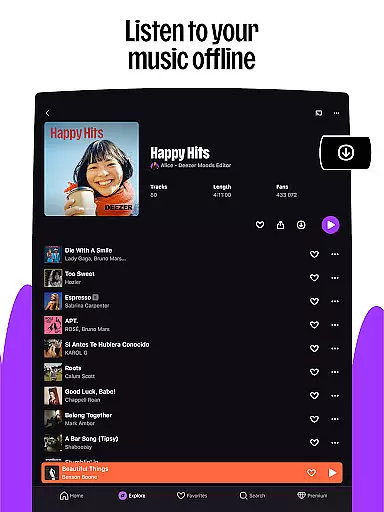
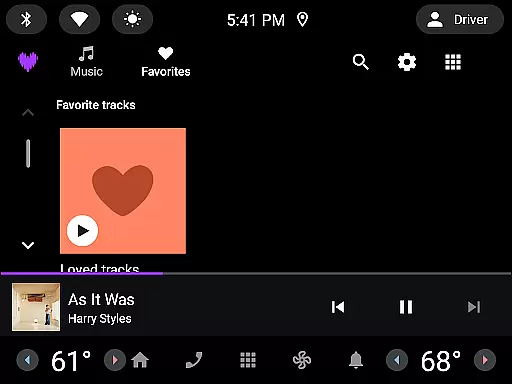
Customization is at the forefront with capabilities to shape algorithms, design playlist covers, and rearrange favorites. Moreover, Deezer supports high-fidelity audio quality, ad-free listening, and offline mode, ensuring users enjoy uninterrupted music. Integration with smart speakers, wearables, and automotive systems extends Deezer's accessibility, making it versatile across various devices and situations.
Companion app integration is essential for a seamless experience across multiple devices. Deezer excels in this area by ensuring that your listening experience is consistent whether you're using your phone, tablet, or wearable device.
The app syncs your playlists, preferences, and listening history across all linked devices. This means you can start listening to a playlist on your phone during your commute and continue right where you left off on your smartwatch when you go for a run.
Deezer's companion app integration extends to smart speakers and car systems as well. With support for platforms like Google Nest, Alexa, and Sonos, you can enjoy high-quality audio throughout your home without missing a beat.
This synchronization ensures that every feature, from personalized mixes to curated playlists, is readily available no matter which device you choose to use, enhancing both convenience and user satisfaction.
Wear OS and device compatibility are crucial for users who want to enjoy their music on the go. Deezer offers robust support for Wear OS, making it easy to access your favorite tracks directly from your wrist.
Whether you own a Galaxy Watch, Fitbit, or any other Wear OS device, Deezer provides an intuitive interface that allows you to control playback, browse playlists, and discover new music effortlessly.
In addition to watches, Deezer also supports various other devices such as smart speakers and automotive systems. This broad compatibility ensures that you can enjoy uninterrupted music streaming wherever you are, whether at home, in the car, or on a jog through the park.
By prioritizing extensive device compatibility, Deezer guarantees that its users have the flexibility to integrate music into every aspect of their daily lives, enhancing overall convenience and enjoyment.
User-friendly interface
Extensive music library
Personalized playlists
High-quality audio
Cross-device compatibility
Limited free version
Subscription cost
Feature availability varies
Occasional ads in free tier
Regional restrictions

Gym Log & Workout Tracker | Fitness Journal, Training & Weight Lifting Planner
 4.90
4.90
Watch the sharpness of the sky on your wrist..
3.70
Christmas - Festive - Christmas Village - Winter - Christmas lights
5.00
Analog watch face with 8 complications and expedition styling
4.3
A watch face that fuses motorsport precision with contemporary smartwatch design
4.2
Sleek, highly customizable watch face inspired by Galaxy Watch Circle Dashboard.
4.2
Bold, Modern Hybrid Watch Face for Wear OS. 10 Colors, Rich Info Display.
4.30
Reliable phone calls with spam protection, caller ID and more helpful features
4.40
The most customizable hybrid watch face. For Wear OS 5.0, API 34+ and later
4.70
Be an elegant and classy secret agent, with this carefully detailed watch face
4.70
The most customizable minimal watch face. For Wear OS 5.0, API 34+ and later
4.70
Monitor health with the stress test and pulse checker in the heart rate app.
4.60
Christmas watch face. For Wear OS devices.
4.30
Animated video-game inspired “secret agent” simulation, right on your wrist!
4.20
Wear Os Watch Face - Animated Snow Effect & Magic Spark - 6 Scenes
4.10
Hyper-Realistic Airplane Dashboard Watch Face With 10 Skins and Custom AOD
4.00
Watch face designed for Thanksgiving Day. 7 Background Styles included.
3.20
Stylish digital watch face for Wear OS devices with customizable features
4.0
Funny animated watch face for Thanksgiving
4.4


User Reviews