
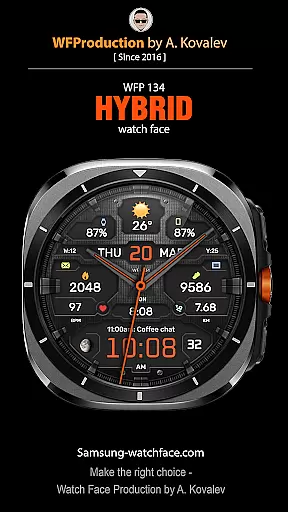
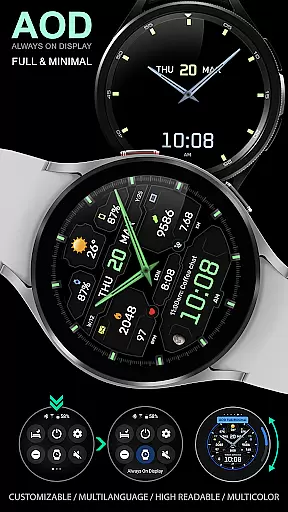
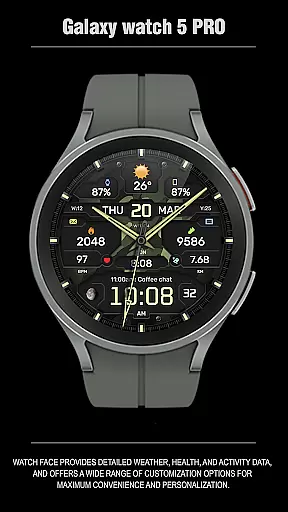
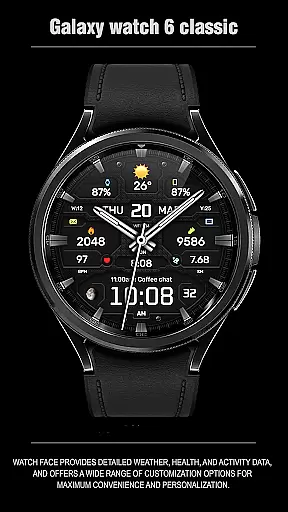
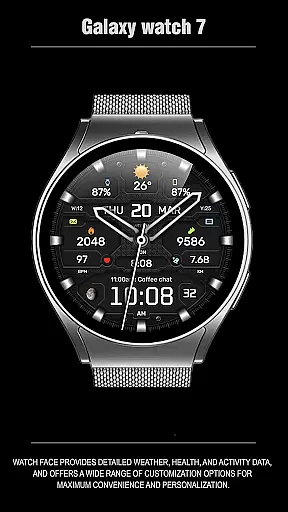
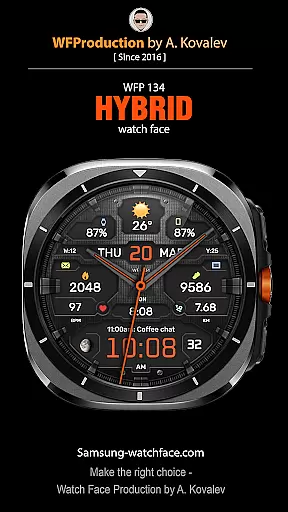
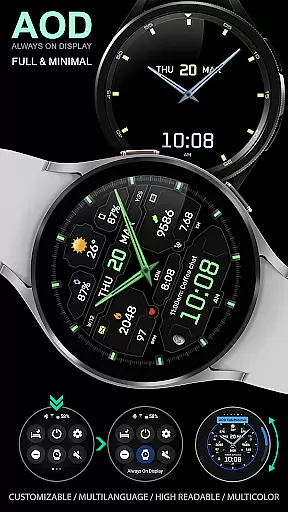
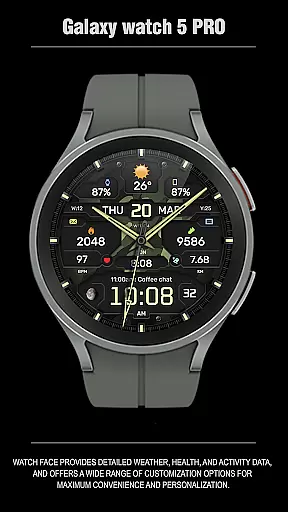
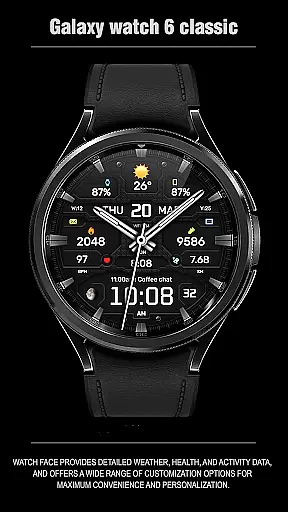
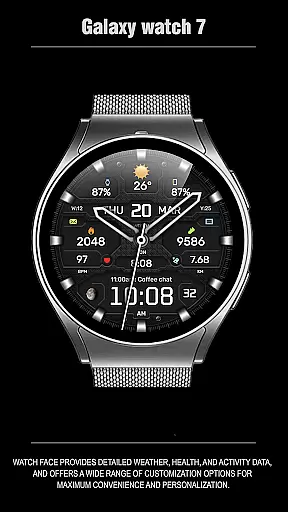
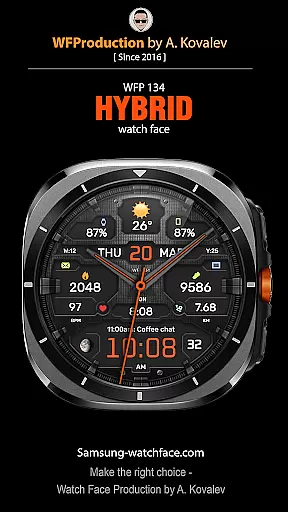
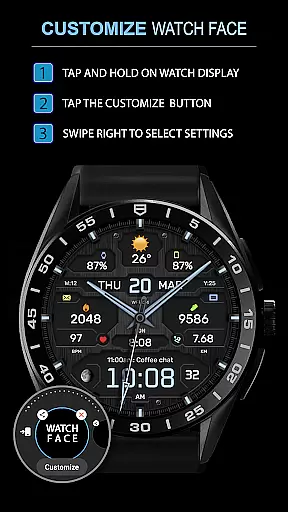
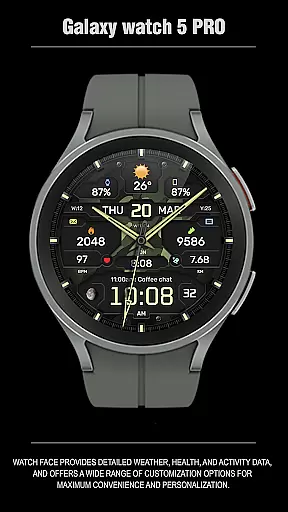
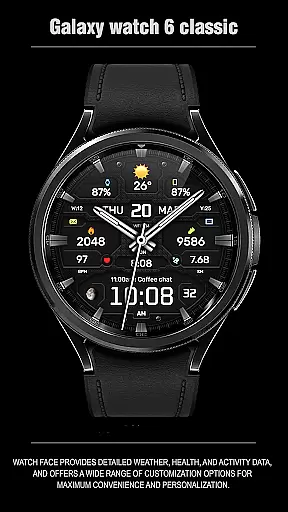
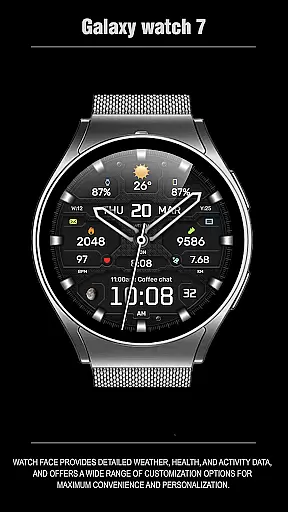
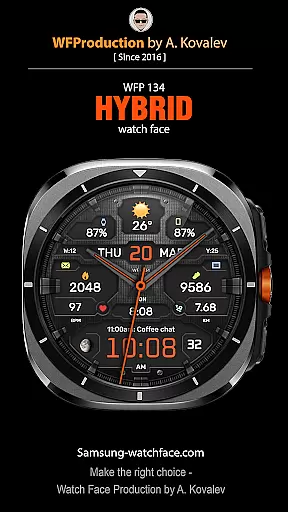
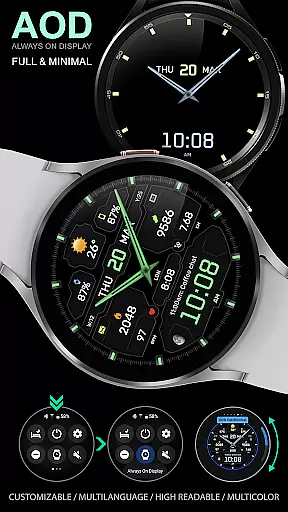
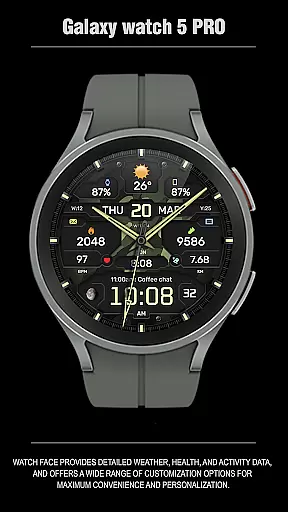
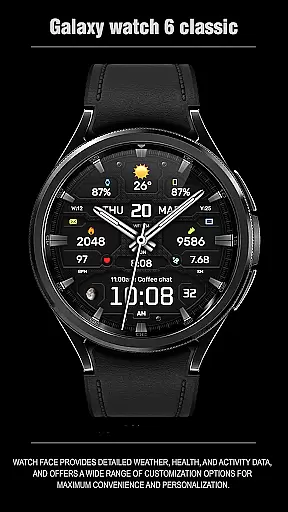
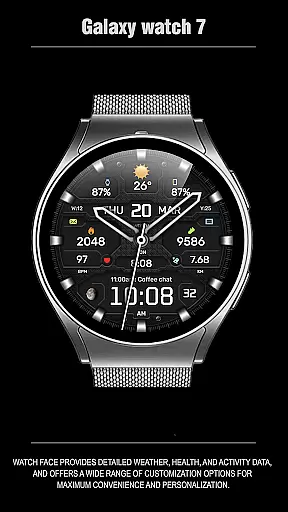
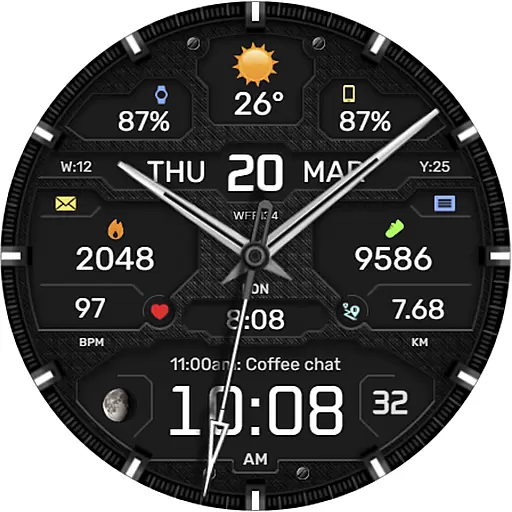
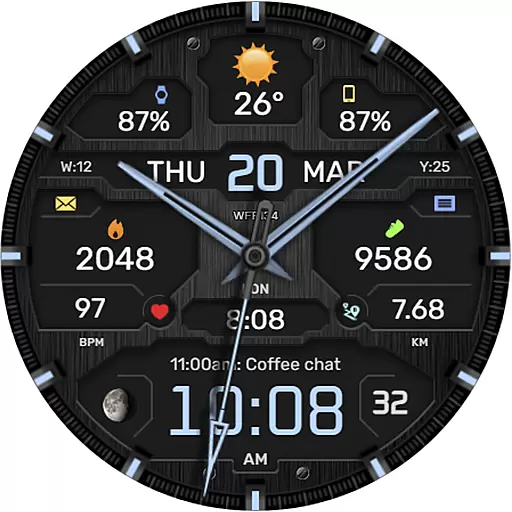
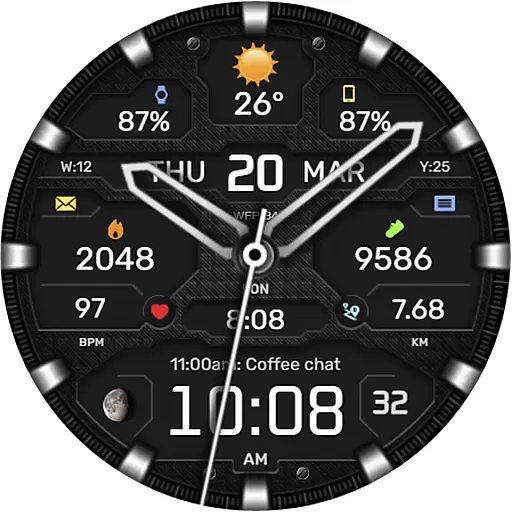
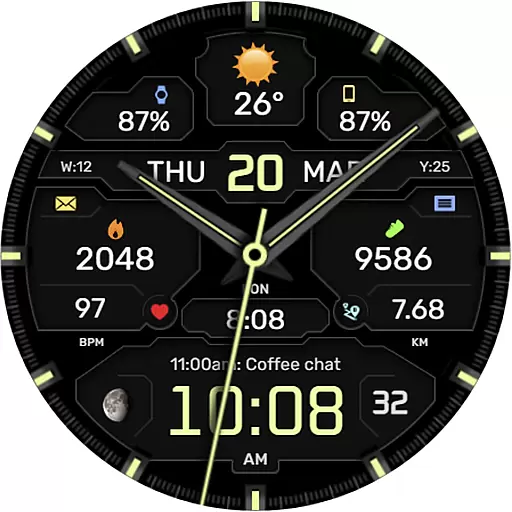
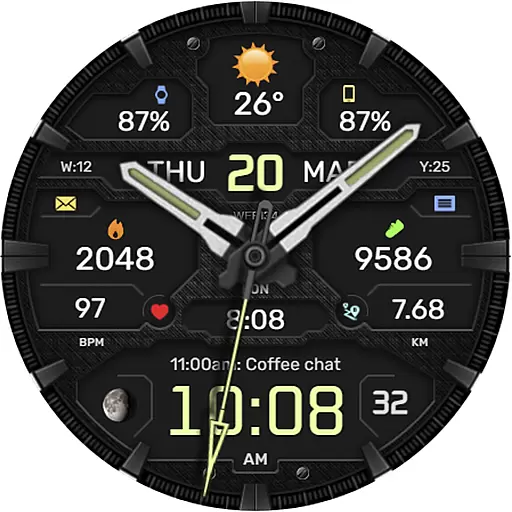
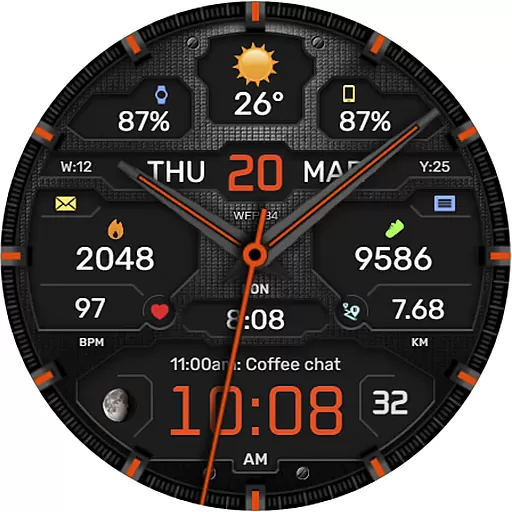
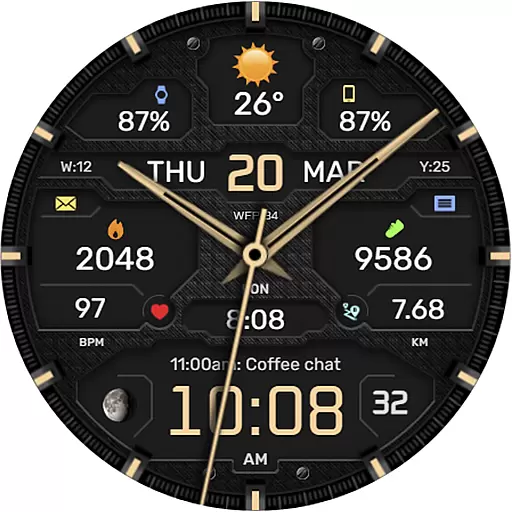
The WFP 134 Hybrid watch face is a stylish and functional accessory for your smartwatch, offering users an impressive array of features. It provides detailed weather forecasts, health tracking, and activity data while boasting extensive customization options to suit individual preferences.
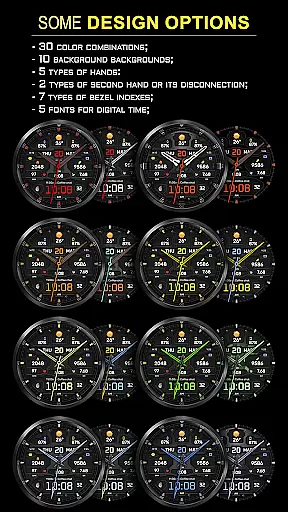
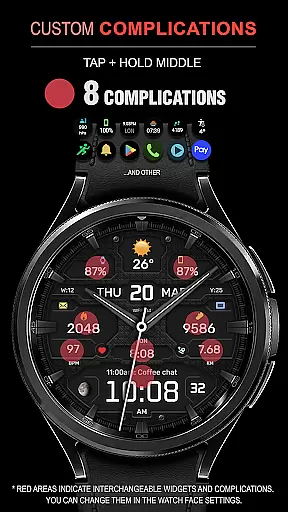
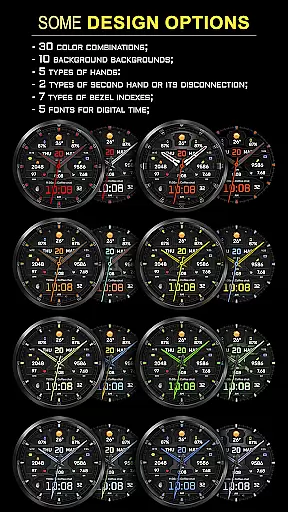
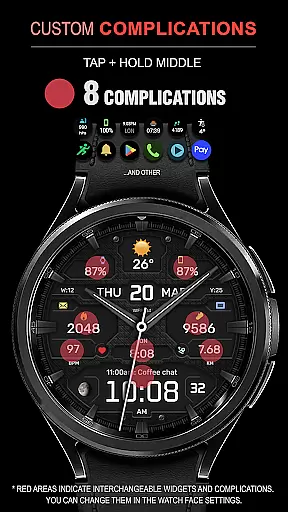
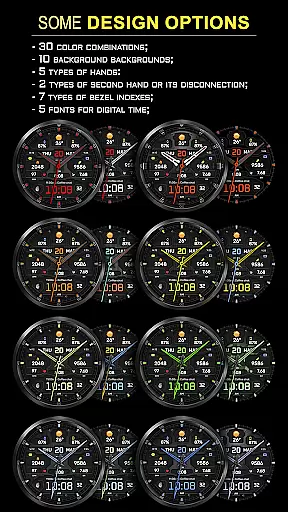
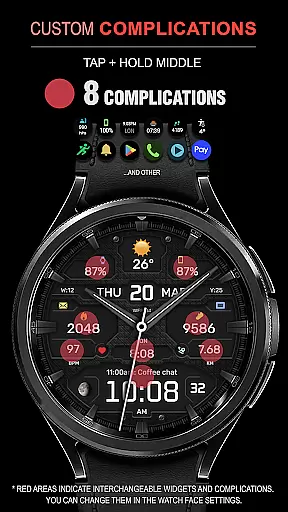
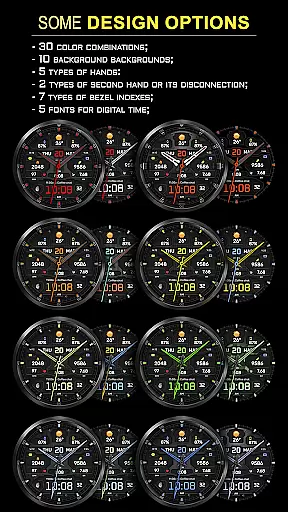
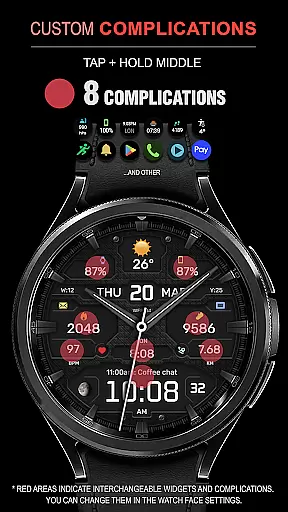
Designed for maximum convenience and personalization, this watch face supports up to 8 complications, 30 color combinations, and 10 backgrounds. Users can choose from 5 types of hands, 2 types of second hands or disable them, and select from 7 bezel indexes. Additionally, it offers 5 fonts for digital time display, Black edition mode, moon phases, and high-resolution visuals optimized for low battery consumption.
This watch face is compatible with devices running API 34+ (Android 5.0) and later, making it versatile for various smartwatch models. Whether you're monitoring your fitness goals or customizing the appearance of your watch, the WFP 134 Hybrid watch face delivers both style and utility.
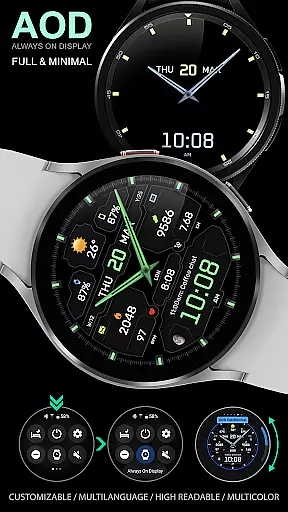
The WFP 134 Hybrid watch face stands out with its rich feature set tailored to enhance user experience. One notable aspect is its customizable Always-On Display (AOD) mode, available in both full and minimal configurations, allowing users to personalize their viewing preferences even when the watch is idle.
Functionality extends to include weather forecasts in Fahrenheit or Celsius, moon phase tracking, and multilingual support, catering to a global audience. The high-resolution design ensures clarity and precision, while advanced optimization techniques result in low battery consumption without compromising performance.
Users benefit from practical widgets such as phone charge indicators, calorie trackers, and floor counters. With compatibility across devices running API 34+ and later, the WFP 134 Hybrid watch face combines aesthetics with functionality, providing a seamless blend of fashion and technology on your wrist.
Companion app integration is essential for a seamless wearable experience. The WFP 134 Hybrid watch face excels in this area by offering users the ability to customize their watch face directly from their smartphone.
This application provides detailed weather, health, and activity data synchronization between the phone and the watch. Users can easily adjust settings such as weather units, language preferences, and widget configurations through an intuitive interface on their mobile device.
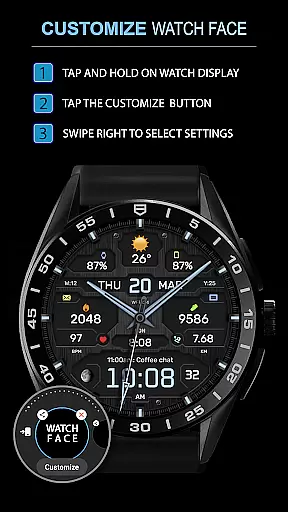
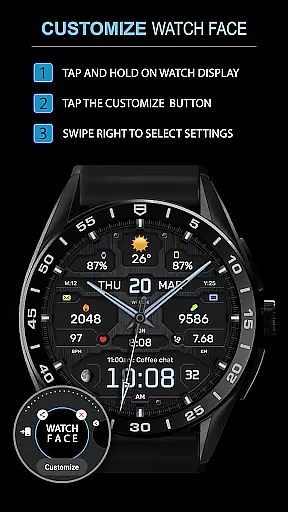
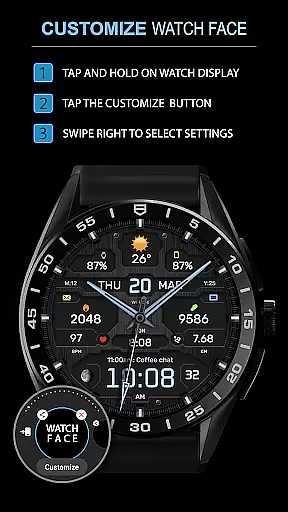
The customization options are vast, including complications, color combinations, backgrounds, and more. This ensures that users have a personalized experience tailored to their preferences, enhancing both convenience and style.
By maintaining compatibility with devices running API 34+ and later, the WFP 134 guarantees that users enjoy the latest features and optimizations without worrying about outdated software issues.
Ensuring broad Wear OS and device compatibility is crucial for reaching a wide audience. The WFP 134 Hybrid watch face supports devices running 5.0 API 34+ and later, making it accessible to many users.
This compatibility extends to various Samsung devices, ensuring that customers with different models can take full advantage of the watch face's features. Detailed installation instructions are provided, guiding users through the setup process effortlessly.
In addition to basic compatibility, the WFP 134 offers advanced functionalities like phone charge widgets, calorie tracking, and floor counting. These features enhance the overall utility of the watch face, providing valuable insights into daily activities.
With high optimization and low battery consumption, the WFP 134 maintains performance without draining the deviceu2019s battery quickly. This balance makes it an ideal choice for users seeking both functionality and efficiency in their wearable technology.
Highly customizable
Low battery usage
Wide compatibility
Detailed weather info
Health tracking
Complex setup
Premium cost
Limited free options
Occasional bugs
Heavy on RAM

Watch the sharpness of the sky on your wrist..
 3.70
3.70
Embrace the festive spirit with our Christmas Countdown watchface for Wear OS
4.10
Deck out your Wear OS Watch face with a beautifully decorated pine wreath!
4.50
Easy Voice Recorder is your everyday companion to record important moments.
4.70
Bold, Modern Hybrid Watch Face for Wear OS. 10 Colors, Rich Info Display.
4.30
Connect to your Bluelink equipped Hyundai vehicle from your smartphone.
4.50
Real-time weather radar with temperatures, warnings, hurricanes, and widgets
4.80
Simple, helpful messaging by Google
4.60
Track your active life in one place and share the journey with friends.
4.40
A modern premium sporty hybrid watch face for Wear OS by Ballozi
4.70
Stylish, Energizing and Modern Watch Face crafted by Dominus Mathias.
4.50
Fast and smart typing with Emojis, GIFs, and more
4.50
Locate your family members by GPS phone location tracker everywhere and anytime
4.30
Snowflake Rose Gold Watch Face - Digital, modern, & sleek with GYRO effect.
4.10
A digital watch face that celebrates Christmas.
4.00
Authentic military-tactical design with ZULU time! Realistic and functional!
3.80
Christmas and New Year - Themed Watchface
4.0
A watch face that fuses motorsport precision with contemporary smartwatch design
4.1
Contemporary digital watch face with five complications
4.3


User Reviews