
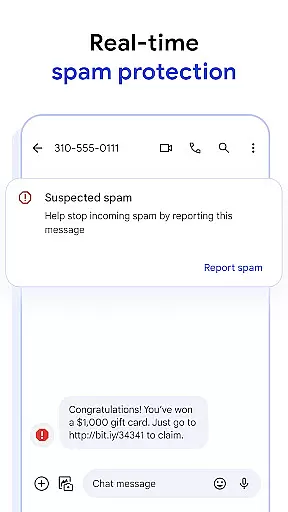
Google Messages is the official messaging app from Google, designed to enhance communication for over a billion users worldwide. Built on Rich Communication Services (RCS), it replaces traditional SMS and MMS with advanced features like high-resolution media sharing, dynamic group chats, and seamless cross-platform compatibility, including iPhone users. The app ensures privacy with end-to-end encryption and offers AI-powered tools such as Magic Compose to craft perfect messages. Available on Android Wear, tablets, and computers, Google Messages provides a richer, safer, and more expressive messaging experience.
With RCS support varying by region and carrier, Google Messages delivers a modern texting solution that integrates effortlessly across devices, making it ideal for both personal and professional use.
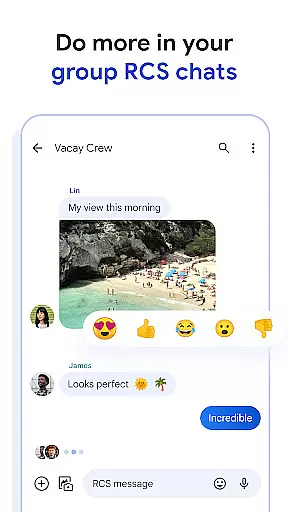
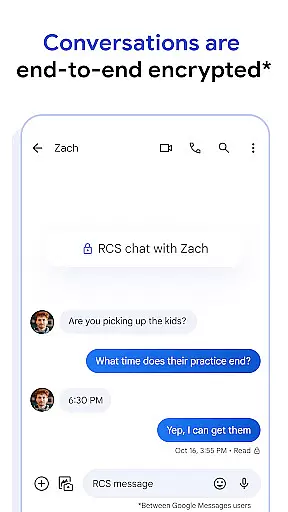
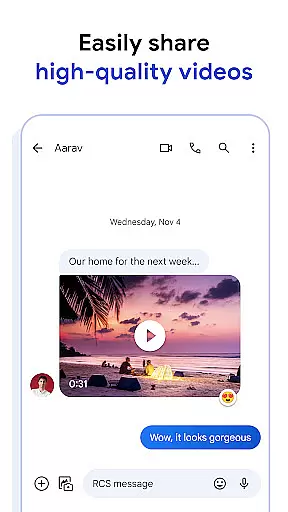
Google Messages stands out with its innovative features powered by RCS technology. Users can share high-quality photos and videos while enjoying real-time typing indicators and dynamic group conversations. The app allows customization with chat bubble colors and fun selfie GIFs, adding a personal touch to every conversation. Privacy is prioritized through end-to-end encryption, ensuring only the intended recipient can access messages and attachments.
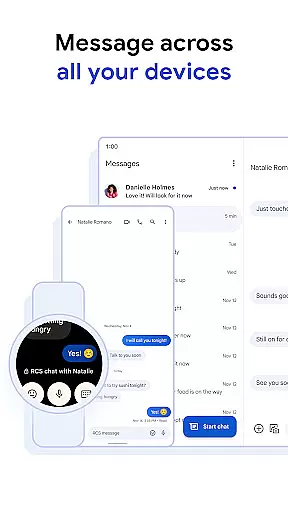
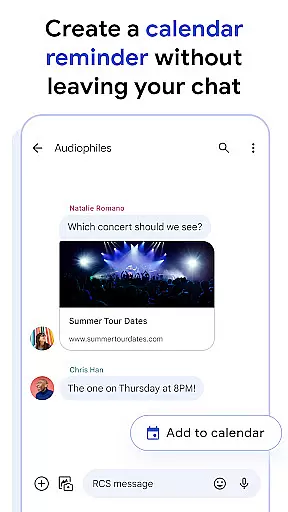
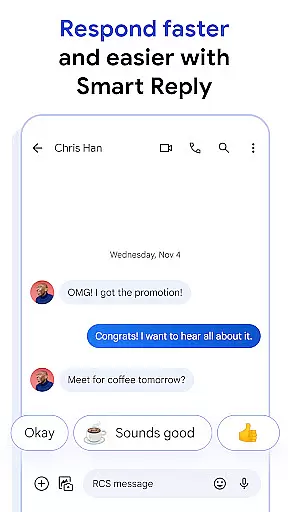
AI integration enhances the messaging experience with Magic Compose, offering smart suggestions to refine your texts. The app also supports multi-device functionality, enabling users to start chats on their phone and continue them on tablets, computers, or Wear OS devices. These features collectively create a versatile, secure, and user-friendly platform for modern communication needs.
Companion app integration is a crucial feature for Android Wear applications as it ensures seamless synchronization between the mobile app and wearable devices. Google Messages excels in this area by providing users with a consistent messaging experience across multiple platforms.
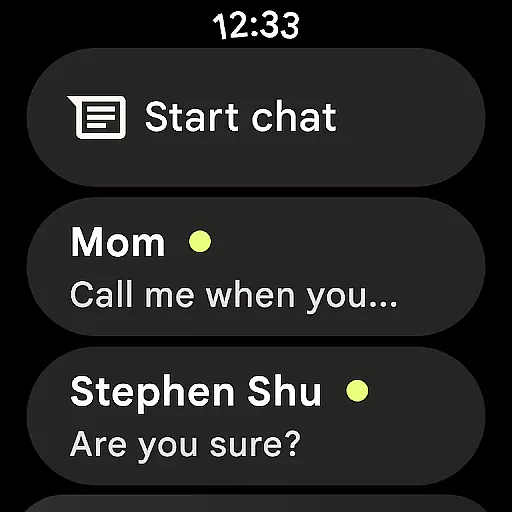
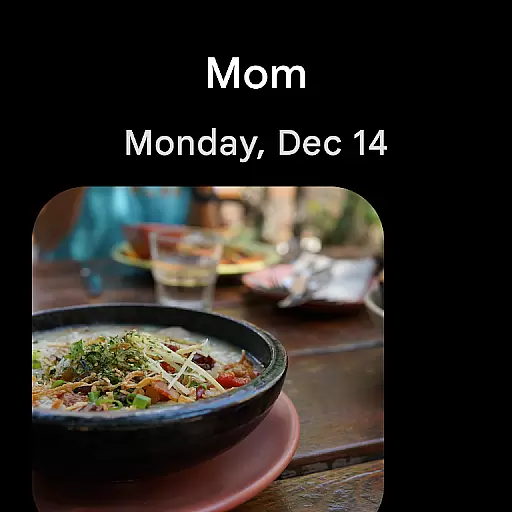
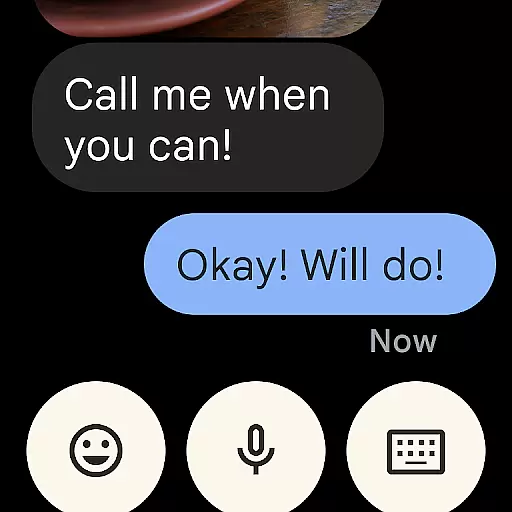
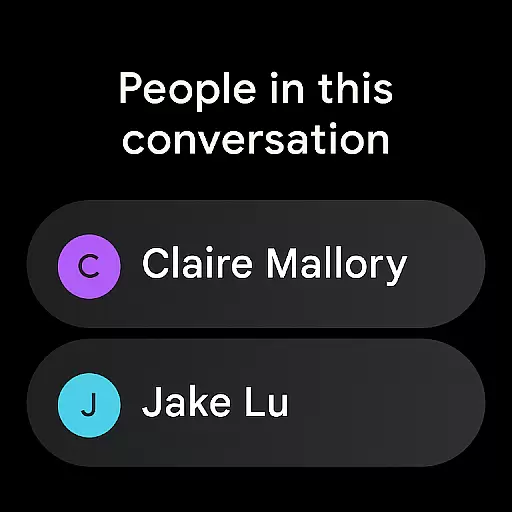
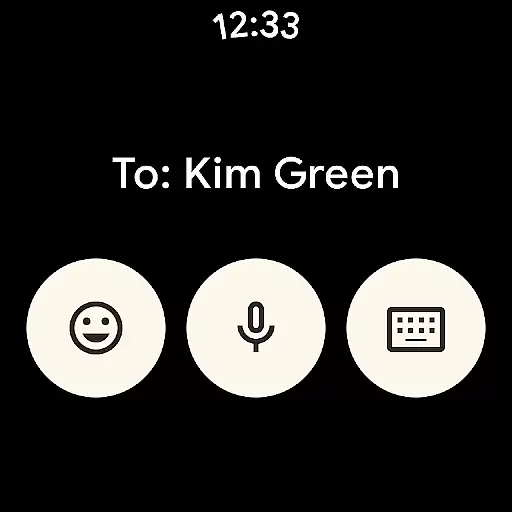
The app allows you to start conversations on your smartphone and continue them effortlessly on your Wear OS device. This means you can respond to messages, view images, and even receive typing indicators directly from your smartwatch without needing to take out your phone.
This level of integration offers significant convenience for users who are always on the go. Whether you're commuting, exercising, or simply away from your phone, you can stay connected and engaged with your contacts without interruption.
By ensuring that all devices are in sync, Google Messages provides a unified communication platform that enhances productivity and keeps you connected no matter which device you're using.
Device compatibility is essential for any application designed for wearable technology. Google Messages has been optimized to work seamlessly with Wear OS, ensuring that users can enjoy a full range of features directly from their smartwatches.
The app supports various functionalities such as sending and receiving texts, sharing media files, and even viewing typing indicators. These capabilities make it easier for users to communicate effectively without needing to reach for their smartphones constantly.
Moreover, Google Messages' compatibility extends beyond just Wear OS devices. It also integrates smoothly with other platforms, including iOS, allowing for cross-platform messaging experiences that maintain high standards of quality and reliability.
With its broad device support and robust feature set, Google Messages ensures that users can enjoy a versatile and dependable messaging experience regardless of their chosen device or operating system.
End-to-end encryption
Seamless device syncing
High-quality media sharing
Dynamic group chats
AI-powered suggestions
Limited RCS availability
Carrier dependency
Beta feature restrictions
Device compatibility issues
Market limitations

Christmas watch face. For Wear OS devices.
 4.30
4.30
Digital, flexibly customizable watch face. For Wear OS 5.0, API 34+ and later.
5.00
3 Complications. All shadow on/off. 30 Themes color palette...
4.1
Kia Access makes getting your vehicle information easier than ever
4.60
Gym & home workout plans with strength training, exercise tracking, HIIT & more.
4.60
Funny animated watch face for Thanksgiving
4.0
A digital watch face that celebrates Christmas.
4.00
Your local weather forecast, storm tracker, radar maps & live weather news
3.40
Want to take charge of your health? Let Google Fit help you reach your goals.
3.50
Retro digital watch face with customizable colors and a unique lighting effect
4.60
Nutrition, Macro tracker: Food, fitness & healthy diet tracking for weight loss
4.60
Fast and smart typing with Emojis, GIFs, and more
4.50
A white realistic classic analog watch face with many customization options.
4.40
Locate your family members by GPS phone location tracker everywhere and anytime
4.30
The ultimate destination for kids ages 3-8 to explore the Marvel Universe!
4.30
Your music, your playlists, and more—offline and unlimited.
4.20
Animated Watch Face and Customizable with 24 Backgrounds. Perfect for Christmas!
3.90
Sleek, highly customizable watch face inspired by Galaxy Watch Circle Dashboard.
4.5
Minimalistic design modern digital watch face.
4.3


User Reviews