
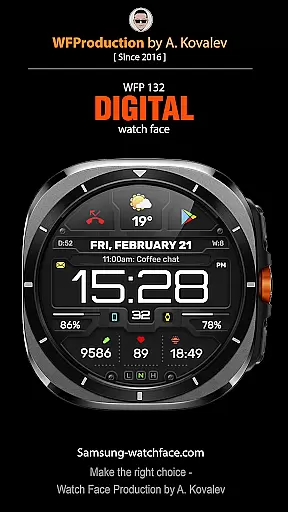
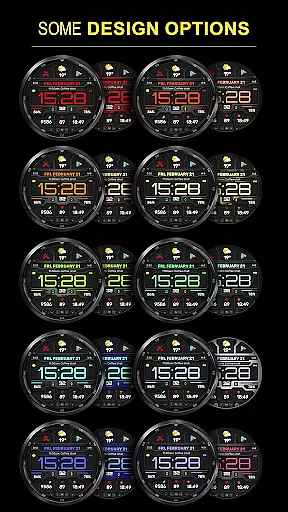
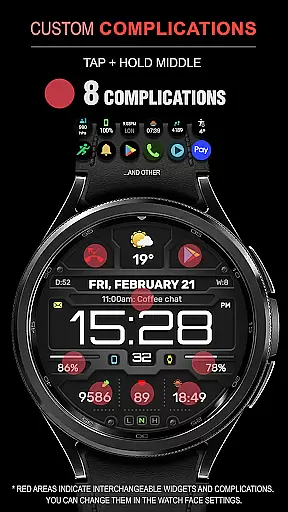
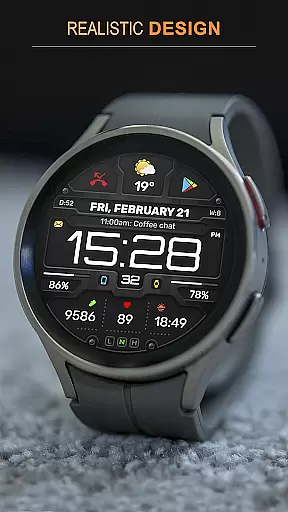
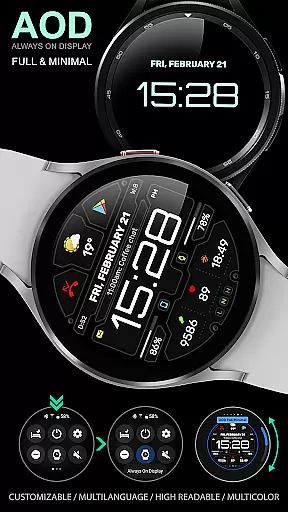
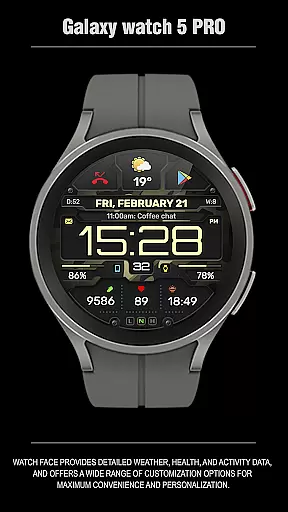
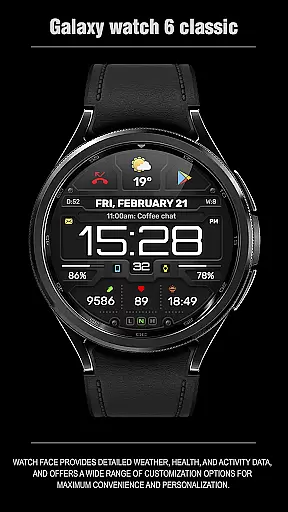
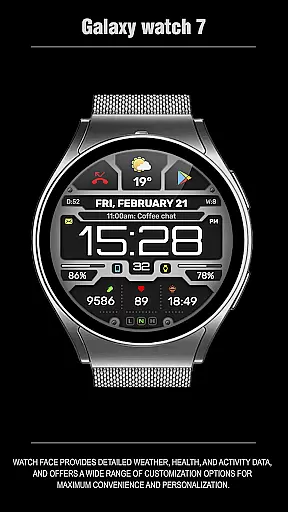
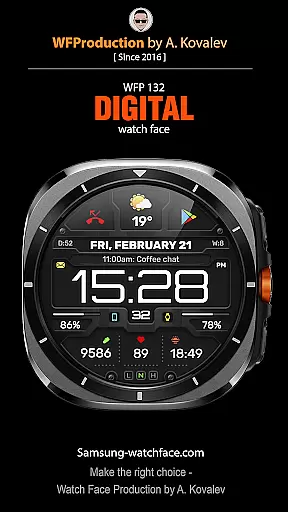
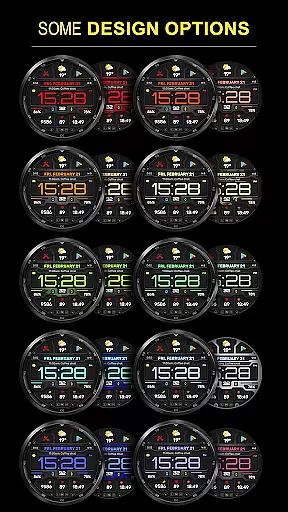
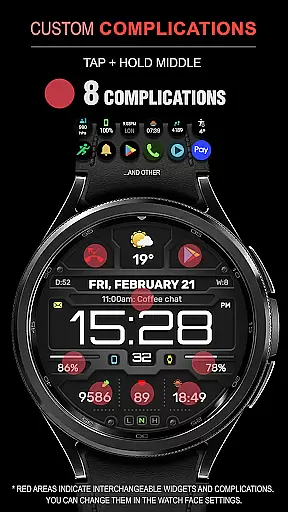
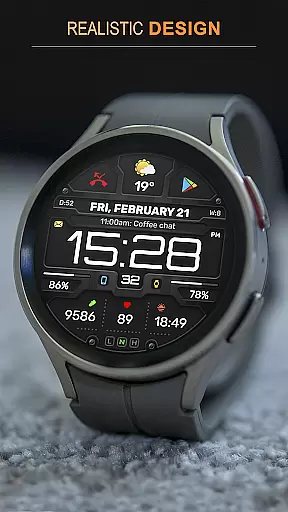
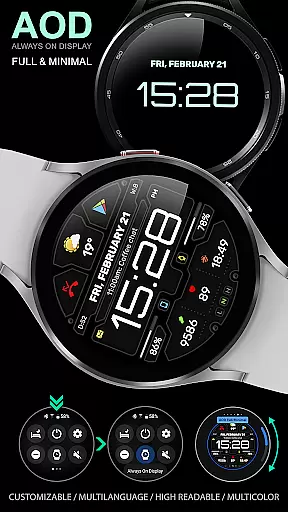
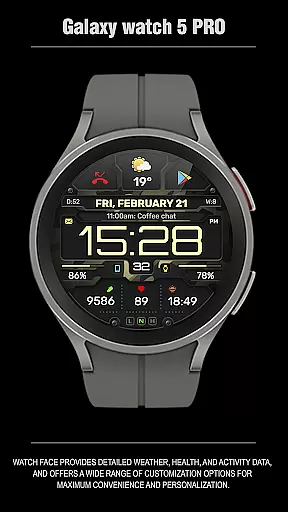
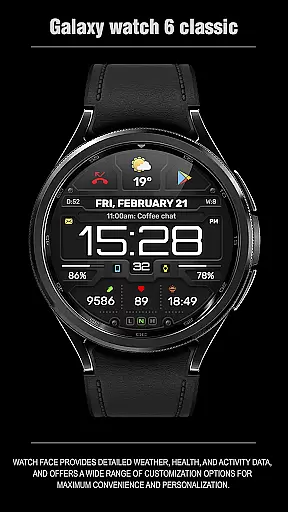
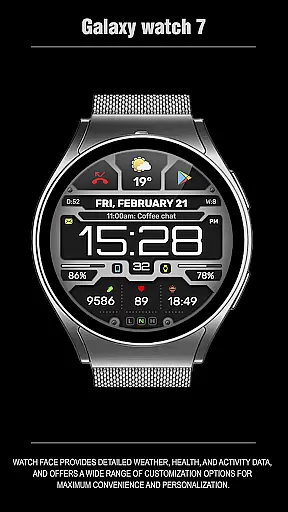
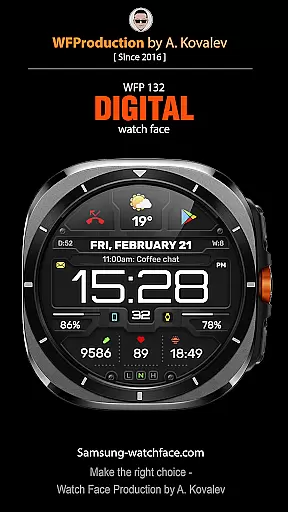
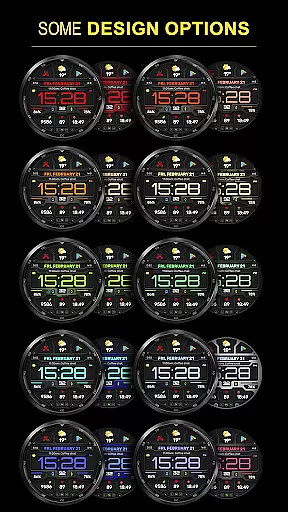
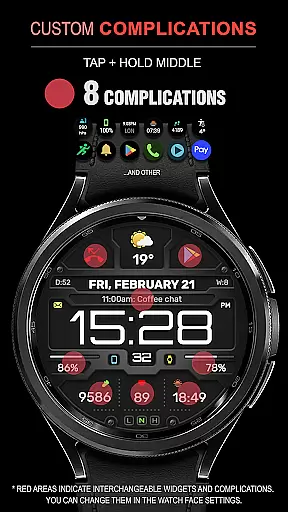
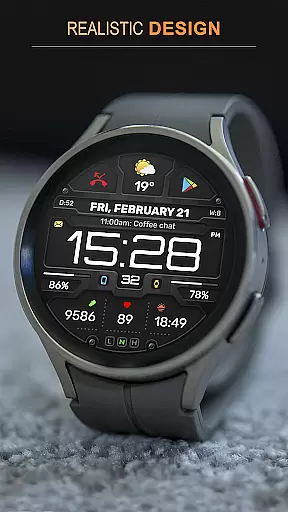
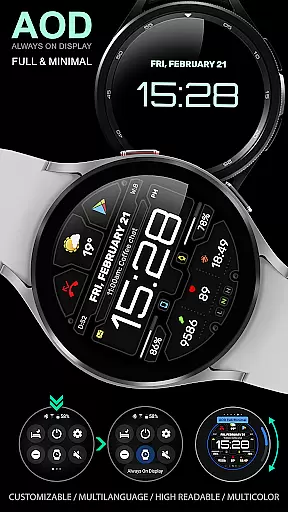
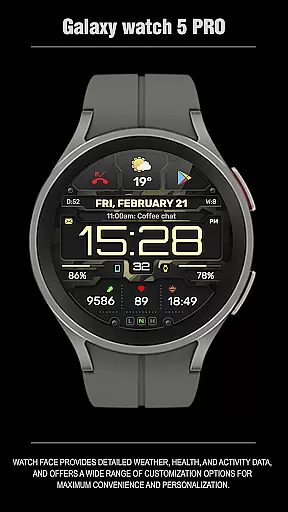
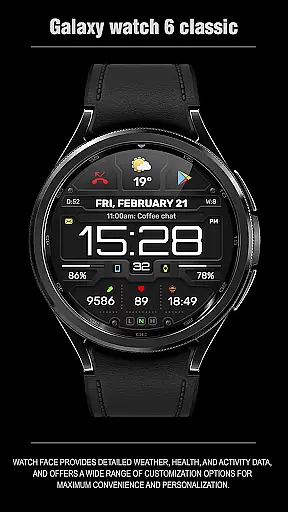
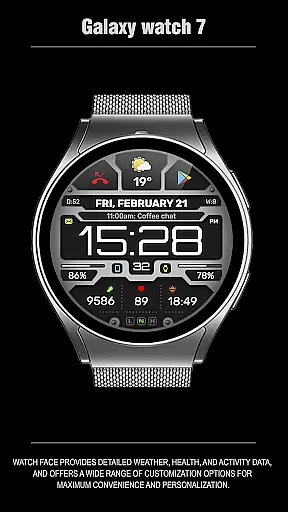
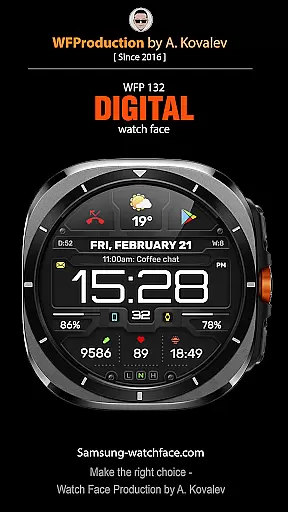
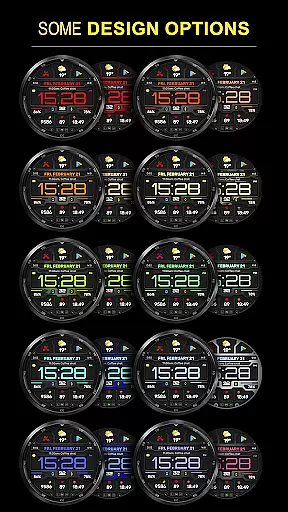
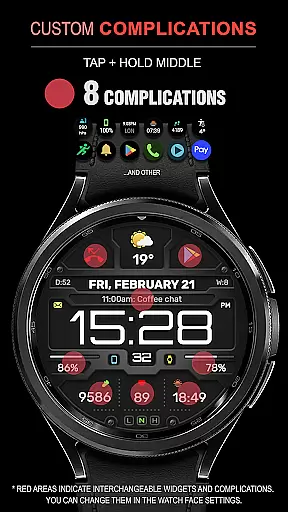
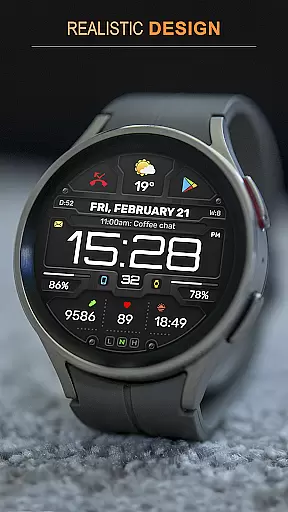
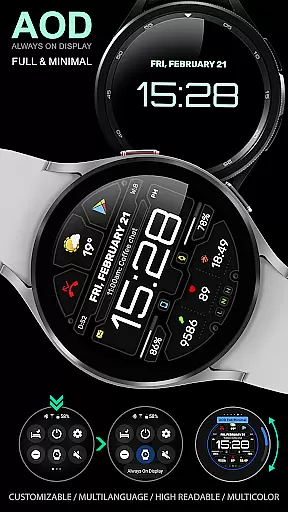
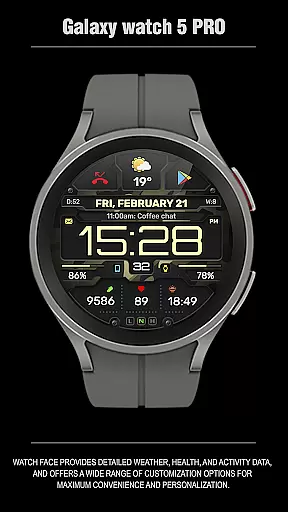
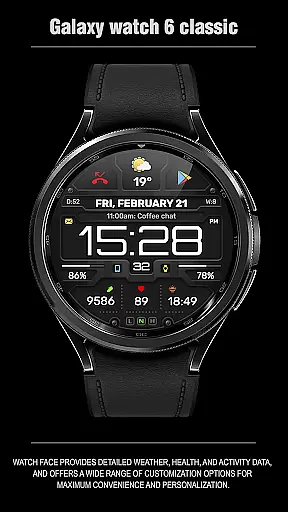
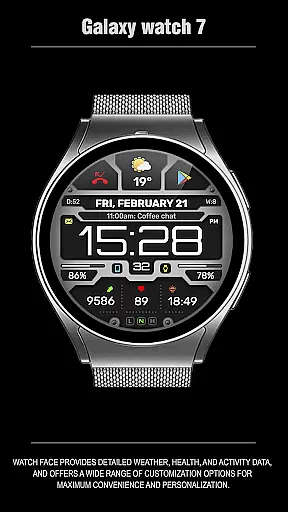
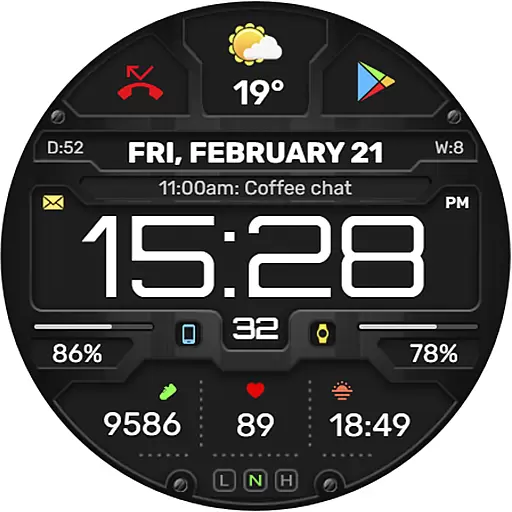
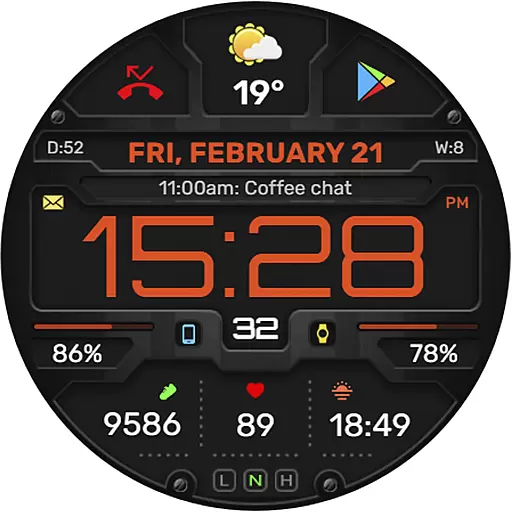
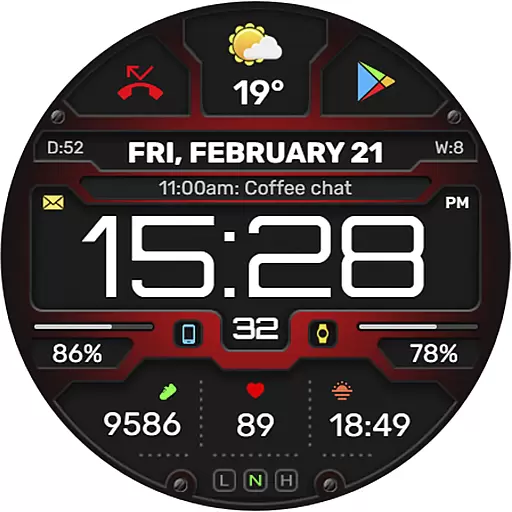
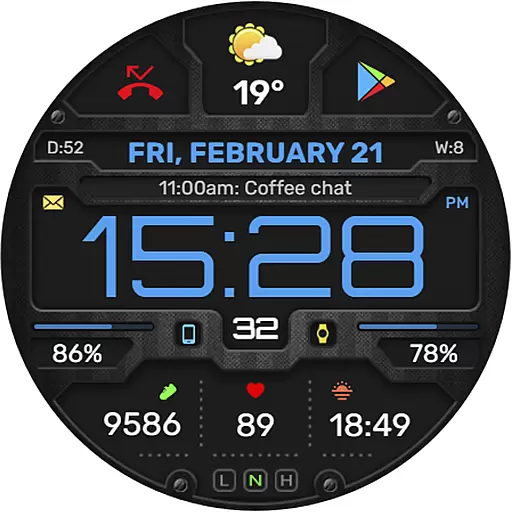
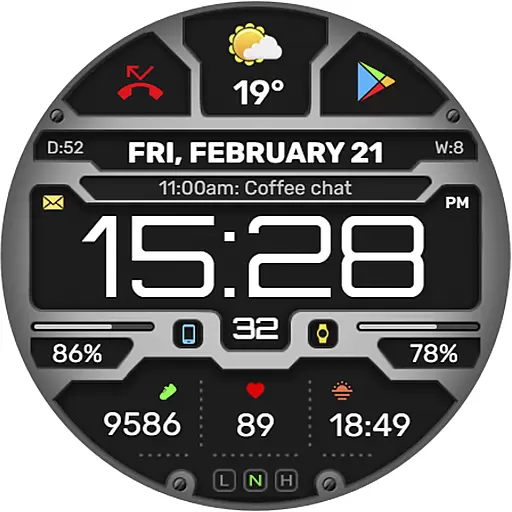
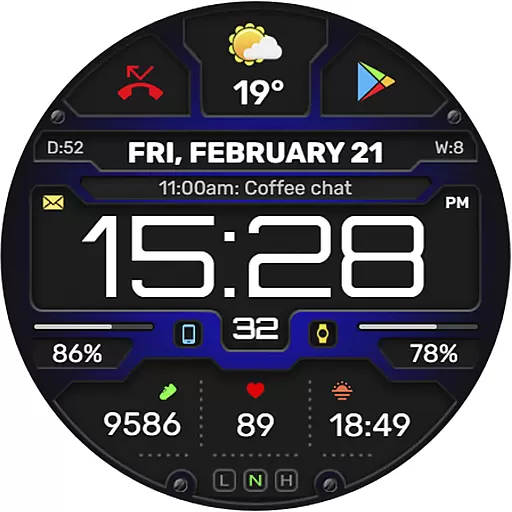
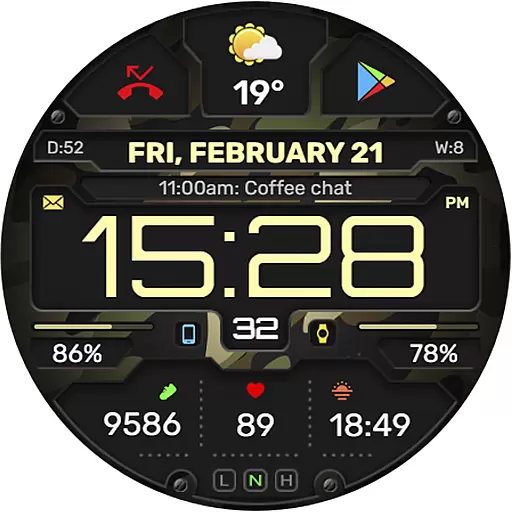
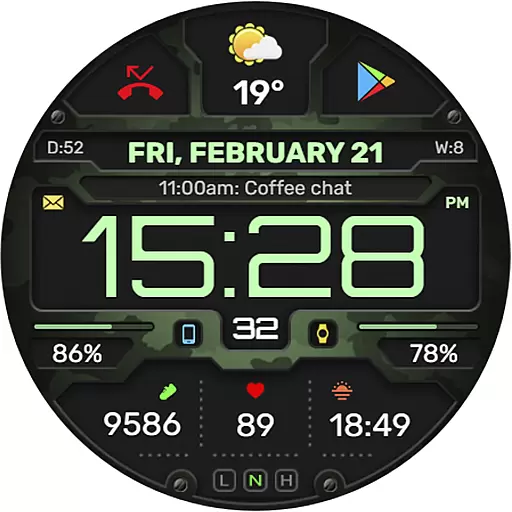
The WFP 132 Digital watch face is a stylish and functional accessory for your smartwatch, offering users an enhanced experience with its detailed weather forecasts, health tracking, and activity monitoring. Compatible with devices running API 34+ (5.0) and later, this digital watch face provides extensive customization options including 8 complications and widgets, various color combinations, changeable backgrounds, and customizable Always-On Display (AOD) modes.
Designed for maximum convenience and personalization, the WFP 132 ensures high resolution and optimization while maintaining low battery consumption. Users can also enjoy multilingual support and choose between Fahrenheit or Celsius for weather information. Whether you're looking to track your fitness goals or simply want a personalized watch face that suits your style, the WFP 132 Digital watch face delivers both form and function in one sleek package.
The WFP 132 Digital watch face stands out with its comprehensive feature set designed to cater to a wide range of user preferences and needs. It includes 8 complications and widgets that allow for detailed personalization, such as weather forecasts, health stats, and activity data. The watch face supports many color combinations and changeable backgrounds, ensuring that each user can tailor it to their unique style.
Optimized for performance, the WFP 132 boasts high resolution and efficient energy use, providing a clear display without excessive battery drain. Additionally, users can customize their AOD mode to be either full or minimal, depending on their preference. With multilingual support and the option to view weather in Fahrenheit or Celsius, this watch face is versatile and user-friendly, making it an ideal choice for those seeking both aesthetics and functionality in a digital watch face.
Companion app integration is essential for Android Wear applications like the WFP 132 Digital watch face. This feature ensures that data flows seamlessly between the smartphone and the wearable device, enhancing user experience.
The WFP 132 Digital watch face offers companion app integration by providing detailed weather, health, and activity data directly on your wrist. Users can access this information without needing to carry their phone everywhere, making it convenient for everyday use.
Additionally, the watch face supports a wide range of customization options through its companion app. Users can personalize their watch faces with different color combinations, changeable backgrounds, and customizable Always-On Display (AOD) modes, ensuring maximum convenience and personalization.
By integrating with other apps and services, such as weather forecasts and fitness trackers, the WFP 132 Digital watch face enhances functionality and provides users with real-time updates and notifications, keeping them informed and engaged throughout the day.
Wear OS/device compatibility is crucial for any Android Wear application, including the WFP 132 Digital watch face. Ensuring that the watch face works seamlessly across various devices running Wear OS enhances user satisfaction and broadens the potential user base.
The WFP 132 Digital watch face is compatible with devices running API 34+ and later, which means it supports a wide range of modern smartwatches. This compatibility ensures that users with different models can enjoy the stylish and functional design of the WFP 132.
Moreover, the watch face offers high optimization and low battery consumption, making it suitable for various devices without compromising performance. These features are particularly important for maintaining a smooth user experience on different hardware configurations.
With multilingual support and customizable AOD modes, the WFP 132 Digital watch face caters to a global audience, providing a personalized and efficient user experience regardless of the specific Wear OS device being used.
Highly customizable
Low battery usage
Accurate weather updates
Health and activity tracking
Multilingual support
Requires API 34+
Limited widget options
No built-in games
Premium features cost extra
Complex setup process

Diet tracker for weight loss - track calories, food and macros. Simple and easy!
 4.70
4.70
Walking app for weight loss: walk & step tracker, pedometer, indoor treadmill
4.60
A watch face that fuses motorsport precision with contemporary smartwatch design
4.3
Watch face designed for Thanksgiving Day. 7 Background Styles included.
3.20
The most customizable minimal watch face. For Wear OS 5.0, API 34+ and later
4.70
Real-time results, stats, schedules and player profiles for all leagues
4.60
The Chevron App allows you to pay for fuel from the comfort of your car!
4.80
Stylish, Energizing and Modern Watch Face crafted by Dominus Mathias.
4.50
Your music, your playlists, and more—offline and unlimited.
4.20
Current temperature, weather hourly, weather radar by the weather forecast app
4.40
Beautiful artistic animated digital watch face, with a customizable layout!
4.40
Reliable phone calls with spam protection, caller ID and more helpful features
4.40
Premium hybrid watch face with many customizations for Wear OS devices.
4.40
Bold, Modern Hybrid Watch Face for Wear OS. 10 Colors, Rich Info Display.
4.30
Wear Os Watch Face - Animated Snow Effect & Magic Spark - 6 Scenes
4.10
A full-featured Amazon Alexa voice assistant that can show you things.
3.70
Wear Os Watch Face - Animated Snow Effect & Christmas Lights
4.3
Contemporary digital watch face with five complications
4.2
Stylish digital watch face for Wear OS devices with customizable features
4.5


User Reviews