
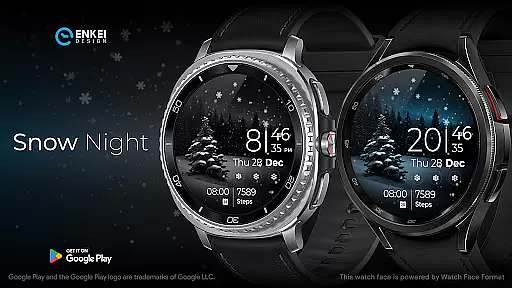
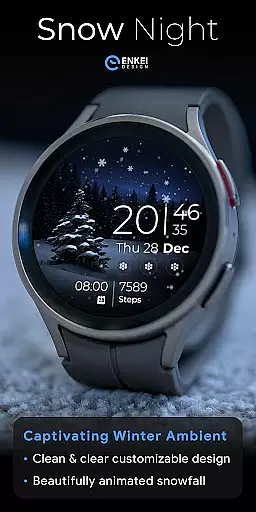
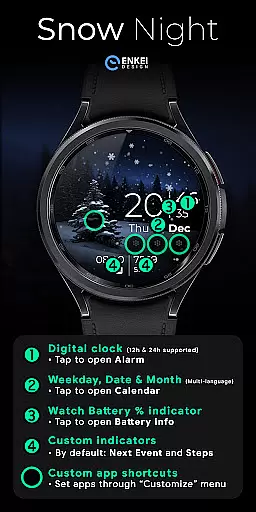
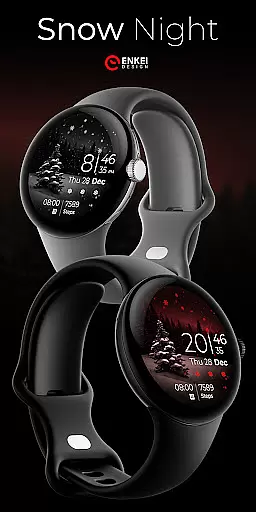
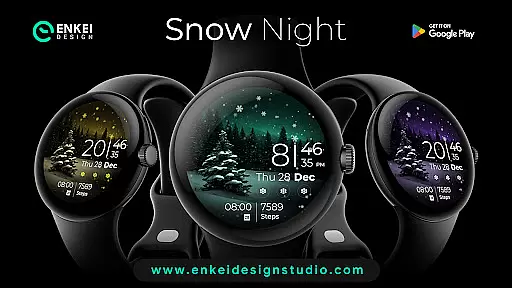
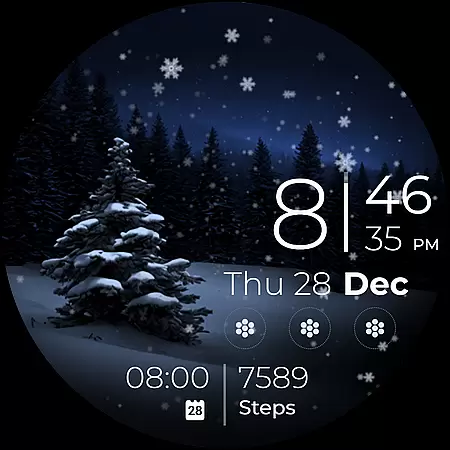
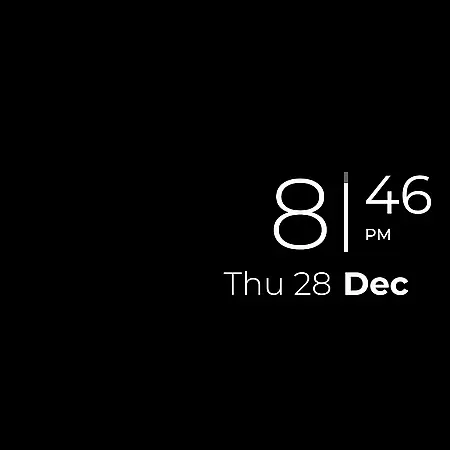
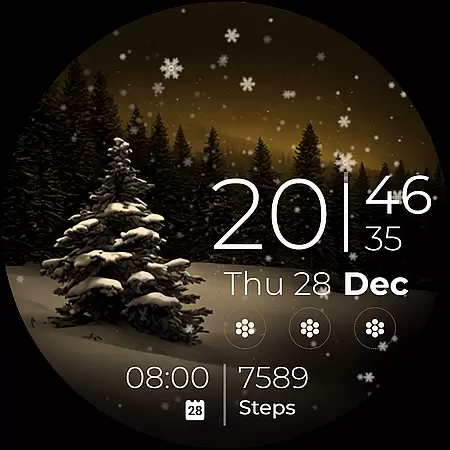
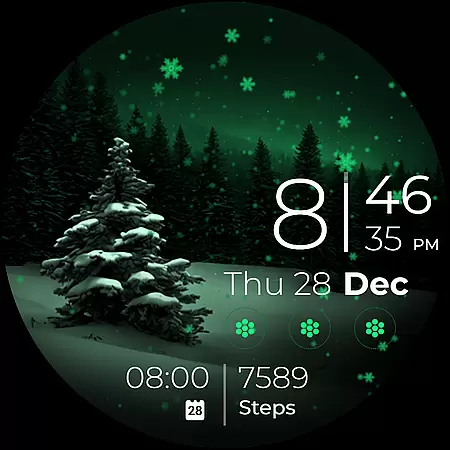
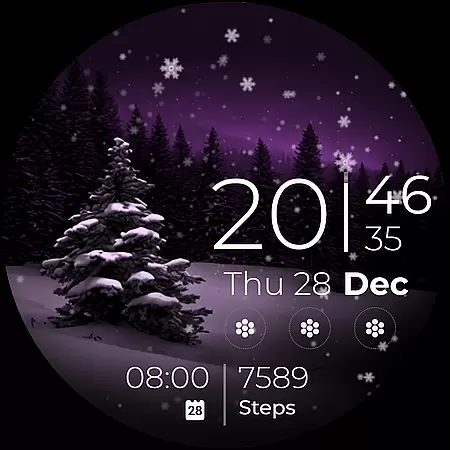
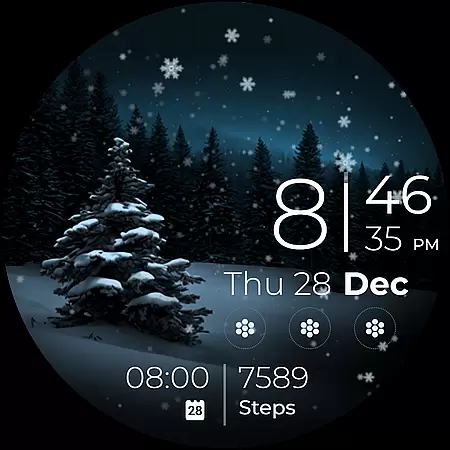
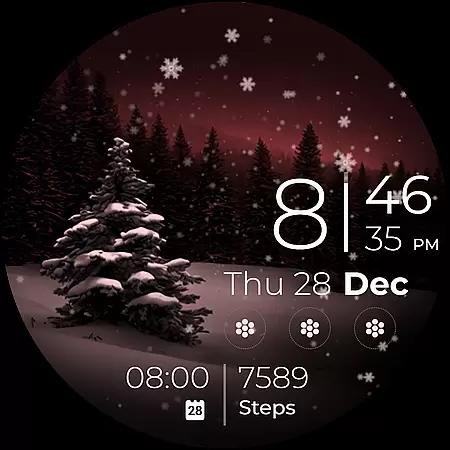
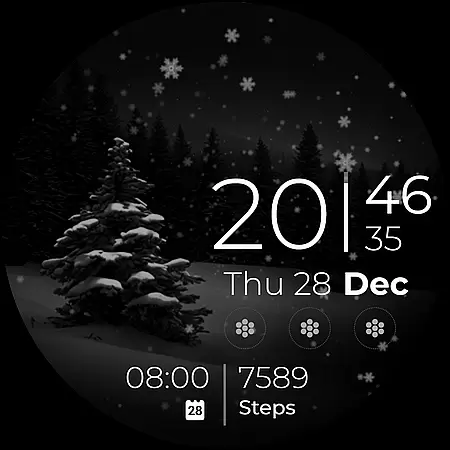
Snow Night is an artistic watch face designed for Wear OS devices, offering a captivating winter-themed experience. The watch face features ambient snowfall animation and customizable options, making it both visually appealing and highly functional.
With clear and bright indicators, users can easily view the time and other important information at a glance. The customization options include color schemes, AOD styles, and various complications, allowing users to create their ideal layout. Compatible with Wear OS 5.0 and newer, this watch face enhances your smartwatch experience.
Snow Night offers a digital clock with 12h/24h format and tap-to-open functionalities for minutes, alarm, calendar, and battery info. It includes weekday, date, and month indicators in multiple languages, as well as a watch battery percentage bar.
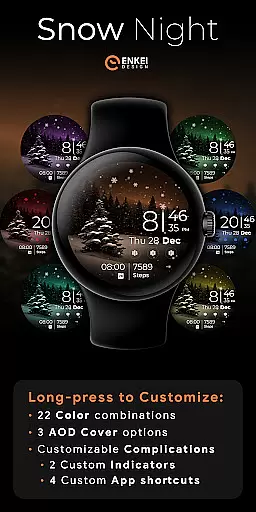
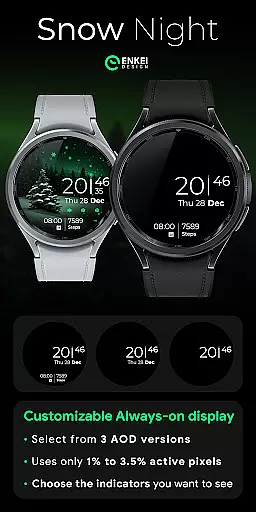
The watch face provides two customizable short-text indicators and four app shortcuts, using minimal active pixels. Users can long-press to access a comprehensive customize menu, featuring 22 color combinations, three AOD cover options, and fully customizable complications.
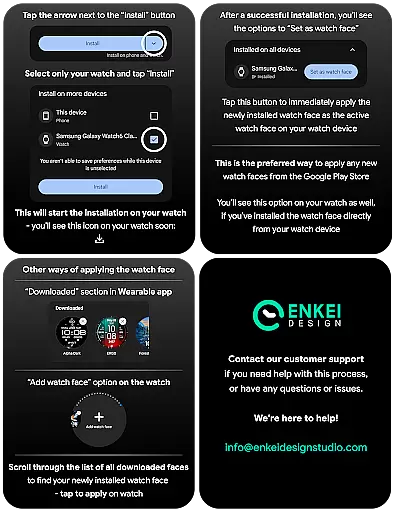
Companion app integration is essential for Android Wear applications as it ensures seamless synchronization between the watch and paired mobile device. Snow Night offers a dedicated companion app that simplifies the installation process by directing users to install the watch face directly to their wearable device.
The companion app serves as a bridge, allowing users to access advanced customization options and settings that are not natively available on the wearable platform. This ensures that all features of Snow Night, such as customizable colors, AOD styles, and complications, can be easily configured to suit individual preferences.
By using the companion app, users can unlock the full potential of Snow Night, including accessing the exclusive Buy-One-Get-One promotion and obtaining support through various contact channels like email and social media platforms.
This integration enhances user experience by providing clear instructions on installation tips and offering prompt customer support, ensuring users can enjoy a captivating and relaxing artistic watch face with minimal hassle.
Device compatibility is crucial for Android Wear applications, dictating which devices can fully utilize the app's features. Snow Night is optimized for devices running Wear OS 5.0 and newer versions (API 34+), ensuring that users with up-to-date smartwatches can take advantage of its winter-themed design and customization options.
By targeting newer versions of Wear OS, Snow Night leverages the latest technological advancements in smartwatch capabilities, such as expanded customization options and useful features powered by Watch Face Format. This results in an enhanced user interface with bright indicators and ambient snowfall animation.
Compatibility with recent Wear OS versions also guarantees improved performance and stability, providing users with a smooth and reliable experience when interacting with the digital clock, customizable indicators, and app shortcuts.
Users looking to enjoy the full range of functionalities offered by Snow Night should ensure their devices meet these compatibility requirements, thus guaranteeing an optimal experience with this artistic watch face.
Visually stunning design
Highly customizable
Excellent visibility
User-friendly interface
Responsive customer support
Compatible with limited devices
Requires Wear OS 5.0+
Some features need active pixels
Customization might overwhelm new users
Limited phone functionality

Christmas Theme Watch Face for Wear Os
 5.00
5.00
Stunning modern digital watch face with 7 complications and strong contrast
4.2
Simple Analog-Digital Watchface For Wear OS 3.0 and Up Smartwatches
4.1
Structured watch face with seven complications and modular UI elements
3.90
Premium hybrid watch face with many customizations for Wear OS devices.
4.40
Hybrid watch face for Wear OS with customizable complications by Matteo Dini MD
4.70
Track your active life in one place and share the journey with friends.
4.40
Track airplanes and follow flights with our real-time flight tracker
4.50
Toyota app currently supports 2010 or newer vehicles (2018 or newer for Hawaii).
4.50
Hyperlocal rain alerts by MyRadar using patent-pending technology, radar & more
4.80
Diet tracker for weight loss - track calories, food and macros. Simple and easy!
4.70
Highly customizable hybrid watch face for Wear OS, perfect for everyday use.
4.60
Monitor health with the stress test and pulse checker in the heart rate app.
4.60
To-Do List: daily schedule planner, task organizer, to do reminder app, calendar
4.60
Calming & relaxing sounds for sleeping and stress relief. Stay focused all day!
4.20
A customizable Christmas watch face for Wear OS with a countdown.
4.20
"PER27 Galaxy Digital" is a digital Wear OS watch face designed by PERSONA
4.10
sleep, alarm, snoring, stress, healing, focus, sound therapy, circadian rhythm
4.10
A watch face that fuses motorsport precision with contemporary smartwatch design
4.1


User Reviews