
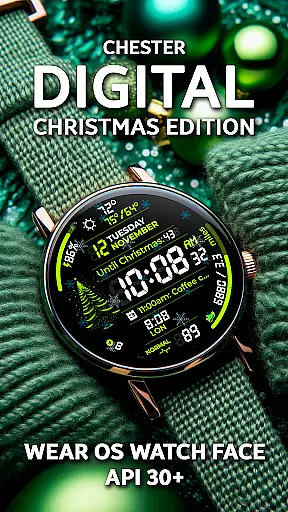
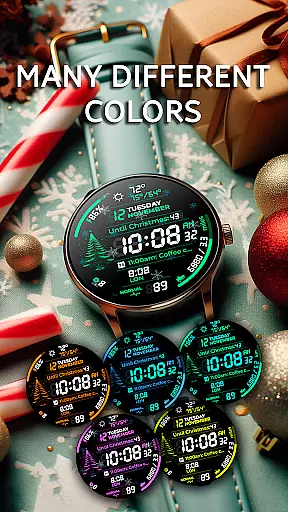
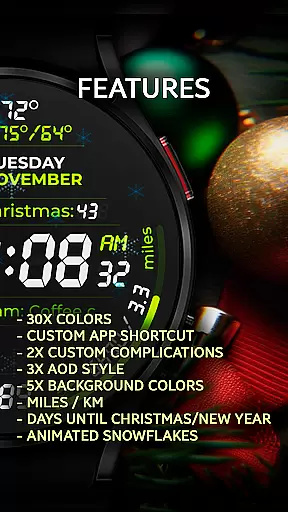
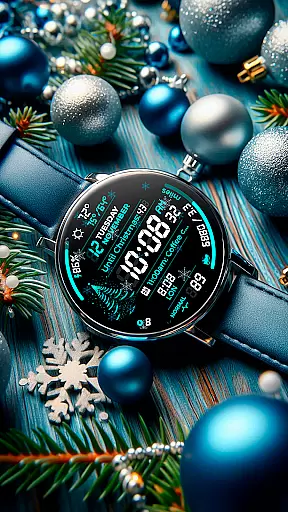
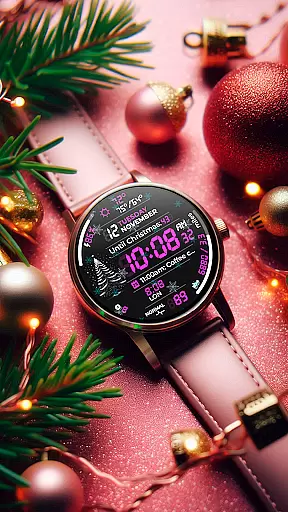
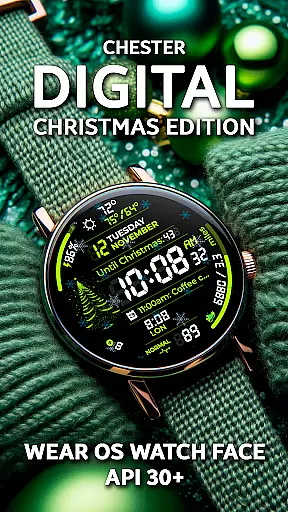
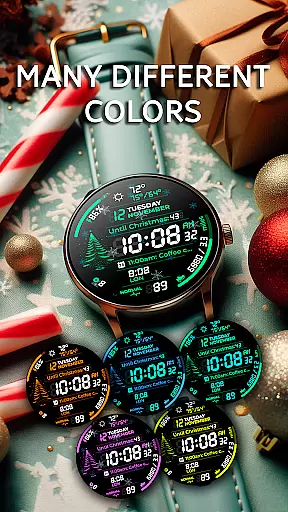
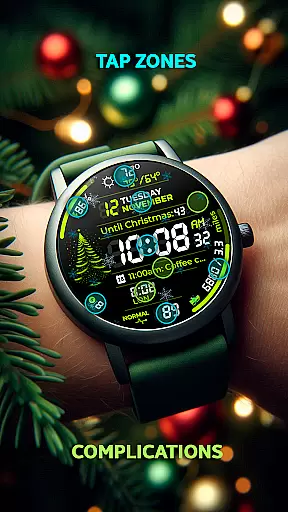
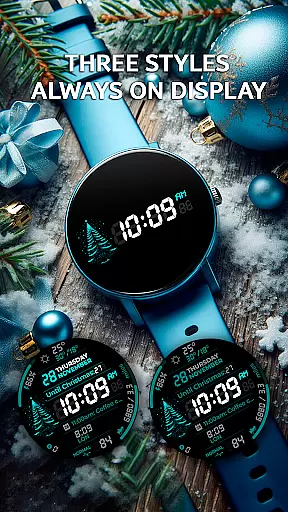
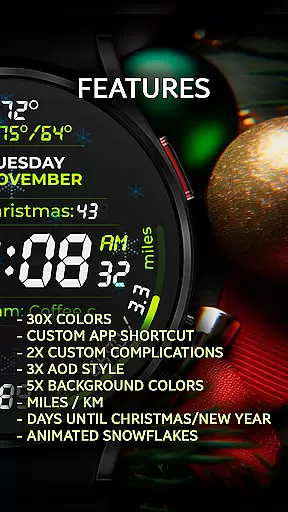
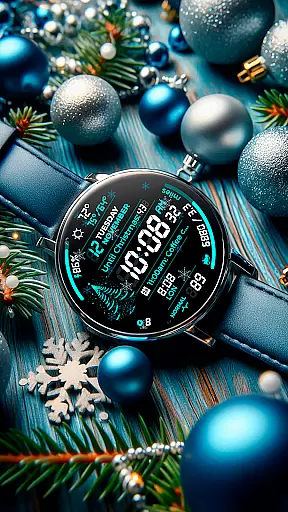
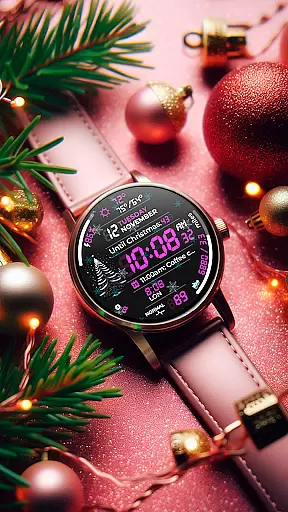
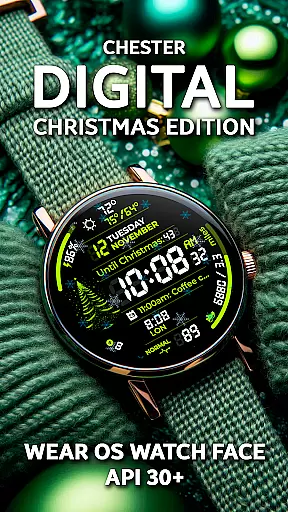
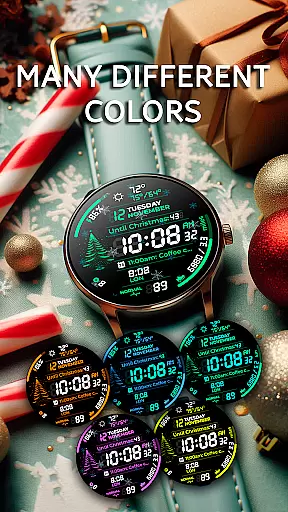
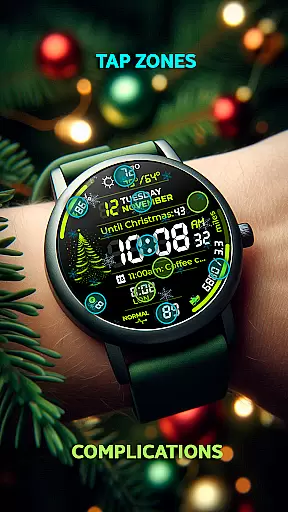
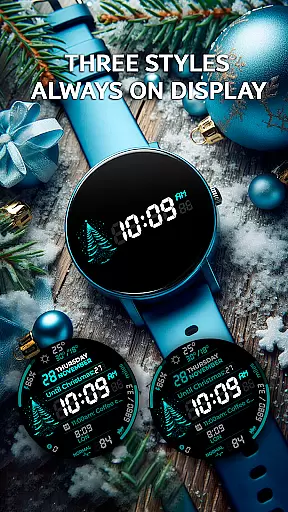
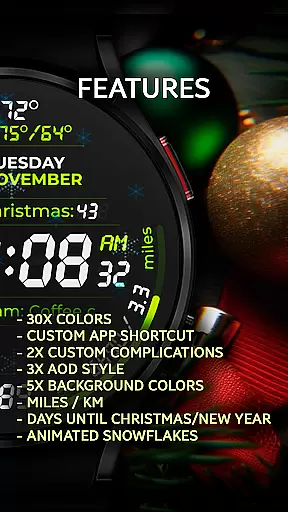
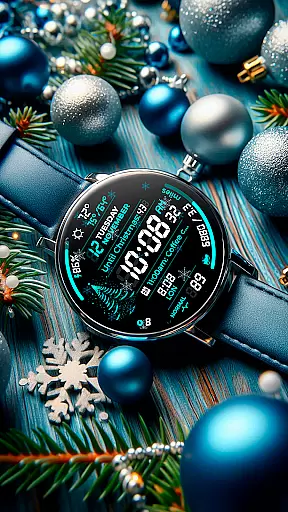
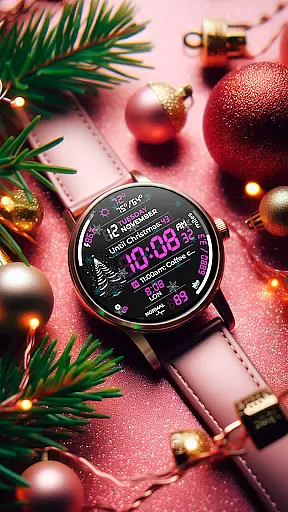
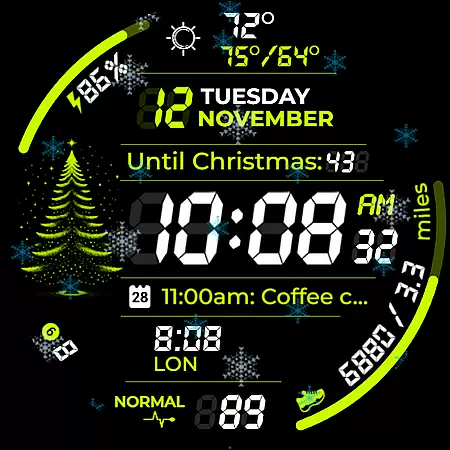
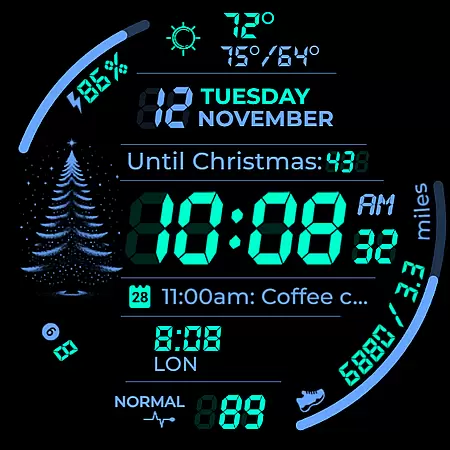
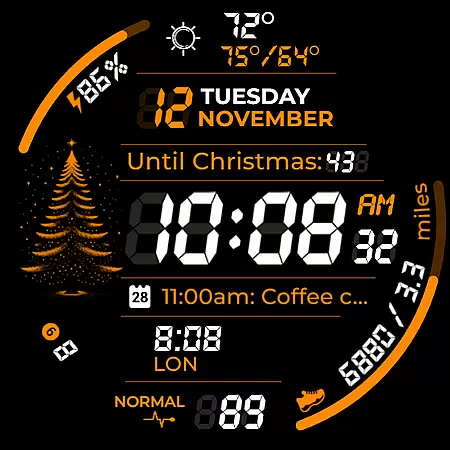
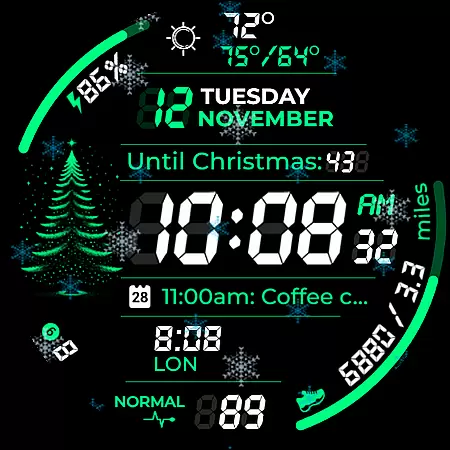
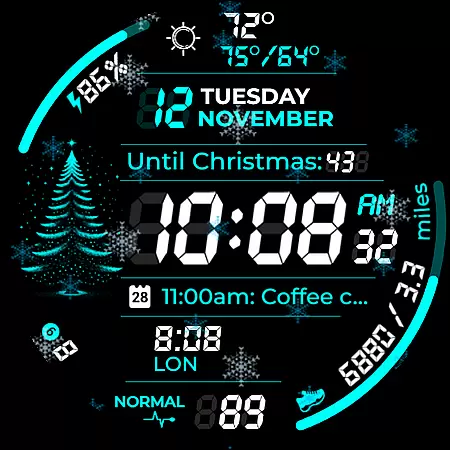
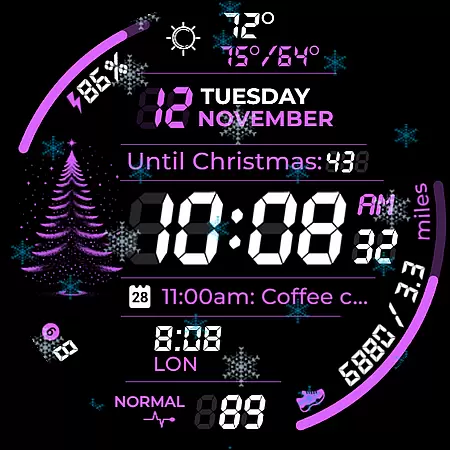
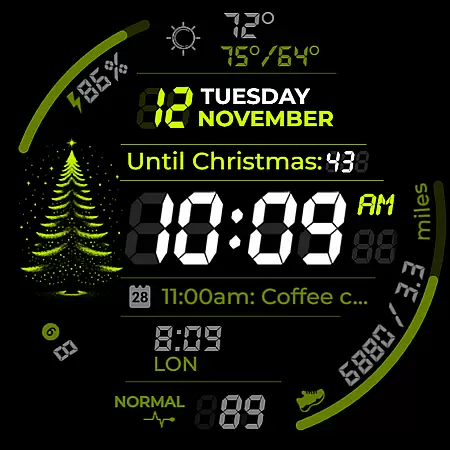
Chester Digital: Christmas is a festive watch face designed for Wear OS, bringing holiday cheer to your smartwatch. With 30 customizable color schemes and interactive features like app shortcuts and complication zones, it offers both style and functionality.
This watch face includes practical tools such as distance tracking, weather updates, and full calendar reminders, alongside playful animations like snowflakes and countdowns to Christmas or New Year. Compatible with Wear OS API 30+ devices, it ensures broad usability while delivering a personalized experience.
Chester Digital: Christmas stands out with its rich feature set tailored for customization and convenience. Users can choose from 30 vibrant color schemes and five background colors, ensuring their watch matches their personal style perfectly.
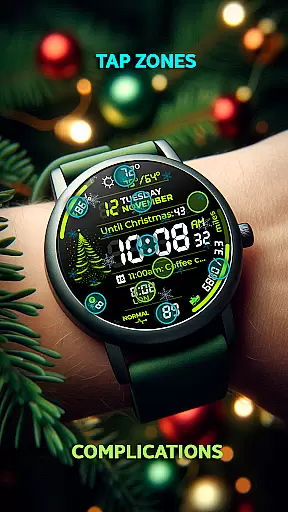
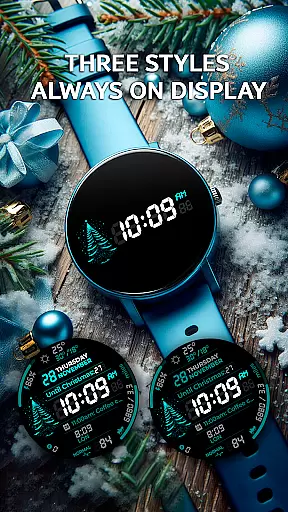
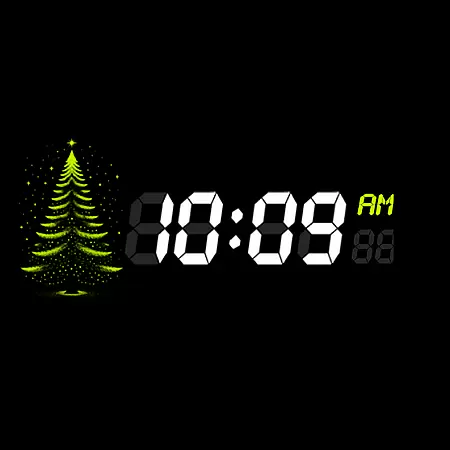
The inclusion of app shortcuts and interactive tap zones allows quick access to essential functions, while Always-On Display (AOD) styles keep important information visible at all times. Weekly and yearly tracking, along with unread notifications counters, add layers of utility that enhance daily productivity during the holiday season.
Companion app integration is essential for a seamless smartwatch experience. Chester Digital: Christmas ensures that users can easily sync and manage their watch face settings through a dedicated companion app.
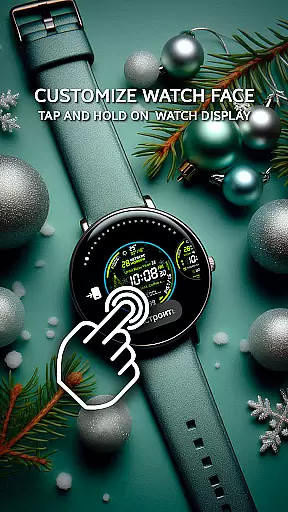
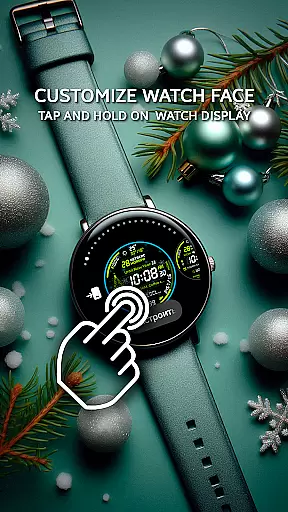
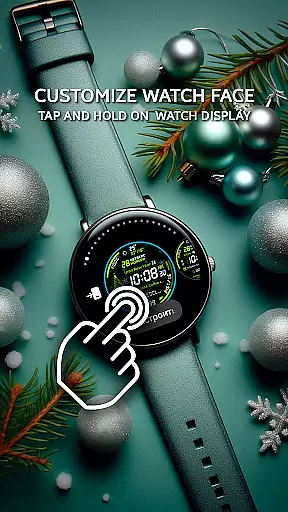
This festive watch face offers extensive customization options directly from the companion app, allowing users to adjust color schemes, app shortcuts, and complication zones with ease. The intuitive interface makes it simple to personalize every aspect of the watch face.
By leveraging the companion app, users benefit from real-time previews of their customizations, ensuring that their chosen settings match their preferences before applying them to the watch. This saves time and enhances user satisfaction.
The integration extends to feature management, enabling users to configure interactive tap zones, calendar reminders, and weather updates efficiently. With this robust companion app integration, Chester Digital: Christmas delivers both convenience and functionality, making it a top choice for Wear OS users.
Ensuring broad device compatibility is crucial for any Wear OS application. Chester Digital: Christmas is designed to work seamlessly with all Wear OS API 30+ devices, providing a consistent experience across various smartwatch models.
This festive watch face supports popular devices such as Google Pixel Watch, Galaxy Watch 4/5/6/7, and Galaxy Watch Ultra. By focusing on compatibility with these leading devices, the application guarantees optimal performance and visual appeal.
It is important to note that Chester Digital: Christmas is not suitable for rectangular watches, ensuring that the design integrity is maintained on supported circular displays. This attention to detail enhances the overall user experience.
With its wide compatibility range, users can enjoy features like snowflake animations, countdowns to holidays, and unread notifications counters without worrying about device limitations. This commitment to Wear OS/device compatibility makes Chester Digital: Christmas a reliable and versatile choice for smartwatch enthusiasts.
Highly customizable
Festive design elements
Practical utility features
Broad device compatibility
Interactive user experience
Not for rectangular watches
Limited animation options
Requires Wear OS 5.0+
No advanced fitness tracking
Premium feel may come at cost

A Wintery Snow Globe on Your Wrist; now celebrating Christmas!
 4.2
4.2
Contemporary digital watch face with five complications
4.2
Wear Os Watch Face - Animated Snow Effect & Magic Spark - 6 Scenes
4.10
The most customizable minimal watch face. For Wear OS 5.0, API 34+ and later
4.70
Nutrition, Macro tracker: Food, fitness & healthy diet tracking for weight loss
4.60
Connect to your Bluelink equipped Hyundai vehicle from your smartphone.
4.50
To-Do List: daily schedule planner, task organizer, to do reminder app, calendar
4.60
The #1 source of faces for your smartwatch!
4.00
Want to take charge of your health? Let Google Fit help you reach your goals.
3.50
Hybrid watch face for Wear OS with customizable complications by Matteo Dini MD
4.70
A white realistic classic analog watch face with many customization options.
4.40
The ultimate destination for kids ages 3-8 to explore the Marvel Universe!
4.30
sleep, alarm, snoring, stress, healing, focus, sound therapy, circadian rhythm
4.10
Connect, create, and collaborate with Gmail, part of Google Workspace.
4.10
Structured watch face with seven complications and modular UI elements
3.90
Authentic military-tactical design with ZULU time! Realistic and functional!
3.80
A full-featured Amazon Alexa voice assistant that can show you things.
3.70
Christmas is near, let's count together the days left until Santa comes
4.0
3 Complications. All shadow on/off. 30 Themes color palette...
4.2


User Reviews