
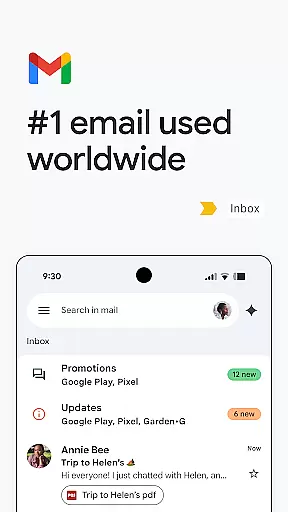
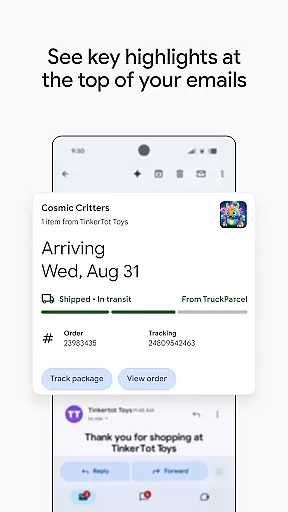
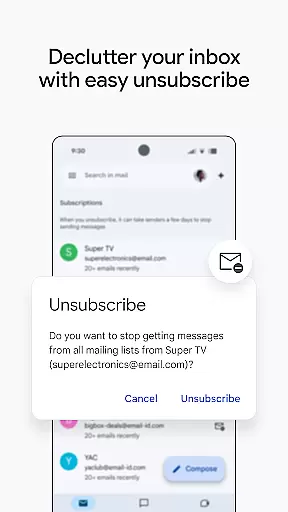
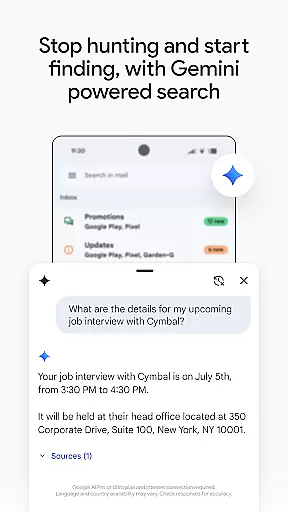
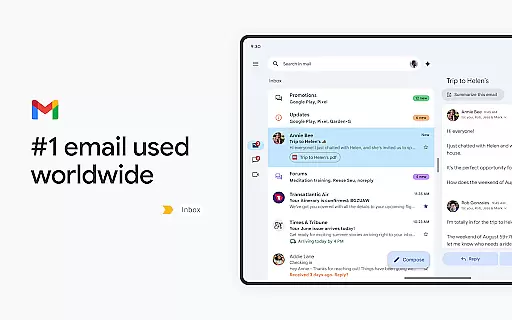
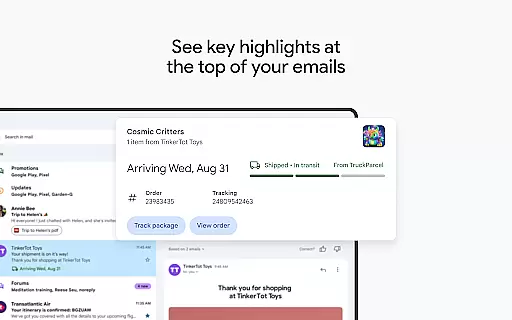
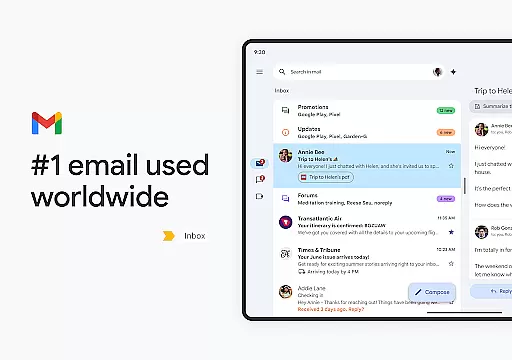
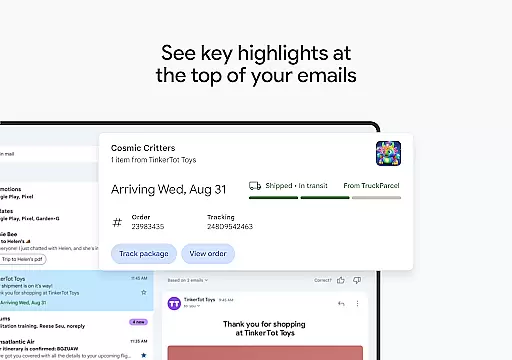
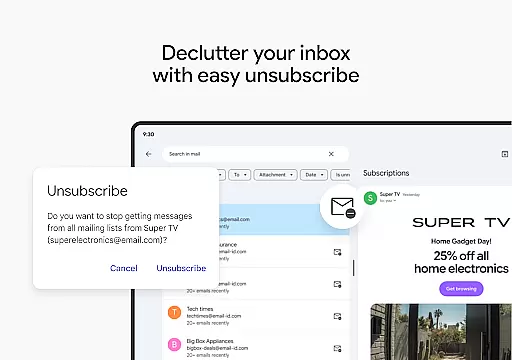
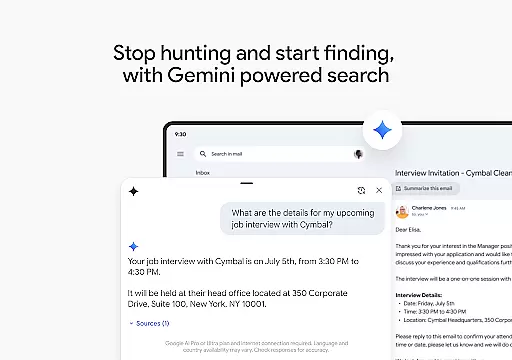
Gmail is the official email application from Google, designed to bring a seamless emailing experience to Android devices with advanced security features and multi-account support. The app leverages Google AI to enhance productivity through smart writing assistance, organization tools, and powerful search capabilities.
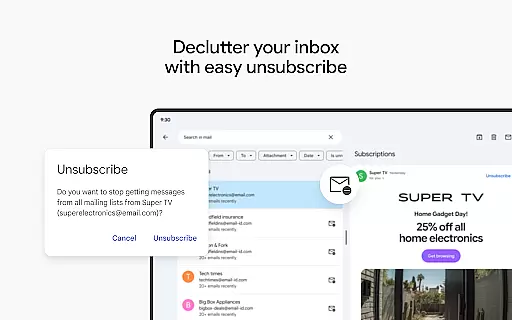
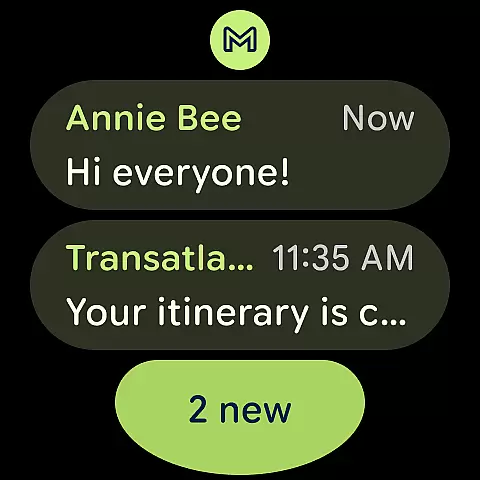
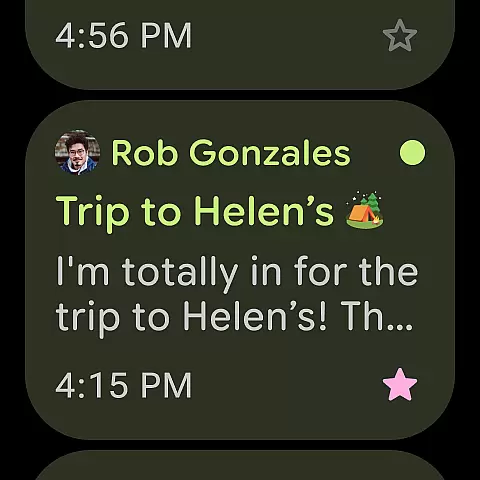
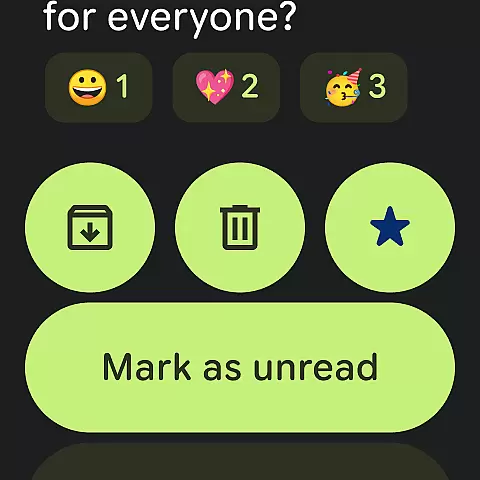
With functionality extending to Wear OS, Gmail ensures users can manage their emails on the go, directly from their smartwatch. It offers quick access to email summaries, unsubscribe options, and integrates smoothly with other Google services like Calendar and Drive, making it an essential tool for both personal and professional communication.
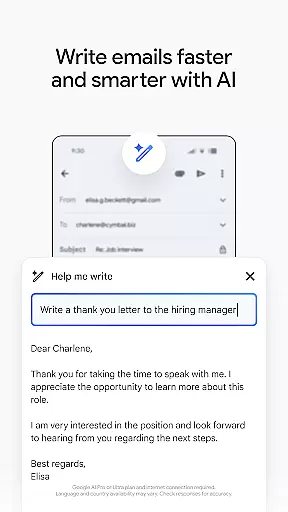
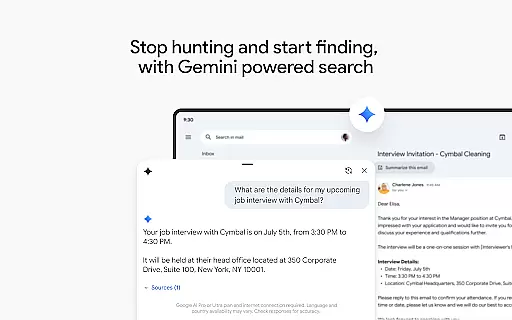
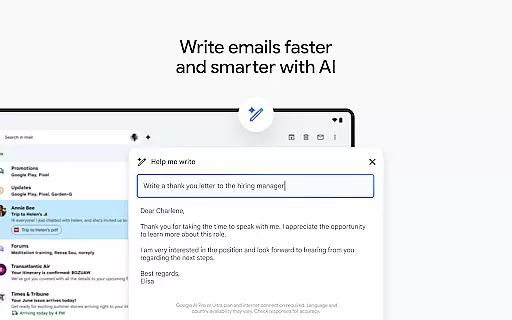
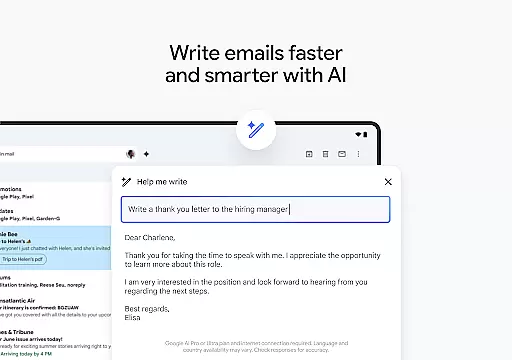
Gmail stands out with its robust feature set tailored for efficiency and security. The app provides AI-powered assistance through Gemini, which helps in drafting emails, offering smart replies, and searching content across emails and Google Drive files. This makes managing communications faster and more intuitive.
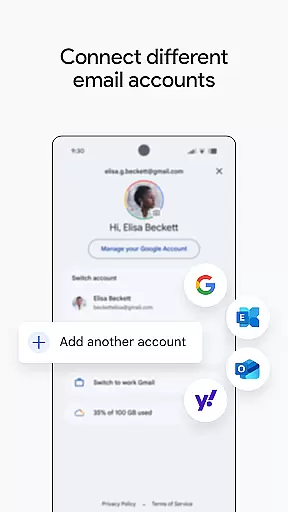
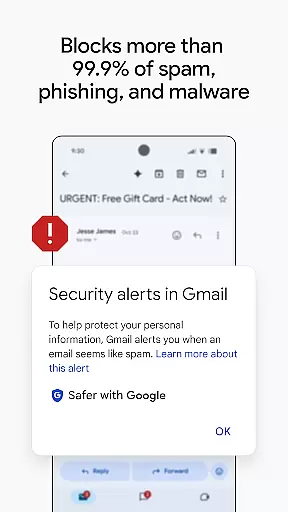
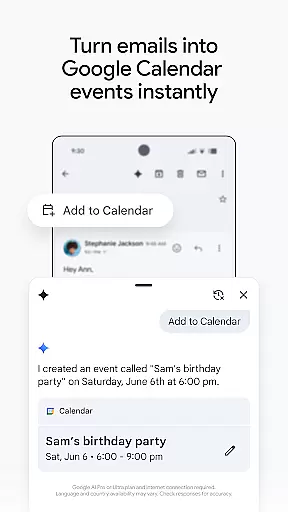
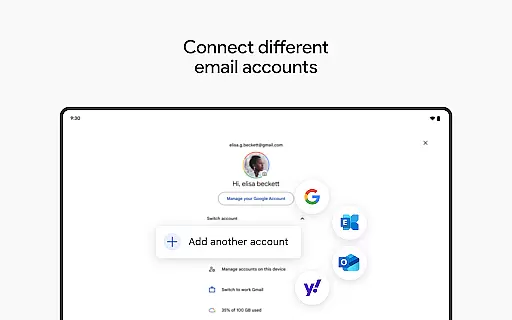
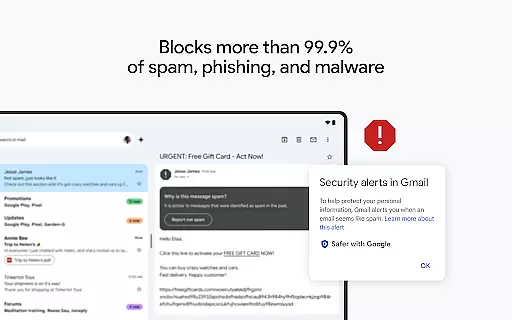
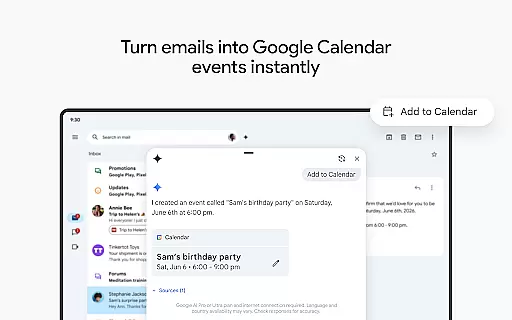
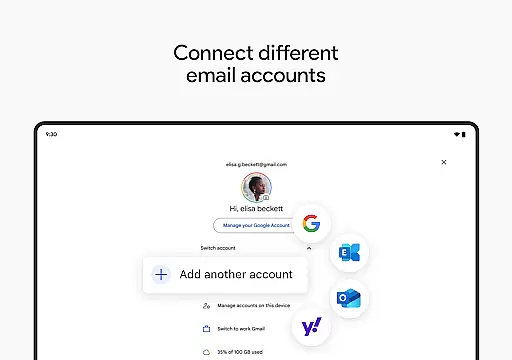
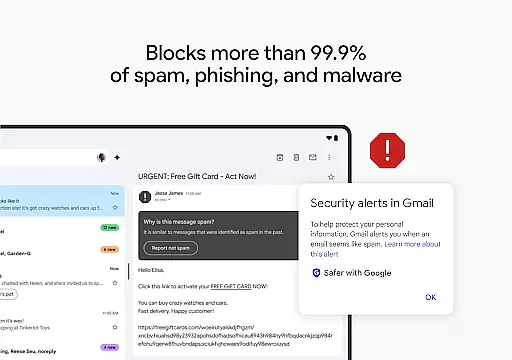
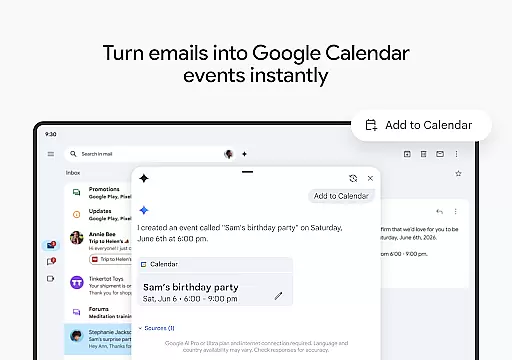
Security is a top priority, with Gmail blocking over 99.9% of spam and malicious threats. Users can easily switch between multiple accounts from different providers, create calendar invites instantly, and stay productive with Wear OS integrations. These features collectively ensure a secure, efficient, and versatile emailing experience adaptable to various user needs.
Companion app integration is essential for users who want a seamless experience between their mobile devices and wearable technology. Gmail ensures that its Android Wear application works in harmony with the main Gmail app on your phone or tablet, providing real-time synchronization of emails.
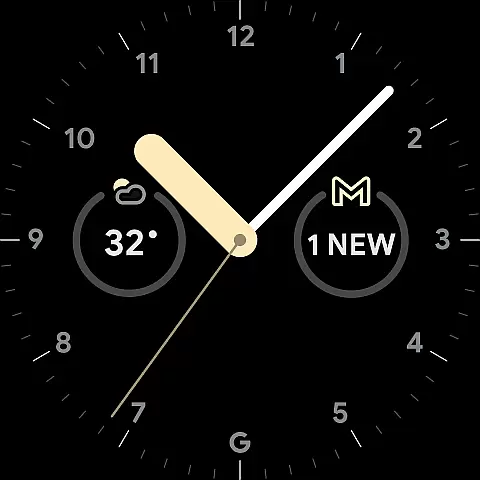
This integration allows you to receive notifications directly on your Wear OS device, enabling you to read and respond to emails without needing to take out your phone. The companion app feature maintains all account settings and preferences, ensuring a consistent user experience across devices.
By leveraging this tight integration, users benefit from enhanced productivity as they can manage their inbox on-the-go. Whether you're commuting or in a meeting, having access to your emails right from your wrist saves time and keeps you connected.
The reliability of Gmail's companion app integration means that actions taken on the Wear OS app are accurately reflected in the main app, keeping your email management efficient and up-to-date.
Ensuring broad device compatibility is crucial for any application targeting wearable technology. Gmail's support for Wear OS guarantees that it functions smoothly across a wide range of smartwatches, adapting to various screen sizes and resolutions.
This compatibility extends beyond just visual adjustments; Gmail optimizes its performance to suit the processing capabilities of different devices. This ensures that whether you're using a high-end or more budget-friendly smartwatch, the Gmail app remains responsive and reliable.
Users gain peace of mind knowing that their Gmail experience will be consistent regardless of their choice of Wear OS device. With regular updates and optimizations, Gmail stays compatible with new devices entering the market.
By prioritizing Wear OS and device compatibility, Gmail enhances accessibility, allowing more users to enjoy the convenience of managing their emails directly from their wrists without worrying about technical limitations.
Advanced AI features
Multi-account support
Robust security protections
Seamless Wear OS integration
Efficient email management tools
Premium features require subscription
Limited offline functionality
Occasional sync issues
High resource consumption
Complex UI for new users

"PER27 Galaxy Digital" is a digital Wear OS watch face designed by PERSONA
 4.10
4.10
Highly customizable hybrid watch face for Wear OS, perfect for everyday use.
4.60
A heartwarming Christmas scene featuring a cute image of Santa and Rudolf
4.0
Deck out your Wear OS Watch face with a beautifully decorated pine wreath!
4.50
Digital, flexibly customizable watch face. For Wear OS 5.0, API 34+ and later.
5.00
Period, ovulation & pregnancy tracker. Fertility insights & menstrual calendar.
4.90
A white realistic classic analog watch face with many customization options.
4.40
Track your active life in one place and share the journey with friends.
4.40
Spam call blocker and caller ID for automatic call protection!
4.40
Real-time weather radar with temperatures, warnings, hurricanes, and widgets
4.80
To-Do List: daily schedule planner, task organizer, to do reminder app, calendar
4.60
Connect to your Bluelink equipped Hyundai vehicle from your smartphone.
4.50
Bold weather Digital watchface with forecast & optional animated background
4.40
Locate your family members by GPS phone location tracker everywhere and anytime
4.30
The #1 source of faces for your smartwatch!
4.00
Want to take charge of your health? Let Google Fit help you reach your goals.
3.50
Your local weather forecast, storm tracker, radar maps & live weather news
3.40
A watch face that fuses motorsport precision with contemporary smartwatch design
4.2
Simple Analog-Digital Watchface For Wear OS 3.0 and Up Smartwatches
4.3


User Reviews