
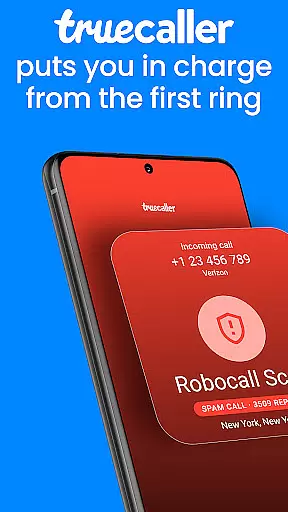


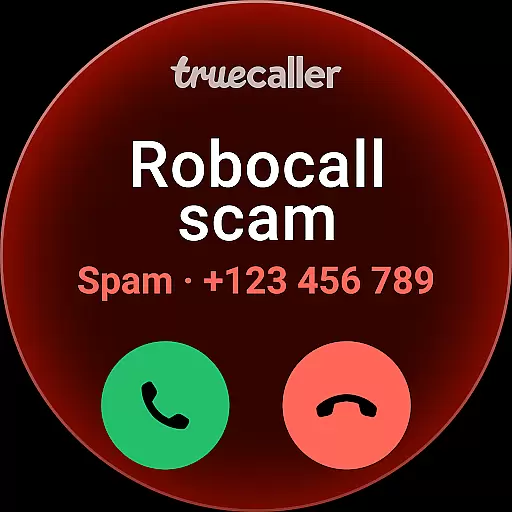
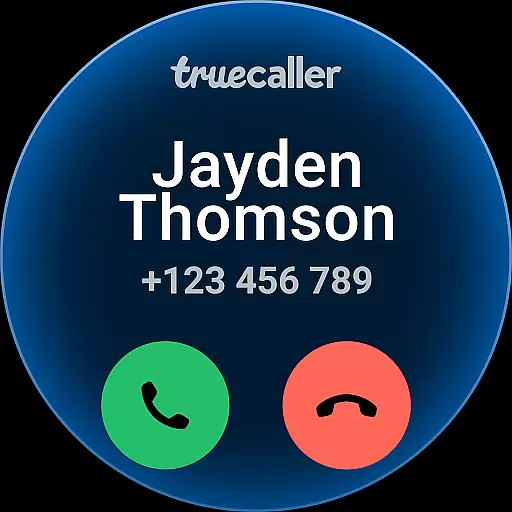
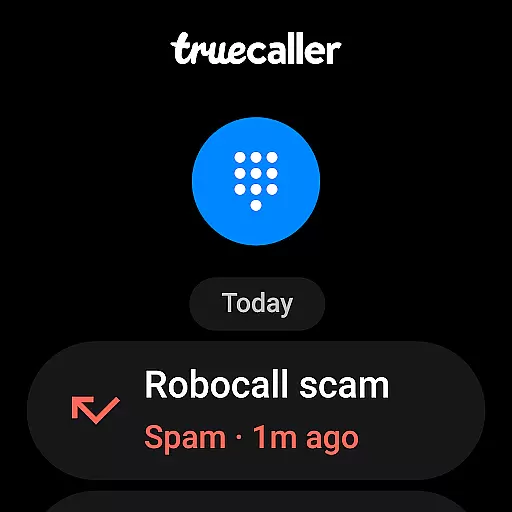
Truecaller is a leading caller ID and spam-blocking app designed to enhance your communication experience. The app's core functionality revolves around identifying incoming calls, blocking unwanted contacts, and providing advanced call management features. With its AI-powered tools like AI Call Scanner and Truecaller Assistant, the app ensures you can differentiate between legitimate calls and potential scams.
Beyond basic caller identification, Truecaller offers reverse number lookup, call recording, and even video caller ID options. It also doubles as a messaging platform, organizing your SMS into categories such as Personal, Important, and Spam. Available for Android Wear, Truecaller allows users to manage their calls and messages efficiently while on the go, ensuring they stay connected without interruptions.
This app is particularly useful for professionals and individuals who receive a high volume of calls and wish to filter out irrelevant or fraudulent contacts. By using Truecaller, users gain peace of mind knowing that their phone interactions are secure, organized, and free from unnecessary distractions.
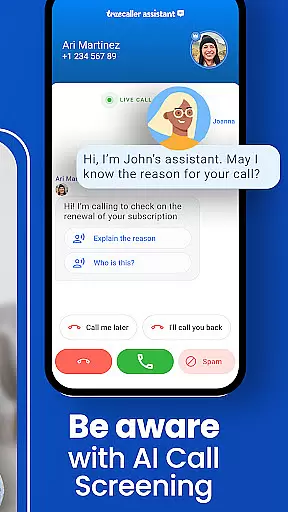
Truecaller stands out with its comprehensive set of features tailored for both personal and professional use. One of its key highlights is the AI Call Scanner, which uses artificial intelligence to analyze voice patterns during calls. This feature helps detect whether the caller is human or an automated system, protecting users from scams and phishing attempts. Additionally, the Truecaller Assistant acts as a virtual call screener, engaging with callers through speech-to-text technology to determine the intent behind each call.
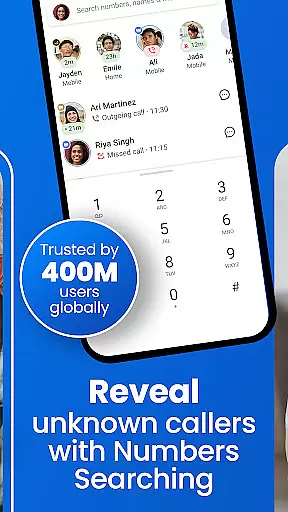
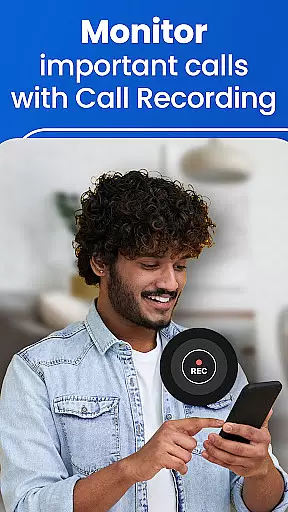
The app also includes a robust spam-blocking mechanism that filters out telemarketers, robocalls, and suspicious numbers in real time. Its Caller ID function identifies unknown numbers, while the reverse number lookup allows users to search for details about unfamiliar contacts. For those who need more control over their communications, Truecaller provides call recording and AI-generated summaries, making it easier to review past conversations.
Another notable feature is the ability to use Truecaller as a primary messaging app. It automatically organizes text messages into tabs, blocks spam SMS, and supports scheduled messaging. These capabilities ensure that users have a streamlined and clutter-free communication experience, whether they're handling calls or texts.
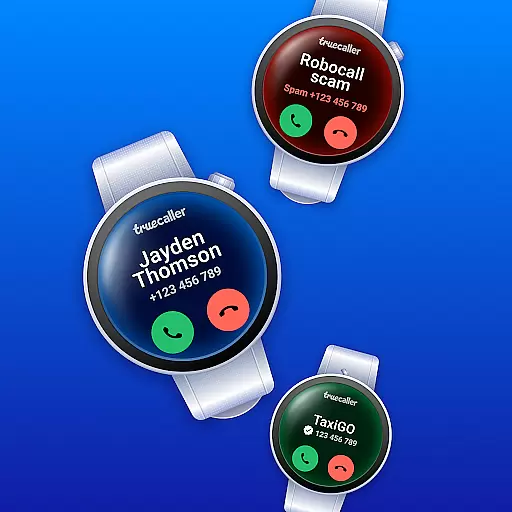
Companion app integration is essential for wearable devices as it ensures seamless synchronization between the main application and its wearable counterpart. Truecaller offers a robust integration with Wear OS, allowing users to identify incoming calls and manage their contacts directly from their smartwatch.
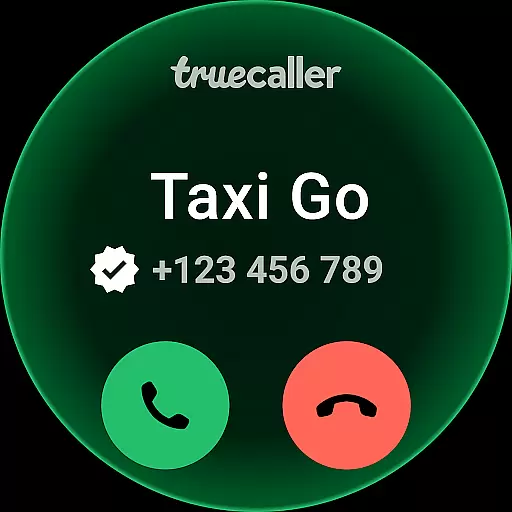
The app's companion functionality provides instant caller ID notifications on your wrist device, ensuring you never miss an important call even when your phone isn't immediately accessible. This real-time information empowers users to decide whether to take the call or let it go to voicemail.
Beyond basic call identification, Truecaller's Wear OS app supports quick actions such as call blocking and message reading. These features are particularly useful when you're on the move or engaged in activities where handling your phone isn't convenient.
By maintaining consistent data flow between mobile and wearable devices, Truecaller ensures that all contact updates, block lists, and preferences are automatically synced across platforms. This comprehensive integration enhances user convenience while maintaining the same level of security and privacy protection found in the main application.
Device compatibility is crucial for any application targeting wearable technology. Truecaller demonstrates excellent compatibility with various Wear OS devices, ensuring broad accessibility for Android users who rely on smartwatches for their daily communication needs.
The application supports a wide range of Wear OS devices, from popular brands to newer market entrants. This extensive compatibility ensures that regardless of which Wear OS device you own, Truecaller will function smoothly and maintain its core features without compromise.
Truecaller's development team regularly updates the application to accommodate new Wear OS devices and firmware versions. This commitment to compatibility guarantees that users can upgrade their smartwatches without worrying about losing access to essential Truecaller functionalities.
Furthermore, the application optimizes its performance based on different device capabilities, ensuring smooth operation even on older Wear OS models. This approach to compatibility makes Truecaller a reliable choice for Android users seeking comprehensive call management solutions across both their mobile devices and wearables.
Accurate caller ID
Advanced spam filter
AI-powered call analysis
Free VOIP calling
Comprehensive message organization
Premium subscription required
Occasional false positives
Limited free features
Privacy concerns
High resource usage

Diet tracker for weight loss - track calories, food and macros. Simple and easy!
 4.70
4.70
Wear Os Watch Face - Animated Snow - Sesonal for Christmas & Winter
4.0
Deck out your Wear OS Watch face with a beautifully decorated pine wreath!
4.50
Contemporary digital watch face with five complications
4.0
Digital watch face. For Wear OS devices.
4.40
Find EV charging stations
4.30
Professional weather radar and more
3.90
Premium hybrid watch face with many customizations for Wear OS devices.
4.40
Your music, your playlists, and more—offline and unlimited.
4.20
Christmas - Festive - Christmas Village - Winter - Christmas lights
5.00
Hyperlocal rain alerts by MyRadar using patent-pending technology, radar & more
4.80
Real-time weather radar with temperatures, warnings, hurricanes, and widgets
4.80
To-Do List: daily schedule planner, task organizer, to do reminder app, calendar
4.60
Simple, helpful messaging by Google
4.60
MyNISSAN® lets you remotely control your car from your phone.*
4.50
Calming & relaxing sounds for sleeping and stress relief. Stay focused all day!
4.20
Snowflake Rose Gold Watch Face - Digital, modern, & sleek with GYRO effect.
4.10
Embrace the festive spirit with our Christmas Countdown watchface for Wear OS
4.10
Hyper-Realistic Airplane Dashboard Watch Face With 10 Skins and Custom AOD
4.00


User Reviews