
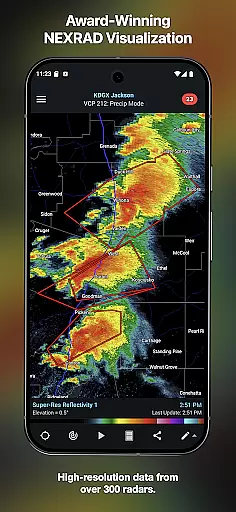
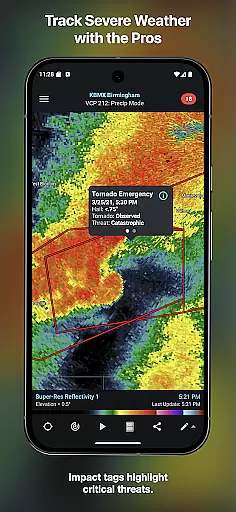
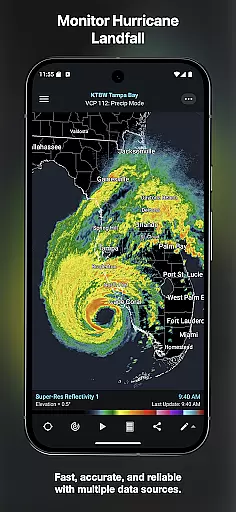
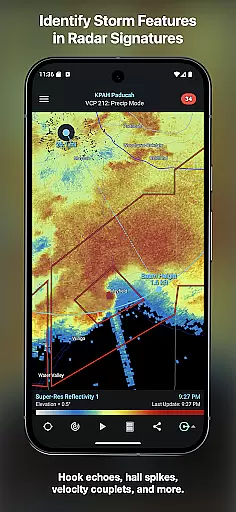
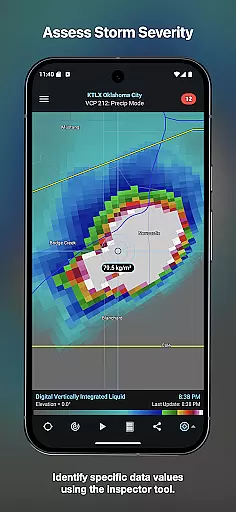
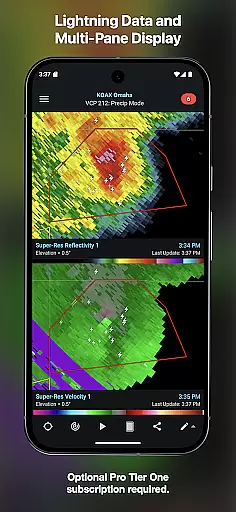
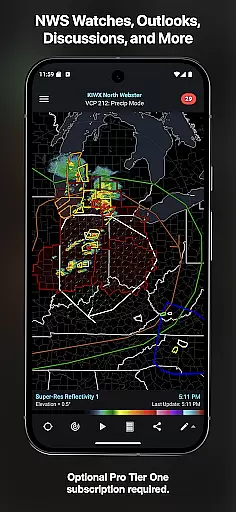
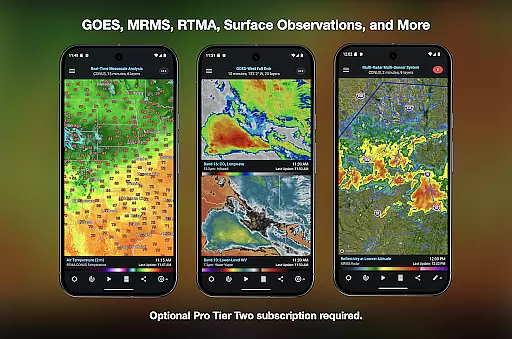
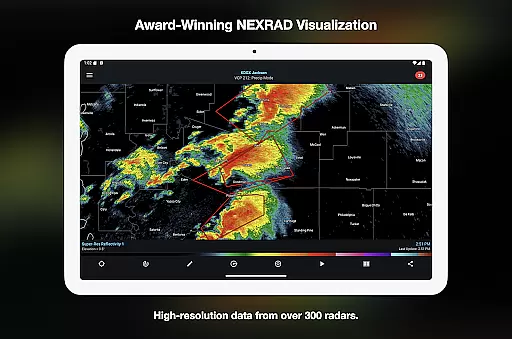
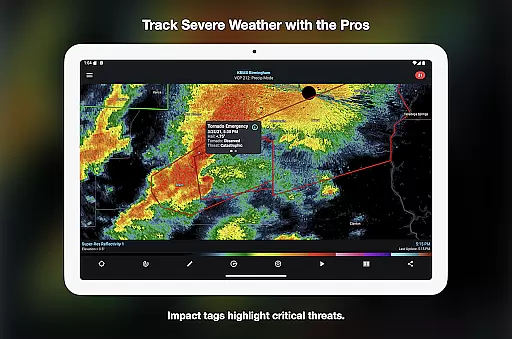
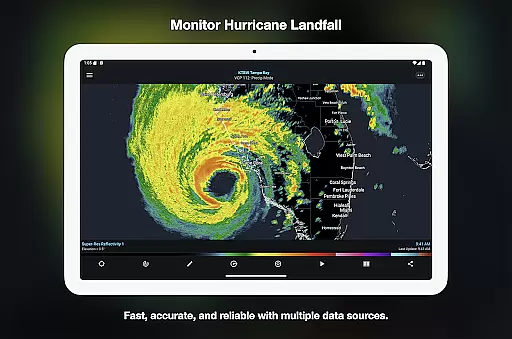
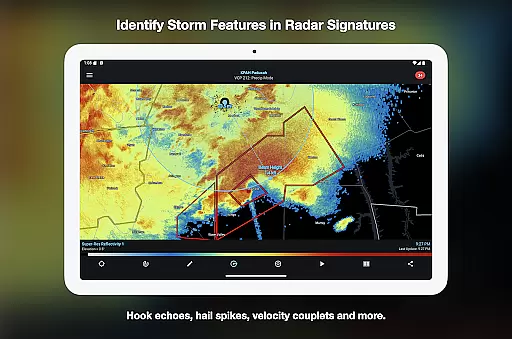
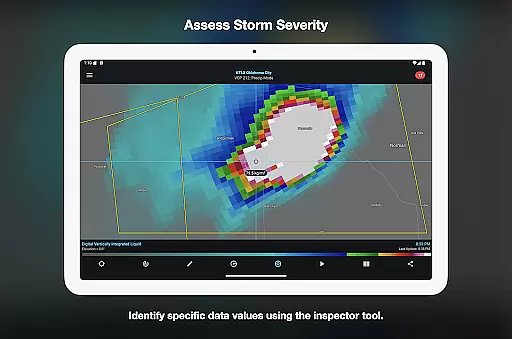

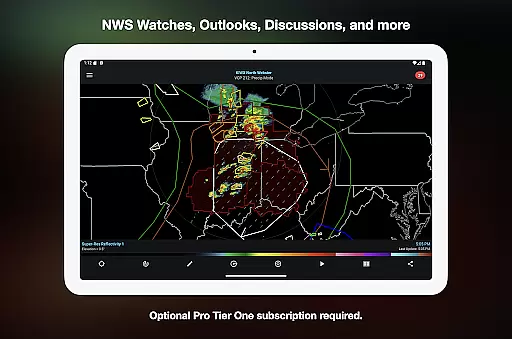
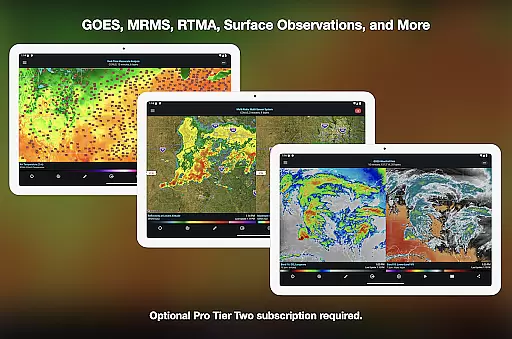
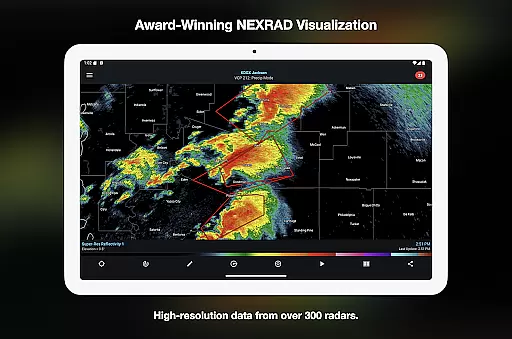
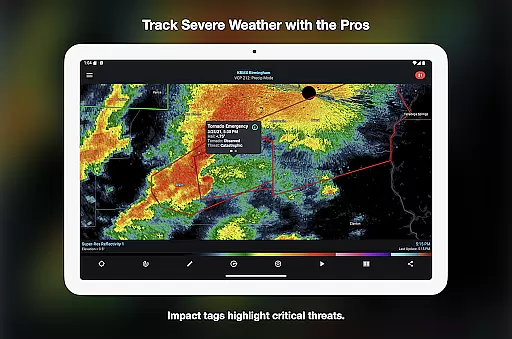
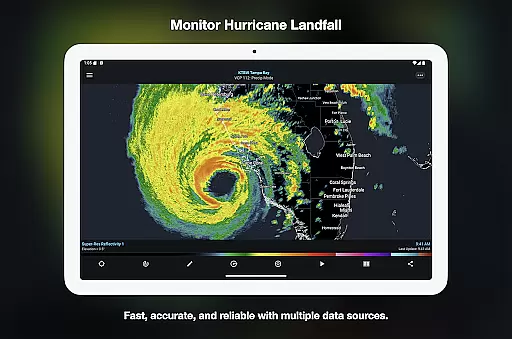
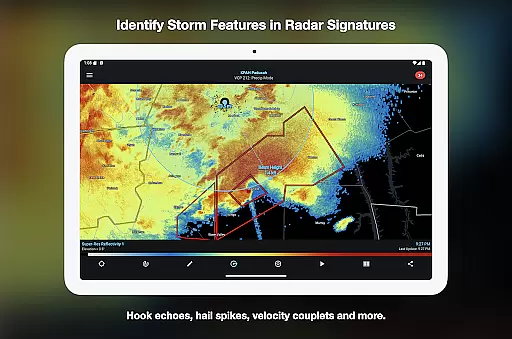
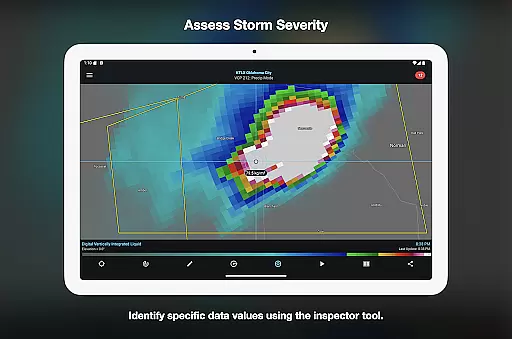
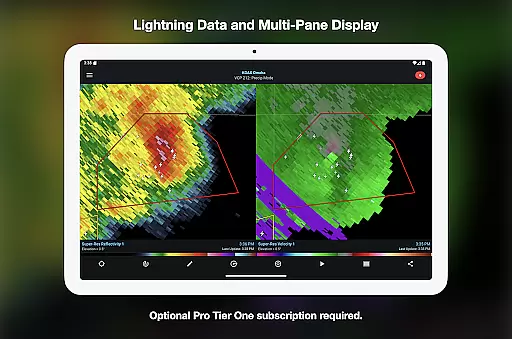
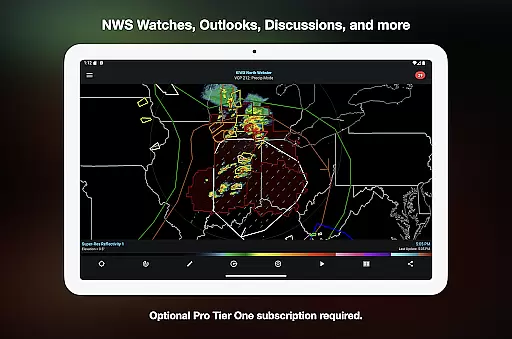
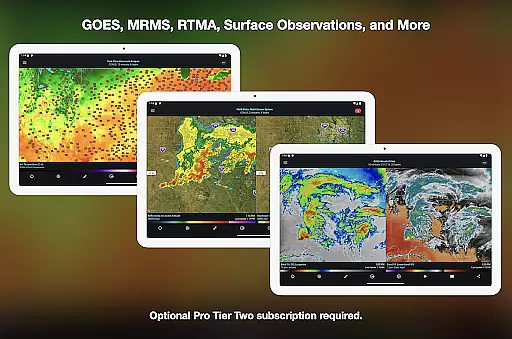
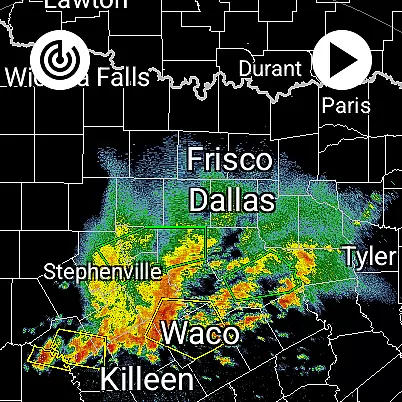
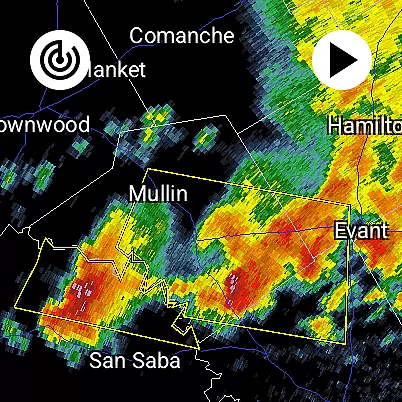
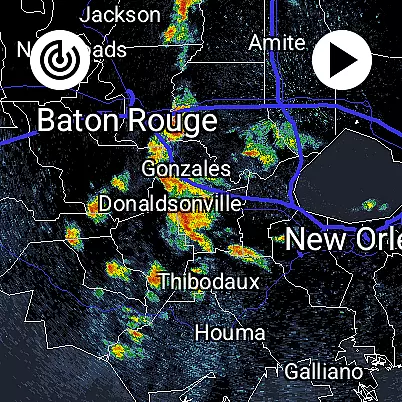
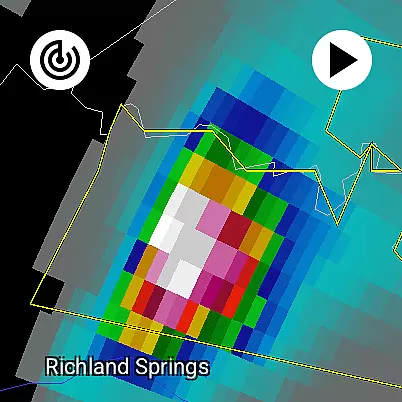
RadarScope is a professional weather visualization tool designed for meteorologists and weather enthusiasts. It provides real-time access to a comprehensive suite of single-site radar data and severe weather products across multiple countries. The app displays native radar data in its original radial format, offering users accurate and timely weather information with updates every two to ten minutes.
The app includes advanced features such as tornado warnings, storm tracks, and integration with weather reporting services like Spotter Network and mPING. Available on Android and Wear OS, RadarScope offers optional Pro subscriptions that unlock additional capabilities including historical data archives, multi-pane displays, and specialized weather outlooks.
RadarScope stands out with its extensive range of features tailored for weather analysis. The app provides a full suite of single-site radar products for several countries, 6-frame radar loops, and built-in radar data providers. Users can access NWS-generated storm tracks, inspector tools, and color palette options for detailed weather study.
For advanced users, RadarScope Pro Tier One and Two offer enhanced functionalities such as 30 to 50-frame radar loops, cloud-to-ground lightning data, and mesoscale discussions. Pro Tier Two further expands capabilities with NEXRAD Level II data, GOES satellite imagery, and MRMS products. These subscription tiers transform the app into a powerful tool for tracking and analyzing severe weather patterns.
Companion app integration is a crucial feature for Android Wear applications like RadarScope. This functionality ensures seamless synchronization between the wearable app and its smartphone counterpart.
RadarScope achieves this by providing real-time weather data updates directly to your Wear OS device. The app maintains consistent communication with the paired mobile device, ensuring that all radar images and severe weather alerts are up-to-date on both platforms.
Users benefit from having instant access to critical weather information right on their wrist. This integration allows meteorologists and weather enthusiasts to monitor developing weather patterns without needing to reach for their phone.
The implementation also supports cross-platform subscription sharing across up to five devices, making it an invaluable tool for professionals who need consistent access to premium weather data regardless of which device they're using.
Wear OS compatibility is essential for modern wearable applications. RadarScope demonstrates excellent device compatibility by supporting both Android and Wear OS platforms through its universal app design.
The application is optimized for various screen sizes and resolutions found in smartwatches and wearables. This optimization ensures that radar images and weather data remain clear and readable even on smaller displays.
Users can take advantage of widget support specifically designed for wearable devices. These widgets provide quick access to frequently used features and radar views, enhancing the overall user experience.
Furthermore, the app's low-bandwidth optimization makes it particularly suitable for wearable devices, which often rely on mobile data connections. This ensures reliable performance regardless of network conditions or device limitations.
Real-time radar updates
Comprehensive weather data
Pro subscription options
Multi-platform support
Advanced storm tracking
Subscription fees apply
Complex for beginners
Limited free features
Highly technical interface
Requires constant internet

Embrace the holiday spirit with this magical animated watch face!
 4.40
4.40
Christmas and New Year - Themed Watchface
4.1
an Analog Watch Face for winter season with freeze winter background for Wear OS
4.0
Precision analog watch face with 7 complications and style options
4.2
Analog watch face with 8 complications and expedition styling
4.5
Ideal for surviving in the wasteland left after nuclear fallout
4.50
Reliable phone calls with spam protection, caller ID and more helpful features
4.40
Bold weather Digital watchface with forecast & optional animated background
4.40
Your music, your playlists, and more—offline and unlimited.
4.20
Digital, flexibly customizable watch face. For Wear OS 5.0, API 34+ and later.
5.00
Diet tracker for weight loss - track calories, food and macros. Simple and easy!
4.70
WTW M17 is a premium and luxurious hybrid watch face
4.70
Walking app for weight loss: walk & step tracker, pedometer, indoor treadmill
4.60
Animated video-game inspired “secret agent” simulation, right on your wrist!
4.20
Connect, create, and collaborate with Gmail, part of Google Workspace.
4.10
A full-featured Amazon Alexa voice assistant that can show you things.
3.70
Watch face designed for Thanksgiving Day. 7 Background Styles included.
3.20
Artistic Digital Watchface
4.0
3 Complications. All shadow on/off. 30 Themes color palette...
4.1


User Reviews