
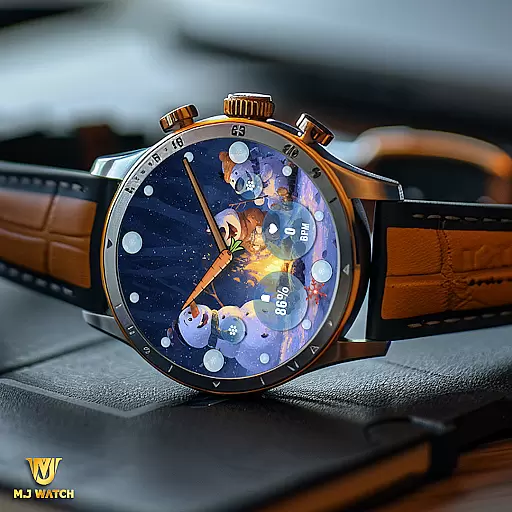
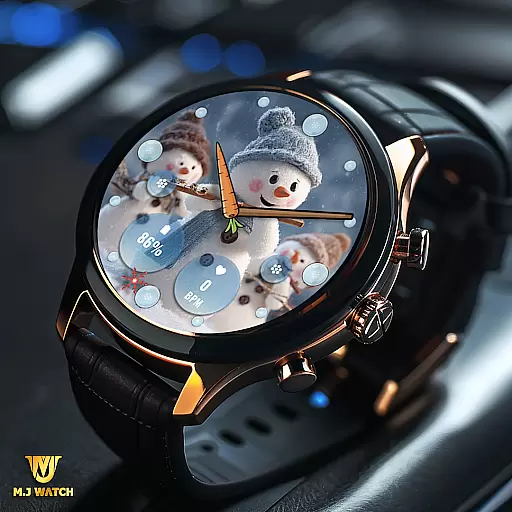
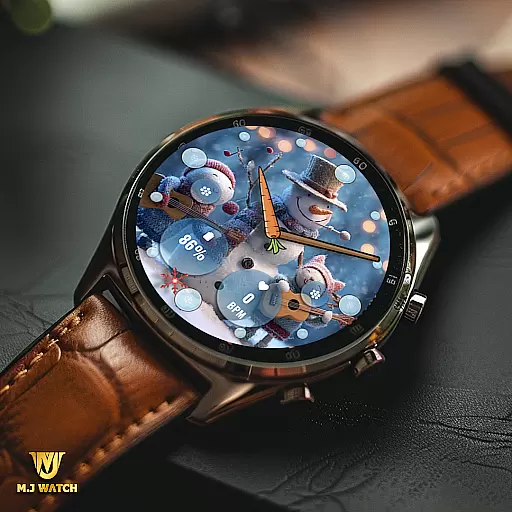
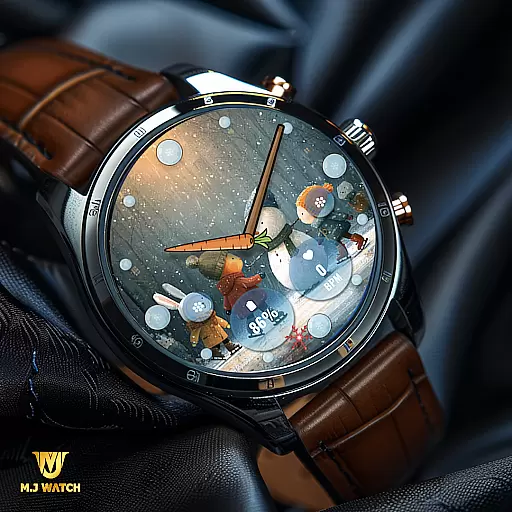
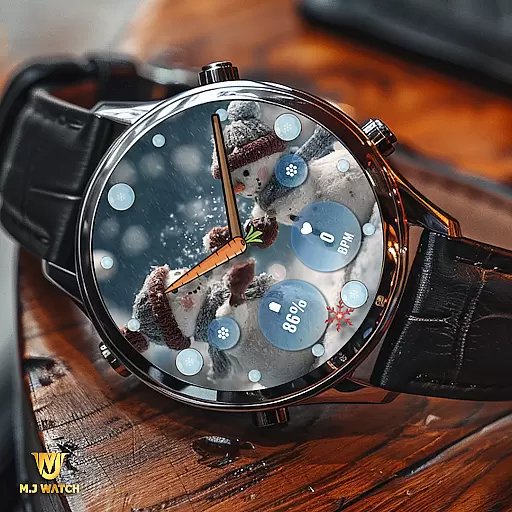
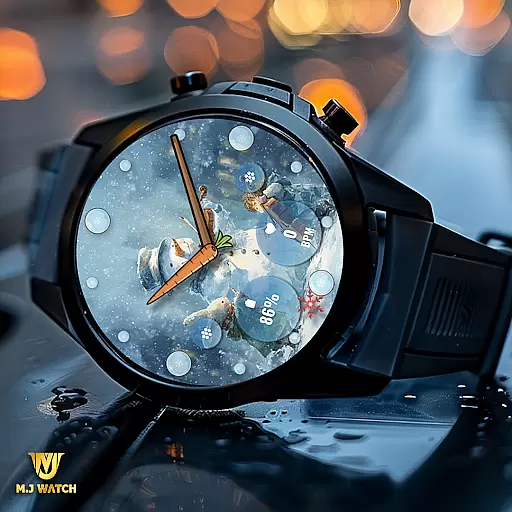
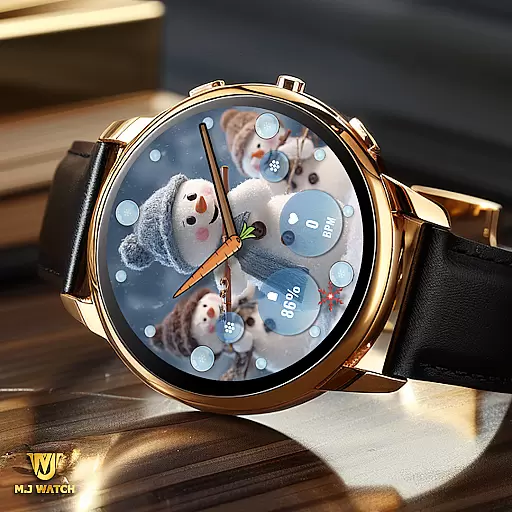
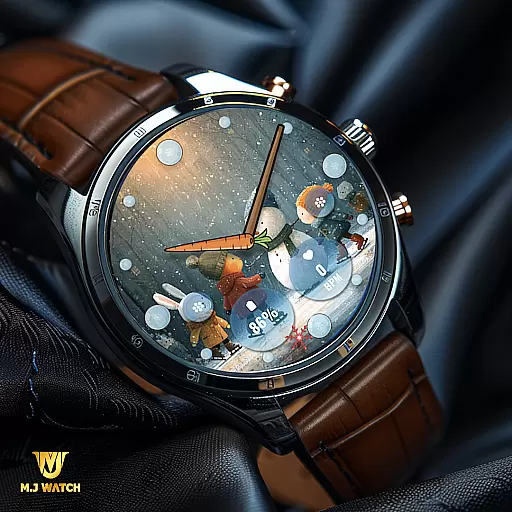
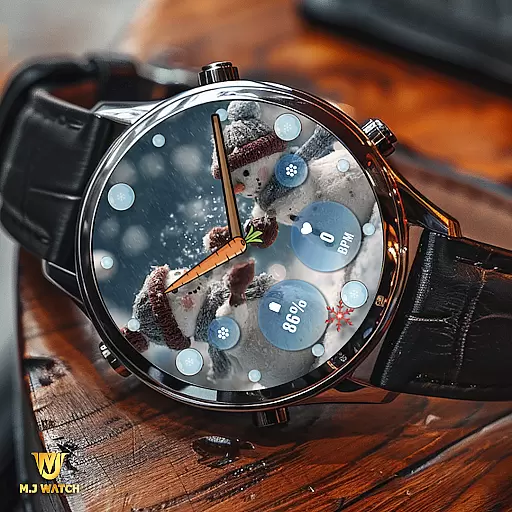
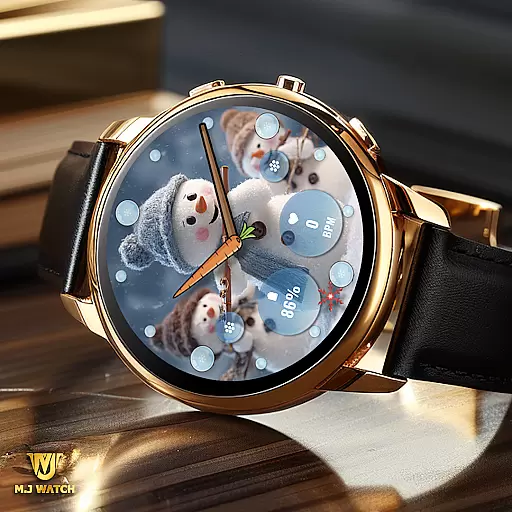
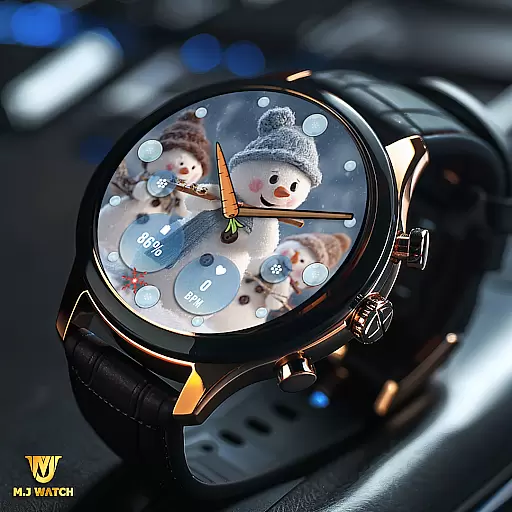
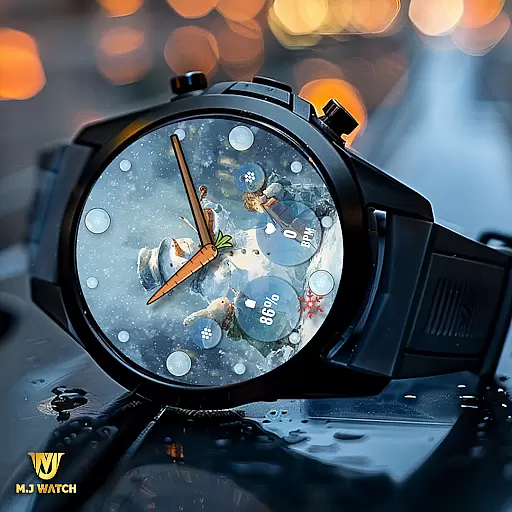
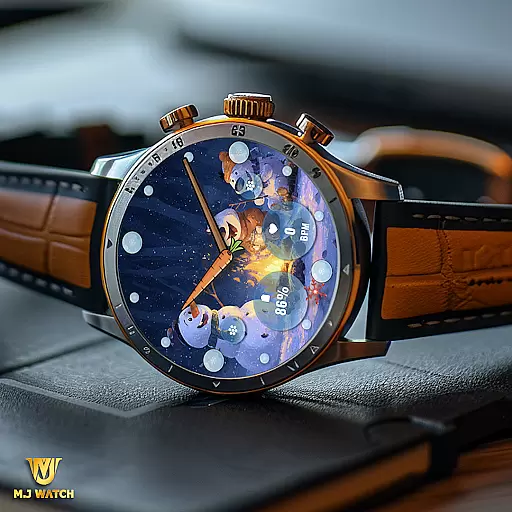
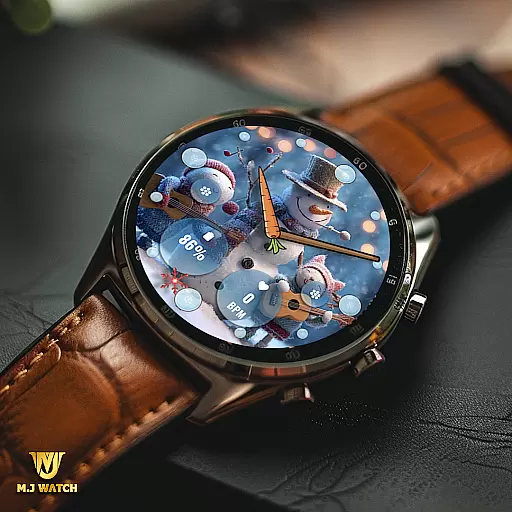
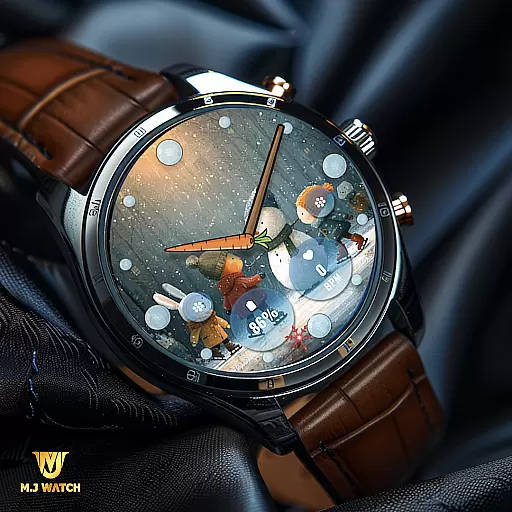
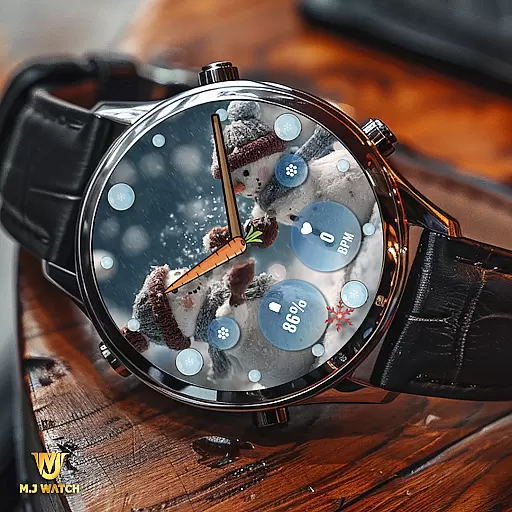
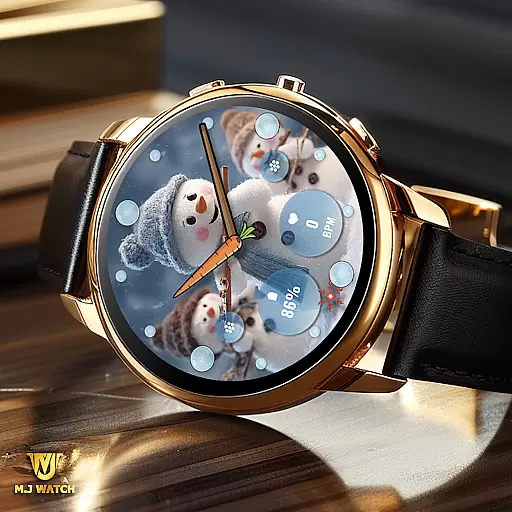
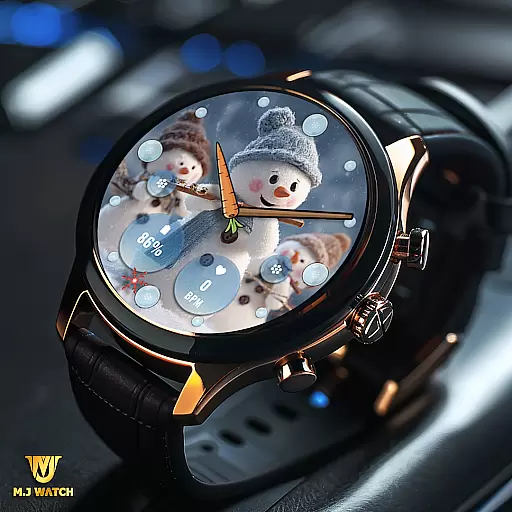
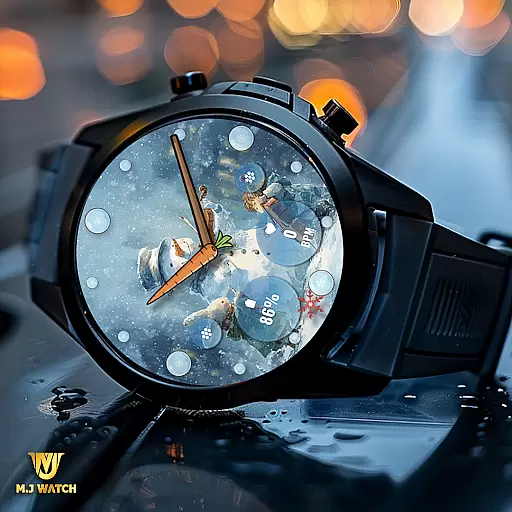
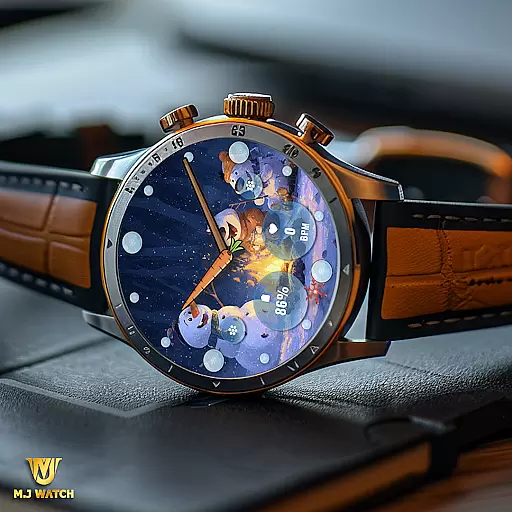
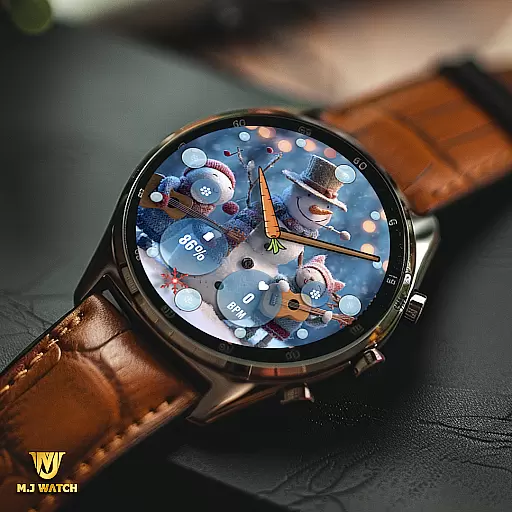
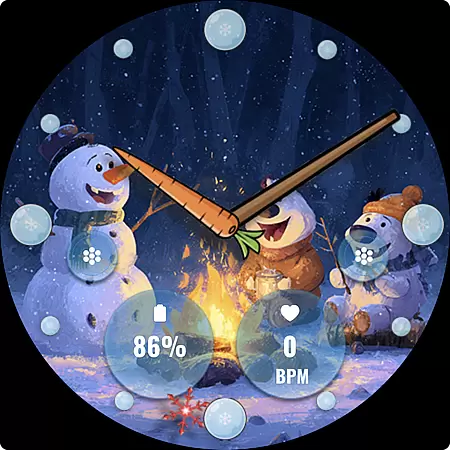
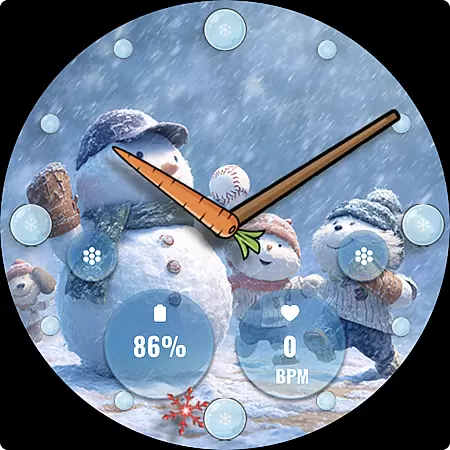
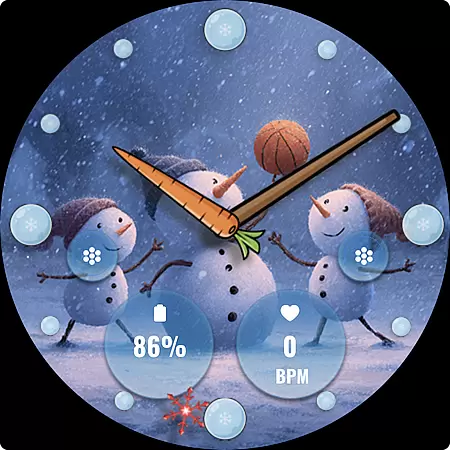
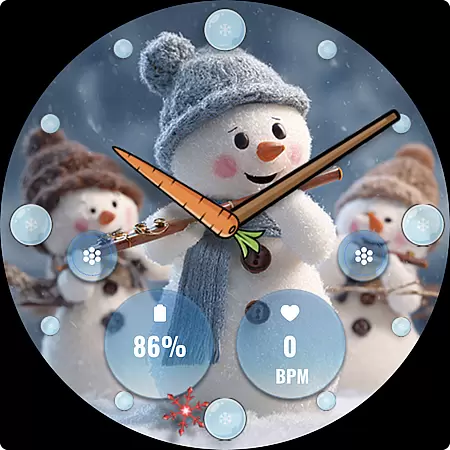
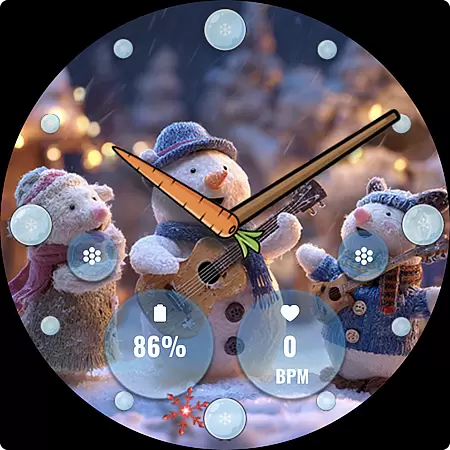
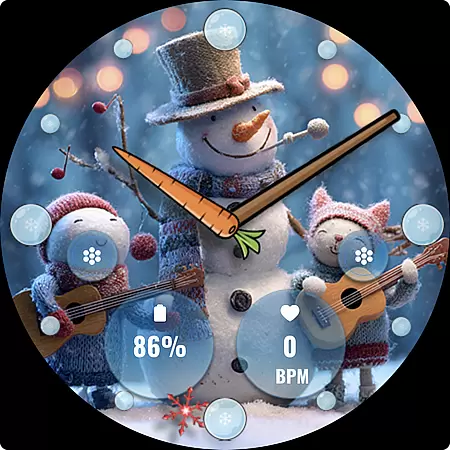
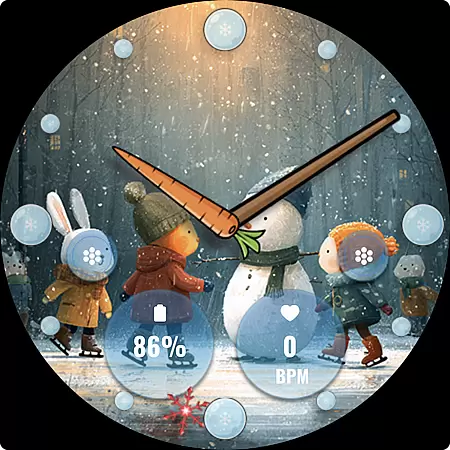
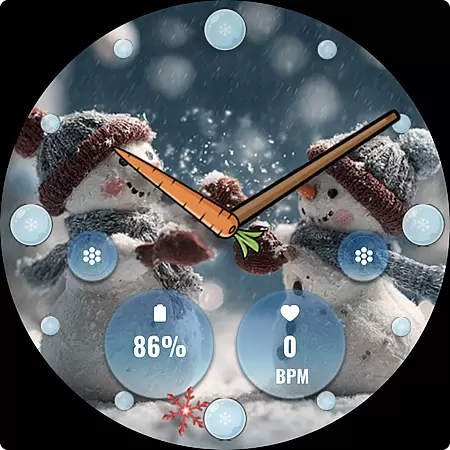
FLW105 Snowman Freeze Winter is a specially designed watch face for winter season, featuring an elegant freeze ice background that brings the chill of winter to your Wear OS device. The analog display includes hour, minute, and second hands, offering classic timekeeping in a seasonal setting.
This watch face stands out with its customizable features. Users can choose from two custom complications to display preferred information and set two custom shortcuts for quick access to frequently used functions. With 10 unique winter-themed images featuring snowmen, users can personalize their watch face to match their style.
Ideal for those who enjoy thematic customization, FLW105 allows you to embrace the winter spirit while staying connected. Whether you're at work or out enjoying a snowy day, this watch face combines functionality with festive cheer.
FLW105 offers a rich set of features that enhance both its aesthetic appeal and practicality. The analog watch hands provide a traditional way to track time, while the freeze ice background adds a touch of winter beauty to your smartwatch display.
Customization is key with FLW105. Users can select from two custom complications to show relevant information such as weather updates or fitness stats. Additionally, two custom shortcuts can be configured to launch favorite apps or functions directly from the watch face, streamlining your daily routine.
The inclusion of 10 distinct winter-themed images with charming snowmen ensures that your watch face remains fresh and engaging throughout the season. To customize, simply press and hold the watch face, then tap on Customize to adjust settings according to your preferences.
Companion app integration is essential for a seamless wearable experience. FLW105 Snowman Freeze Winter ensures that all features are perfectly synced with your smartphone. This includes the ability to customize watch faces and complications directly from the companion app.
The app allows users to change what information is displayed on two custom complications. These can be adjusted via the companion app, ensuring that the most relevant data is always at hand. Additionally, two custom shortcuts can be set and modified through the app, providing quick access to frequently used functions.
With the companion app, users can choose from ten different freeze winter images with snowman themes. Pressing and holding the watch face then pressing Customize brings up these options. This level of integration ensures that personalization is both comprehensive and user-friendly.
Ensuring compatibility across various Wear OS devices is crucial for a versatile watch face like FLW105 Snowman Freeze Winter. This watch face supports a wide range of devices running Wear OS, making it accessible to a broad audience. The design takes full advantage of the platform's capabilities, offering an engaging and visually appealing experience.
FLW105 features analog watch hands for hour, minute, and second, which are optimized for smooth performance on Wear OS. Users can also enjoy two custom complications that display chosen information, enhancing the utility of their smartwatches without compromising aesthetics or battery life.
In addition to visual elements, the watch face offers two customizable shortcuts. These shortcuts provide quick access to preferred apps or functions, streamlining daily interactions with the device. Overall, FLW105 delivers a balanced mix of style and functionality, designed to work harmoniously with Wear OS-powered smartwatches.
Seasonal design
Customizable complications
Quick-access shortcuts
Variety of winter images
User-friendly interface
Limited to Wear OS
No digital time option
Customization requires steps
Battery consumption may increase
Complications limited to two

Beautiful artistic animated digital watch face, with a customizable layout!
 4.40
4.40
Be an elegant and classy secret agent, with this carefully detailed watch face
4.70
Authentic military-tactical design with ZULU time! Realistic and functional!
3.80
Locate your family members by GPS phone location tracker everywhere and anytime
4.30
Gym & home workout plans with strength training, exercise tracking, HIIT & more.
4.60
The #1 source of faces for your smartwatch!
4.00
Period, ovulation & pregnancy tracker. Fertility insights & menstrual calendar.
4.90
The most customizable hybrid watch face. For Wear OS 5.0, API 34+ and later
4.70
A modern hybrid informative watch face for Wear OS designed by BALLOZI
4.80
Hyperlocal rain alerts by MyRadar using patent-pending technology, radar & more
4.80
Monitor health with the stress test and pulse checker in the heart rate app.
4.60
Digital watch face with big numbers and many customization for Wear OS devices
4.40
A white realistic classic analog watch face with many customization options.
4.40
Elegant animated Christmas tree with multiple customization options
4.20
"PER27 Galaxy Digital" is a digital Wear OS watch face designed by PERSONA
4.10
Wear Os Watch Face - Animated Snow Effect & Christmas Lights
4.4
Simple Analog-Digital Watchface For Wear OS 3.0 and Up Smartwatches
4.1
Fitness interactive virtual pet super fighter boy watch face
4.5
Minimalistic design modern digital watch face.
4.0


User Reviews