
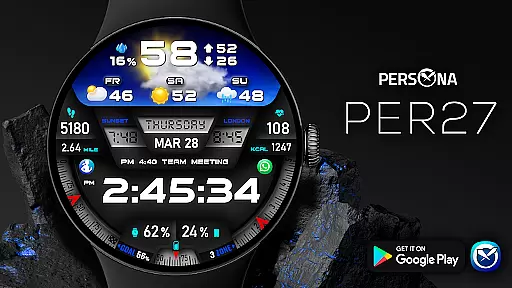
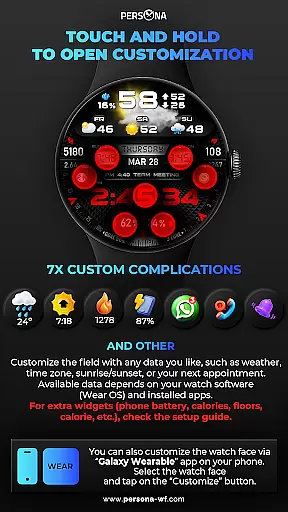
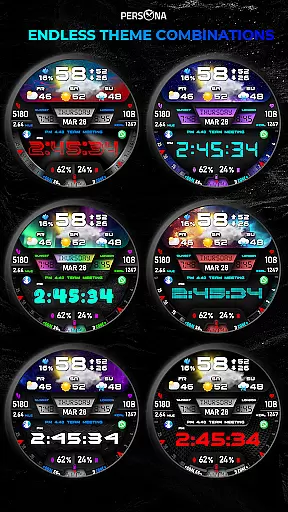
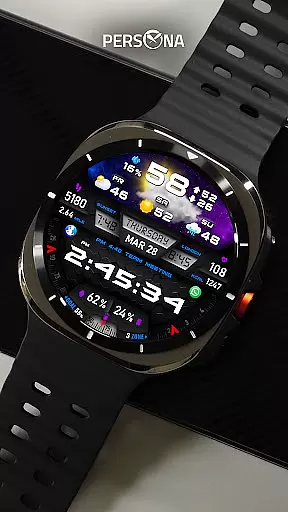
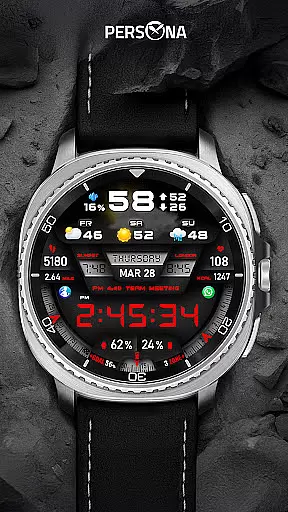
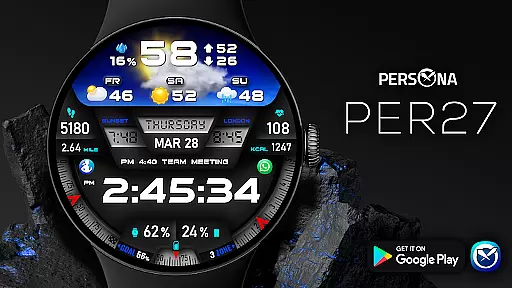
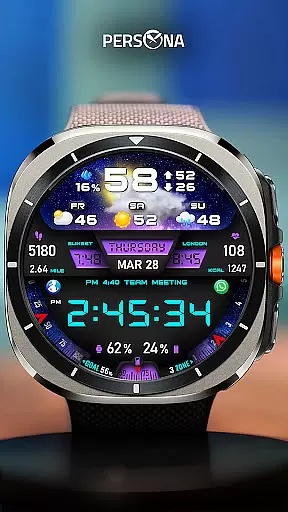
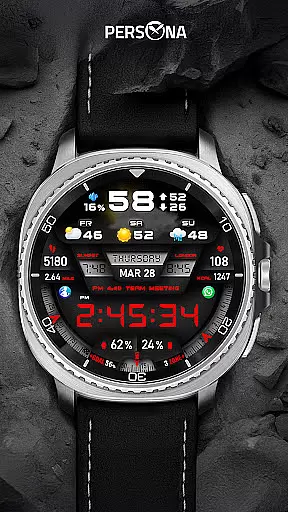
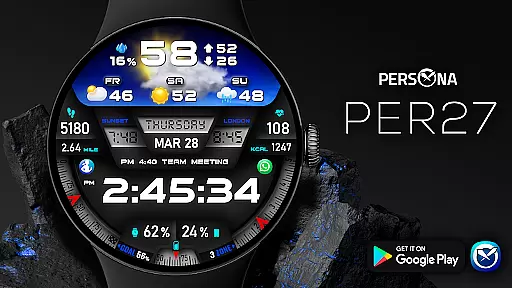
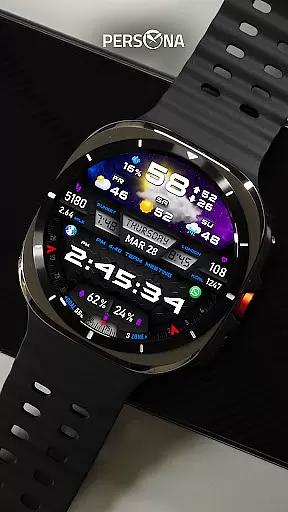
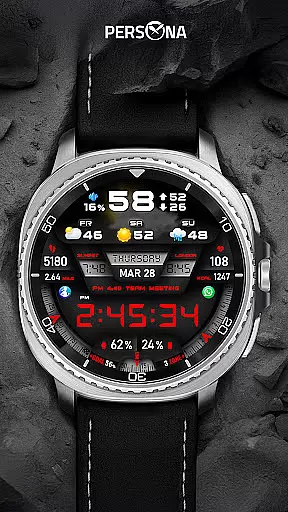
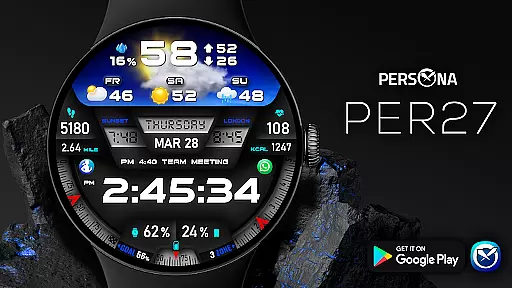
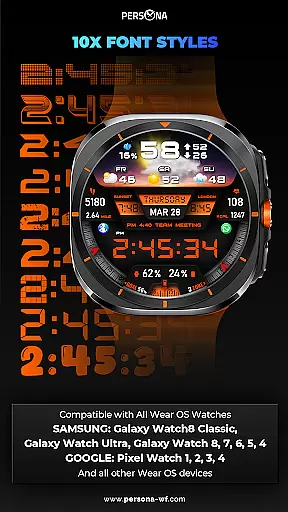
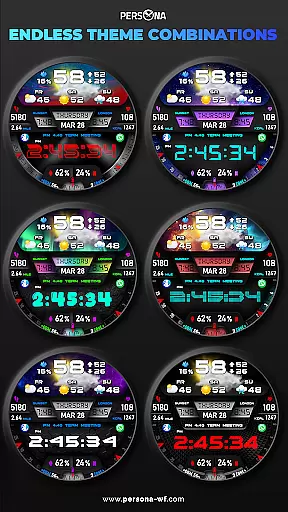
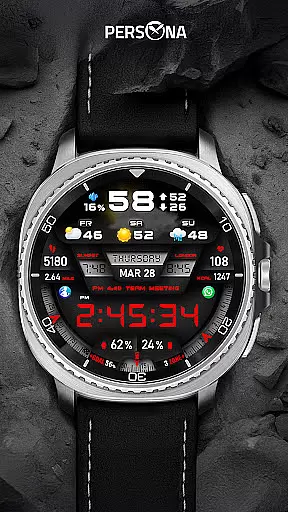
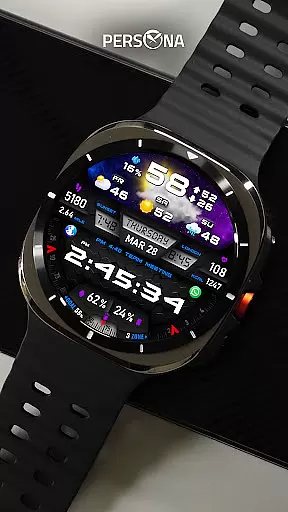
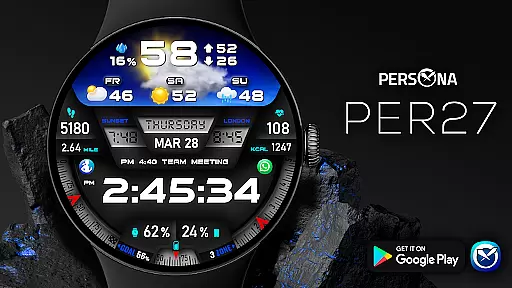
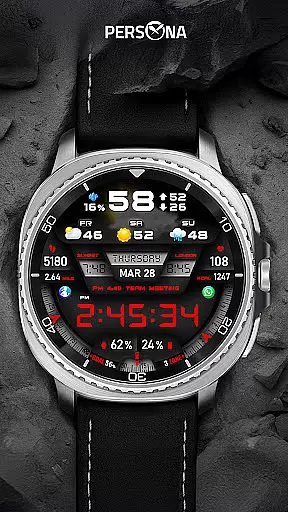
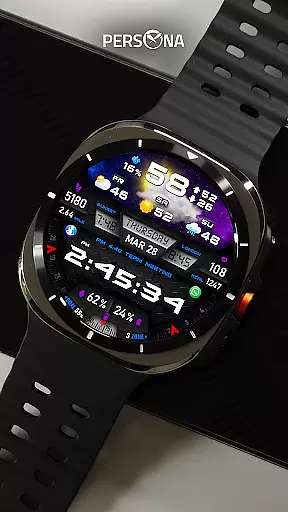
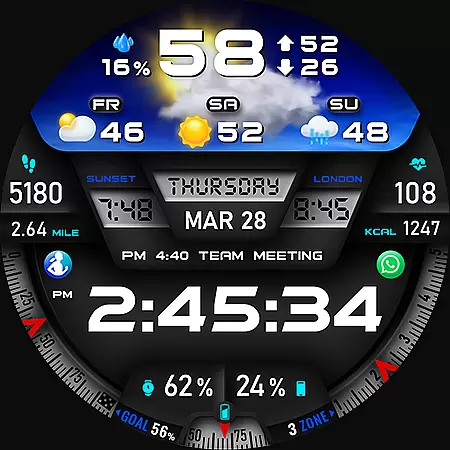
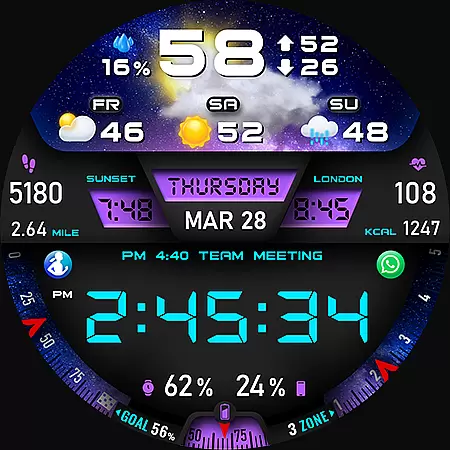
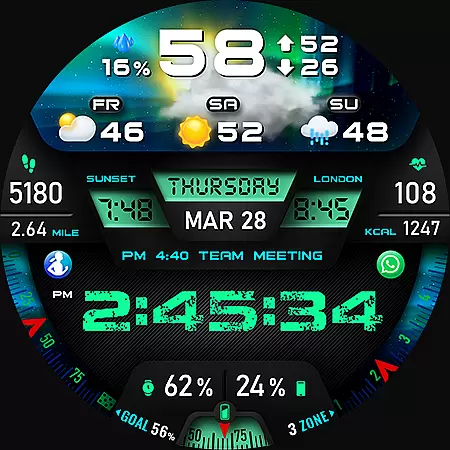
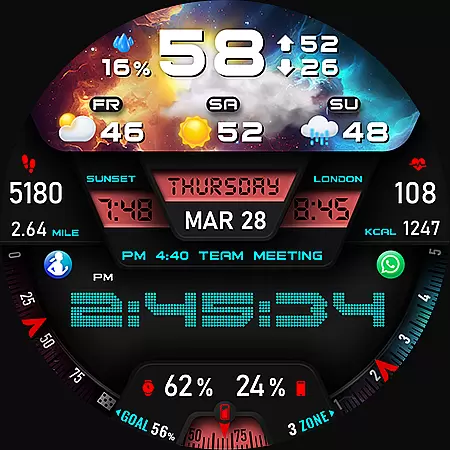
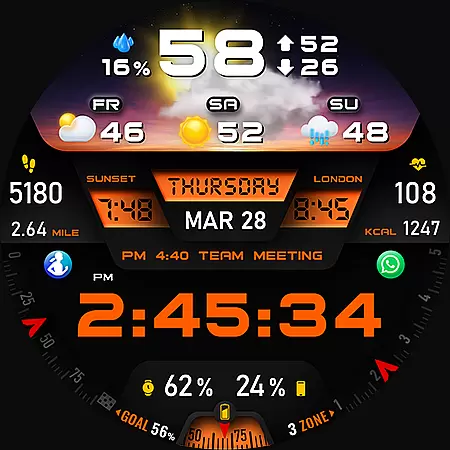
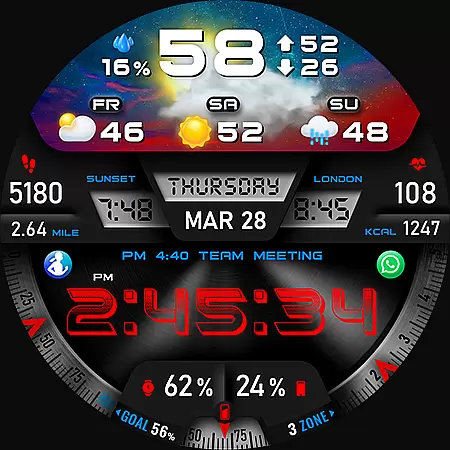
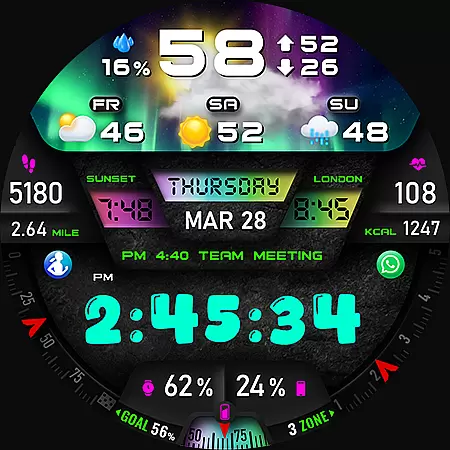
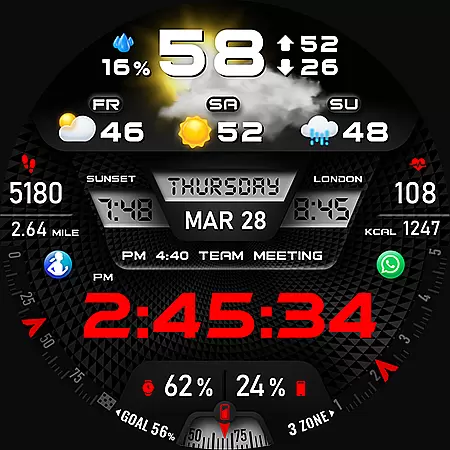
PER27 Galaxy Digital Watch Face is a sophisticated digital watch face designed specifically for Wear OS smartwatches. It offers users the ability to customize their watch faces with changeable font styles, 3D realistic animated weather effects, and stunning visuals. The app provides comprehensive weather data including current conditions, forecasted weather types, and temperature ranges in both Fahrenheit and Celsius.
This application is particularly useful for tech-savvy individuals who want to personalize their smartwatch experience while maintaining access to essential information at a glance. With features like step tracking, heart rate monitoring, and phone battery level display, it serves as an all-in-one solution for managing daily activities and staying informed about environmental conditions.
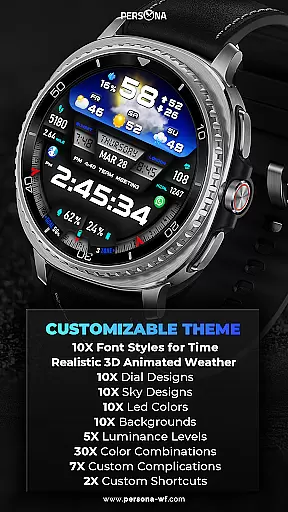
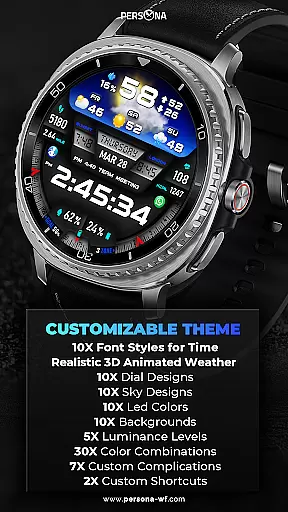
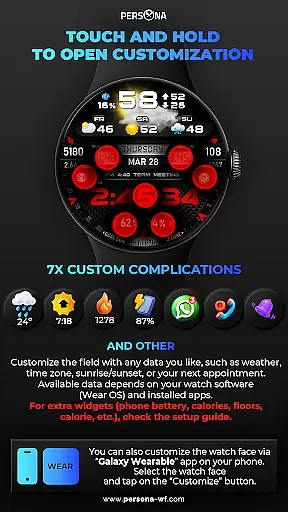
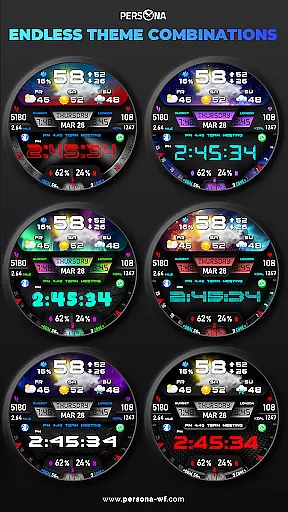
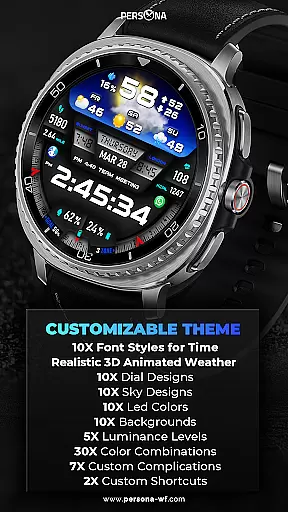
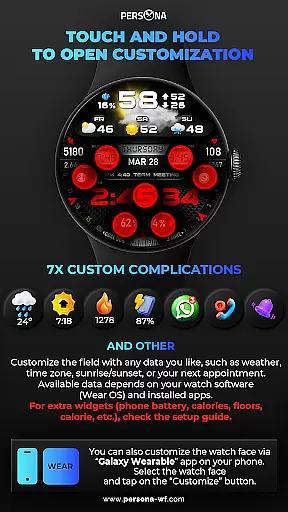
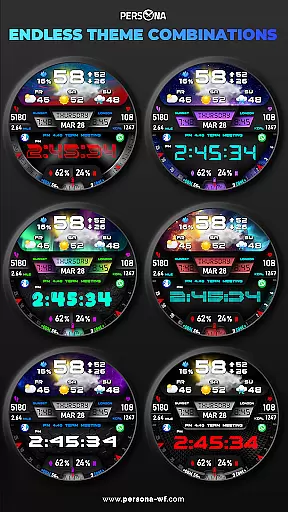
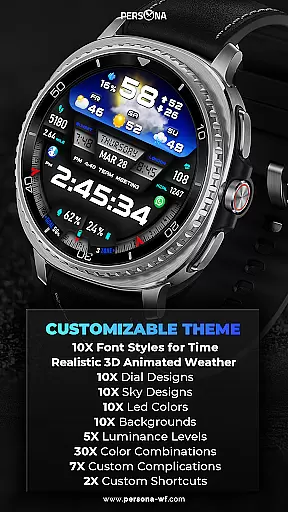
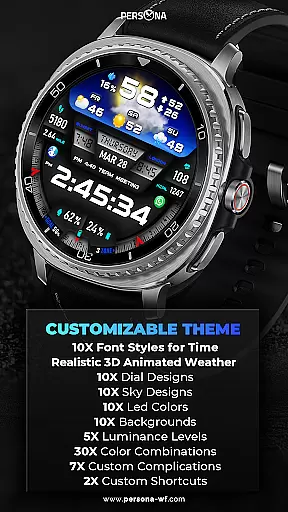
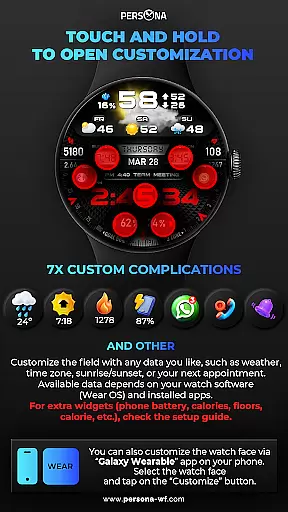
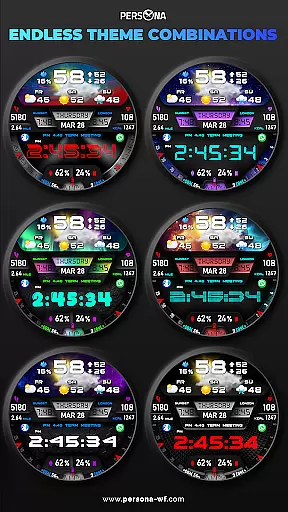
PER27 Galaxy Digital Watch Face stands out with its extensive customization options. Users can choose from 10 font styles, 10 backgrounds, 10 dial designs, and 10 LED colors, allowing for a personalized look that suits individual preferences. The app also supports five luminance levels and seven custom complications, providing flexibility in how information is displayed on the watch face.
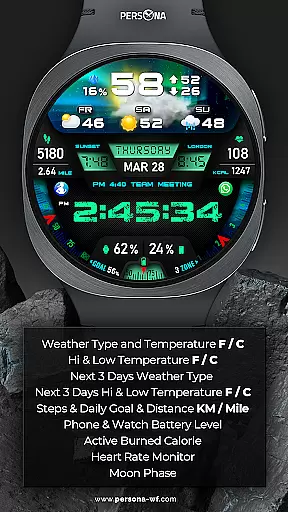
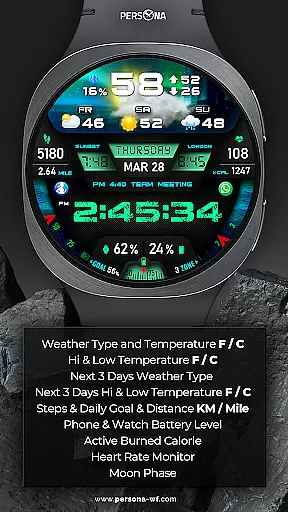
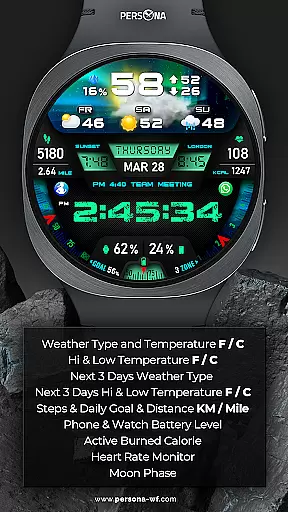
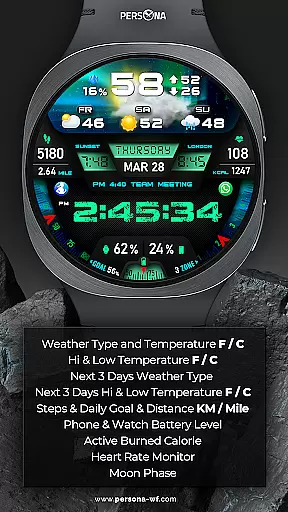
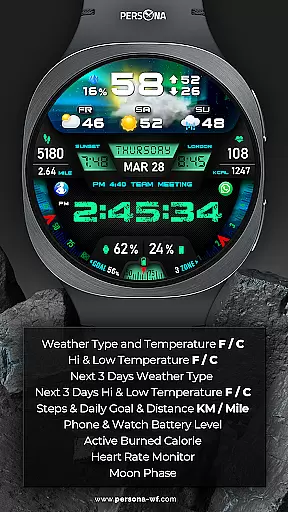
A key feature of this app is its advanced weather integration. It not only shows current weather conditions but also forecasts the next three days' weather types and temperatures. Additionally, it includes practical functionalities such as step tracking, distance measurement, active calorie burning, floor counting, UV index, rain probability, moon phase, sunrise/sunset times, time zone information, barometric pressure readings, and appointment reminders. These features ensure users have access to critical data without needing to check their phones constantly.
Companion app integration is essential for Android Wear applications as it ensures seamless synchronization between the smartwatch and paired mobile device. PER27 Galaxy Digital Watch Face excels in this area by offering users a comprehensive setup guide and support resources to facilitate smooth installation and operation.
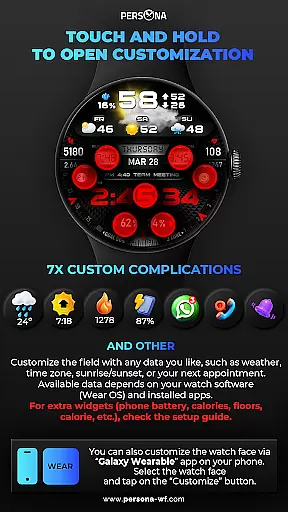
The application provides an extensive customization mode that allows users to personalize their watch face easily through touch and hold gestures. This feature enables users to choose what data they see, such as weather, sunrise/sunset times, and time zones. For additional complications like phone battery levels or calories burned, users can refer to the provided setup guide for detailed instructions.
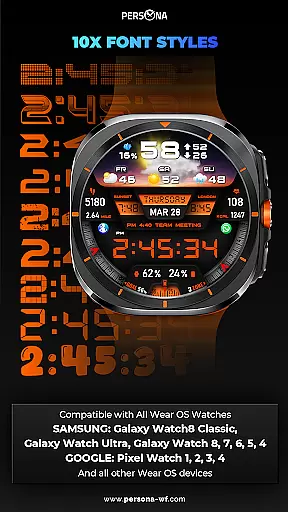
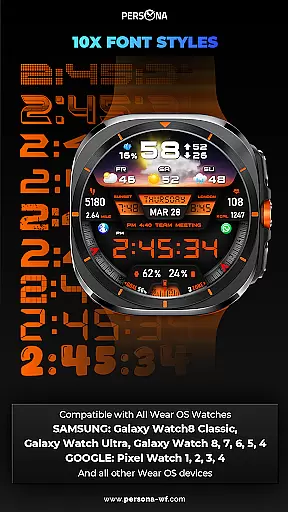
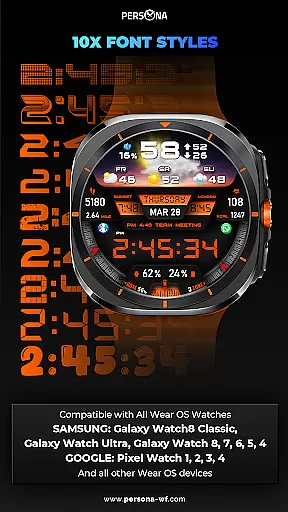
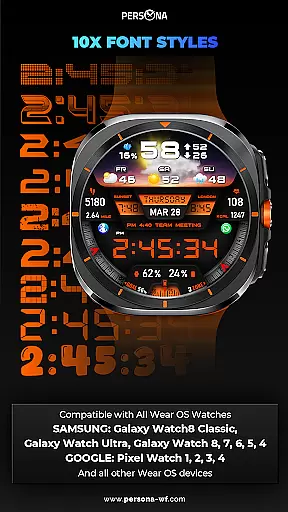
PER27 Galaxy Digital Watch Face supports all Wear OS devices with API Level 34 and above, ensuring broad compatibility across various models from Samsung, Google, Fossil, and Mobvoi. This wide-ranging support enhances user experience by providing consistent performance regardless of the specific device model.
By integrating companion app features effectively, PER27 Galaxy Digital Watch Face not only simplifies personalization but also enriches the overall utility of the smartwatch, making daily interactions more meaningful and efficient for users.
Wear OS/device compatibility is a critical aspect of any Android Wear application, determining its ability to function seamlessly across different smartwatch models. PER27 Galaxy Digital Watch Face stands out by supporting all Wear OS devices with API Level 34 and above, including popular models such as Samsung Galaxy Watch series, Google Pixel Watch, Fossil Gen series, and Mobvoi TicWatch Pro series.
This wide compatibility ensures that users can enjoy the advanced digital watch face on their preferred device without worrying about functionality issues. The application's design accommodates various screen sizes and resolutions, delivering stunning visuals and accurate data representation consistently.
PER27 Galaxy Digital Watch Face offers an always-on display feature with adjustable brightness levels and synchronized colors, enhancing usability while maintaining visual appeal. Users can customize their watch face with multiple font styles, backgrounds, dial designs, and LED colors, creating a personalized experience tailored to individual preferences.
By prioritizing Wear OS/device compatibility, PER27 Galaxy Digital Watch Face guarantees a reliable and engaging user experience, allowing individuals to fully leverage their smartwatches' capabilities while enjoying the aesthetic and functional benefits of this sophisticated watch face.
Highly customizable
Realistic weather animations
Comprehensive health tracking
Always-On Display functionality
Wide device compatibility
Weather data requires internet
Limited free options
Complex setup process
Battery consumption may increase
Some features need additional configuration

Embrace the festive spirit with our Christmas Countdown watchface for Wear OS
 4.10
4.10
Easy Voice Recorder is your everyday companion to record important moments.
4.70
Simple Analog-Digital Watchface For Wear OS 3.0 and Up Smartwatches
4.2
Digital watch face with big numbers and many customization for Wear OS devices
4.40
Reliable phone calls with spam protection, caller ID and more helpful features
4.40
A digital watch face that celebrates Christmas.
4.00
Connect, create, and collaborate with Gmail, part of Google Workspace.
4.10
From periods to pregnancy & perimenopause, Flo helps you track it all. Try now.
4.70
Download full tracks, listen to music offline, make unlimited playlists.
4.80
WTW M17 is a premium and luxurious hybrid watch face
4.70
Simple, helpful messaging by Google
4.60
Ideal for surviving in the wasteland left after nuclear fallout
4.50
Stylish, Energizing and Modern Watch Face crafted by Dominus Mathias.
4.50
Premium hybrid watch face with many customizations for Wear OS devices.
4.40
Watch face for Wear OS.
4.20
Animated video-game inspired “secret agent” simulation, right on your wrist!
4.20
Structured watch face with seven complications and modular UI elements
3.90
A full-featured Amazon Alexa voice assistant that can show you things.
3.70
Hybrid Vibrant Health Watch Face for Wear OS
4.4


User Reviews