
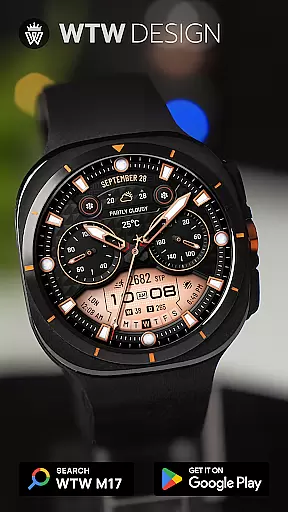
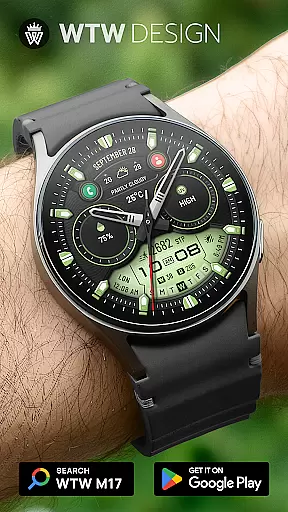
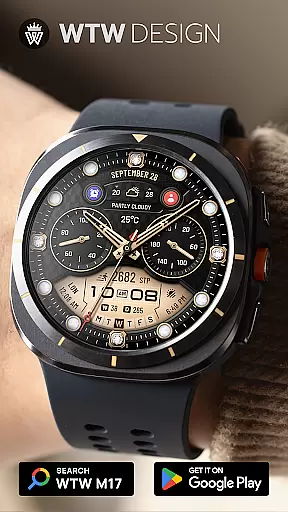
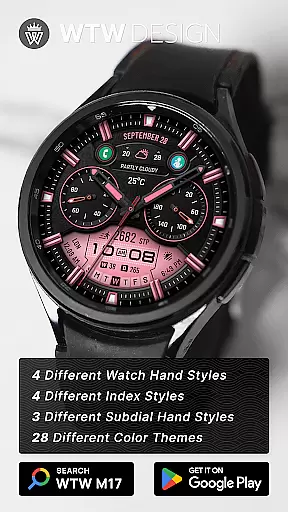
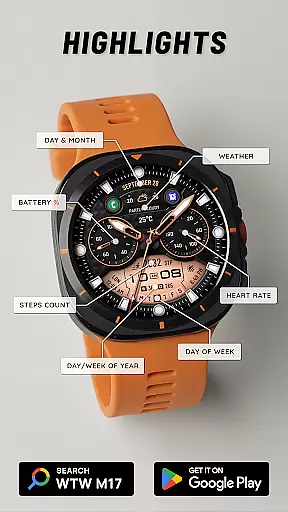
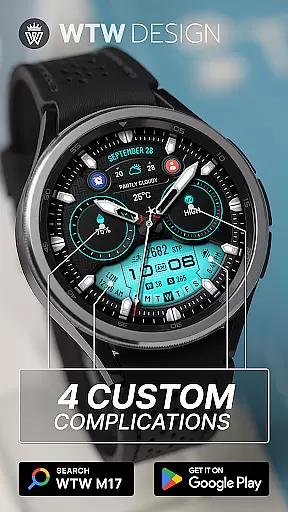
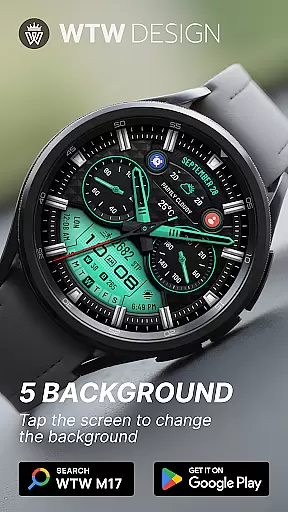
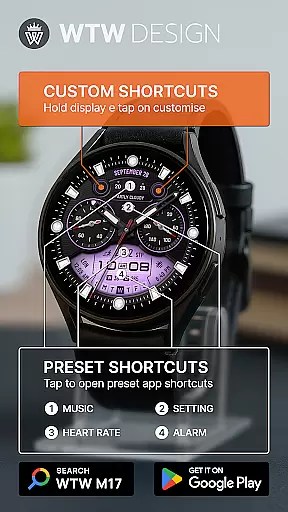
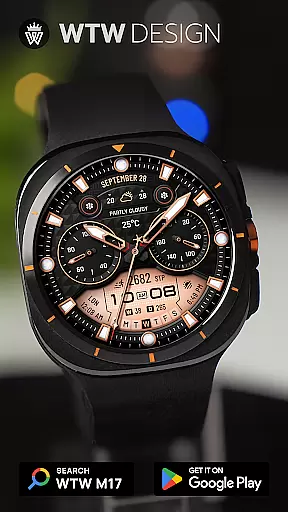
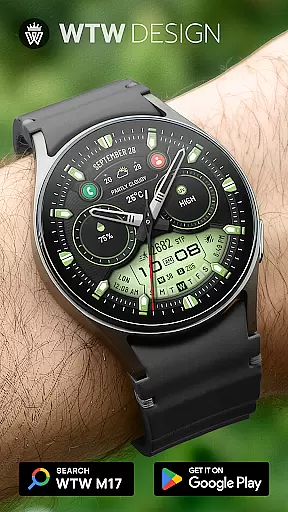
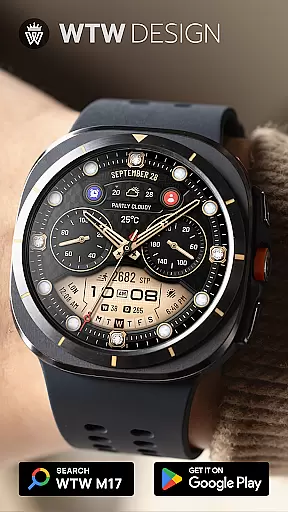
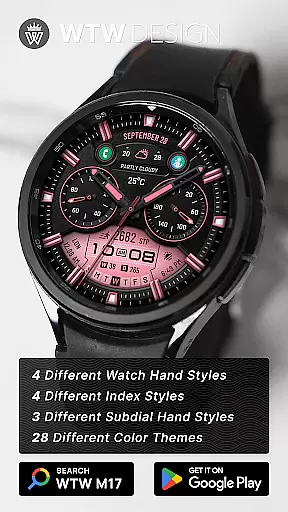
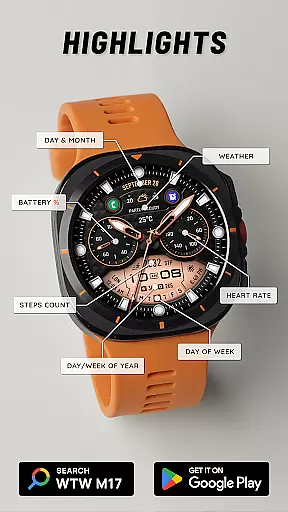
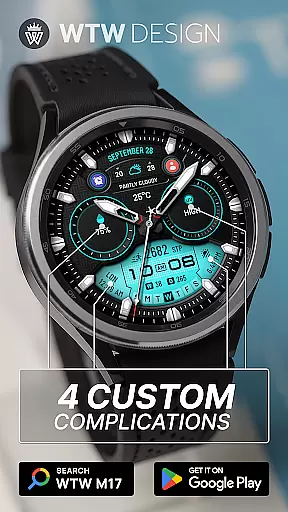
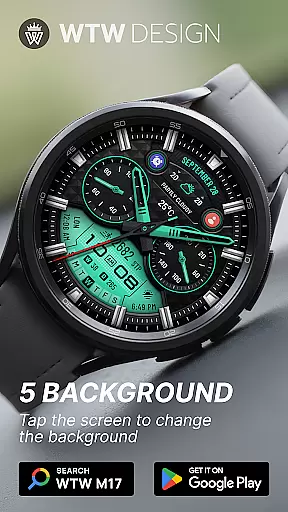
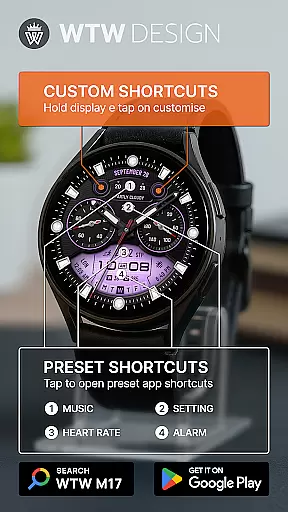
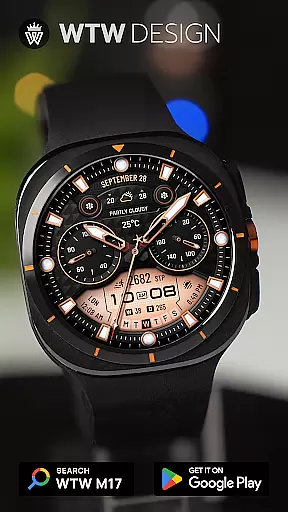
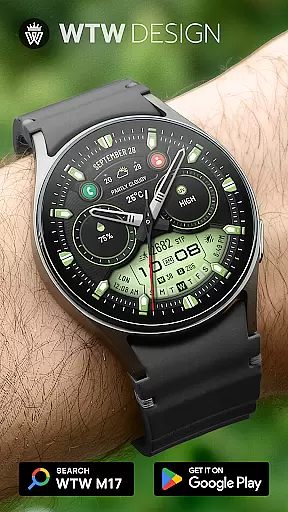
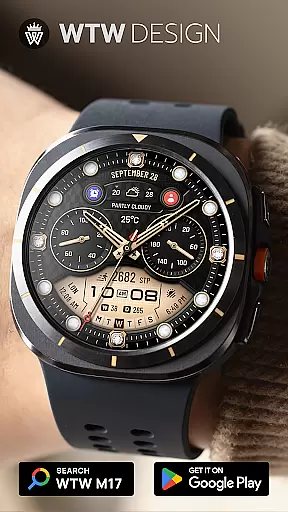
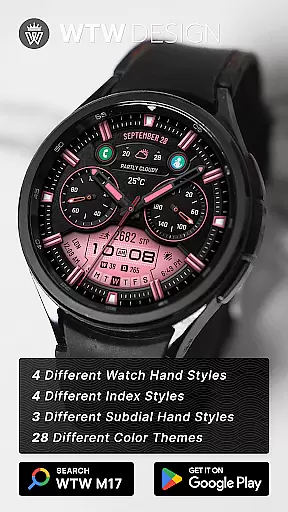
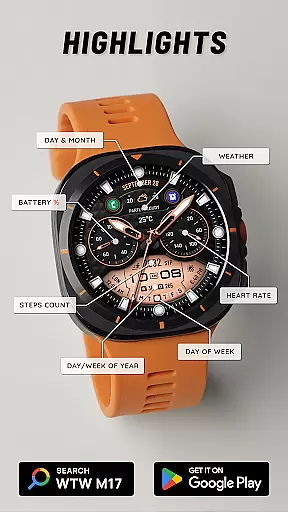
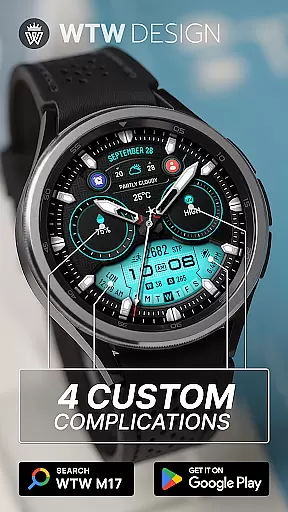
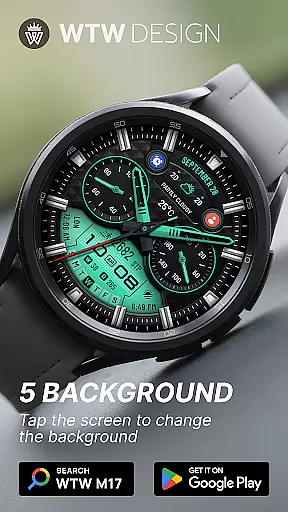
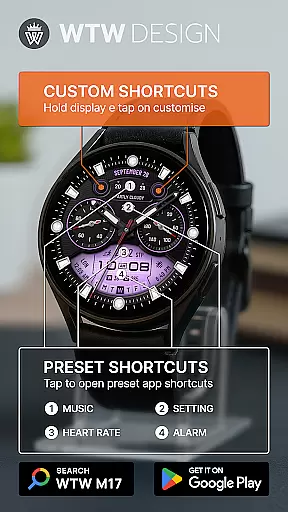
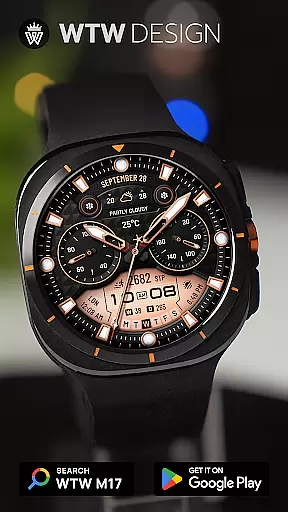
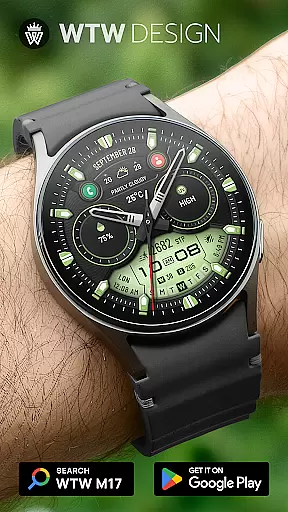
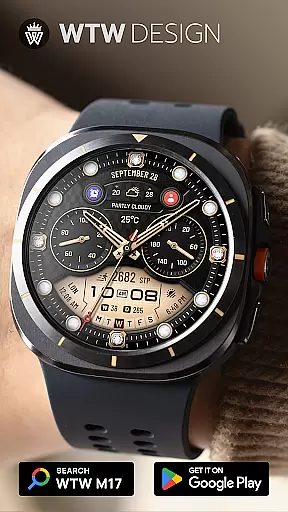
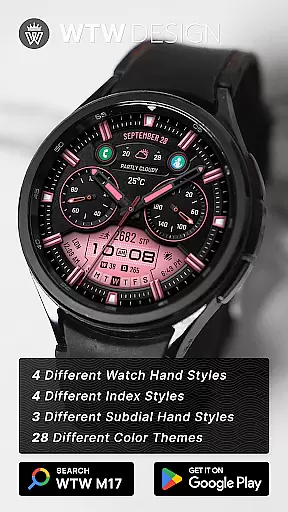
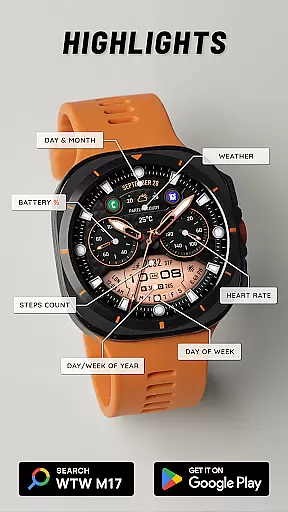
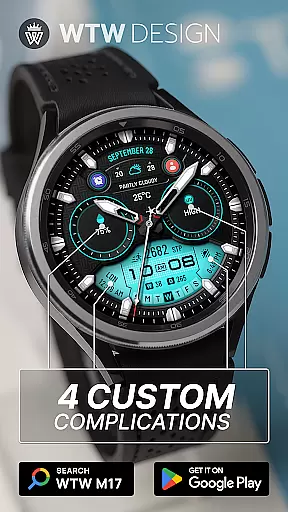
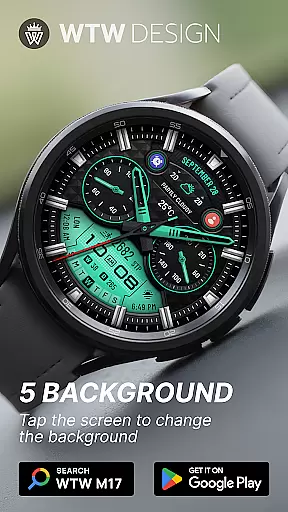
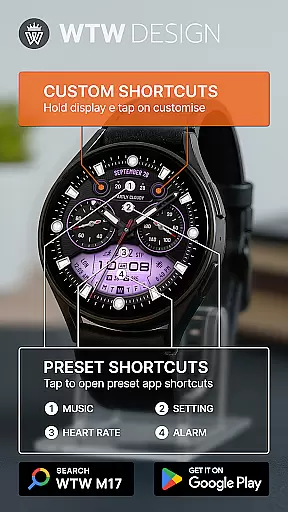
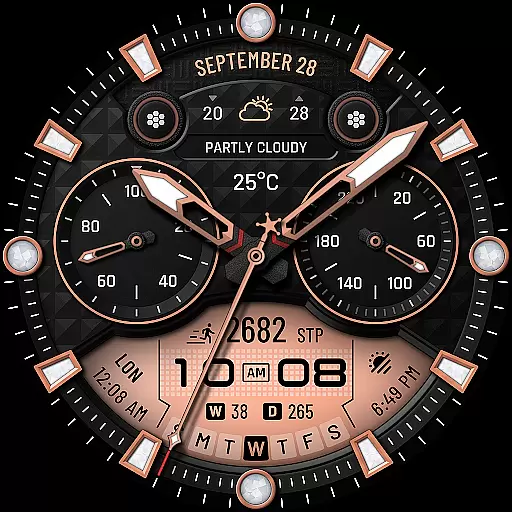
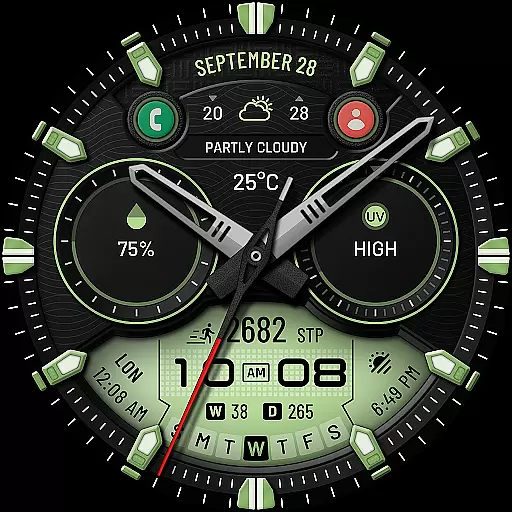
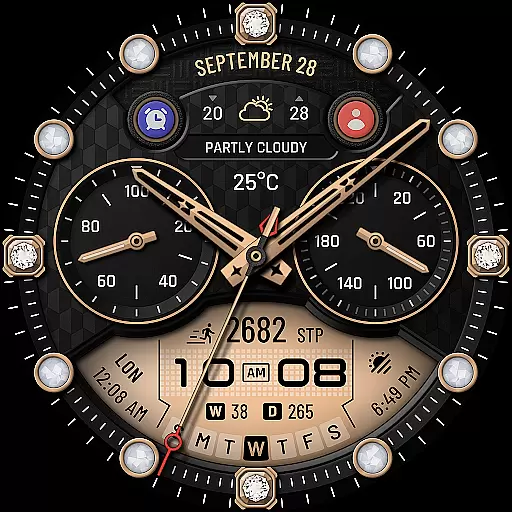
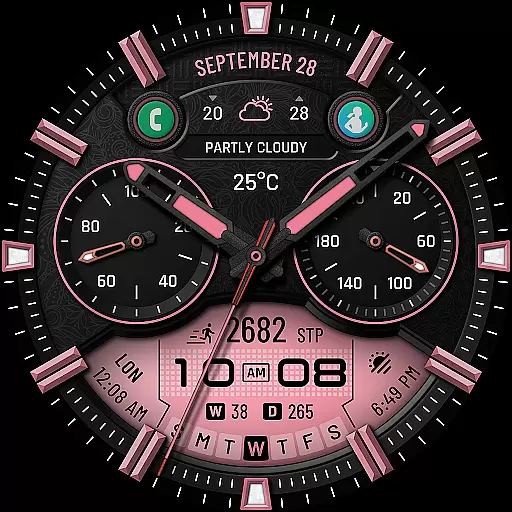
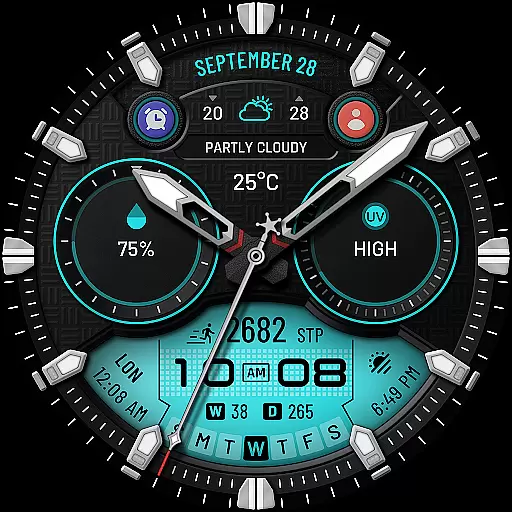
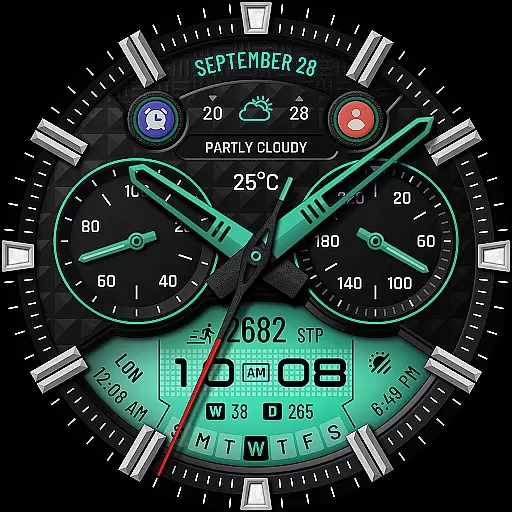
WTW M17 Hybrid Watch Face is a versatile and customizable watch face designed for Wear OS devices. It supports all Wear OS smartwatches with API Level 30+, including Samsung Galaxy Watch series, Pixel Watch, and more. The watch face features an analog dial with digital time display, health metrics like heart rate and step count, calendar details, weather updates, and much more.
With over 14 unique features, users can personalize their watch face experience through various customization options such as different watch hand styles, index styles, subdial hand styles, and preset app shortcuts. Whether you want to track your fitness goals or stay updated with notifications, this hybrid watch face offers both aesthetics and functionality in one package.
Ideal for tech-savvy individuals who value both style and utility on their smartwatches, the WTW M17 ensures that you have quick access to essential information while maintaining a sleek appearance.
The WTW M17 Hybrid Watch Face stands out due to its extensive range of features tailored for personalization and convenience. One of the key highlights is the ability to switch between 12/24hr digital time formats based on phone settings, ensuring synchronization across devices. Additionally, it provides critical health metrics such as BPM heart rate and steps counts, making it perfect for fitness enthusiasts.
Customization is at the core of this application's design. Users can choose from four different watch hand styles, four index styles, and three subdial hand styles to create a look that suits their personality. Moreover, there are preset app shortcuts for Music, Alarm, Heart Rate, and Settings along with four custom complications and two customizable app shortcuts, allowing seamless interaction with frequently used apps directly from the watch face.
Other notable features include battery percentage display, day & month tracking, day of week, day in year, week in year, and weather updates. With multicolor options and Always On Display functionality, users get a feature-rich experience that enhances usability without compromising on style.
For a smartwatch face like WTW M17, seamless companion app integration is crucial for an optimal user experience. This watch face connects effortlessly with its primary mobile application, ensuring that all features are easily accessible and customizable.
The integration allows users to adjust settings directly from their phone, syncing preferences such as time format, color schemes, and complication choices across devices. This synchronization ensures that your watch face remains consistent and personalized, regardless of which device you're using to make changes.
Furthermore, the companion app provides detailed customization options for various elements of the watch face, including hand styles, index designs, and subdial appearances. Users can fine-tune these aspects to match their personal style or current outfit, making the most out of the available features.
This level of integration not only enhances convenience but also extends the functionality of your Wear OS device by enabling features like always-on display and custom complications, creating a truly personalized wearable experience.
The WTW M17 Hybrid Watch Face demonstrates exceptional compatibility across various Wear OS devices, supporting all models with API Level 30 and above. This broad compatibility range includes popular devices such as Samsung Galaxy Watch series (versions 4 through 8, including Ultra and Classic variants) and Pixel Watch models.
Such extensive device support ensures that users can enjoy consistent performance and visual quality regardless of their specific Wear OS device. The watch face automatically adjusts to different screen sizes and resolutions, maintaining crisp visuals and accurate information display on all supported platforms.
Moreover, the watch face takes full advantage of Wear OS capabilities, implementing features like battery percentage display, heart rate monitoring, and step counting without compromising performance or accuracy. These elements work harmoniously across different devices, providing reliable health and activity tracking.
The compatibility extends beyond mere technical requirements, as the watch face maintains its sophisticated design language and feature set across all supported devices. This universal approach to design ensures that users receive the same premium experience whether they're using a Samsung Galaxy Watch or a Pixel Watch, making it an excellent choice for those who value consistency in their wearable ecosystem.
Highly customizable
Wide device compatibility
Comprehensive health tracking
Multiple aesthetic options
User-friendly interface
Requires API Level 30+
Limited to Wear OS
No standalone app features
Preset shortcuts only
Complex setup process

Highly customizable hybrid watch face for Wear OS, perfect for everyday use.
 4.60
4.60
Current temperature, weather hourly, weather radar by the weather forecast app
4.40
A watch face that fuses motorsport precision with contemporary smartwatch design
4.4
Watch face designed for Thanksgiving Day. 7 Background Styles included.
3.20
Digital watch face with big numbers and many customization for Wear OS devices
4.40
A modern hybrid informative watch face for Wear OS designed by BALLOZI
4.80
Fast and smart typing with Emojis, GIFs, and more
4.50
Your local weather forecast, storm tracker, radar maps & live weather news
3.40
Toyota app currently supports 2010 or newer vehicles (2018 or newer for Hawaii).
4.50
Christmas - Festive - Christmas Village - Winter - Christmas lights
5.00
A modern premium sporty hybrid watch face for Wear OS by Ballozi
4.70
Your second brain for organizing your life: to-do, calendar, reminder.
4.70
sleep, alarm, snoring, stress, healing, focus, sound therapy, circadian rhythm
4.10
Hyper-Realistic Airplane Dashboard Watch Face With 10 Skins and Custom AOD
4.00
Viewer for Wyze/Yi/Eufy/Arlo/ONVIF/RTSP/P2P IP cams w/ adv. features & DIY DVR
4.00
Want to take charge of your health? Let Google Fit help you reach your goals.
3.50
Christmas is near, let's count together the days left until Santa comes
4.2
Simple Analog-Digital Watchface For Wear OS 3.0 and Up Smartwatches
4.3
Hybrid Vibrant Health Watch Face for Wear OS
4.2


User Reviews