
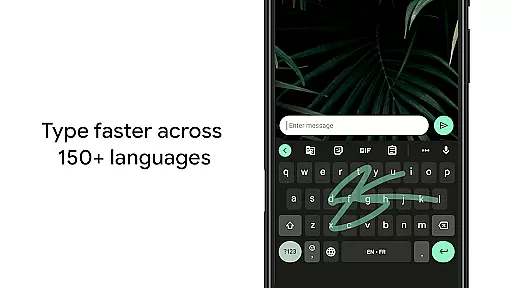
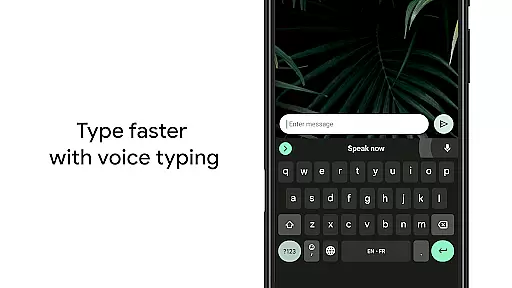
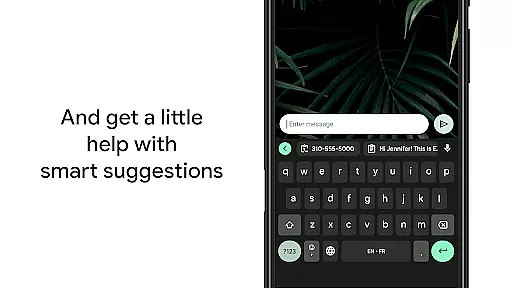
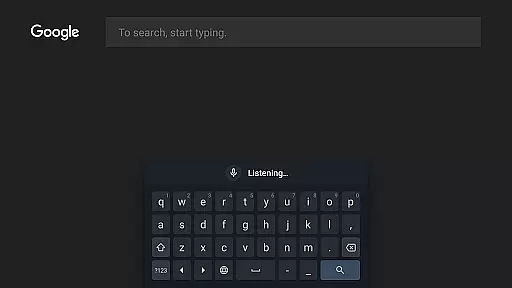
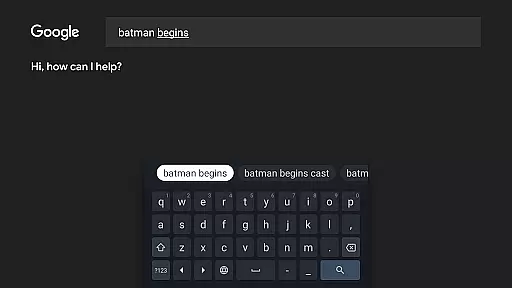
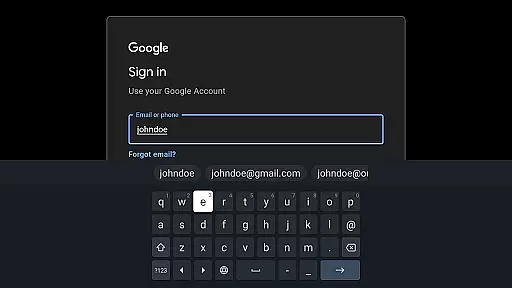
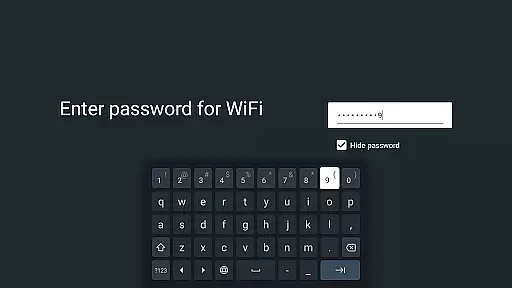
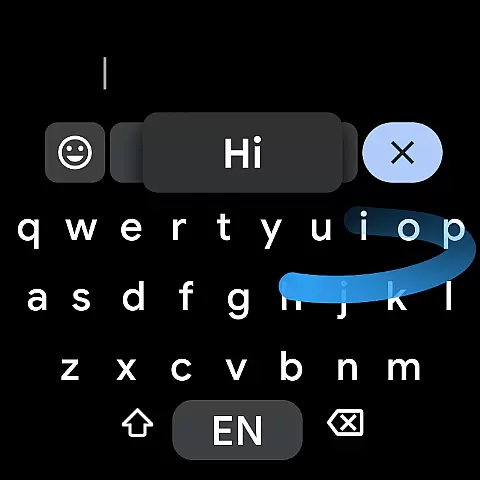
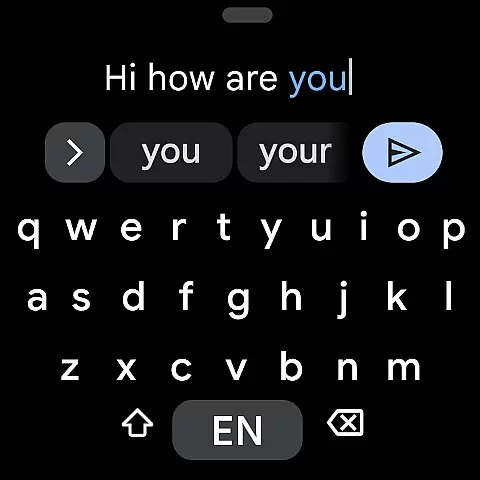
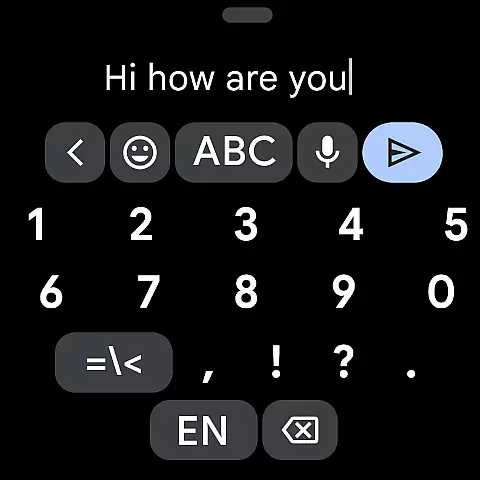
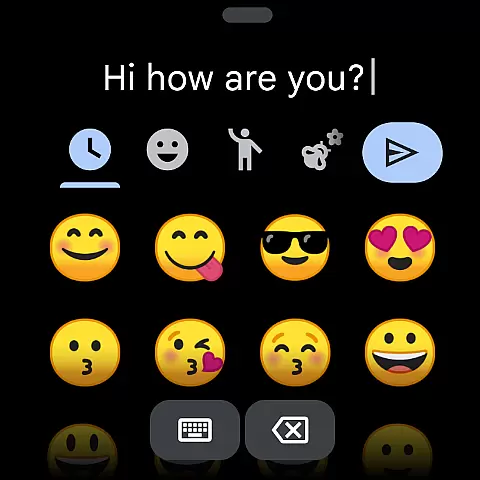
Gboard is a versatile keyboard app designed for Android devices, including Wear OS. It offers a comprehensive typing experience with features like Glide Typing, voice typing, handwriting recognition, and multilingual support. The app stands out with its ability to autocorrect and suggest words from multiple enabled languages simultaneously, making it ideal for bilingual or multilingual users.
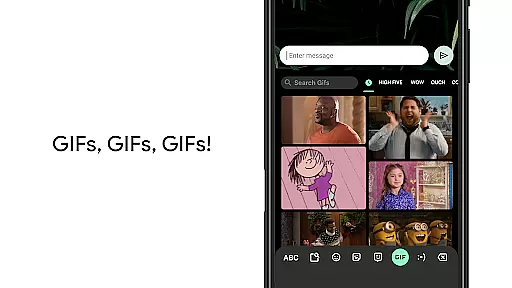
With additional functionalities such as Google Translate integration, emoji search, and GIF sharing, Gboard enhances communication across various platforms. Its support spans hundreds of language varieties, ensuring global accessibility. Whether you're using a smartphone or a smartwatch, Gboard provides speed, reliability, and intuitive controls that adapt to your typing style.
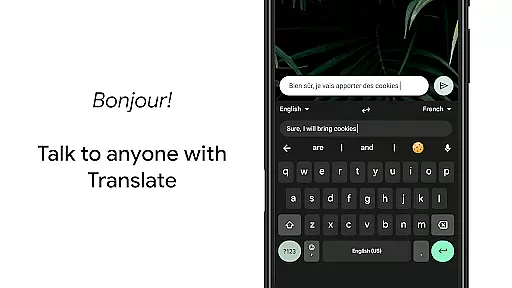
Gboard's standout feature is its multilingual typing capability, which eliminates the need for manual language switching. The app intelligently autocorrects and suggests words from any enabled languages, streamlining the typing process. Additionally, the integrated Google Translate allows users to translate text directly within the keyboard interface.
The app also includes productivity-enhancing tools like gesture cursor control and gesture delete. Users can slide across the space bar to move the cursor or swipe left from the delete key to erase multiple words quickly. Customization options abound, with adjustable settings for number rows, symbol hints, and one-handed mode, catering to individual preferences and device sizes.
Companion app integration is essential for wearable devices to ensure seamless functionality between the smartphone and the wearable. Gboard excels in this area by extending its powerful typing features to Wear OS devices.
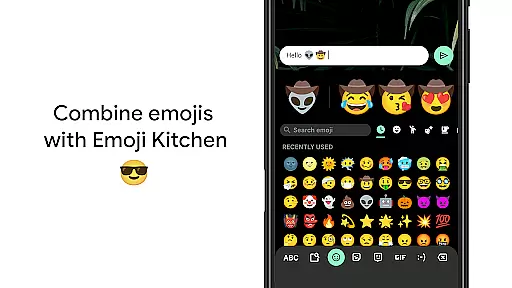
The keyboard supports Glide Typing, Voice Typing, and Emoji Typing directly on your smartwatch, providing a consistent user experience across devices. This means users can enjoy the same intuitive typing methods they are familiar with on their phones.
By maintaining feature parity between mobile and wearable platforms, Gboard ensures that users can transition smoothly between devices without losing access to their preferred typing tools. This synchronization enhances productivity and convenience, especially when users are on the move.
The comprehensive language support further strengthens this integration, as users can type in multiple languages on their Wear OS device just like on their smartphone. This makes Gboard an indispensable companion app for multilingual users who rely on both their phone and smartwatch for communication.
Device compatibility is crucial for any application targeting the Android Wear platform. Gboard demonstrates exceptional compatibility with Wear OS devices, ensuring optimal performance across various smartwatches.
The application supports all Wear OS languages, including Chinese, English, French, German, Hindi, Indonesian, Korean, Spanish, and many more. This extensive language coverage guarantees that users worldwide can utilize Gboard's features regardless of their preferred language.
Gboard's compatibility extends beyond just language support. The keyboard layout is specifically optimized for small screens, making it easy to use on any Wear OS device. Features like Gesture cursor control and Gesture delete are particularly valuable on smartwatches, where screen space is limited.
Furthermore, Gboard maintains consistent functionality across different Wear OS devices, ensuring that users receive the same high-quality experience regardless of their specific smartwatch model. This universal compatibility makes Gboard a reliable choice for Android Wear users seeking a versatile and adaptable keyboard solution.
Fast and reliable typing experience
Extensive multilingual support
Integrated Google Translate
Voice typing and handwriting recognition
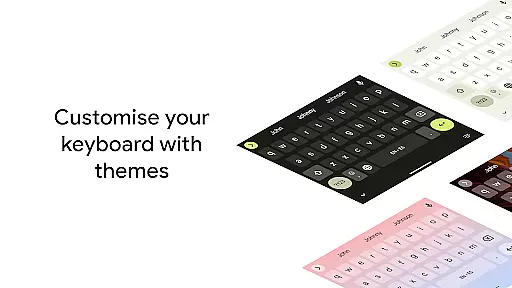
Customizable keyboard themes and layouts
Some features not available on Android Go
Occasional lag with older devices
Limited offline functionality
Complex settings may overwhelm new users
Handwriting recognition not always accurate

"PER27 Galaxy Digital" is a digital Wear OS watch face designed by PERSONA
 4.10
4.10
Gym Log & Workout Tracker | Fitness Journal, Training & Weight Lifting Planner
4.90
Embrace the holiday spirit with this magical animated watch face!
4.40
Beautiful artistic animated digital watch face, with a customizable layout!
4.40
Watch face for Wear OS.
4.20
Period, ovulation & pregnancy tracker. Fertility insights & menstrual calendar.
4.90
The Chevron App allows you to pay for fuel from the comfort of your car!
4.80
Stylish, Energizing and Modern Watch Face crafted by Dominus Mathias.
4.50
Track your active life in one place and share the journey with friends.
4.40
Christmas Theme Watch Face for Wear Os
5.00
Walking app for weight loss: walk & step tracker, pedometer, indoor treadmill
4.60
Highly customizable hybrid watch face for Wear OS, perfect for everyday use.
4.60
Simple, helpful messaging by Google
4.60
Wear Os Watch Face - Animated Snow Effect & Magic Spark - 6 Scenes
4.10
Hyper-Realistic Airplane Dashboard Watch Face With 10 Skins and Custom AOD
4.00
Viewer for Wyze/Yi/Eufy/Arlo/ONVIF/RTSP/P2P IP cams w/ adv. features & DIY DVR
4.00
Precision analog watch face with 7 complications and style options
4.0
Stunning modern digital watch face with 7 complications and strong contrast
4.2
Funny animated watch face for Thanksgiving
4.2


User Reviews