


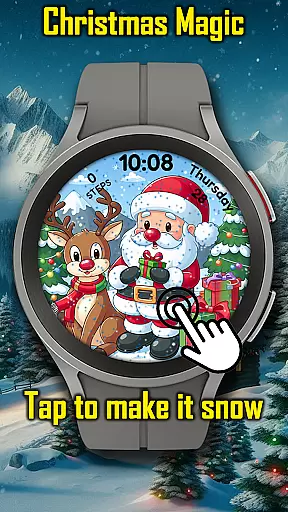
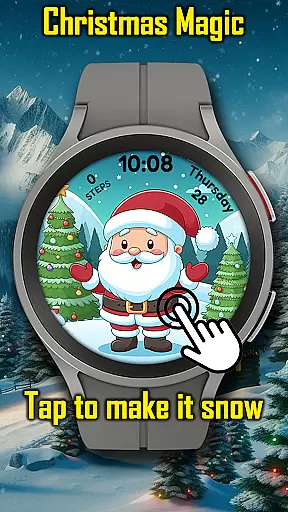


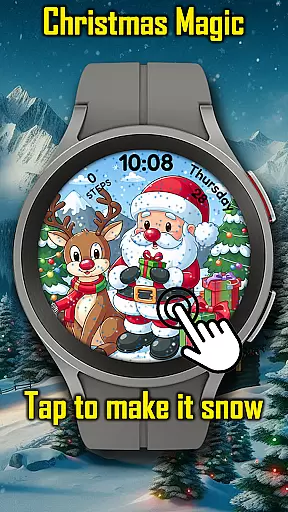
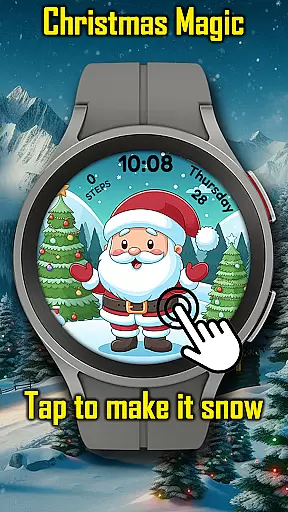


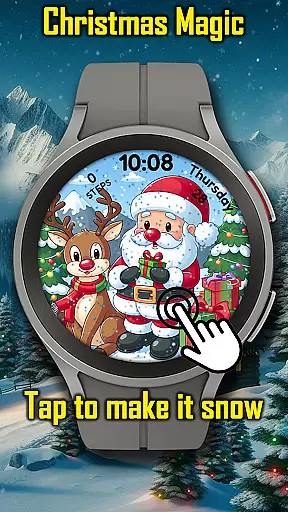
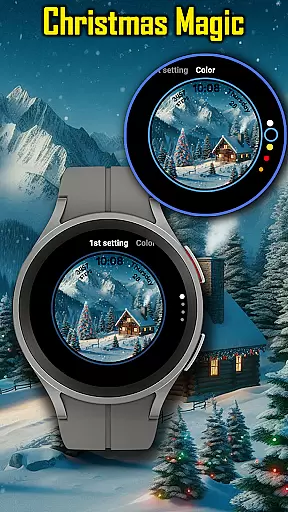

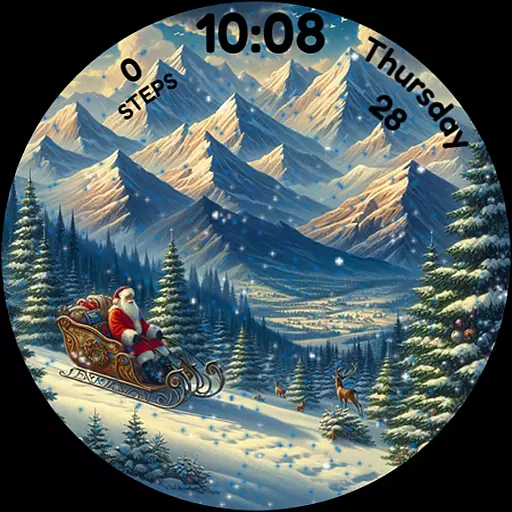
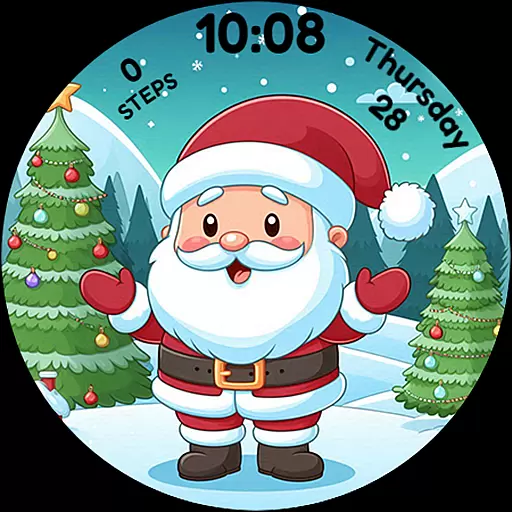
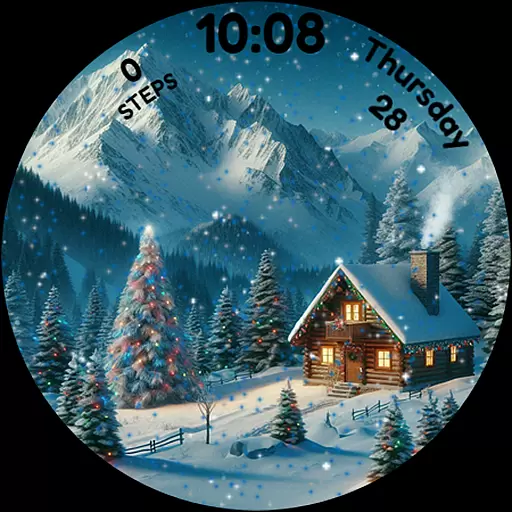
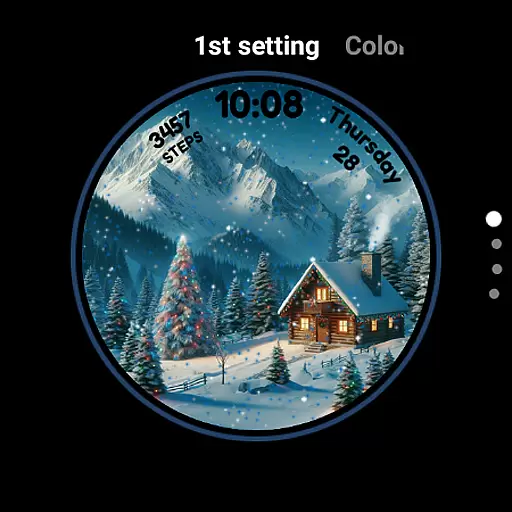
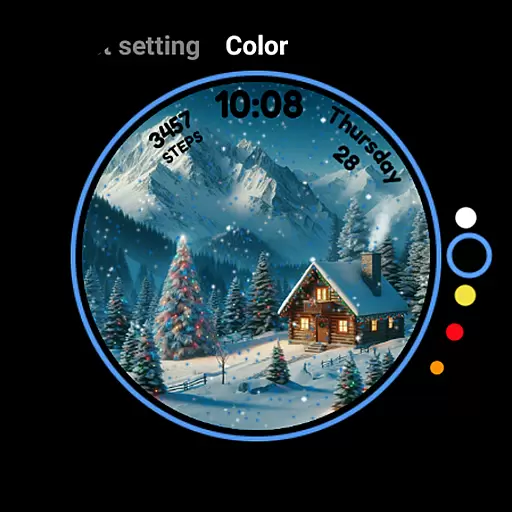
Christmas Magic is a festive watch face designed specifically for Wear OS devices. This application transforms your smartwatch into a delightful holiday display, featuring iconic Christmas elements such as Santa Claus, Christmas trees, and a snowy mountain backdrop.
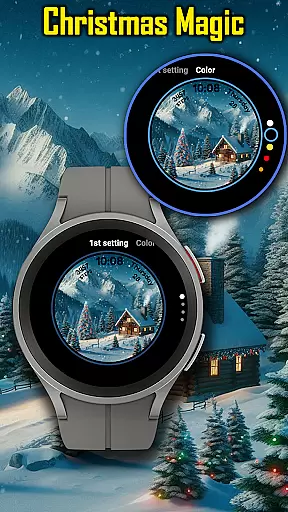
The watch face offers an animated Christmas scene with interactive snowfall effects that users can trigger by tapping the screen. It also includes customizable color options to match individual holiday styles, ensuring a personalized touch to your seasonal celebration right on your wrist.
Perfect for holiday enthusiasts, this app brings the Christmas spirit alive on your smartwatch, making every glance a magical experience. Whether you're at work or out shopping, Christmas Magic keeps the festive mood going throughout the season.
Christmas Magic stands out with its unique holiday-themed features tailored for Wear OS users. The app presents an animated Christmas scene complete with falling snowflakes that respond to touch interactions, creating an engaging user experience.
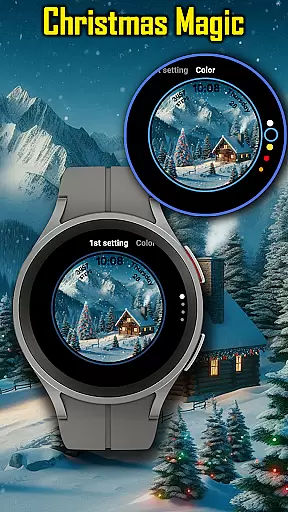
Users can customize their watch face colors to suit their personal style, allowing for a unique holiday flair. The inclusion of AOD (Always-On Display) mode ensures that the festive cheer continues even when the watch is in low-power mode.
These features collectively create an immersive holiday atmosphere on your smartwatch, keeping the Christmas spirit alive all season long. With its charming design and interactive elements, Christmas Magic makes every moment merry and bright.
For Christmas Magic Watch Face, seamless companion app integration is essential to enhance the user experience. This feature ensures that users can easily synchronize settings and preferences between their Wear OS device and a paired smartphone.
The watch face allows customization through its companion app, where users can adjust animated scenes, snowfall effects, and colors to match their holiday style. Such synchronization provides a unified control center, making it convenient for users to manage their festive watch face.
By integrating with the main application, Christmas Magic offers real-time updates and interactions. Users can tap to make it snow or change the scenery directly from their phone, ensuring that the magic of Christmas is always within reach, no matter which device they are using.
Ensuring broad compatibility across various Wear OS devices, Christmas Magic Watch Face delivers an optimal holiday experience on any supported smartwatch. This compatibility guarantees that users with different devices can enjoy the same level of festive joy without technical hindrances.
The watch face leverages the capabilities of Wear OS, providing features like AOD mode while maintaining performance and battery efficiency. By optimizing for the operating system, it ensures smooth animations and responsive interactions, regardless of the specific device hardware.
With extensive testing across multiple devices, Christmas Magic promises a reliable and enchanting experience. Whether you're wearing a Fossil, TicWatch, or any other Wear OS device, this watch face brings the holiday spirit alive on your wrist with consistent quality and charm.
Festive Design
Interactive Snowfall
Customizable Colors
AOD Mode Support
Holiday Enthusiast Favorite
Limited to Wear OS
Seasonal Only Usage
Battery Consumption
No Year-Round Appeal
Basic Time Display

Precision analog watch face with 7 complications and style options
 4.0
4.0
Current temperature, weather hourly, weather radar by the weather forecast app
4.40
Contemporary digital watch face with five complications
4.2
Artistic Digital Watchface
4.3
Watch face for Wear OS.
4.20
sleep, alarm, snoring, stress, healing, focus, sound therapy, circadian rhythm
4.10
Monitor health with the stress test and pulse checker in the heart rate app.
4.60
Start and succeed with PAP
4.10
Back up your contacts & access them anywhere
4.30
Digital, flexibly customizable watch face. For Wear OS 5.0, API 34+ and later.
5.00
Christmas - Festive - Christmas Village - Winter - Christmas lights
5.00
The Chevron App allows you to pay for fuel from the comfort of your car!
4.80
Diet tracker for weight loss - track calories, food and macros. Simple and easy!
4.70
Hybrid watch face for Wear OS with customizable complications by Matteo Dini MD
4.70
Walking app for weight loss: walk & step tracker, pedometer, indoor treadmill
4.60
Rose gold watch face with festive lights & customizable features.
4.60
Locate your family members by GPS phone location tracker everywhere and anytime
4.30
Watch face designed for Thanksgiving Day. 7 Background Styles included.
3.20
an Analog Watch Face for winter season with freeze winter background for Wear OS
4.3


User Reviews